
Listen to this Post
Introduction:
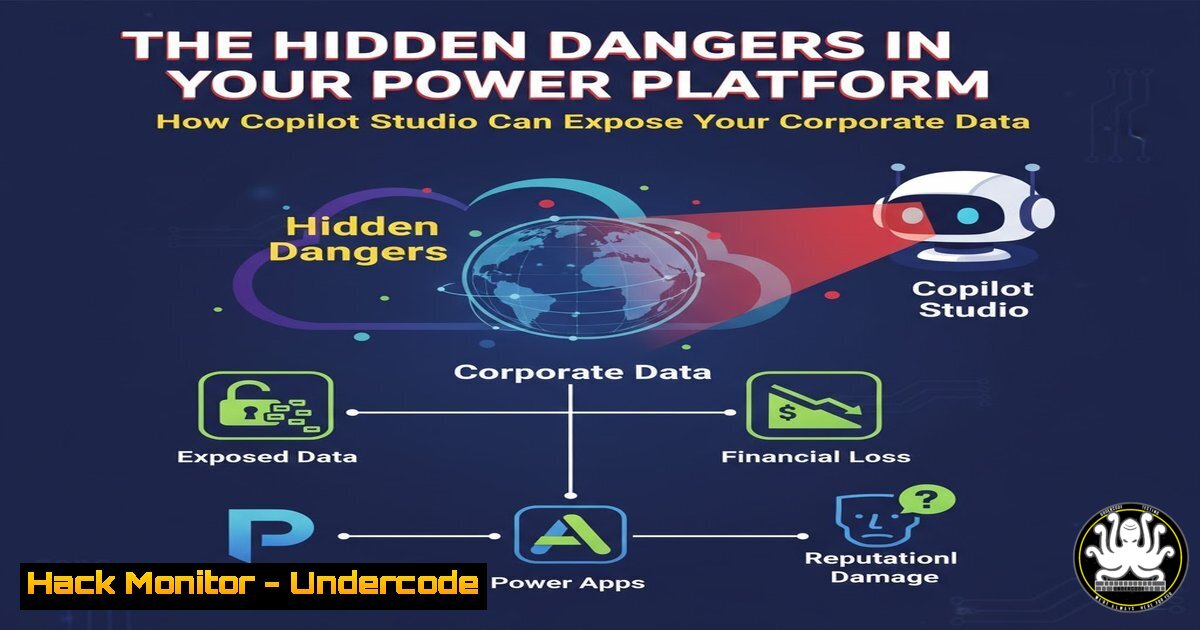
The rapid adoption of low-code platforms like Microsoft’s Power Platform has created unprecedented security challenges for organizations worldwide. Recent discoveries reveal that Copilot Studio, while powerful for creating AI assistants, can inadvertently expose sensitive corporate data through misconfigured topics and plugins. This article explores the critical security implications and provides actionable guidance for securing your Power Platform environment against data leakage and unauthorized access.
Learning Objectives:
- Understand how Copilot Studio topics can expose internal corporate data
- Learn to identify and remediate insecure plugin configurations
- Implement proper access controls and data loss prevention strategies
You Should Know:
1. Copilot Studio Topic Vulnerability Assessment
Copilot Studio topics function as conversational pathways that can connect to various data sources, including SharePoint, Dataverse, and external APIs. The vulnerability arises when these topics are improperly configured with excessive permissions or exposed to unauthorized users. Each topic can potentially serve as a data exfiltration channel if not properly secured.
Step-by-step guide explaining what this does and how to use it:
- Audit Existing Topics: Navigate to your Copilot Studio environment and review all configured topics
Power Platform Admin Center -> Environments -> Your Environment -> Copilot Studios
-
Review Topic Permissions: For each topic, examine the connected data sources and their permission levels
– Check if topics use delegated permissions unnecessarily
– Verify that service principal permissions are minimally scoped
- Test Topic Exposure: Use the following PowerShell script to identify publicly accessible topics:
Test Copilot endpoint accessibility $topics = Import-Csv "copilot-topics.csv" foreach ($topic in $topics) { $response = Invoke-WebRequest -Uri $topic.Endpoint -Method Get if ($response.StatusCode -eq 200) { Write-Host "Publicly accessible topic: $($topic.Name)" } } -
Implement Topic-Level Security: Configure each topic with principle of least privilege access
2. Plugin and Connector Security Hardening
Copilot Studio plugins and custom connectors often inherit excessive permissions from their parent applications. These connectors can access sensitive data stores and perform privileged operations without proper auditing. The security risk multiplies when these plugins are shared across multiple Copilot instances.
Step-by-step guide explaining what this does and how to use it:
1. Inventory Custom Connectors:
 Using Power Platform CLI
pac connector list --environment-id your-env-id
- Review Connector Permissions: For each connector, document the APIs and data sources it accesses
– Check Azure AD app registrations for corresponding service principals
– Review API permissions and consent grants
3. Implement Connector Security:
- Create separate app registrations for sensitive connectors
- Configure conditional access policies
- Enable logging and monitoring for connector activities
4. Apply Security Hardening:
// Example connector policy template
{
"connectorRestrictions": {
"allowedDataSources": ["SharePoint_Site1", "SQL_Dev"],
"blockedOperations": ["DELETE", "UPDATE"],
"requireMFA": true
}
}
3. Data Loss Prevention Configuration
Without proper DLP policies, Copilot Studio can become a channel for data exfiltration. Sensitive information can be extracted through seemingly innocent conversational interactions, especially when topics connect to classified data sources.
Step-by-step guide explaining what this does and how to use it:
1. Configure Power Platform DLP Policies:
- Navigate to Power Platform Admin Center -> Data Policies
- Create business group-based data segregation
- Block connections between business and non-business data sources
2. Implement Content Filtering:
 DLP policy enforcement script
Add-DlpPolicy -PolicyName "CopilotDataProtection" -Rules @{
"BlockExternalSharing" = $true
"RequireEncryption" = $true
"ScanForSensitiveInfo" = $true
}
- Monitor Data Flows: Set up alerts for unusual data transfer patterns
– Configure Azure Sentinel rules for Power Platform activities
– Establish baseline data access patterns per user/role
- Implement Session Logging: Ensure all Copilot interactions are logged and retained
4. Identity and Access Management Integration
Copilot Studio’s access control mechanisms must integrate with your existing IAM framework. Failure to properly manage identities can lead to privilege escalation and unauthorized data access through the conversational interface.
Step-by-step guide explaining what this does and how to use it:
1. Configure Azure AD Integration:
- Enable conditional access policies for Copilot Studio
- Implement device compliance requirements
- Set up risk-based authentication challenges
2. Implement Role-Based Access Control:
// Example RBAC configuration for Copilot
{
"roles": {
"copilot-reader": ["topic.view", "conversation.start"],
"copilot-editor": ["topic.create", "topic.modify", "connector.manage"],
"copilot-admin": ["policy.manage", "user.manage", "audit.view"]
}
}
- Regular Access Reviews: Schedule quarterly access reviews for Copilot Studio administrators and users
– Use Azure AD Access Reviews for automated certification
– Monitor for privilege creep and orphaned accounts
5. API Security and Endpoint Protection
Copilot Studio topics often consume internal and external APIs, creating potential attack vectors. Insecure API configurations can expose backend systems and sensitive data through the conversational interface.
Step-by-step guide explaining what this does and how to use it:
1. Secure API Endpoints:
 Test API security headers
curl -I https://your-api-endpoint.com | grep -i "security|authorization"
2. Implement API Rate Limiting:
// Example .NET Core rate limiting middleware
services.AddRateLimiting(options =>
{
options.AddPolicy("CopilotAPI", context =>
RateLimitPartition.GetFixedWindowLimiter(
partitionKey: context.User.Identity.Name,
factory: partition => new FixedWindowRateLimiterOptions
{
AutoReplenishment = true,
PermitLimit = 100,
Window = TimeSpan.FromMinutes(1)
}));
});
- API Security Testing: Regularly scan APIs for vulnerabilities
– Use OWASP ZAP for security testing
– Implement automated API security in CI/CD pipelines
6. Monitoring and Threat Detection
Continuous monitoring is essential for detecting suspicious activities within Copilot Studio environments. Without proper logging and alerting, data breaches can go undetected for extended periods.
Step-by-step guide explaining what this does and how to use it:
1. Enable Comprehensive Logging:
- Configure Diagnostic Settings in Azure for Power Platform
- Enable all log categories including PowerApps, Flow, and Copilot
2. Implement Threat Detection Rules:
// Azure Sentinel query for suspicious Copilot activities
PowerPlatformCopilotAudit
| where Operation == "Topic.Execute"
| where ResultStatus == "Success"
| where DataSources accessed > 5
| where UserAgent contains "suspicious-bot"
| project TimeGenerated, User, Topic, DataSources
3. Set Up Alerting: Configure real-time alerts for:
- Unusual data access patterns
- Bulk data exports through topics
- Access from unusual locations or devices
7. Secure Development Lifecycle for Copilot Solutions
Building security into the Copilot development process prevents vulnerabilities from being introduced during creation and modification of topics and plugins.
Step-by-step guide explaining what this does and how to use it:
1. Implement Development Standards:
- Create topic development guidelines
- Establish peer review processes for topic configurations
- Implement automated security testing for custom connectors
2. Environment Segmentation:
 Power Platform environment management
pac admin create environment --name "Dev-Secured" --type Sandbox --region "North Europe"
pac admin create environment --name "Prod-Secured" --type Production --region "North Europe"
- Security Validation Pipeline: Integrate security checks into deployment pipelines
– Static code analysis for custom code components
– Dynamic security testing for published topics
– Permission validation for data connections
What Undercode Say:
- The convenience of low-code AI platforms creates a false sense of security, leading organizations to overlook fundamental access control principles
- Data exfiltration through conversational AI interfaces represents the next frontier of insider threat detection challenges
Analysis: The security implications of Copilot Studio extend far beyond simple misconfigurations. We’re witnessing the emergence of a new attack surface where business users with minimal security training can inadvertently create data leakage points. The fundamental challenge lies in balancing the democratization of AI development with enterprise security requirements. Organizations must implement robust governance frameworks that don’t stifle innovation while protecting sensitive data. The most effective approach involves combining technical controls with comprehensive user training and continuous monitoring. As AI assistants become more sophisticated, the potential for subtle social engineering attacks through these platforms increases, requiring advanced behavioral analytics and anomaly detection capabilities.
Prediction:
The next 12-18 months will see a significant increase in data breaches originating from misconfigured AI assistants and low-code platforms. Regulatory bodies will likely introduce specific compliance requirements for conversational AI systems, particularly in regulated industries. We anticipate the emergence of specialized security tools focused exclusively on low-code platform protection, including AI-powered anomaly detection for conversational patterns. Organizations that fail to implement comprehensive Copilot security frameworks will face not only data breaches but also regulatory penalties and loss of customer trust. The convergence of AI and low-code platforms represents both tremendous business opportunity and unprecedented security challenge that will define the next era of digital transformation.
🎯Let’s Practice For Free:
IT/Security Reporter URL:
Reported By: Gabor Jozsa – Hackers Feeds
Extra Hub: Undercode MoN
Basic Verification: Pass ✅


