Listen to this Post
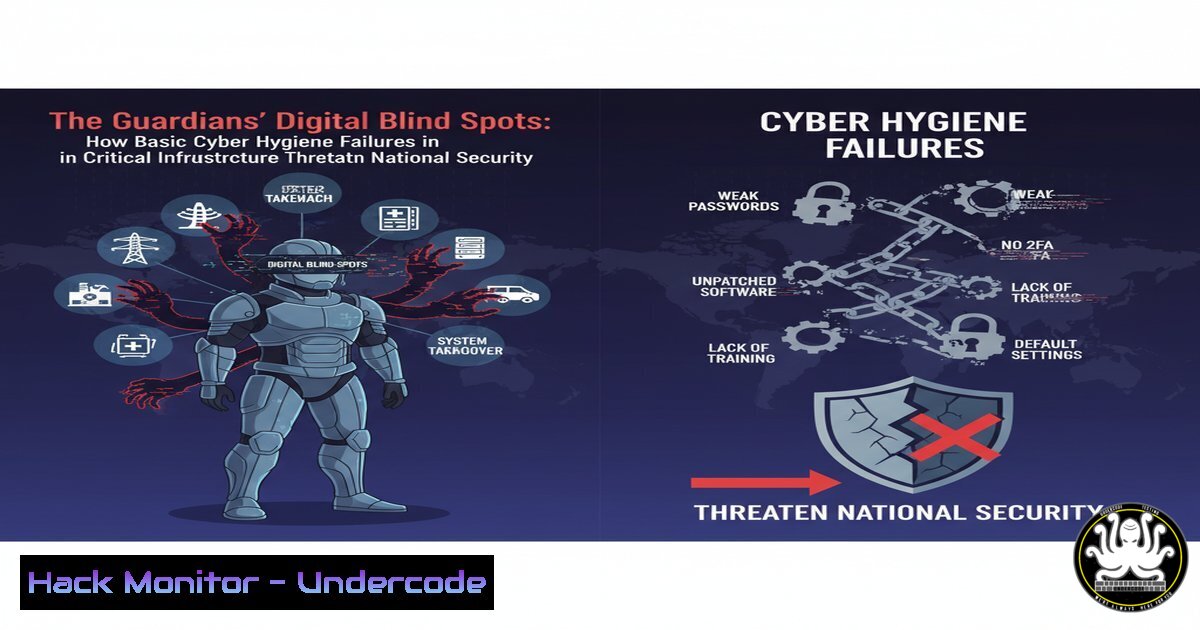
Introduction:
Recent reports have exposed a paradoxical and alarming vulnerability within the very agencies tasked with national cyber defense. Fundamental lapses in digital hygiene, including insecure DNS configurations and unhardened servers, are creating exploitable weaknesses in the United Kingdom’s critical security infrastructure. This situation demonstrates that advanced threat intelligence is meaningless without a rock-solid foundation in core information security principles.
Learning Objectives:
- Understand the critical role of DNS security and server hardening in protecting organizational integrity.
- Learn to identify and remediate common misconfigurations in core services like email, web, and network protocols.
- Implement proactive monitoring and logging to detect and respond to intrusion attempts and policy violations.
You Should Know:
- Securing Your DNS Fortress: SPF, DKIM, and DMARC
The Domain Name System (DNS) is a foundational protocol that, if compromised, can lead to complete domain takeover and sophisticated phishing campaigns. Email spoofing, a primary vector for the initial compromise of organizations, is mitigated through DNS-based records.
Verified Command / Configuration:
 Querying SPF, DKIM, and DMARC records using dig
dig TXT example.com
dig TXT default._domainkey.example.com
dig TXT _dmarc.example.com
Step-by-step guide:
- Check for an SPF Record: Use `dig TXT yourdomain.com` to look for a Sender Policy Framework (SPF) record. It should list all IP addresses and services authorized to send email on your domain’s behalf. A missing or overly permissive record (e.g.,
v=spf1 +all) is a critical failure. - Verify DKIM Setup: DKIM (DomainKeys Identified Mail) cryptographically signs outgoing emails. Query for the selector record (commonly ‘default’ or ‘selector1’) with
dig TXT selector._domainkey.yourdomain.com. Its presence confirms a layer of email validation. - Enforce DMARC Policy: DMARC (Domain-based Message Authentication, Reporting & Conformance) tells receiving servers what to do with emails that fail SPF or DKIM checks. A strong policy is
v=DMARC1; p=reject; rua=mailto:[email protected]. Query it withdig TXT _dmarc.yourdomain.com.
2. Network Service Interrogation and Hardening
Open but unnecessary network services are a primary attack vector. Identifying and securing them is a non-negotiable first step in server hardening.
Verified Commands:
 Using nmap for port scanning
nmap -sS -sV -sC -O -p- target_ip_address

Using netstat to view listening ports (Linux/Windows)
netstat -tuln | grep LISTEN  Linux
netstat -an | findstr LISTENING  Windows
Step-by-step guide:
- External Assessment: Run an `nmap` scan from an external perspective to see what services are exposed to the internet. The command `nmap -sS -sV -p- target_ip` performs a SYN scan, probes service versions, and checks all ports.
- Internal Verification: On the server itself, use `netstat -tuln` (Linux) or `netstat -an` (Windows) to list all listening ports and the processes bound to them.
- Harden Services: For any service that should not be publicly accessible, use a firewall (e.g., `ufw` on Linux, Windows Firewall) to block the port. For necessary services, ensure they are updated, running with least-privilege accounts, and configured to use encryption (TLS).
3. Implementing Robust Firewall Policies
A default-deny firewall policy is a cornerstone of network security, ensuring only explicitly allowed traffic can flow.
Verified Commands:
 UFW (Uncomplicated Firewall) on Ubuntu/Debian
sudo ufw default deny incoming
sudo ufw default allow outgoing
sudo ufw allow ssh
sudo ufw allow 443/tcp
sudo ufw --force enable

Windows Firewall via PowerShell (Block a port)
New-NetFirewallRule -DisplayName "Block SMB" -Direction Inbound -Protocol TCP -LocalPort 445 -Action Block
Step-by-step guide:
- Set Default Policy: Begin by denying all incoming traffic and allowing all outgoing traffic. In UFW, this is `sudo ufw default deny incoming` and
sudo ufw default allow outgoing. - Allow Essential Services: Explicitly allow only the services you need. For a web server, you would run `sudo ufw allow 80/tcp` and
sudo ufw allow 443/tcp. Always ensure SSH access (sudo ufw allow ssh) is secured before enabling the firewall. - Enable and Monitor: Activate the firewall with
sudo ufw enable. Regularly review your rules withsudo ufw status verbose.
4. Proactive Log Monitoring and Intrusion Detection
Effective security is not just about prevention but also detection. System logs are a goldmine of information about ongoing attacks and misconfigurations.
Verified Commands:
 Tailing the Linux auth log for SSH attempts
tail -f /var/log/auth.log | grep sshd

Searching for failed login attempts on Windows via PowerShell
Get-EventLog -LogName Security -InstanceId 4625 -Newest 20

Basic fail2ban client command to check status
fail2ban-client status sshd
Step-by-step guide:
- Monitor Authentication Logs: In real-time, use `tail -f /var/log/auth.log` (Linux) to watch for SSH login attempts, both successful and failed. A barrage of failed logins is a clear sign of a brute-force attack.
- Automate Blocking with Fail2ban: Install and configure
fail2ban. It scans log files for patterns (like multiple failed SSH logins) and automatically updates the firewall to ban the offending IP addresses for a specified time. - Centralize Logs: For a multi-server environment, implement a centralized logging solution (e.g., the ELK Stack or a SIEM) to aggregate and correlate events from all systems for a unified view of the threat landscape.
5. Vulnerability Assessment with OpenVAS
Assuming a system is secure without testing is a recipe for disaster. Regular vulnerability scanning is essential.
Verified Commands:
 Starting the OpenVAS service (Kali Linux)
sudo systemctl start openvas-scanner
sudo systemctl start openvas-manager
sudo gvm-setup  Initial setup

Initiating a basic scan via the Greenbone Security Assistant (Web UI)
 This is typically done via the web interface at https://127.0.0.1:9392
Step-by-step guide:
- Setup: Install and configure an open-source vulnerability scanner like OpenVAS (now part of Greenbone Vulnerability Management). The `gvm-setup` script will perform initial configuration and create an admin user.
- Create a Target and Task: Log into the web interface. Define a target (the IP or range you want to scan). Then, create a new “Task” that uses a full and fast scan configuration against your target.
- Analyze Results: Start the scan and once completed, review the report. It will categorize vulnerabilities by severity (Critical, High, Medium, Low). Prioritize the remediation of Critical and High findings, which often include unpatched services and severe misconfigurations.
6. Cloud Infrastructure Hardening (AWS S3)
Misconfigured cloud storage is a leading cause of data breaches. The “public-read” access setting is a common and critical error.
Verified Commands:
 AWS CLI command to check the ACL of an S3 bucket
aws s3api get-bucket-acl --bucket my-bucket-name

AWS CLI command to block all public access at the bucket level
aws s3api put-public-access-block --bucket my-bucket-name --public-access-block-configuration BlockPublicAcls=true,IgnorePublicAcls=true,BlockPublicPolicy=true,RestrictPublicBuckets=true
Step-by-step guide:
- Audit Permissions: Use the AWS CLI or Management Console to check the Access Control List (ACL) and bucket policy of your S3 buckets. The command `aws s3api get-bucket-acl` reveals if any public grants exist.
- Enable Public Access Block: The most straightforward way to prevent data leakage is to apply an account-level or bucket-level “Block Public Access” setting. The provided CLI command enforces this at the bucket level.
- Principle of Least Privilege: For buckets that need to be accessed by applications or users, create fine-grained IAM policies that grant only the specific permissions needed (e.g., `s3:GetObject` for a specific folder) instead of using broad public grants.
7. Web Application Security: HTTP Security Headers
Web servers often leak information and are vulnerable to common attacks like cross-site scripting (XSS) if not properly configured with security headers.
Verified Commands / Configuration (Nginx):
 Example snippet for an Nginx server block
add_header X-Frame-Options "SAMEORIGIN" always;
add_header X-XSS-Protection "1; mode=block" always;
add_header X-Content-Type-Options "nosniff" always;
add_header Strict-Transport-Security "max-age=63072000; includeSubDomains; preload" always;
Step-by-step guide:
- Test Current Headers: Use a tool like `curl -I https://yoursite.com` to see which security headers are currently present. Their absence is a major red flag.
- Implement Headers: Configure your web server (Nginx/Apache) to inject these headers. The `X-Frame-Options` header prevents clickjacking, `X-XSS-Protection` enables browser anti-XSS filters, `X-Content-Type-Options` prevents MIME sniffing, and `Strict-Transport-Security` forces browsers to use HTTPS.
- Validate Configuration: After adding these directives to your server configuration and reloading the service, re-run the `curl -I` command to verify the headers are being served correctly.
What Undercode Say:
- Systemic Risk Trumps Sophistication: The most significant threats to national and organizational security are not always zero-day exploits but systemic failures in implementing basic, well-understood security controls.
- Credibility is Built on Practice, Not Prose: An organization’s cybersecurity credibility is irrevocably damaged when it fails to practice the fundamental hygiene it publicly advocates, eroding trust with stakeholders and the public.
The analysis from the reported negligence points to a dangerous “do as I say, not as I do” culture within segments of the critical infrastructure. The technical lapses cited—insecure DNS, open servers—are Cybersecurity 101. For threat actors, these are not challenges but open doors. They enable low-skill, high-impact attacks like domain impersonation and data interception, which can be as damaging as any advanced persistent threat. This creates a profound asymmetry: why spend resources on developing a complex exploit when a simple misconfiguration provides the same level of access? The failure to master these basics suggests a deeper issue of prioritization and internal audit processes, leaving the entire digital ecosystem vulnerable from its very core.
Prediction:
The continued neglect of foundational cyber hygiene by high-profile institutions will lead to a catastrophic “butterfly effect” breach within the next 18-24 months. This event will not stem from an uncounterable nation-state APT, but from the exploitation of a trivial, known vulnerability—like an unpatched system or a misconfigured database—by a low-tier threat actor. The resulting cascade will compromise sensitive communications, expose troves of personal data, and trigger a global crisis of confidence in digital governance, forcing a painful and public reckoning that will shift entire national cybersecurity budgets from advanced tooling to fundamental remediation and training.
🎯Let’s Practice For Free:
IT/Security Reporter URL:
Reported By: Iainfraserjournalist Smecyberinsights – Hackers Feeds
Extra Hub: Undercode MoN
Basic Verification: Pass ✅


