Listen to this Post
Introduction:
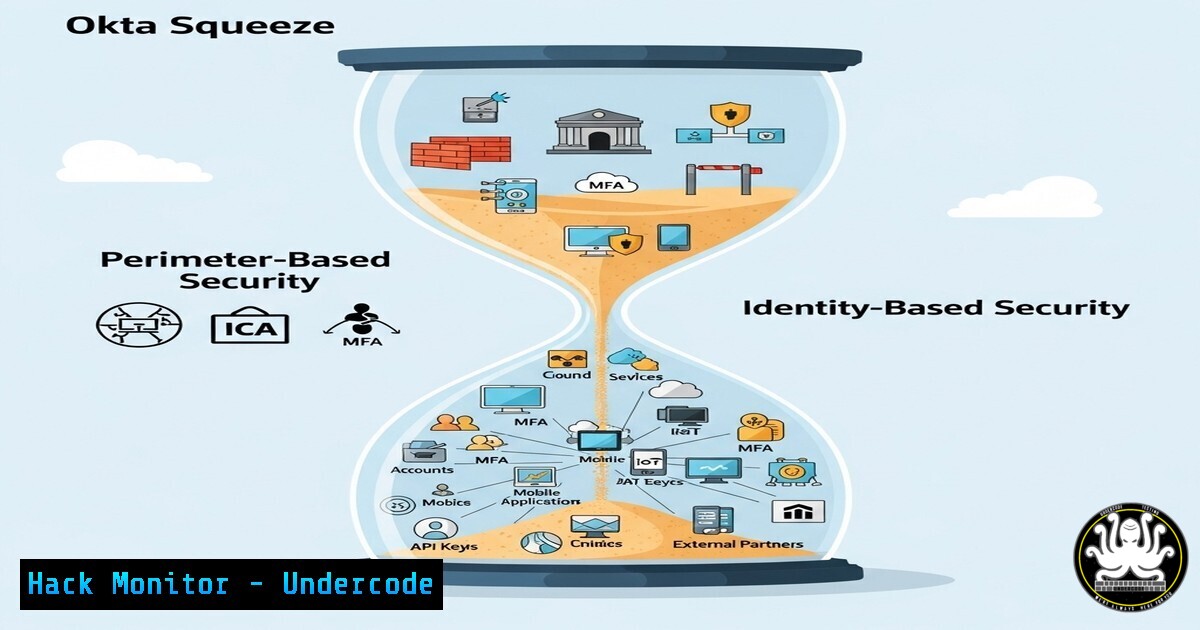
The identity and access management (IAM) landscape is undergoing a seismic shift, placing established players like Okta under immense pressure from enterprise giants, bundled platforms, and specialized startups. This strategic analysis, inspired by Maya Kaczorowski’s deep dive, explores the technical implications of this market squeeze for cybersecurity professionals tasked with securing digital identities.
Learning Objectives:
- Understand the competitive forces (Microsoft Entra ID, Rippling/JumpCloud, specialized IGA/PAM tools) eroding Okta’s market position.
- Identify the key technical differentiators in Identity Governance and Administration (IGA), Privileged Access Management (PAM), and Identity Threat Detection and Response (ITDR).
- Learn practical commands and configurations for auditing and hardening your identity infrastructure, regardless of vendor.
You Should Know:
- Auditing Active Directory for Entra ID Integration Readiness
Microsoft Entra ID’s dominance often starts with a strong, entrenched Active Directory. Auditing your AD is the first step to understanding integration complexity.PowerShell: Get a comprehensive list of all users, their last logon time, and enabled status Get-ADUser -Filter -Properties LastLogonDate, Enabled | Select-Object Name, SamAccountName, Enabled, LastLogonDate | Export-Csv -Path "AD_User_Audit.csv" -NoTypeInformation PowerShell: Inventory all privileged groups (e.g., Domain Admins, Enterprise Admins) Get-ADGroup -Filter {GroupCategory -eq "Security" -and GroupScope -eq "DomainLocal"} | Where-Object {$_.Name -like "Admin"} | Get-ADGroupMember | Select-Object name, SamAccountName, objectClass | Export-Csv -Path "Privileged_Group_Members.csv" -NoTypeInformationStep-by-step guide: These PowerShell commands help inventory your current AD state. The first command extracts all users and their logon history, crucial for identifying stale accounts before a potential migration. The second command enumerates all members of privileged groups, which is a critical security baseline. Run these in an elevated PowerShell session on a machine with the Active Directory module installed. Analyze the CSV outputs to identify migration challenges and security risks.
-
Simulating “Good Enough” SSO with Keycloak on Linux
Platforms like Rippling offer bundled SSO. You can explore open-source alternatives like Keycloak to understand the core functionality.Ubuntu/Debian: Install Keycloak via Docker for a local testing environment sudo apt update && sudo apt install docker.io docker-compose -y sudo systemctl start docker && sudo systemctl enable docker Create a docker-compose.yml file for Keycloak echo 'version: "3.8" services: keycloak: image: quay.io/keycloak/keycloak:latest environment: KC_HOSTNAME: localhost KC_HTTP_ENABLED: "true" KEYCLOAK_ADMIN: admin KEYCLOAK_ADMIN_PASSWORD: admin ports:</p></li> </ol> <p>- "8080:8080" command: start-dev' > docker-compose.yml Start the Keycloak container docker-compose up -d
Step-by-step guide: This sets up a local Keycloak instance, an open-source IAM solution. After running these commands, navigate to
http://localhost:8080` and log in withadmin/admin`. This allows you to explore configuring realms, clients, and users. It demonstrates the foundational SSO capabilities that smaller bundled platforms often leverage, giving you hands-on experience with the protocols (OIDC, SAML) at the heart of modern identity.- Benchmarking Okta Configuration with OWASP ZAP Baseline Scan
With startups chipping away at specific features, ensuring your current configuration is secure is paramount.Using OWASP ZAP's Docker image to run a baseline scan on your Okta tenant (replace your-tenant.okta.com) docker run -t owasp/zap2docker-stable zap-baseline.py -t https://your-tenant.okta.com -r okta_scan_report.html Example curl command to validate Okta API token permissions (a common attack vector) curl -v -X GET -H "Authorization: SSWS YOUR_OKTA_API_TOKEN" "https://your-tenant.okta.com/api/v1/users/me"
Step-by-step guide: The first command uses the OWASP ZAP security tool to perform an automated baseline scan of your Okta login page, checking for common web application vulnerabilities. The second command tests the permissions of an Okta API token, a critical step in ensuring least privilege. Always run such tests in a development or staging environment first. Review the generated `okta_scan_report.html` for findings.
-
Hardening PAM Policies with CyberArk & Linux sudo
Specialized PAM players like CyberArk tighten their grip by offering robust policy enforcement. This can be emulated in part on Linux.Linux: Configure detailed sudo logging to monitor privileged commands Edit the /etc/sudoers file or a file in /etc/sudoers.d/ with visudo visudo Add the following lines to log all sudo commands to a dedicated file and syslog Defaults logfile="/var/log/sudo.log" Defaults log_input, log_output Defaults syslog=auth Example of a restrictive sudoers entry for a service account service_account ALL=(ALL:ALL) NOPASSWD: /usr/bin/systemctl restart nginx, /usr/bin/systemctl status nginx
Step-by-step guide: Using `visudo` safely edits the sudo configuration. The `log_input` and `log_output` options capture keystrokes and output, providing an audit trail similar to enterprise PAM solutions. The example rule grants a service account only the necessary commands to manage nginx without a password. This demonstrates the principle of granular, least-privilege access that specialized tools enforce more comprehensively.
-
Implementing Basic ITDR with Osquery for Linux & Windows
Identity Threat Detection and Response (ITDR) is a key battleground. Osquery can provide foundational visibility.Install Osquery on Ubuntu Linux sudo apt install osquery Example query to detect suspicious processes running under user contexts (run in osqueryi) SELECT pid, name, path, cmdline, uid, gid FROM processes WHERE name IN ('whoami', 'id', 'ifconfig', 'netstat', 'nc', 'ncat') AND uid > 1000; Windows Osquery query (via Command Prompt or osqueryi) to list recently logged-in users SELECT FROM last WHERE username NOT LIKE '%$' AND tty != 'console';Step-by-step guide: Osquery treats your infrastructure like a database, allowing you to run SQL queries for security monitoring. The first Linux query hunts for common reconnaissance commands executed by non-system users (UID > 1000). The Windows query checks the last logins, filtering out system accounts. Scheduling these queries can help detect lateral movement and credential theft, core tenets of ITDR.
-
Assessing Cloud Identity Posture with AWS IAM & Azure CLI
Cloud identity is inextricably linked to enterprise IAM. Assessing your posture is critical.AWS CLI: Generate a credential report (takes several minutes to prepare) aws iam generate-credential-report AWS CLI: Retrieve and view the credential report aws iam get-credential-report --output text --query Content | base64 -d > credential-report.csv Azure CLI: List all Azure AD users with their assigned roles az ad user list --query "[].{displayName:displayName, userPrincipalName:userPrincipalName, objectId:objectId}" -o table Azure CLI: List privileged roles in Azure AD az role assignment list --include-classic-administrators --query "[].{role:roleDefinitionName, principalName:principalName, scope:scope}" -o tableStep-by-step guide: These commands provide a snapshot of your cloud identity security posture. The AWS commands generate a detailed CSV report on user credentials (password age, MFA status, etc.). The Azure commands list all users and, more importantly, all role assignments to identify over-privileged accounts. Regularly running these audits is essential for hardening your cloud environment against identity-based attacks.
-
Automating User Lifecycle with a Simple Python Script
A key value of bundled HR/SSO platforms is automated user lifecycle management (provisioning/deprovisioning).Example Python 3 script using the Okta API to disable a user import requests</p></li> </ol> <p>url = "https://your-tenant.okta.com/api/v1/users/USER_ID" headers = { "Authorization": "SSWS YOUR_OKTA_API_TOKEN", "Accept": "application/json", "Content-Type": "application/json" } payload = { "status": "DEPROVISIONED" } response = requests.post(url, json=payload, headers=headers) print(f"Response Status Code: {response.status_code}") print(response.text)Step-by-step guide: This simplistic script demonstrates the concept behind automated user deprovisioning—a critical security control to prevent orphaned accounts. Replace `USER_ID` and `YOUR_OKTA_API_TOKEN` with appropriate values. In a real-world scenario, this would be triggered by an HR system webhook and include extensive error handling. It highlights the automation that competitors are effectively bundling.
What Undercode Say:
- The unbundling narrative is incomplete; Okta is facing a multi-vector squeeze that is a case study in modern tech competition.
- The technical response cannot be vendor loyalty; it must be a relentless focus on security fundamentals: least privilege, auditing, and automation.
- The market shift forces every cybersecurity professional to become an identity expert, requiring deep, vendor-agnostic knowledge of IAM, IGA, PAM, and ITDR principles.
The analysis of Okta’s position is less about the fate of a single company and more about the maturation of the cybersecurity market. The era of the monolithic “silver bullet” solution is fading, replaced by a ecosystem of best-in-breed, integrated, and bundled solutions. For defenders, this means identity security is no longer just about configuring a single provider’s settings. It demands a holistic strategy that understands the protocols, can audit across hybrid environments, and implements granular controls regardless of the underlying platform. The technical commands outlined provide a foundation for building that vendor-agnostic expertise, which is becoming more valuable than proficiency in any single tool.
Prediction:
The pressure on Okta will accelerate innovation across the entire identity security landscape, particularly in ITDR and agentless posture management. Microsoft will continue leveraging its ecosystem dominance to bake advanced identity protections into Entra ID and Defender XDR. The most significant long-term impact will be the rise of AI-driven identity security controls that move beyond simple logging to predictive threat detection, autonomously isolating compromised identities based on behavioral anomalies. This will raise the bar for all players, ultimately forcing a new wave of consolidation around platforms that can deliver truly intelligent, integrated, and automated identity protection.
🎯Let’s Practice For Free:
IT/Security Reporter URL:
Reported By: Rosshaleliuk Maya – Hackers Feeds
Extra Hub: Undercode MoN
Basic Verification: Pass ✅🔐JOIN OUR CYBER WORLD [ CVE News • HackMonitor • UndercodeNews ]
📢 Follow UndercodeTesting & Stay Tuned:
- Benchmarking Okta Configuration with OWASP ZAP Baseline Scan


