Listen to this Post
Introduction:
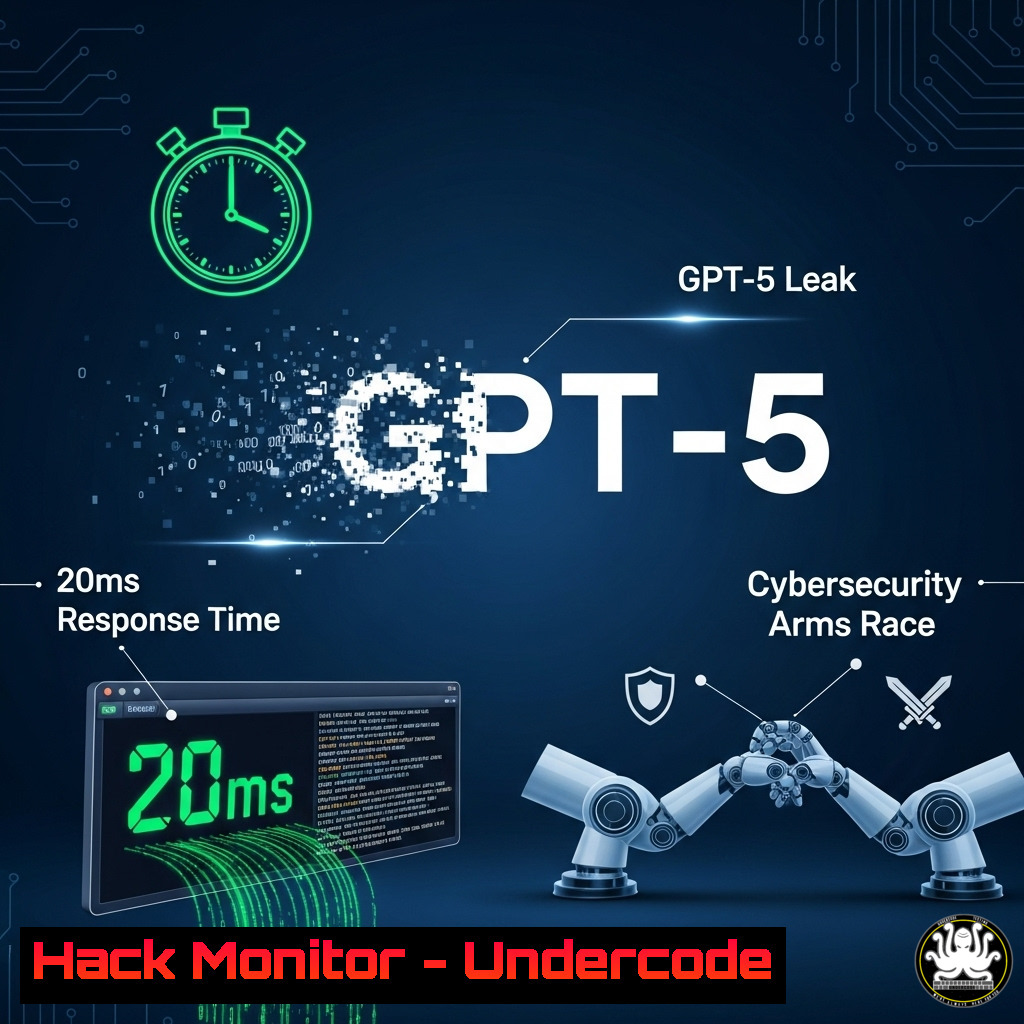
The recent leak, suggesting GPT-5 will achieve a revolutionary 20ms response time, has sent shockwaves through the tech community. This breakthrough isn’t just about faster chatbots; it heralds a new era of real-time AI-driven cyber offense and defense, fundamentally altering the threat landscape and the tools needed to secure it.
Learning Objectives:
- Understand the technical implications of sub-20ms AI response times on cybersecurity.
- Learn the commands and techniques to audit and harden systems against AI-powered threats.
- Develop strategies for integrating high-speed AI into security monitoring and response workflows.
You Should Know:
1. Auditing System Processes for AI-CPU/GPU Hijacking
Malicious AI agents operating at 20ms latency could silently co-opt system resources. This command helps identify anomalous resource consumption.
`ps aux –sort=-%cpu | head -10` (Linux)
`Get-Process | Sort-Object CPU -Descending | Select-Object -First 10` (Windows PowerShell)
Step-by-step guide:
Linux: The `ps aux` command lists all running processes. The `–sort=-%cpu` argument sorts them by CPU usage in descending order. Piping (|) this result to `head -10` displays only the top 10 most CPU-intensive processes. Regularly run this to establish a baseline and quickly spot unfamiliar processes consuming excessive resources, a potential sign of a compromised AI model.
Windows PowerShell: The `Get-Process` cmdlet retrieves all processes. Its output is piped to `Sort-Object CPU -Descending` to sort by highest CPU usage, and finally to `Select-Object -First 10` to show only the top 10 results. Monitor this for unknown applications, especially those with names mimicking system or common AI framework processes.
2. Network Traffic Analysis to Detect AI Exfiltration
AI models at this speed could exfiltrate data in tiny, rapid bursts, evading traditional detection. Use these commands to monitor for suspicious connections.
`sudo tcpdump -i any -w capture.pcap port not 443 and host not
`Get-NetTCPConnection | Where-Object {$_.State -eq ‘Established’ -and $_.RemoteAddress -notlike ‘192.168.’ -and $_.RemotePort -ne 443}` (Windows)
Step-by-step guide:
Linux: `tcpdump` is a powerful packet analyzer. `-i any` captures traffic on all interfaces. `-w capture.pcap` saves the data to a file for later analysis in tools like Wireshark. The filter `port not 443 and host not
Windows: This PowerShell command queries all active TCP connections. The `Where-Object` cmdlet filters to show only established connections that are not to the local subnet (192.168.) and are not using port 443 (HTTPS). This helps identify unexpected outbound connections to external IPs over non-standard or plaintext protocols.
3. Hardening API Endpoints Against AI-Driven Fuzzing
20ms AI can perform incredibly rapid fuzzing and brute-force attacks. Secure your APIs by inspecting and limiting traffic.
`sudo journalctl -u apache2 –since “5 minutes ago” | grep -E “50[0-9]|40[0-9]”` (Linux – Apache)
`Get-WinEvent -FilterHashtable @{LogName=’Application’; ProviderName=’IIS-W3SVC-WP’; StartTime=(Get-Date).AddMinutes(-5)} | Where-Object {$_.LevelDisplayName -eq ‘Error’} | Select-Object -First 20` (Windows – IIS)
Step-by-step guide:
Linux: This command queries the Apache2 service logs from the last 5 minutes and filters for HTTP 4xx (client) and 5xx (server) errors using grep. A sudden spike in these errors from a single IP address is a strong indicator of an automated AI-driven attack probing for weaknesses.
Windows: This command fetches IIS application logs from the last 5 minutes, filters for Error-level events, and displays the top 20. Analyzing these errors can reveal patterns of rapid, automated requests characteristic of an AI attacker.
4. Container Security Scanning for Malicious AI Models
AI services are often deployed in containers. Scan them for known vulnerabilities and malicious packages that could host a compromised model.
`trivy image :latest` (Linux/Mac)
`docker scan :latest` (Linux/Windows/Mac)
Step-by-step guide:
Trivy/docker scan: These commands scan a specified Docker image for known vulnerabilities (CVEs) in its operating system packages and application dependencies. A malicious AI model could be packaged into a container that appears legitimate. Regular scanning is critical to ensure the integrity of your AI deployment infrastructure and prevent a Trojan horse scenario.
5. Implementing Real-Time Threat Intelligence Feeds
To combat AI-speed threats, your defenses must be equally fast. Automate the ingestion of threat intelligence.
`curl -s https://otx.alienvault.com/api/v1/pulses/subscribed | jq ‘.results[].indicators[].indicator’` (Linux – requires `jq` and API key)
`Invoke-RestMethod -Uri “https://otx.alienvault.com/api/v1/pulses/subscribed” -Headers @{“X-OTX-API-KEY” = “$api_key”} | Select-Object -ExpandProperty results | ForEach-Object { $_.indicators.indicator }` (Windows PowerShell)
Step-by-step guide:
Linux/Windows: These commands use `curl` or `Invoke-RestMethod` to fetch the latest subscribed threat intelligence pulses from AlienVault OTX. The JSON output is parsed (using `jq` or PowerShell’s object handling) to extract specific indicators of compromise (IOCs) like malicious IPs or domains. This data can be piped into firewalls or SIEM systems in near-real-time to automatically block threats identified by the global security community.
- Auditing User and API Key Permissions in Cloud AI Services
Prevent privilege escalation by an AI agent by enforcing the principle of least privilege on cloud platforms.`gcloud asset analyze-iam-policy –organization=
–json | jq -r ‘.response.policyAnalysisList[].analysisResults[] | .attachedResourceFullName + ” ” + .iamBinding.role’` (GCP – requires `gcloud` & jq)
`aws iam generate-service-last-accessed-details –arn ` (AWS CLI)
Step-by-step guide:
GCP: This complex command uses the Google Cloud Asset API to analyze IAM policies across an entire organization and outputs the resource and associated role. This helps identify over-permissioned service accounts or users that could be exploited by an AI to gain unauthorized access to other resources.
AWS: This command generates a report detailing the services that a specific IAM user or role has accessed. Reviewing this helps identify unused permissions that should be revoked, minimizing the attack surface available to a compromised AI agent.
7. Configuring AI-Powered SIEM Queries for Anomaly Detection
Leverage AI within your security tools to fight fire with fire. Craft queries to detect sub-second anomalies.
`index=network sourcetype=access_ | timechart span=100ms count by dest_port` (Splunk SPL)
`| tstats summariesonly=t count from datamodel=Network_Traffic by _time, dest_port span=100ms` (Splunk ES)
Step-by-step guide:
Splunk SPL/ES: These queries are examples for a Splunk SIEM. They create a timechart of network traffic, but with a critical `span=100ms` argument. This incredibly fine-grained resolution (normally set to minutes or hours) is necessary to baseline “normal” traffic and identify the micro-bursts of activity that a 20ms AI model would generate during an attack or data exfiltration attempt.
What Undercode Say:
- The 20ms benchmark is not an incremental improvement; it is a paradigm shift that moves AI from an analytical tool to a real-time actuator within critical systems.
- The cybersecurity industry must immediately pivot from human-in-the-loop response to fully automated, AI-driven defense systems operating on the same millisecond timescale to remain effective.
The leak of GPT-5’s purported 20ms response time is the cybersecurity equivalent of hearing the first sonic boom of a hypersonic missile. It’s not a vague future threat; it’s a tangible warning. This speed erases the human element from the immediate response cycle, creating a new domain of purely machine-vs-machine combat. Defenders can no longer rely on playbooks that require minutes or hours to execute. The entire stack—from endpoint detection and network monitoring to cloud security policies and threat intelligence ingestion—must be re-architected for sub-second, automated analysis and action. The organizations that begin adapting their tools, skills, and strategies today will be the only ones with a fighting chance tomorrow.
Prediction:
The advent of sub-20ms AI will catalyze the development and mandatory adoption of Autonomous Security Operation Centers (ASOCs). These fully integrated, AI-native platforms will make millisecond-level decisions on isolation, mitigation, and countermeasures without human intervention. This will create a new arms race between offensive and defensive AIs, fought at speeds incomprehensible to humans, ultimately leading to the first “AI-zero-day” – a vulnerability discovered and exploited entirely by AI before any human is aware of its existence. Regulatory frameworks will struggle immensely to keep pace, leading to a new focus on auditing and certifying the decision-making algorithms of these defensive AIs.
🎯Let’s Practice For Free:
IT/Security Reporter URL:
Reported By: Noam Salinger – Hackers Feeds
Extra Hub: Undercode MoN
Basic Verification: Pass ✅


