Listen to this Post
Introduction:
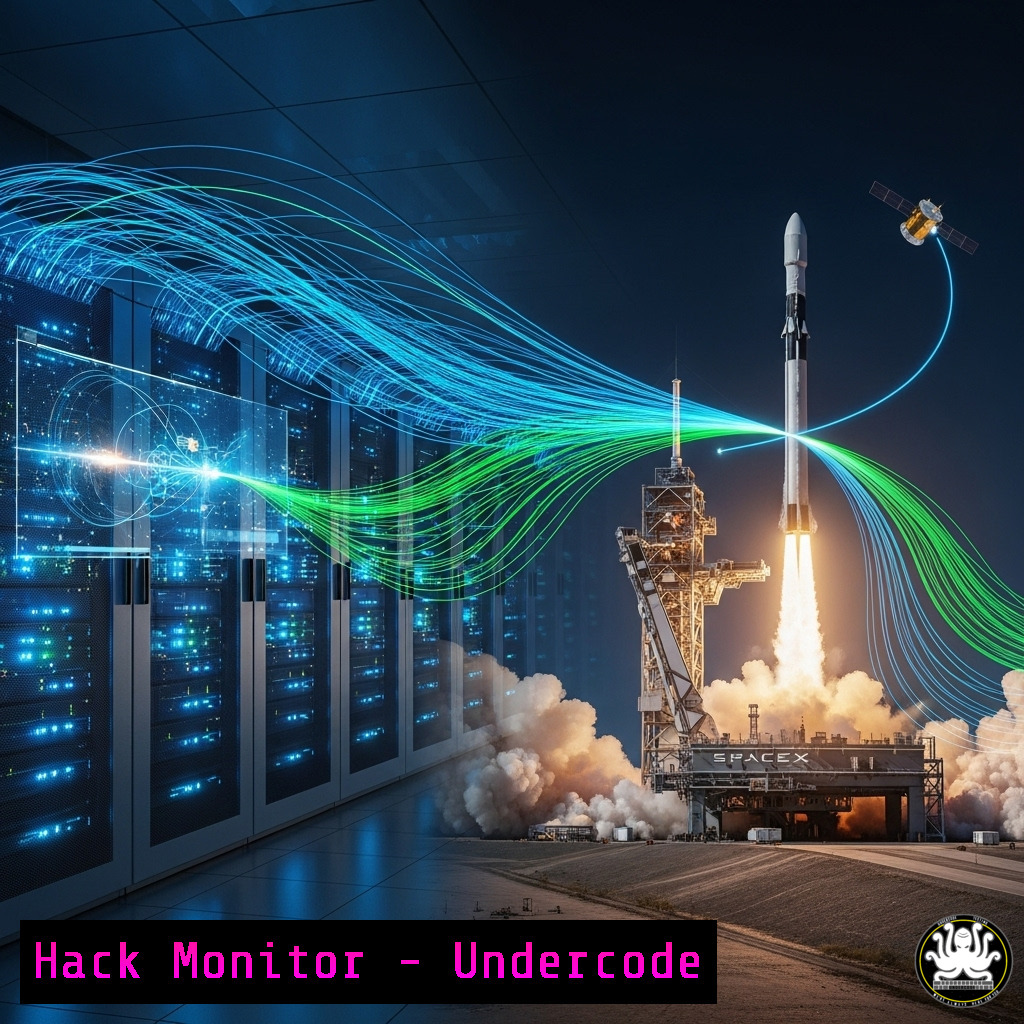
The successful launch and operation of modern spacecraft like SpaceX’s Starship are not just feats of mechanical engineering; they are triumphs of complex, real-time cybersecurity and IT systems. These missions are controlled by vast networks of code, sensors, and communication links, all requiring ironclad security to prevent catastrophic failure.
Learning Objectives:
- Understand the critical IT and cybersecurity systems underpinning aerospace operations.
- Learn practical commands for monitoring systems, analyzing networks, and hardening critical infrastructure.
- Explore the future of AI and automation in securing next-generation technological platforms.
You Should Know:
1. Real-Time System Monitoring with Linux Commands
Aerospace ground control and flight computers often run on Unix-like systems. Continuous monitoring is non-negotiable.
$ top -b -n 1 | head -10  Outputs a snapshot of top processes
$ vmstat 1 5  Reports virtual memory statistics, 5 reports at 1-second intervals
$ iostat -dx 1  Displays disk I/O statistics continuously
Step-by-step guide: The `top` command provides a dynamic, real-time view of running processes. Using `-b` for batch mode allows logging. `vmstat` and `iostat` are critical for identifying resource bottlenecks that could indicate system stress or a denial-of-service condition on critical systems. Run these periodically or pipe their output to monitoring systems.
2. Network Analysis for Launch Telemetry
Telemetry data streams must be secure and uninterrupted. Analyzing network traffic is key.
$ tcpdump -i eth0 host 192.168.1.50 -w telemetry_capture.pcap  Captures packets to/from a specific IP
$ wireshark telemetry_capture.pcap &  Opens capture in Wireshark GUI
$ netstat -tulpn | grep :443  Checks for processes listening on secure port 443
Step-by-step guide: `tcpdump` is the premier packet capture tool. Here, it’s filtering traffic on interface `eth0` for a specific host (a telemetry server) and writing the raw packets to a file. This file can later be analyzed in `wireshark` for deep inspection to detect anomalies or unauthorized connection attempts.
3. Windows Server Hardening for Ground Control
Ground control stations often utilize Windows Server for specific applications. Hardening them is essential.
PS C:> Get-Service -DisplayName "SQL" | Where-Object {$_.Status -eq 'Running'}  Finds running SQL services
PS C:> Set-Service -Name "SQLBrowser" -StartupType Disabled  Disables unnecessary service
PS C:> New-NetFirewallRule -DisplayName "Block Telemetry Inbound" -Direction Inbound -LocalPort 443 -Action Block
Step-by-step guide: These PowerShell commands first audit running services related to SQL, which might be used for mission data. The second command disables the unneeded `SQLBrowser` service, reducing attack surface. The third creates a Windows Firewall rule to block inbound traffic on port 443, a paradoxical rule that would only be used for testing failure scenarios.
4. Cloud Infrastructure Configuration for Mission Data
Mission data is stored and processed in cloud environments like AWS. Ensuring correct S3 bucket policies is fundamental.
aws s3api get-bucket-policy --bucket mission-data-bucket-xyz  Retrieves the bucket policy
aws s3api put-bucket-policy --bucket mission-data-bucket-xyz --policy file://new-policy.json
JSON Policy File (new-policy.json):
{
"Version": "2012-10-17",
"Statement": [{
"Effect": "Deny",
"Principal": "",
"Action": "s3:",
"Resource": "arn:aws:s3:::mission-data-bucket-xyz/",
"Condition": {"Bool": {"aws:SecureTransport": false}}
}]
}
Step-by-step guide: The AWS CLI commands are used to manage S3 bucket policies. The provided JSON policy is a critical security measure: it explicitly denies all access to the bucket if the request is not sent over HTTPS (SecureTransport), preventing data eavesdropping.
5. Vulnerability Scanning with Nmap
Scanning infrastructure for unexpected open ports is a basic but vital security practice.
$ nmap -sS -O -T4 192.168.1.0/24  SYN stealth scan, OS detection, aggressive timing on entire subnet
$ nmap --script ssl-enum-ciphers -p 443 telemetry.spacex.com  Checks strength of SSL/TLS ciphers
Step-by-step guide: The first `nmap` command performs a discovery scan on a network segment to find live hosts and identify their operating systems. The second command uses a script to interrogate a web server’s SSL/TLS implementation, ensuring that weak cryptographic ciphers are not in use that could be exploited to intercept telemetry.
- Python Script for Log Analysis and Anomaly Detection
AI and automation are used to parse massive logs from systems and networks.import re from collections import Counter</li> </ol> log_file = 'syslog.txt' failed_logins = [] with open(log_file, 'r') as file: for line in file: if 'authentication failure' in line.lower(): ip = re.search(r'\d{1,3}.\d{1,3}.\d{1,3}.\d{1,3}', line) if ip: failed_logins.append(ip.group(0)) print("Top 5 IPs with authentication failures:") for ip, count in Counter(failed_logins).most_common(5): print(f"{ip}: {count} attempts")Step-by-step guide: This simple Python script opens a system log file, uses a regular expression to search for lines containing “authentication failure,” and extracts the IP address from those lines. It then uses a `Counter` to tally and print the top 5 offending IPs. This is a basic form of anomaly detection for brute-force attacks.
7. Container Security Best Practices with Docker
Modern software development, including for aerospace, uses containers. Securing them is paramount.
$ docker image ls --format "table {{.ID}}\t{{.Repository}}\t{{.Tag}}"  Lists images in a table
$ docker scan my_app_image:latest  Scans image for vulnerabilities using Snyk
$ docker run --read-only --tmpfs /tmp alpine  Runs a container with a read-only root filesystem
Step-by-step guide: The `docker scan` command is integrated with vulnerability databases to check a container image for known CVEs. The `docker run` command example starts a container with a read-only root filesystem (enhancing security by preventing writes) but provides a writable `tmpfs` mount for
/tmp, which some applications require. This limits the damage a compromised process can do.What Undercode Say:
- The line between physical and cybersecurity has vanished. A flaw in a cloud S3 bucket policy or a vulnerable container image could have real-world, physical consequences.
- The scale of operation demands AI-driven security. Manual log analysis is impossible; automated scripts and tools are the only way to achieve continuous security monitoring.
- analysis: The SpaceX launch is a powerful public example of deeply integrated IT systems. Every aspect—from the rocket’s internal networks to the ground control AWS environment—represents a potential attack surface. The commands and code shown here are the fundamental building blocks for defending such critical infrastructure. This is no longer just about protecting data; it’s about ensuring the physical security of a mission. The principles of least privilege, continuous monitoring, and automated hardening apply universally, whether you’re launching a rocket or running a corporate data center.
Prediction:
The successful normalization of spaceflight will push cybersecurity into a new domain: orbital and interplanetary. We will see the emergence of “Space Security” as a specialized discipline, focusing on securing long-latency communication links, hardening systems against cosmic radiation-induced bit flips, and developing autonomous AI-based security systems that can operate independently when communication with Earth is delayed or impossible. The lessons learned from securing the high-stakes IT of today’s launches are the foundation for building a secure, multi-planetary internet.
🎯Let’s Practice For Free:
IT/Security Reporter URL:
Reported By: Nik Cooper – Hackers Feeds
Extra Hub: Undercode MoN
Basic Verification: Pass ✅🔐JOIN OUR CYBER WORLD [ CVE News • HackMonitor • UndercodeNews ]
📢 Follow UndercodeTesting & Stay Tuned:


