Listen to this Post
Introduction:
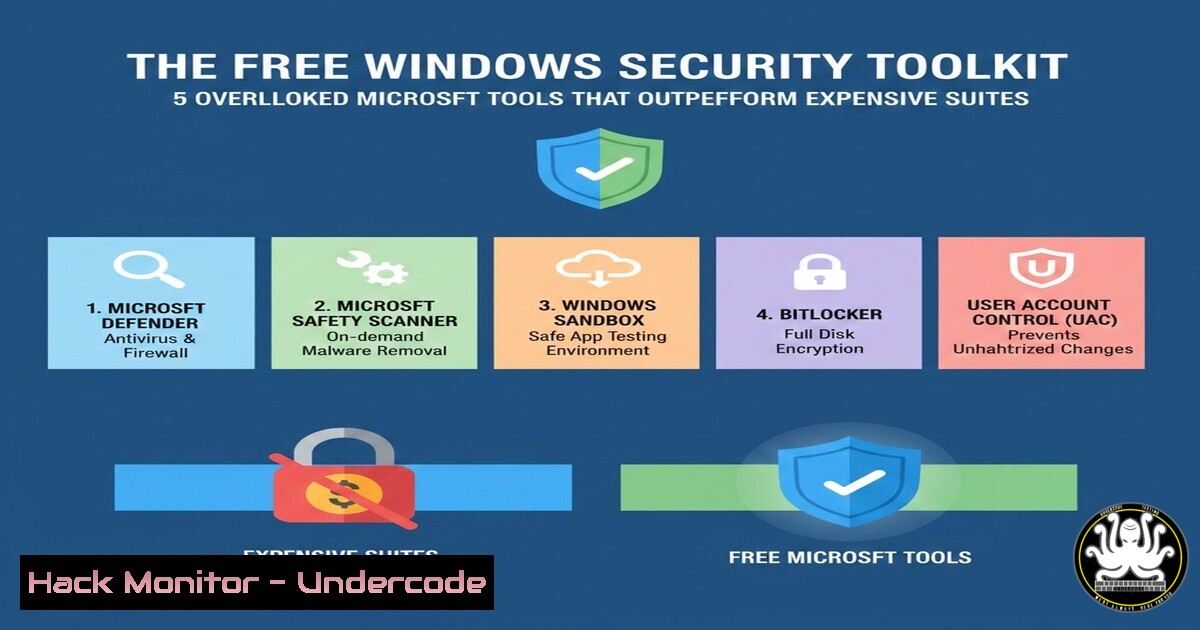
While enterprises pour millions into third-party security platforms, Microsoft has quietly embedded a formidable arsenal of free, native tools within Windows 10, 11, and Server editions. Mastering these built-in utilities can provide deep system visibility, robust attack surface reduction, and advanced threat hunting capabilities, often without the overhead of external agents. This guide transitions from basic IT administration to proactive security hardening using the tools you already own.
Learning Objectives:
- Master the configuration and auditing power of the Windows Local Security Policy and SecEdit.
- Utilize Sysinternals Suite for deep process, file, and registry analysis to uncover malicious activity.
- Implement and manage Attack Surface Reduction (ASR) rules via PowerShell for next-generation antivirus capabilities.
- Leverage Windows Event Forwarding for centralized log collection and threat detection.
- Conduct manual and automated malware analysis with MS Defender’s command-line utility.
You Should Know:
1. Hardening with Local Security Policy and SecEdit
While the GUI Local Security Policy editor (secpol.msc) is well-known, the command-line tool `SecEdit.exe` is a powerhouse for automation, backup, and analysis. You can export your current policy as a template, compare configurations, and deploy hardened baselines across a domain or workgroup.
Step‑by‑step guide:
Export Current Policy: Open an Administrator Command Prompt. To export your local policy to an INF template file, run:
`secedit /export /cfg C:\security_baseline.inf`
Analyze Against a Baseline: You can analyze your system’s compliance against a known-good baseline. First, create a database from your baseline INF, then run the analysis:
`secedit /import /db baseline.sdb /cfg hardened_baseline.inf`
`secedit /analyze /db baseline.sdb /log C:\analysis_log.txt`
Configure a Specific Policy via CLI: To enforce a password history policy of 24 passwords remembered, use:
`secedit /configure /db secconfig.sdb /cfg C:\policy.inf /areas SECURITYPOLICY`
Review the generated log file for any errors.
2. Forensic Investigation with Sysinternals Suite
Microsoft’s Sysinternals is the definitive toolkit for Windows internals. For security, Process Explorer, Process Monitor, and `Autoruns` are critical. They reveal hidden processes, real-time file/registry/network activity, and persistent startup locations.
Step‑by‑step guide:
Download and Extract: Download SysinternalsSuite.zip from Microsoft’s site. Extract it to C:\Tools\Sysinternals.
Uncover a Hidden Process: Run `procexp64.exe` as Administrator. Go to View > Select Columns. Enable “Command Line” and “Company Name”. Sort by “Company Name”; unknown or blank entries warrant investigation. Verify suspicious processes on VirusTotal directly from the right-click menu.
Monitor Real-time Activity: Launch Procmon.exe. Immediately apply a filter (Filter > Filter) to exclude normal Windows activity: `Process Name` is `svchost.exe` then Exclude. Capture short bursts of activity during suspicious events and look for anomalous writes to AppData, Temp, or registry `Run` keys.
3. Deploying Attack Surface Reduction (ASR) Rules
Microsoft Defender’s ASR rules block common malware infection vectors, like Office macros, script execution, and LSASS memory dumping. They are managed via Intune, Group Policy, or PowerShell.
Step‑by‑step guide:
Check ASR Status: In an Admin PowerShell, run:
`Get-MpPreference | Select-Object AttackSurfaceReductionRules_Ids, AttackSurfaceReductionRules_Actions`
Enable a Critical Rule: To block executable content from email client and webmail (rule ID: BE9BA2D9-53EA-4CDC-84E5-9B1EEEE46550), use:
`Add-MpPreference -AttackSurfaceReductionRules_Ids BE9BA2D9-53EA-4CDC-84E5-9B1EEEE46550 -AttackSurfaceReductionRules_Actions Enabled`
Audit Before Enforcement: Test rule impact by setting the action to “AuditMode” first:
`Add-MpPreference -AttackSurfaceReductionRules_Ids BE9BA2D9-53EA-4CDC-84E5-9B1EEEE46550 -AttackSurfaceReductionRules_Actions AuditMode`
Review events in `Microsoft-Windows-Windows Defender/Operational` Event Log.
4. Centralized Logging with Windows Event Forwarding (WEF)
WEF allows you to collect critical security events (e.g., ID 4688 for process creation, 4625 for failed logons) from multiple endpoints to a central collector for analysis, bypassing the need for third-party SIEM agents.
Step‑by‑step guide:
Configure the Collector: On your central Windows Server, run `winrm quickconfig` and `wecutil qc /q` in an elevated command prompt.
Create a Subscription: Open Event Viewer > Subscriptions > Create Subscription. Choose “Source Computer Initiated”. Add the client computers (can use AD groups).
Deploy Group Policy to Clients: Create a GPO that configures the clients to forward events. The key setting is under: Computer Configuration > Policies > Administrative Templates > Windows Components > Event Forwarding > “Configure target Subscription Manager”. Set it to `Server=http://YourCollectorFQDN:5985/wsman/SubscriptionManager/WEC`.
5. Command-Line Malware Analysis with MS Defender
`MpCmdRun.exe` is the command-line utility for Microsoft Defender, enabling scripted scans, signature updates, and threat sample submission from isolated or server-core environments.
Step‑by‑step guide:
Initiate an Offline Scan: An offline scan runs before Windows boots, removing persistent rootkits.
`MpCmdRun.exe -Scan -ScanType 2`
(ScanType 0 = Quick, 1 = Full, 2 = Offline).
Force an Update and Scan: To update signatures and immediately perform a full scan of a specific directory (e.g., downloads):
`MpCmdRun.exe -SignatureUpdate`
`MpCmdRun.exe -Scan -ScanType 1 -File C:\Users\\Downloads\`
Submit a Suspicious File: Submit a potential false positive or unknown file for analysis:
`MpCmdRun.exe -SubmitSample -Path C:\suspicious.exe`
What Undercode Say:
- Native Tools Reduce Agent Fatigue. Leveraging built-in Windows security features minimizes the number of third-party agents running on endpoints, decreasing complexity, resource usage, and potential attack vectors introduced by management software itself. This is a core tenet of a lean security architecture.
- The Gap is Knowledge, Not Technology. The most significant vulnerability in many organizations is the lack of in-depth knowledge of the powerful security tools already deployed. Investing in training for existing Microsoft ecosystems often yields a higher ROI than purchasing a new “silver bullet” platform without the expertise to configure it properly.
Analysis: The pervasive belief that “you get what you pay for” creates a blind spot for the advanced, no-cost capabilities embedded in commercial operating systems. Microsoft, driven by enterprise demand and its own need to secure the Windows ecosystem, has evolved Defender and core OS features into a mature Endpoint Detection and Response (EDR) platform. The strategic shift isn’t about abandoning commercial suites, but about intelligently layering them. These native tools form an essential foundational control layer and provide a critical “ground truth” for validating the alerts and data from external systems. In an era of supply-chain attacks, the ability to audit and defend your environment with trusted, first-party tools is an underestimated strategic advantage.
Prediction:
The convergence of economic pressures and increased software supply-chain risks will drive a major reassessment of native platform security tools over the next 3-5 years. We will see a rise in “default-deny” configurations shipped directly in Windows, with ASR-like rules becoming standard. Furthermore, as AI-assisted security operators mature, they will rely heavily on the granular, low-level telemetry provided by tools like Sysinternals and native event logs for training and real-time analysis. This will force third-party security vendors to pivot from providing basic prevention to offering higher-level correlation, automation, and specialized threat intelligence that genuinely augments, rather than duplicates, the platform’s built-in strengths.
▶️ Related Video (82% Match):
🎯Let’s Practice For Free:
IT/Security Reporter URL:
Reported By: Shamane If – Hackers Feeds
Extra Hub: Undercode MoN
Basic Verification: Pass ✅


