Listen to this Post
Introduction:
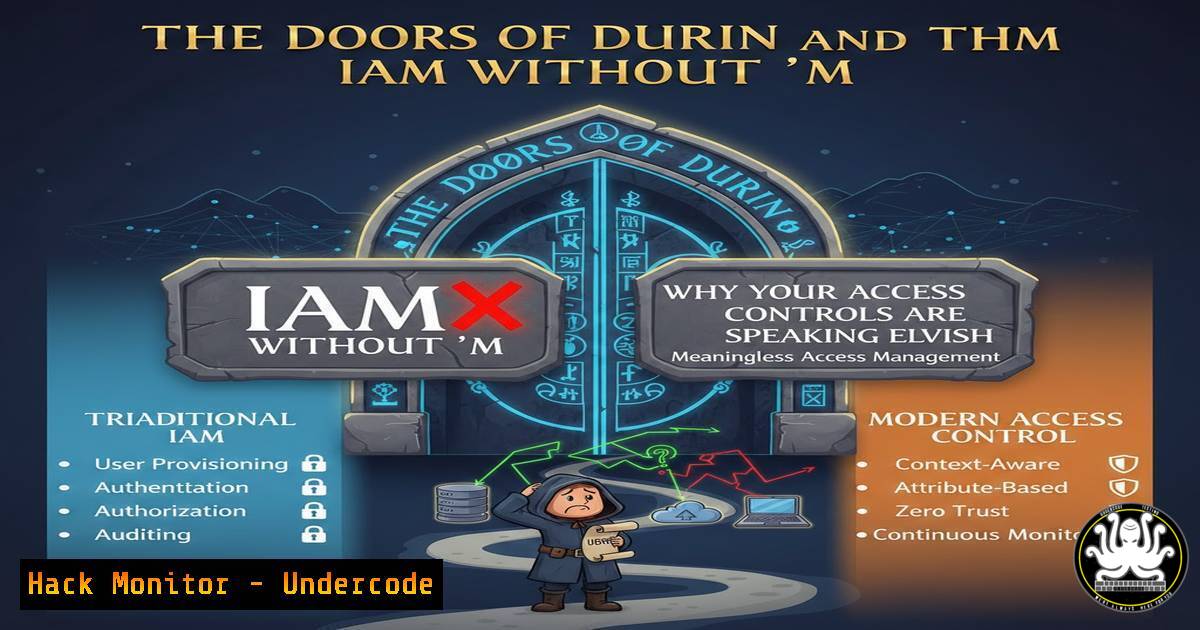
In a recent cryptic post, cybersecurity professional Olivier Delvigne teased an upcoming episode titled “La porte de Durin ou l’IAM sans M” (The Doors of Durin or IAM without M). This Tolkien-inspired metaphor perfectly encapsulates a critical failure in modern Identity and Access Management (IAM). Just as the Doors of Durin required the password “Mellon” (Friend) to open, your digital gates require the “M”—Multi-Factor Authentication (MFA). Without that second factor, your IAM is just “IA”—a static, easily bypassed gate waiting for an intruder to speak the right password.
Learning Objectives:
- Understand the critical distinction between Identity Management (IAM) and the security provided by Multi-Factor Authentication (MFA).
- Learn how to audit your current authentication mechanisms for the “Missing M” vulnerability.
- Implement technical controls to enforce MFA across Windows, Linux, and cloud environments.
You Should Know:
- Decoding “La Porte de Durin”: The IAM Breakdown
In J.R.R. Tolkien’s works, the Doors of Durin were a perfect security mechanism—invisible to the casual observer and requiring a specific key (the password “Friend”). However, the system was rendered useless once the password was known. In cybersecurity, “IAM without M” is precisely that: a door that opens with just a password.
Standard IAM (Identity and Access Management) handles who you are and what you can access. The “M” (MFA) handles proof. Without MFA, you are relying solely on something you know (a password). This is vulnerable to phishing, credential stuffing, and keylogging. With MFA, you introduce “something you have” (a phone, a token) or “something you are” (biometrics), creating a defense-in-depth against credential theft.
- Auditing for the “Missing M” in Active Directory
To ensure your organization isn’t running “IAM sans M,” you must audit your Active Directory (AD) and Azure AD (Entra ID) for users who are not registered or enforced for MFA. Here is a step-by-step guide to identifying these users using PowerShell.
Step 1: Connect to MSOnline (Legacy) or Microsoft Graph (Modern)
First, install the required modules.
 Install the Microsoft Graph module
Install-Module Microsoft.Graph -Scope CurrentUser

Connect to Graph with the necessary scopes
Connect-MgGraph -Scopes "User.Read.All", "AuditLog.Read.All", "Policy.Read.All"
Step 2: Check MFA Registration Status
The following script checks if users have registered for MFA methods.
 Get all users
$users = Get-MgUser -All -Property Id, DisplayName, UserPrincipalName, SignInActivity

foreach ($user in $users) {
$authMethods = Get-MgUserAuthenticationMethod -UserId $user.Id
if ($authMethods.Count -eq 0) {
Write-Host "CRITICAL: User $($user.DisplayName) has no MFA methods registered." -ForegroundColor Red
} else {
Write-Host "OK: User $($user.DisplayName) has MFA methods." -ForegroundColor Green
}
}
Step 3: Check Conditional Access Policies (CAP)
MFA is useless if it isn’t enforced. You need to verify that a CAP requires MFA for all users.
 Retrieve Conditional Access Policies
$policies = Get-MgIdentityConditionalAccessPolicy

foreach ($policy in $policies) {
if ($policy.GrantControls.BuiltInControls -contains "mfa") {
Write-Host "MFA Enforced by Policy: $($policy.DisplayName)" -ForegroundColor Green
}
}
3. Hardening Linux Authentication (SSH) with MFA
Linux servers are often the backbone of cloud infrastructure. To prevent a “Doors of Durin” scenario on your Linux boxes, you must configure SSH to require MFA, typically using Google Authenticator (TOTP).
Step 1: Install Google Authenticator (Ubuntu/Debian)
On the server, update and install the PAM module.
sudo apt update
sudo apt install libpam-google-authenticator
Step 2: Configure the User
Run the setup tool as the user who needs MFA. This generates a secret key and emergency scratch codes.
google-authenticator
Follow the prompts (answer `y` to most to enable time-based tokens, rate limiting, etc.). Scan the QR code with your authenticator app.
Step 3: Configure PAM and SSH
Edit the PAM configuration for SSH.
sudo nano /etc/pam.d/sshd
Add the following line at the top:
auth required pam_google_authenticator.so
Now, edit the SSH daemon config to accept challenge-response.
sudo nano /etc/ssh/sshd_config
Find and change/modify the following lines:
ChallengeResponseAuthentication yes
 Ensure PasswordAuthentication is set to your desired state (yes or no, but yes allows password + TOTP)
PasswordAuthentication yes
UsePAM yes
Finally, restart the SSH service.
sudo systemctl restart sshd
Now, when you SSH in, you will be prompted for a password (or key) and the verification code from your phone.
4. The “GRC” Connection: Bridging Policy and Implementation
The post also teases a “GRC Improbable” (Governance, Risk, and Compliance) series. GRC is the narrative that defines why the “M” in IAM is non-negotiable. If your IAM is without M, your compliance posture is broken.
To audit this from a GRC perspective on Windows Server, you can use the Security Compliance Toolkit to assess your baseline against standards like NIST 800-53, which explicitly requires MFA for network access to privileged accounts.
Using the LGPO tool to extract current policy:
 Navigate to the LGPO directory in the Security Compliance Toolkit
LGPO.exe /b C:\GPO_Backup\
This command backs up the current Group Policy Objects. You can then parse these backups against a known-good compliance standard (like the ones provided by Microsoft’s baselines) to see if MFA policies are correctly deployed.
5. Cloud Hardening: Enforcing MFA in AWS IAM
In the cloud, “IAM without M” is an open invitation to data breaches. AWS provides IAM policies that can explicitly deny API calls if the session does not have an MFA signature.
Step-by-step: Create an MFA Enforcement Policy
1. Navigate to the IAM Console.
2. Click on “Policies” and then “Create policy”.
- Use the JSON tab and paste the following:
{
"Version": "2012-10-17",
"Statement": [
{
"Sid": "DenyAllExceptListedIfNoMFA",
"Effect": "Deny",
"NotAction": [
"iam:CreateVirtualMFADevice",
"iam:EnableMFADevice",
"iam:GetUser",
"iam:ListMFADevices",
"iam:ListVirtualMFADevices",
"iam:ResyncMFADevice"
],
"Resource": "",
"Condition": {
"BoolIfExists": {
"aws:MultiFactorAuthPresent": "false"
}
}
}
]
}
4. Name the policy (e.g., EnforceMFA) and attach it to all user groups.
This policy denies all actions (except those needed to manage MFA itself) if the MFA flag is not present. This is the digital equivalent of the Doors of Durin refusing entry to anyone who doesn’t speak the “Friend” password and show a physical token.
What Undercode Say:
- The “M” is the Gatekeeper: IAM defines the door and the keys; MFA is the guard who checks the ID. Without the guard, the keys can be stolen and used remotely.
- Phishing Resilience: The primary takeaway from the “IAM sans M” concept is that it creates a single point of failure. Implementing MFA shifts the attack surface, forcing adversaries to move from simple credential theft to more complex, real-time interception attacks (like adversary-in-the-middle), which are significantly harder to execute at scale.
The metaphor of the Doors of Durin is brilliant in its simplicity. The password “Mellon” opened the gate, but once Sauron’s forces knew it, the gate was useless. In cybersecurity, we must assume that every password will eventually be compromised. By embedding the “M” (MFA) into the very fabric of our IAM strategy, we ensure that knowing the password is never enough to open the door. The shift from “something you know” to “something you have + something you know” is not just a technical checkbox; it is the fundamental architectural shift required for a resilient security posture in 2024 and beyond.
Prediction:
As phishing kits become more sophisticated (including those capable of bypassing some forms of MFA), the industry will pivot towards phishing-resistant MFA methods, such as passkeys (FIDO2/WebAuthn) and Certificate-Based Authentication (CBA). The future of IAM lies in eliminating the password entirely, making the “IAM without M” conversation obsolete—because the “M” will be the default, invisible, and unphishable layer of identity proof. We will see a rapid decline in SMS-based OTPs in enterprise environments over the next 24 months, replaced by hardware tokens and biometric passkeys embedded in devices.
▶️ Related Video (76% Match):
🎯Let’s Practice For Free:
IT/Security Reporter URL:
Reported By: Odocits Attention – Hackers Feeds
Extra Hub: Undercode MoN
Basic Verification: Pass ✅


