Listen to this Post
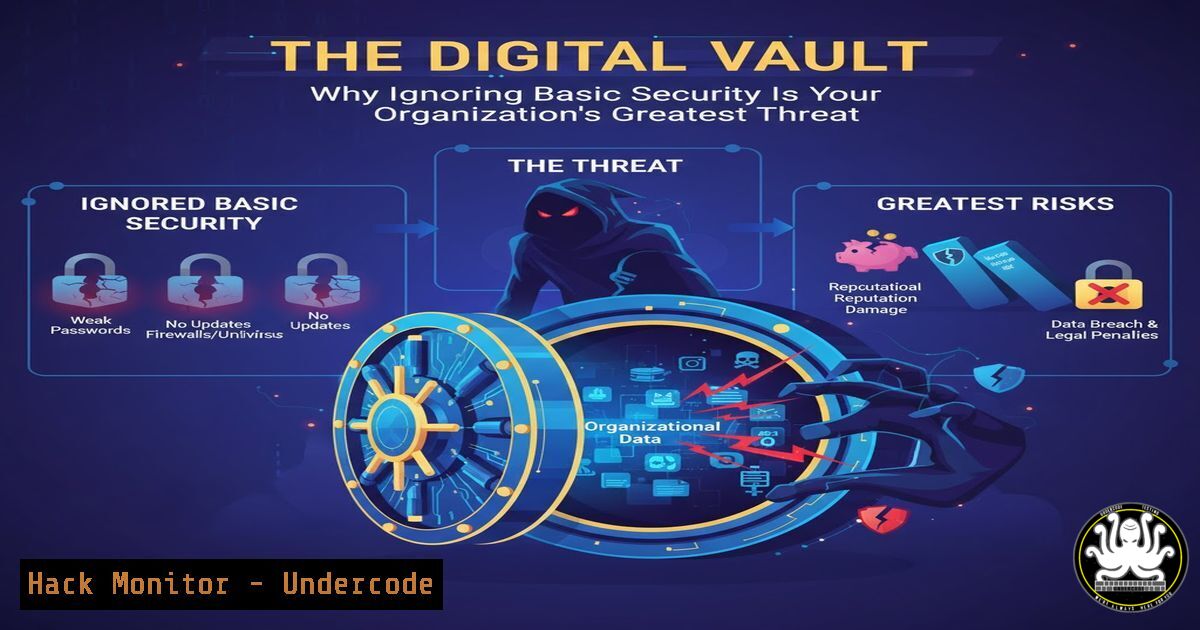
Introduction:
In today’s digital economy, data has unequivocally become the new currency, making its protection as critical as securing a physical bank vault. Yet, many organizations continue to neglect foundational cybersecurity principles, leaving their most valuable assets exposed to a rapidly evolving threat landscape. This article deconstructs the essential security controls every enterprise must implement to transform from a target into a fortress.
Learning Objectives:
- Identify and inventory your organization’s critical digital assets and external-facing systems.
- Harden DNS configurations and implement robust patch management protocols.
- Establish the principle of least privilege and conduct continuous security awareness training.
You Should Know:
1. Master Your Digital Territory: Comprehensive Asset Inventory
The first step in securing any environment is knowing what you have. An unknown asset cannot be protected. Many major breaches originate from forgotten servers, deprecated subdomains, or unmanaged cloud instances that fall outside security oversight.
Step‑by‑step guide explaining what this does and how to use it.
Step 1: Network Discovery Scanning. Use tools like `nmap` to perform a non-intrusive sweep of your network ranges to identify active devices.
Linux Command: `sudo nmap -sS -O 192.168.1.0/24`
What this does: This command performs a SYN scan (-sS) and attempts OS detection (-O) on the entire 192.168.1.0/24 subnet, listing all live hosts and their guessed operating systems.
Step 2: Subdomain Enumeration. Discover all domains associated with your organization that could be used as an attack vector.
Tool Example (Command Line): Use a tool like `amass` or subfinder.
Command: `amass enum -passive -d yourcompany.com`
What this does: This passively enumerates subdomains of `yourcompany.com` using various public data sources without sending direct traffic to your domain, revealing potential forgotten entry points.
Step 3: Cloud Asset Inventory. For AWS, use the AWS CLI to generate a list of all resources.
Command: `aws ec2 describe-instances –region us-east-1 –query ‘Reservations[].Instances[].{ID:InstanceId, IP:PublicIpAddress, State:State.Name}’ –output table`
What this does: This lists all EC2 instances in the US East 1 region, showing their ID, Public IP, and running state, helping to identify publicly accessible compute resources.
2. Fortify Your Foundation: DNS and Patch Management
Unpatched software and misconfigured DNS are among the most common culprits in security incidents. A proactive, disciplined approach to these fundamentals closes the most widely exploited doors.
Step‑by‑step guide explaining what this does and how to use it.
Step 1: Harden DNS Configurations. Implement security extensions to protect against spoofing and poisoning attacks.
Action: Ensure DNSSEC (Domain Name System Security Extensions) is implemented for your domains. This cryptographically signs DNS data, validating its authenticity.
Check Command (Linux): `dig +short DNSKEY yourcompany.com`
What this does: This queries for the DNSSEC public key for your domain. A result indicates DNSSEC is configured.
Step 2: Establish a Patch Management Cadence.
Action: Schedule regular patching cycles. For Linux systems, this can be automated via cron jobs.
Linux Command (Ubuntu):
1. `sudo apt update` – Refreshes the list of available packages.
2. `sudo apt list –upgradable` – Lists all packages with available upgrades.
3. `sudo apt upgrade` – Installs the available upgrades.
Windows Command (PowerShell as Administrator):
`Get-WindowsUpdate -Install -AcceptAll -AutoReboot`
What this does: This PowerShell cmdlet (from the PSWindowsUpdate module) checks, downloads, and installs all available Windows updates, accepting them and rebooting automatically if required.
3. Enforce the Principle of Least Privilege (PoLP)
Users and applications should operate with only the minimum permissions necessary to perform their functions. This limits the “blast radius” of a potential compromise.
Step‑by‑step guide explaining what this does and how to use it.
Step 1: Audit User Privileges.
Linux Command: `sudo getent group sudo` or `sudo lid -g sudo` (on some distros) to list all users with sudo/administrative privileges.
Windows Command (PowerShell): `Get-LocalGroupMember -Group “Administrators”`
What this does: These commands list all members of the administrative group. Review this list regularly and remove any unnecessary accounts.
Step 2: Implement Role-Based Access Control (RBAC) in Cloud Environments.
Action (AWS IAM): Instead of attaching broad policies like AdministratorAccess, create custom IAM policies that grant permissions for specific job functions (e.g., ReadOnlyAccess, BillingAccess).
4. Build the Human Firewall: Continuous Security Training
Technology alone is insufficient; the human element is often the weakest link. A culture of security awareness is your last line of defense.
Step‑by‑step guide explaining what this does and how to use it.
Step 1: Conduct Simulated Phishing Campaigns. Use internal tools or services to send fake phishing emails to employees, tracking who clicks.
Step 2: Implement “See Something, Say Something” Protocols. Create clear, anonymous channels for employees to report suspicious emails, messages, or system behavior without fear of reprisal. This empowers every employee to be a active defender.
5. Secure the API Gateway
APIs are the backbone of modern applications and a prime target for attackers. Securing them is non-negotiable.
Step‑by‑step guide explaining what this does and how to use it.
Step 1: Implement Rate Limiting. Protect your API endpoints from brute force and Denial-of-Service (DoS) attacks.
Concept: Configure your API gateway (e.g., AWS API Gateway, NGINX) to allow only a certain number of requests per minute from a single IP address or user token.
Step 2: Enforce Input Validation and Sanitization. Never trust user input.
Code Example (Python/Flask):
from flask import request, abort
import re

@app.route('/api/user/<user_id>')
def get_user(user_id):
 Validate that user_id is an integer
if not re.match(r'^\d+$', user_id):
abort(400, description="Invalid user ID format")
 ... proceed to fetch user ...
What this does: This code checks if the `user_id` parameter contains only digits before processing the request, preventing injection attacks.
What Undercode Say:
- Data is the New Gold, and It Needs a Vault. The analogy to physical security is no longer a metaphor but a literal truth. Protecting digital assets requires the same rigor, investment, and constant vigilance as protecting physical cash and gold reserves.
- Complexity is the Enemy of Security. While advanced threats exist, the most significant risks often stem from unaddressed basics. A relentless focus on foundational hygiene—patches, permissions, and user awareness—will mitigate the vast majority of attacks.
The post and its commentary highlight a critical shift in enterprise risk management. The core issue is no longer merely technological but cultural and strategic. Leaders must transition from viewing cybersecurity as an IT cost center to recognizing it as a fundamental pillar of business continuity and brand integrity. The analysis suggests that organizations which fail to make this strategic pivot are not just taking a risk; they are actively subsidizing their future attackers, betting their survival on the hope that they won’t be targeted. In an interconnected world, this is a bet they are almost guaranteed to lose.
Prediction:
The failure to adopt basic security measures will create a stark bifurcation in the business landscape. We will witness a “Great Digital Divide” between security-resilient organizations and those perpetually vulnerable. Regulators and insurers will intensify scrutiny, making cybersecurity negligence a direct liability for company directors. Basic security hygiene will become as non-negotiable as financial auditing, with public breaches causing not just financial loss but irreversible reputational and legal damage, potentially leading to corporate collapse for the unprepared.
🎯Let’s Practice For Free:
IT/Security Reporter URL:
Reported By: Andy Jenkinson – Hackers Feeds
Extra Hub: Undercode MoN
Basic Verification: Pass ✅


