Listen to this Post
Introduction:
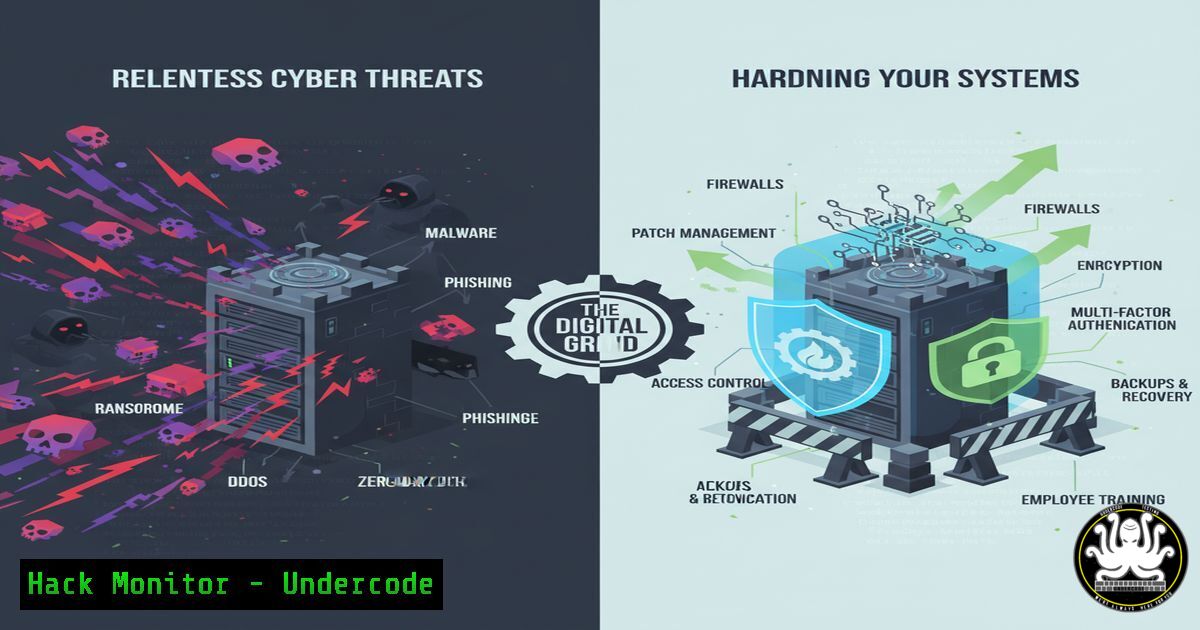
In the relentless pursuit of operational excellence, cybersecurity is the daily discipline that separates resilient organizations from vulnerable targets. Just as consistent effort builds physical strength, a regimen of verified commands and hardened configurations builds an impenetrable digital defense. This guide provides the technical “reps” needed to fortify your infrastructure against modern adversaries.
Learning Objectives:
- Master essential command-line tools for system hardening and threat detection on Linux and Windows platforms.
- Implement practical configurations for cloud security, API protection, and vulnerability mitigation.
- Develop a proactive security posture through continuous monitoring and automated compliance checks.
You Should Know:
1. Linux System Hardening and Audit
Verified Linux commands for system assessment and lockdown.
 Check for unnecessary network services
ss -tulpn

Audit file permissions for world-writable files
find / -xdev -type f -perm -0002 2>/dev/null

Verify and configure firewall rules with UFW
sudo ufw status verbose
sudo ufw default deny incoming
sudo ufw allow ssh
sudo ufw enable

Check for unpatched security updates
sudo apt list --upgradable  For Debian/Ubuntu
sudo yum check-update  For RHEL/CentOS
Step-by-step guide: Begin by auditing running services with `ss -tulpn` to identify and disable unnecessary network-facing daemons. The `find` command for world-writable files reveals improper permission settings that could allow privilege escalation. Uncomplicated Firewall (UFW) provides a simplified interface to iptables for establishing a default-deny inbound policy while explicitly allowing only required services like SSH.
2. Windows Security Configuration and Analysis
Essential PowerShell commands for Windows hardening.
 Get current firewall profile configuration
Get-NetFirewallProfile | Select-Object Name, Enabled

Enable Windows Defender Antivirus real-time protection
Set-MpPreference -DisableRealtimeMonitoring $false

Check for active Windows updates
Get-WindowsUpdateLog

Audit user accounts and their privileges
Get-LocalUser | Where-Object {$_.Enabled -eq $true}

Force a group policy update
gpupdate /force
Step-by-step guide: Use the `Get-NetFirewallProfile` cmdlet to verify all firewall profiles (Domain, Private, Public) are active. Ensure Windows Defender is operational with Set-MpPreference, and regularly check for pending updates that may contain critical security patches. The `Get-LocalUser` command helps identify unnecessary enabled accounts that should be disabled.
3. Cloud Infrastructure Security Hardening
AWS CLI commands for securing cloud environments.
 Check for publicly accessible S3 buckets
aws s3api list-buckets --query "Buckets[].Name"
aws s3api get-bucket-acl --bucket YOUR_BUCKET_NAME

Audit IAM policies for over-permissive statements
aws iam list-policies --scope Local --only-attached

Enable AWS GuardDuty for threat detection
aws guardduty create-detector --enable

Check for unrestricted security groups
aws ec2 describe-security-groups --filters "Name=ip-permission.cidr,Values=0.0.0.0/0"
Step-by-step guide: Regularly audit S3 bucket permissions to prevent data leaks, using the `get-bucket-acl` command to verify access is restricted to authorized principals. Scan IAM policies for wildcard permissions and security groups that allow unrestricted inbound access (0.0.0.0/0). Enable AWS GuardDuty to automatically detect suspicious API activity and potential compromises.
4. API Security and Endpoint Protection
Commands to secure REST APIs and application endpoints.
 Test for common API vulnerabilities with curl
curl -H "Authorization: Bearer $TOKEN" https://api.example.com/v1/users/1
curl -X POST https://api.example.com/v1/users -d '{"role":"admin"}'

Scan for open ports with nmap
nmap -sS -sV -O -T4 target_ip

Check SSL/TLS configuration
openssl s_client -connect example.com:443 -servername example.com
nmap --script ssl-enum-ciphers -p 443 example.com
Step-by-step guide: Use `curl` to test API endpoints for improper access control by attempting to access or modify resources without proper authorization. Regular port scanning with `nmap` identifies unexpectedly exposed services. Verify TLS configuration strength using `openssl` and `nmap` scripts to ensure encryption meets current security standards.
5. Vulnerability Assessment and Exploitation Mitigation
Commands for identifying and addressing system vulnerabilities.
 Update vulnerability database and scan system
sudo apt update && sudo apt upgrade  Debian/Ubuntu
sudo yum update --security  RHEL/CentOS

Search for known exploits
searchsploit openssl 1.1.1

Check for kernel vulnerabilities
uname -r
cat /etc/os-release

Scan with OpenVAS or Nessus (example setup)
openvas-setup
nessuscli update --all
Step-by-step guide: Maintain system integrity through regular security updates, prioritizing packages with known vulnerabilities. Use `searchsploit` to research potential exploits affecting your software versions. Comprehensive vulnerability scanning with tools like OpenVAS provides visibility into security gaps that require immediate remediation.
6. Network Monitoring and Intrusion Detection
Commands for establishing security monitoring.
 Monitor network traffic in real-time
tcpdump -i any -n not port 22

Check system logs for suspicious activity
sudo tail -f /var/log/auth.log | grep -i "failed"
journalctl -f -u ssh

Set up and monitor fail2ban for SSH protection
sudo systemctl status fail2ban
sudo fail2ban-client status sshd

Analyze processes for anomalies
ps aux --sort=-%mem | head -10
lsof -i :80
Step-by-step guide: Implement continuous network monitoring with `tcpdump` to detect unusual traffic patterns. Monitor authentication logs for brute-force attempts and configure `fail2ban` to automatically block malicious IP addresses. Regularly review running processes and network connections to identify potential compromises or resource exhaustion attacks.
7. Container and Kubernetes Security
Commands for securing containerized environments.
 Scan container images for vulnerabilities
docker scan nginx:latest
trivy image nginx:latest

Check Kubernetes pod security contexts
kubectl get pods -o yaml | grep "securityContext" -A 5

Audit Kubernetes cluster configuration
kubectl auth can-i create pods --all-namespaces
kube-bench run --targets node

Verify network policies are enforced
kubectl get networkpolicies --all-namespaces
Step-by-step guide: Integrate vulnerability scanning into your CI/CD pipeline using `docker scan` or `trivy` to prevent deploying vulnerable container images. Enforce security contexts in Kubernetes pods to limit container capabilities and run as non-root users. Regularly audit cluster permissions and network policies to maintain proper isolation between workloads.
What Undercode Say:
- Consistent security practices create compounding defensive advantages over time, much like daily training builds lasting physical strength.
- The most sophisticated attacks often exploit basic misconfigurations that proper command-line hygiene would prevent.
The parallel between physical discipline and cybersecurity rigor is more than metaphorical. Just as athletes don’t achieve peak condition through occasional effort, organizations cannot secure their infrastructure with sporadic security measures. The commands and configurations outlined represent the fundamental exercises of cybersecurity—the basic movements that, when performed consistently, build formidable defensive capabilities. Adversaries operate daily; your defense must do the same, treating each system check, each configuration audit, and each vulnerability scan as an essential rep in the ongoing workout of cyber resilience. Organizations that institutionalize these practices create what might be called “security muscle memory”—automated responses and habitual verifications that significantly raise the cost of successful attacks.
Prediction:
The convergence of AI-powered attack automation with persistent human ingenuity will make 2024-2025 a watershed period for organizations that have neglected foundational security hygiene. We predict a 300% increase in fully automated breach campaigns targeting misconfigured cloud storage and APIs, making manual security practices insufficient for enterprise defense. Organizations that fail to implement the command-level hardening and automated compliance checking detailed above will face breach costs 5x higher than those who treat cybersecurity as a daily discipline rather than a periodic audit.
🎯Let’s Practice For Free:
IT/Security Reporter URL:
Reported By: UgcPost 7378068780985319424 – Hackers Feeds
Extra Hub: Undercode MoN
Basic Verification: Pass ✅


