Listen to this Post
Introduction:
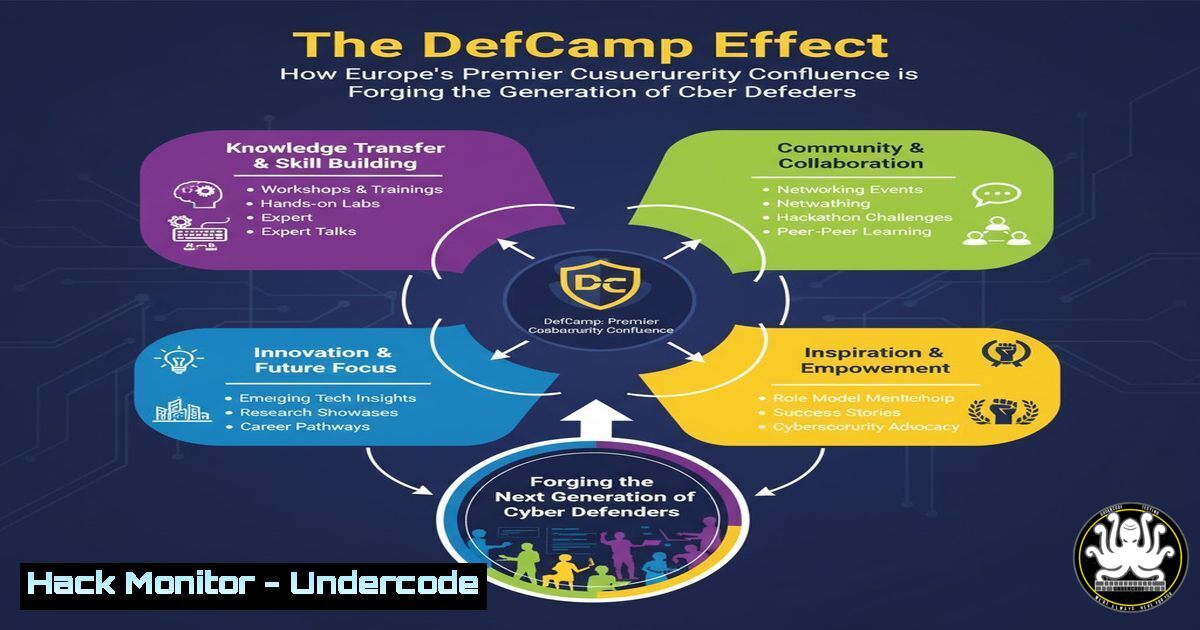
DefCamp, as highlighted by its founder Andrei Avădănei, is more than a conference; it is a critical nexus for knowledge exchange and skill development in the cybersecurity domain. This movement brings together hackers, builders, and leaders, creating a unique ecosystem where cutting-edge threats and defensive strategies are openly discussed and dissected. The gathering serves as a live-fire exercise for the global security community, translating theoretical knowledge into practical, actionable defense mechanisms.
Learning Objectives:
- Understand the core cybersecurity domains and attack vectors typically showcased at premier security conferences like DefCamp.
- Acquire hands-on, verified commands and techniques for system hardening, vulnerability assessment, and network monitoring.
- Develop a proactive security mindset by learning to implement mitigations against common exploitation techniques.
You Should Know:
1. Network Reconnaissance and Monitoring
Before an attacker can strike, they must map the terrain. Understanding and monitoring for reconnaissance activities is the first line of defense.
`sudo tcpdump -i any -w capture.pcap host `
`sudo nmap -sS -A -O `
Step-by-step guide:
The `tcpdump` command is a powerful packet analyzer. The command above listens on all interfaces (-i any), writes the output to a file called `capture.pcap` (-w capture.pcap), and filters traffic for a specific host. This allows a defender to capture and later analyze all network traffic to and from a potential target. Conversely, the `nmap` command performs a stealth SYN scan (-sS), enables OS and version detection (-A), and attempts OS fingerprinting (-O). Running this against your own network range helps you see your environment from an attacker’s perspective, identifying unexpected open ports and services.
2. Vulnerability Scanning with OpenVAS
Automated scanners are essential for identifying known vulnerabilities in your systems before malicious actors do.
`sudo gvm-setup`
`sudo gvm-start`
`gvm-cli socket –xml “
Step-by-step guide:
OpenVAS (now part of the Greenbone Vulnerability Management suite) is a full-featured vulnerability manager. First, set up the OpenVAS instance using gvm-setup. Once configured, start the services with gvm-start. You can then access the web interface (typically on https://localhost:9392) to create a new “task”—a vulnerability scan. The `gvm-cli` command, as shown, can be used to interact with the manager via the command line to query the status of scanning tasks, demonstrating how to integrate scanning into automated workflows.
3. Web Application Firewall (WAF) Bypass Techniques
Attackers constantly develop methods to evade security controls like WAFs. Understanding these techniques is key to strengthening your defenses.
`sqlmap -u “http://testphp.vulnweb.com/artists.php?artist=1” –tamper=space2comment –level=5`
`ffuf -w /usr/share/wordlists/dirb/common.txt -u http://TARGET/FUZZ -H “X-Forwarded-For: 127.0.0.1″`
Step-by-step guide:
The `sqlmap` command is an automated SQL injection tool. The `–tamper=space2comment` script transforms spaces into comments (//) to bypass simple WAF filters, and `–level=5` increases the thoroughness of the tests. The `ffuf` command is a fast web fuzzer. Here, it fuzzes for directories (/usr/share/wordlists/dirb/common.txt) while using the `X-Forwarded-For` header to spoof the source IP, which can sometimes bypass IP-based rate limiting or access controls. Testing your own web applications with these tools reveals weaknesses in your WAF rule sets.
4. Linux System Hardening and Audit
A hardened base operating system is foundational to security. The Lynis tool provides a comprehensive audit.
`sudo lynis audit system`
`sudo apt install aide && sudo aideinit`
`sudo aide –check`
Step-by-step guide:
Lynis is a security auditing tool for UNIX-based systems. Running `sudo lynis audit system` will perform a broad check, reporting on system hardening, software configurations, and potential vulnerabilities. Following the audit, you should implement file integrity monitoring. AIDE (Advanced Intrusion Detection Environment) is the standard for this. After installation and initialization (sudo aideinit), it creates a database of file checksums. Regularly running `sudo aide –check` will compare the current state against this database and report any changes, such as altered binaries or configuration files, indicating a potential compromise.
5. Windows PowerShell Logging for Threat Hunting
Enabling detailed logging on Windows systems is non-negotiable for detecting post-exploitation activity.
`PS C:\> Enable-PSRemoting -Force`
`PS C:\> Set-ItemProperty -Path “HKLM:\SOFTWARE\Policies\Microsoft\Windows\PowerShell\ScriptBlockLogging” -Name “EnableScriptBlockLogging” -Value 1`
`PS C:\> Get-WinEvent -LogName “Microsoft-Windows-PowerShell/Operational” | Where-Object {$_.Id -eq 4104} | Select-Object -First 10`
Step-by-step guide:
The first command, Enable-PSRemoting -Force, configures the machine to receive PowerShell commands remotely, a common requirement in enterprise environments. The second command modifies the registry to enable Script Block Logging, which records the contents of all PowerShell scripts that are run, crucial for forensic analysis. The third command queries the PowerShell operational log to retrieve the most recent 10 events with ID 4104, which correspond to logged script blocks. This allows a defender to audit PowerShell activity for malicious scripts.
6. Cloud Security Posture Management (CSPM)
Misconfigurations in cloud environments, such as public S3 buckets, are a leading cause of data breaches.
`aws s3api put-bucket-acl –bucket my-bucket –acl private`
`aws configservice describe-config-rules –config-rule-names “s3-bucket-public-read-prohibited”`
`gcloud compute firewall-rules update default-allow-ssh –source-ranges=”10.0.0.0/8″ –direction=INGRESS`
Step-by-step guide:
The first AWS CLI command ensures a specific S3 bucket is set to private, preventing public access. The second command checks the status of an AWS Config rule designed to flag S3 buckets with public read access, enabling automated compliance monitoring. The GCP command updates the default firewall rule for SSH access, restricting the source IP range to a internal corporate network (10.0.0.0/8) instead of the open internet (0.0.0.0/0). Regularly executing such commands or using infrastructure-as-code to enforce them is critical for cloud hardening.
7. Container Security and Runtime Defense
Containers introduce new attack surfaces that require specific security controls and runtime monitoring.
`docker image scan my-app:latest`
`sudo sysctl -w net.ipv4.ip_forward=0`
`sudo apt install apparmor-utils && sudo aa-genprof /usr/bin/my_container_app`
Step-by-step guide:
The `docker scan` command (often using Snyk engine) analyzes a container image for known vulnerabilities in its layers. Disabling IP forwarding at the kernel level with `sysctl` can limit a container’s ability to act as a network router if compromised. Finally, AppArmor is a Linux kernel security module that confines programs to a limited set of resources. The `aa-genprof` command helps generate a new AppArmor profile for a containerized application by placing it in “complain” mode, learning its behavior, and then allowing you to enforce a restrictive policy based on that learned behavior.
What Undercode Say:
- The collective intelligence generated at events like DefCamp directly accelerates the evolution of both offensive security tools and defensive controls.
- Practical, command-level knowledge is the currency of effective cybersecurity; theoretical understanding is insufficient without the ability to execute.
The analysis from the DefCamp founder’s post reveals a critical feedback loop in the cybersecurity ecosystem. The “energy” and “passion” described are not merely motivational; they are the engine of rapid, practical knowledge transfer. When a new bypass technique is demonstrated in a talk, the defensive community’s response is codified into new WAF rules, system policies, and scanner signatures within days or weeks. This creates a living, breathing curriculum for professionals. The commands and techniques listed in this article are a direct reflection of the topics—from cloud misconfigurations to container escapes—that are vigorously tested and debated on such stages. This cycle ensures that the community’s collective defense posture is not static but adapts in near-real-time to the evolving threat landscape, making conferences not just networking events but essential components of global cyber resilience.
Prediction:
The collaborative spirit and technical depth showcased at DefCamp will catalyze the development of more integrated, AI-driven security platforms. In the next 3-5 years, we will see a shift from siloed tools to consolidated defense systems that leverage the shared intelligence from these global communities. These platforms will use machine learning to automatically implement the kinds of hardenings, detections, and mitigations that are currently shared manually, translating the “magic” of human collaboration into automated, resilient cyber-defense networks capable of pre-empting novel attack vectors.
🎯Let’s Practice For Free:
IT/Security Reporter URL:
Reported By: Andreiavadanei Team – Hackers Feeds
Extra Hub: Undercode MoN
Basic Verification: Pass ✅


