
Listen to this Post
Introduction:
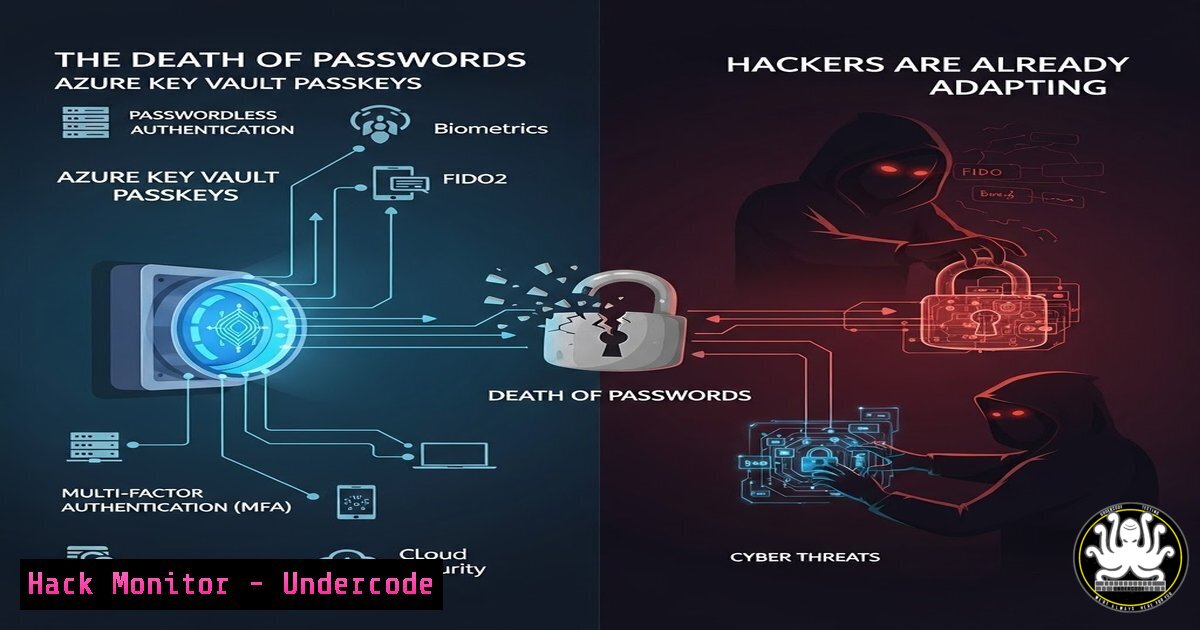
The era of password-based authentication is crumbling under the weight of phishing, breaches, and user fatigue. Enter passkeys: the FIDO2/WebAuthn standard that uses cryptographic key pairs for unphishable logins. Now, Microsoft’s groundbreaking integration of passkeys with Azure Key Vault moves this technology from consumer convenience to enterprise-grade security infrastructure. This shift centralizes cryptographic secrets in a hardened, managed service, fundamentally altering the identity and access management (IAM) landscape for organizations worldwide.
Learning Objectives:
- Understand the architecture and security benefits of storing passkeys in Azure Key Vault versus local devices.
- Learn to deploy and test the automated passkey provisioning and login workflow using the provided PowerShell modules.
- Analyze the operational and security implications for identity lifecycle management, backup/recovery, and threat modeling.
- Explore the underlying cryptographic processes and how they eliminate traditional credential theft vectors.
- Evaluate the future impact on security postures and potential new attack surfaces this technology introduces.
You Should Know:
- The Core Architecture: From Local TPM to Cloud HSM
The revolutionary step here is the storage location of the private key. Standard passkeys store the private key in a device’s Trusted Platform Module (TPM) or secure enclave. This solution stores it within Azure Key Vault, which is backed by FIPS 140-2 Level 2 validated Hardware Security Modules (HSMs). This centralizes management and enables scenarios like key rotation, backup, and usage auditing that are difficult with decentralized, device-bound keys.
Step-by-step guide explaining what this does and how to use it:
1. Concept: The private key for the passkey is generated and never leaves the HSM-backed Azure Key Vault. The public key is registered with the relying party (e.g., a website or application). Authentication challenges are solved by the Key Vault, not the local device.
2. Prerequisites: An Azure subscription, appropriate permissions (Key Vault Administrator, Contributor), and the PowerShell modules from the GitHub repository.
3. Initial Setup: Clone the repository and review the scripts. The first script, Initialize-PasskeyKeyVault.ps1, sets up the necessary Key Vault resources and configurations.
 Examine and run the initialization script (run in an administrative PowerShell session with Az module installed)
 This creates a Key Vault with specific access policies for passkey operations.
.\Initialize-PasskeyKeyVault.ps1 -Verbose
4. Verification: Check the Azure portal to confirm the new Key Vault and its associated managed HSM pool are provisioned correctly.
2. Automated Passkey Provisioning with PowerShell
The magic lies in the chained PowerShell commands showcased in the post. This pipeline automates the entire lifecycle: vault initialization, passkey creation for a user, and simulating an authentication flow.
Step-by-step guide explaining what this does and how to use it:
1. Command Breakdown: The one-liner `.\Initialize-PasskeyKeyVault.ps1 -PassThru | .\New-KeyVaultPasskey.ps1 -UserUpn “[email protected]” -DisplayName “Automated Passkey” -PassThru | .\PasskeyLogin.ps1 -PassThru` is a pipeline.
2. Step 1 – Initialize: The first script runs and outputs objects needed for the next script via -PassThru.
3. Step 2 – Create Passkey: `New-KeyVaultPasskey.ps1` takes the output, generates a new RSA key pair inside Key Vault, and registers the public key as a passkey for the specified user (simulating registration with an app). It outputs credential info.
 You can run this script separately to create a passkey after initialization
$params = @{
UserUpn = "[email protected]"
DisplayName = "Alice's Key Vault Passkey"
KeyVaultName = "my-passkey-vault"
}
.\New-KeyVaultPasskey.ps1 @params
4. Step 3 – Simulate Login: `PasskeyLogin.ps1` takes the credential, requests a challenge from a simulated identity provider, has Key Vault sign the challenge with the private key, and completes the authentication. This proves the login works without the private key ever being exposed.
- The Cryptographic Handshake: A Tutorial on FIDO2 with Cloud HSM
Understanding the protocol is key to appreciating its security. The process uses public-key cryptography instead of a shared secret (password).
Step-by-step guide explaining what this does and how to use it:
1. Registration: The user opts to add a passkey. The application (relying party) sends a challenge. The `New-KeyVaultPasskey.ps1` script calls the Key Vault API to create a key. Key Vault signs the challenge + metadata, creating a public key credential that is sent back to the app for storage.
2. Authentication: The user attempts to log in. The app sends a new challenge. `PasskeyLogin.ps1` sends this challenge to Key Vault with a request to sign it using the specific private key URI.
3. Key Vault’s Role: Key Vault’s HSM performs the cryptographic signing operation internally. The signed assertion is returned to the script, which forwards it to the app.
4. Verification: The app verifies the signature using the stored public key. If valid, access is granted. At no point does the private key traverse the network.
4. Security Hardening and Configuration Best Practices
While powerful, the security of this model depends entirely on the configuration of Azure Key Vault, access policies, and network controls.
Step-by-step guide explaining what this does and how to use it:
1. Network Security: Configure Key Vault Firewalls to restrict access to specific Azure services and known corporate IP ranges. Disable public access.
 Using Azure CLI to update firewall settings
az keyvault network-rule add \
--name <YourKeyVaultName> \
--resource-group <YourResourceGroup> \
--ip-address "192.168.1.0/24"
2. Access Policies: Follow the principle of least privilege. Use Azure RBAC for Key Vault (Key Vault Crypto User, Key Vault Crypto Officer) instead of legacy vault access policies. Audit access using Azure Monitor and Log Analytics.
3. Key Management: Define and enforce key rotation policies using Key Vault’s built-in features. Use separate key vaults for development, testing, and production.
5. Incident Response & Forensics in a Passkey-World
What happens during a compromised session or when a user leaves the company? The central storage model simplifies response.
Step-by-step guide explaining what this does and how to use it:
1. Revocation: Disable or delete the key in Key Vault immediately. This instantly invalidates the passkey across all applications that use it, unlike having to revoke a password and hoping it’s not reused elsewhere.
 Disable a specific passkey (key) in Key Vault
Disable-AzKeyVaultKey -VaultName "my-vault" -Name "alice-passkey-01"
2. Forensics: Azure Key Vault logging provides an immutable audit trail of every authentication request: which key was used, from which IP, at what time, and for which operation (sign). This is invaluable for investigating potential account compromise.
3. Recovery: For lost devices, no action is needed—the passkey is in the cloud. For vault compromise, restore from backup following Azure’s HSM backup and restore procedures, which maintain key material in the HSM boundary.
What Undercode Say:
- Centralized Crypto is a Double-Edged Sword: Azure Key Vault passkeys offer unparalleled management and phishing resistance but create a high-value target. A breach of the Key Vault administration plane could be catastrophic, demanding extreme hardening, MFA, and Just-In-Time access.
- The Endpoint is Still Critical: While the private key is safe, the authentication ceremony can still be abused via endpoint malware (e.g., a trojan manipulating the “get” and “post” of the WebAuthn API). Defense-in-depth focusing on endpoint security remains non-negotiable.
This technology is not just an improvement; it’s a foundational shift. It reduces the attack surface from millions of user passwords to a few, fiercely protected cryptographic vaults. The operational benefits for enterprises are massive, but so is the responsibility to secure the new central point of trust. The hackers’ focus will inevitably shift from password dumps to attacking identity infrastructure, API security of services like Key Vault, and social engineering aimed at vault administrators. The race escalates to a higher, more complex plane.
Prediction:
Within three years, enterprise passkey vaults will become the primary target for advanced persistent threats (APTs), surpassing password hash theft. We will see a surge in attacks targeting misconfigured Key Vault network rules, vulnerable service principals with excessive permissions, and insider threats within cloud admin teams. Consequently, the market for Cloud Infrastructure Entitlement Management (CIEM) and privileged access management (PAM) for cloud control planes will explode. Simultaneously, this will drastically reduce the volume of successful low-skill phishing and credential stuffing attacks, fundamentally changing the economics of cybercrime and forcing a consolidation of attacker sophistication.
▶️ Related Video (70% Match):
🎯Let’s Practice For Free:
IT/Security Reporter URL:
Reported By: Https: – Hackers Feeds
Extra Hub: Undercode MoN
Basic Verification: Pass ✅


