
Listen to this Post
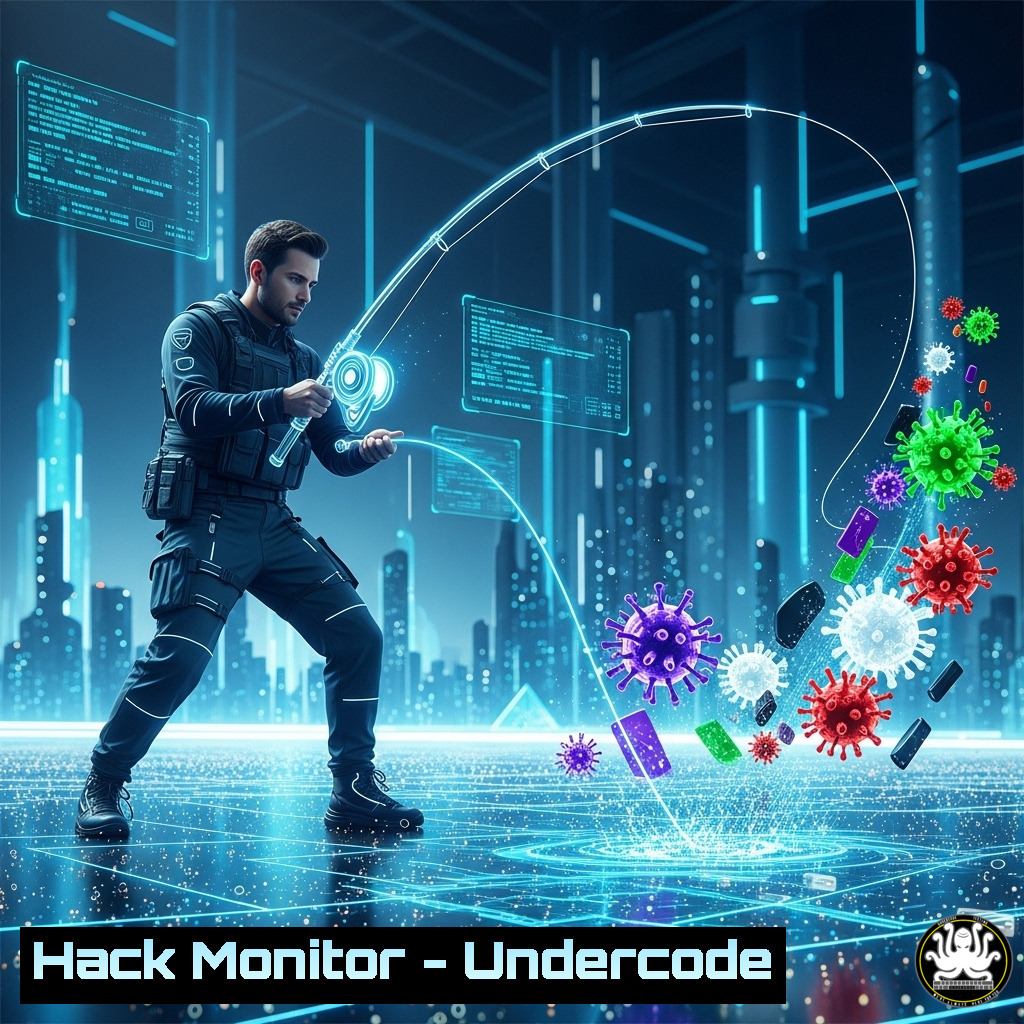
Introduction:
Just as a novice angler learns from every lost catch and tangled line, cybersecurity professionals develop critical skills through hands-on experience and analyzed failures. This article translates the timeless lessons of fishing into a technical guide for building defensive resilience, threat anticipation, and incident response mastery through practical command-line proficiency.
Learning Objectives:
- Master foundational Linux and Windows commands for threat detection and system hardening
- Implement advanced logging, network monitoring, and forensic analysis techniques
- Develop automated security scripts and incident response playbooks
You Should Know:
1. Network Reconnaissance and Monitoring
`sudo tcpdump -i eth0 -w capture.pcap port 443 or port 80`
This command captures HTTP and HTTPS traffic on interface eth0 and writes it to a file for analysis. Step-by-step: 1) Install tcpdump if not present (sudo apt install tcpdump). 2) Run the command with appropriate interface. 3) Analyze results with Wireshark or tcpdump -r capture.pcap.
`netstat -tulnp | grep LISTEN`
Displays all listening ports with associated processes. Critical for identifying unauthorized services.
2. System Hardening and Access Control
`sudo auditctl -w /etc/passwd -p wa -k identity_access`
Configures auditing for changes to the passwd file. Step-by-step: 1) Ensure auditd is installed. 2) Set watchpoint (-w) on file. 3) Monitor for write or attribute changes (-p wa). 4) Tag events with key (-k).
`Get-MpComputerStatus | Select RealTimeProtectionEnabled`
PowerShell command verifying Windows Defender real-time protection status.
3. Log Analysis and Anomaly Detection
`journalctl -u ssh –since “today” | grep “Failed password”`
Reviews SSH authentication failures for the current day. Essential for detecting brute force attempts.
`sudo ausearch -k identity_access | aureport -f –summary`
Generates summary report of file access events tagged with our audit key.
4. Incident Response and Forensic Imaging
`dd if=/dev/sda of=/evidence/disk.img bs=4M status=progress`
Creates forensic image of storage device. Step-by-step: 1) Mount evidence storage. 2) Verify source device. 3) Execute with appropriate block size. 4) Validate hash post-acquisition.
`volatility -f memory.dump –profile=Win10x64 pslist`
Lists processes from memory dump using Volatility Framework.
5. Cloud Security Configuration
`aws iam get-account-authorization-details –query “UserDetailList[?UserName==’root’]”`
Checks AWS root account configuration and permissions.
`az security assessment list –query “[?displayName==’Enable encryption at rest’]”`
Audits Azure encryption compliance status.
6. Automated Defense Scripting
!/bin/bash
 Real-time file integrity monitor
find /critical_directories -type f -exec md5sum {} \; | sort > /baseline/baseline.md5
while true; do
find /critical_directories -type f -exec md5sum {} \; | sort | diff /baseline/baseline.md5 -
sleep 300
done
7. API Security Testing
`nmap -p 443 –script http-security-headers target-api.com`
Scans for missing security headers in web applications.
`curl -H “Authorization: Bearer $TOKEN” https://api.example.com/v1/users | jq .`
Tests API endpoint authentication and response parsing.
What Undercode Say:
- Experience transforms theoretical knowledge into instinctual response capabilities
- Continuous practice with fundamental tools builds pattern recognition for advanced threats
- Documented processes turn individual lessons into organizational intelligence
The fishing analogy perfectly captures cybersecurity’s experiential learning curve. Just as anglers develop “water sense” through repetition, security professionals develop “threat sense” through continuous engagement with tools and attacks. The technical commands provided represent the fundamental rods and reels of our trade—without mastery of these basics, professionals will consistently lose their catch to sophisticated adversaries. Organizations must create environments where practice and controlled failure are encouraged rather than punished, transforming individual lessons into collective defensive capabilities.
Prediction:
Within three years, AI-driven attack automation will make manual security practices obsolete unless professionals develop deeper pattern recognition and automated response capabilities. The future will belong to security teams that have internalized fundamental skills to the point of instinct, enabling them to focus on strategic threat hunting while machines handle routine detection. Organizations that fail to invest in this experiential learning pipeline will experience increasingly catastrophic security failures as the gap between attack automation and human response widens exponentially.
🎯Let’s Practice For Free:
IT/Security Reporter URL:
Reported By: Pashe When – Hackers Feeds
Extra Hub: Undercode MoN
Basic Verification: Pass ✅


