Listen to this Post
Introduction:
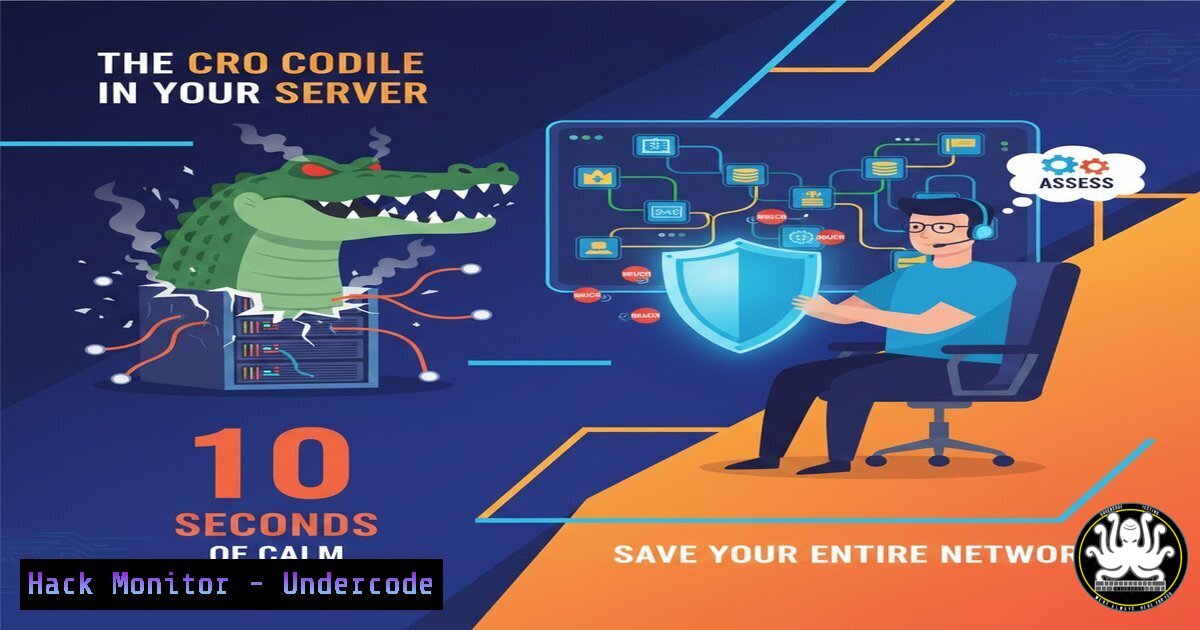
In cybersecurity, the “crocodile” is the critical security breach that has already compromised your perimeter, much like a failed tender or sudden market shift in business. The panic that follows detection often leads to rash decisions—full network shutdowns, erratic log deletion, or frantic clicking—that destroy forensic evidence and escalate the damage. This article translates the mindset of composed turnaround leadership into the technical discipline required for effective Incident Response (IR), where presence of mind is your most powerful tool.
Learning Objectives:
- Understand the critical first-response actions that preserve forensic integrity while containing an active threat.
- Learn key Linux and Windows commands for initial triage and evidence collection without alerting sophisticated adversaries.
- Implement proactive logging, Endpoint Detection and Response (EDR), and network segmentation strategies to create “grace” periods during an incident.
You Should Know:
- Initial Detection & The Forensic Pause: Don’t Just Pull the Plug
When your SIEM alerts or an EDR console lights up with a critical severity, the instinct is to disconnect the infected machine immediately. This “panic pull” can destroy volatile evidence (RAM) and cause a ransomware payload to detonate prematurely. The disciplined pause involves rapid, targeted data gathering.
Step‑by‑step guide explaining what this does and how to use it.
Step 1: Isolate Network Segments, Not Just the Host. Instead of disabling the network adapter, use pre-configured firewall rules to segment the host. On a Linux gateway, you might execute:
`sudo iptables -A INPUT -s -j DROP`
`sudo iptables -A OUTPUT -d -j DROP`
This contains the threat while keeping the host online for analysis.
Step 2: Capture Volatile Evidence. On the suspected Windows host, quickly collect process and network connection data using built-in tools, sending output to a secured USB or network share:
`Get-WinEvent -FilterHashtable @{LogName=’Security’; ID=4625} -MaxEvents 20 | Out-File C:\Evidence\FailedLogons.txt`
`netstat -ano | findstr ESTABLISHED > C:\Evidence\NetworkConnections.txt`
Step 3: Gather Process Memory. Using a pre-deployed tool like Microsoft’s `ProcDump` from the Sysinternals suite, dump the memory of a suspicious process for later malware analysis:
`procdump -ma C:\Evidence\process_dump.dmp`
2. Strategic Triage: Mapping the Adversary’s Beachhead
With immediate containment initiated, shift from reaction to intelligence gathering. Your goal is to understand the scope—is this a single compromised user account, a lateral movement attempt, or a dormant command-and-control (C2) agent?
Step‑by‑step guide explaining what this does and how to use it.
Step 1: Analyze User and Login Sessions. Check for anomalous login times or locations. On a Linux server, review authentication logs:
`sudo last -i -n 20`
`sudo grep “Failed password” /var/log/auth.log | tail -20`
Step 2: Hunt for Persistence Mechanisms. Attackers establish footholds. Scan for unexpected cron jobs, services, or registry run keys.
Linux: `sudo crontab -l -u
Windows: `reg query “HKLM\Software\Microsoft\Windows\CurrentVersion\Run” /s`
Step 3: Check for Data Exfiltration Signatures. Look for large, unexpected outbound transfers. On your network sensor (e.g., a SIEM), create a query for top talkers by data volume over the last 30 minutes, filtering out known update servers.
- Containment with Surgical Precision: The “Direction Over Speed” Principle
Indiscriminate shutdowns cost business money. The goal is to surgically remove the threat while preserving business continuity where safe. This involves credential resets, host isolation, and rule deployment.
Step‑by‑step guide explaining what this does and how to use it.
Step 1: Credential Revocation and Rotation. Reset passwords and immediately revoke sessions for the compromised account. In an Active Directory environment:
`Reset-ADAccountPassword -Identity `
`Invoke-Command -ComputerName -ScriptBlock {klist purge}`
Step 2: Deploy Custom IOC Blocks. Push Indicators of Compromise (IOCs) like malicious IPs or file hashes to all endpoints and firewalls. Using a tool like `osquery` across your fleet, you can hunt for matches:
`SELECT FROM file WHERE md5 = ‘‘;`
Step 3: Network Micro-Segmentation. Create strict, temporary network policies that allow only essential traffic from the affected segment, effectively creating a “walled garden” for investigation.
4. Eradication & Recovery: Building Back More Resilient
Simply removing malware is insufficient. You must identify and patch the initial vulnerability (the “crocodile’s entry point”) and restore systems from known-clean backups.
Step‑by‑step guide explaining what this does and how to use it.
Step 1: Root Cause Analysis (RCA). Correlate timestamps from logs to find the patient zero event. Was it a phishing email? An unpatched VPN appliance? Query your email gateway and vulnerability management platform.
Step 2: Validated Restoration. Never restore from backups without verifying their integrity pre-breach. Test restoration in an isolated environment first. Document the hash of the clean system image.
Step 3: Hardening. Before bringing systems back online, apply the missing patch, implement the security control that was absent (e.g., MFA, endpoint protection), and update your base images.
- Post-Incident: The Discipline of Logging and Proactive “Swimming”
The “grit” in cybersecurity is the unglamorous, ongoing work of maintaining visibility. You survive because you refused to stop “swimming” through logs, updating rules, and testing defenses.
Step‑by‑step guide explaining what this does and how to use it.
Step 1: Implement Centralized, Immutable Logging. Ensure all critical systems forward logs to a secured, separate SIEM or log server where attackers cannot delete them. For Linux via rsyslog:
`. @:514`
Step 2: Automate Threat Hunting Queries. Schedule regular hunts for TTPs (Tactics, Techniques, and Procedures) from frameworks like MITRE ATT&CK. An example query for process injection:
`SELECT FROM process_memory_map WHERE permissions LIKE ‘%rwx%’;`
Step 3: Conduct Regular Tabletop Exercises. Simulate “crocodile” scenarios quarterly. Practice the 10-second composure drill, walking through the exact commands and procedures outlined above to build muscle memory.
What Undercode Say:
- The First 10 Seconds Define the Next 10 Weeks: Your initial, calm response dictates the forensic clarity, containment efficacy, and ultimate business cost of a breach. Automated, scripted triage is the embodiment of “presence over panic.”
- Grit is a Technical Control: Resilience isn’t just a mindset; it’s engineered through immutable logging, segmented networks, and practiced playbooks. The “miracle” escape is, in fact, the result of these layers functioning as designed.
The post’s metaphor of escaping a crocodile through composure and grit maps perfectly to modern breach response. The technical professional’s “pause before grace” is the deliberate shift from reactive panic to a systematic IR workflow. This analysis underscores that survival is not luck but the product of engineered resilience—where every command, configuration, and protocol is a stroke that keeps the organization swimming toward the secure shore.
Prediction:
The future of cybersecurity will see the formalization of this “composure under fire” principle through increased AI-driven automation for initial response. Machine learning models will execute the “10-second pause” actions—containment, evidence collection, and triage—at machine speed, free from human panic. This will elevate the human analyst’s role to strategic decision-making and threat hunting, fundamentally turning every potential “dead end” into a manageable, orchestrated “new beginning” for defense. The organizations that thrive will be those that codify grit into their automated security orchestrations.
▶️ Related Video (72% Match):
🎯Let’s Practice For Free:
IT/Security Reporter URL:
Reported By: Piyushpushpak Mindset – Hackers Feeds
Extra Hub: Undercode MoN
Basic Verification: Pass ✅


