Listen to this Post
Introduction:
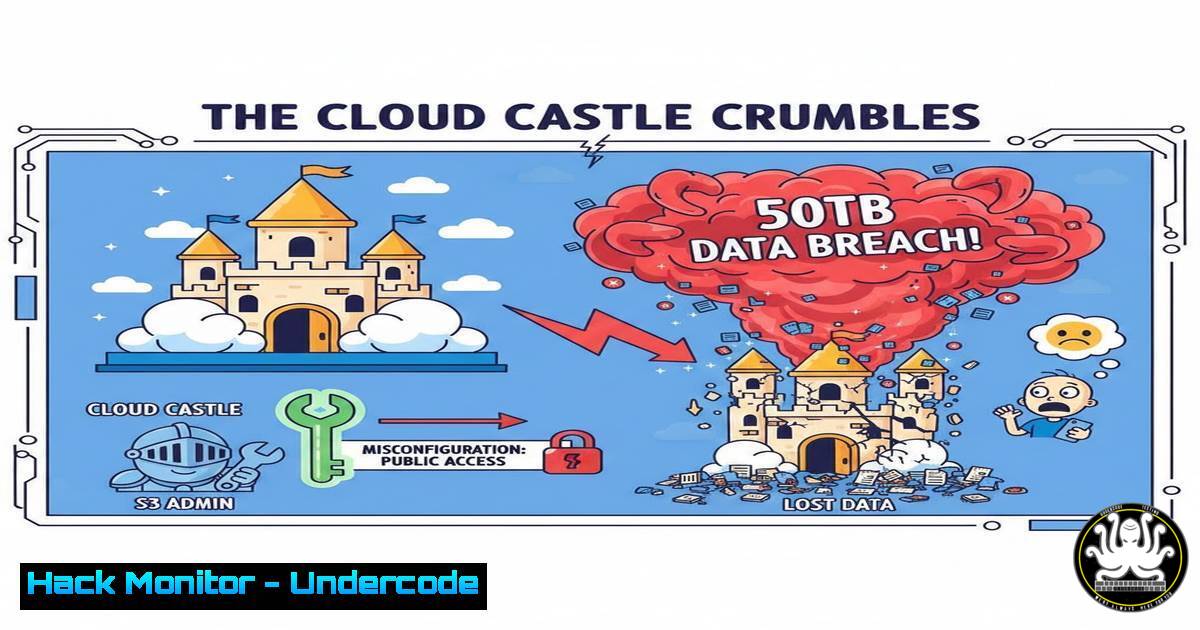
A catastrophic data breach, stemming from a misconfigured Amazon S3 bucket, has exposed a staggering 50 terabytes of sensitive corporate data. This incident serves as a stark reminder that the most sophisticated cyber defenses can be undone by fundamental cloud security oversights. Understanding the mechanics of such misconfigurations is critical for any organization leveraging cloud infrastructure.
Learning Objectives:
- Identify and remediate common Amazon S3 bucket misconfiguration.
- Utilize command-line tools and scripts to audit your cloud storage permissions.
- Implement a proactive hardening strategy for cloud object storage.
You Should Know:
1. The Anatomy of an S3 Bucket Misconfiguration
The core failure in this breach was likely an S3 bucket policy or Access Control List (ACL) that granted unauthorized `s3:GetObject` permissions. This can happen by setting the bucket to “public” through the AWS Management Console, or by applying a permissive bucket policy that allows access from the `0.0.0.0/0` IP range (the entire internet).
Step-by-step guide:
What this does: The following AWS CLI command lists all S3 buckets in your account and their public access block status. This is the first step in a security audit.
How to use it:
- Ensure you have the AWS CLI installed and configured with credentials that have the `s3:ListBuckets` and `s3:GetBucketPublicAccessBlock` permissions.
- Run the command in your terminal or command prompt.
- Analyze the output for any buckets that do not have all four settings of the Public Access Block enabled.
aws s3api list-buckets --query "Buckets[].Name" --output text | xargs -I {} aws s3api get-bucket-public-access-block --bucket {}
Look for a result that shows all settings as true:
{
"PublicAccessBlockConfiguration": {
"BlockPublicAcls": true,
"IgnorePublicAcls": true,
"BlockPublicPolicy": true,
"RestrictPublicBuckets": true
}
}
Any deviation from this, especially if all are false, indicates a high-risk bucket.
- Automated Reconnaissance: How Attackers Find Your Open Buckets
Attackers do not manually check thousands of buckets. They use automated tools to scan the internet for exposed cloud storage. Tools like `s3scanner` and `slurp` are designed to find and enumerate publicly accessible S3 buckets and their contents.
Step-by-step guide:
What this does: `s3scanner` is a Go-based tool that takes a list of bucket names and checks their permissions and contents.
How to use it (from an attacker’s perspective for defensive learning):
1. Install Go, then install the tool: `go install github.com/sa7mon/s3scanner@latest`
2. Create a wordlist of potential bucket names (e.g., companyname-dev, companyname-logs).
3. Run the scanner: `s3scanner -bucket-wordlist wordlist.txt`
- The tool will output which buckets are public and what files are inside. As a defender, running this with your own company’s naming conventions can reveal shadow IT or misconfigured resources you didn’t know existed.
3. The Devastating Impact: Data Exfiltration in Practice
Once a bucket is found to be public, exfiltrating its contents is trivial. The attacker doesn’t need to breach a network; they can simply use the `aws s3 sync` command to download the entire 50TB dataset to a local machine.
Step-by-step guide:
What this does: The `aws s3 sync` command is designed to efficiently copy new and modified files from an S3 bucket to a local directory. In the hands of an attacker, it becomes a powerful data exfiltration tool.
How to use it (for ethical recovery and understanding):
1. An attacker with access would run:
aws s3 sync s3://victim-bucket-name ./local-storage-directory/ --no-sign-request
The `–no-sign-request` flag allows the command to run without AWS credentials if the bucket is publicly readable.
2. To defend against this, you must ensure the bucket is not public. As a recovery step, if you discover a breach, you can use this same command without the `–no-sign-request` flag (and with valid credentials) to create a secure, local backup of the bucket’s contents for forensic analysis.
4. Hardening Your Defenses: Implementing Secure Bucket Policies
A secure S3 bucket policy is your primary defense. It should explicitly deny access except from explicitly allowed principals (e.g., specific IAM roles, AWS services, or IP ranges).
Step-by-step guide:
What this does: This example bucket policy uses an explicit `Deny` to override any other rules that might grant public access. It ensures that only IAM roles from the specific account `123456789012` can access the bucket, and only from the corporate IP range 203.0.113.0/24.
How to use it:
- Navigate to the S3 bucket in the AWS Console.
- Go to the “Permissions” tab and then “Bucket Policy”.
- Apply a policy like the one below, replacing the `Resource` (bucket name),
aws:SourceIp, and `aws:PrincipalArn` with your own values.
{
"Version": "2012-10-17",
"Statement": [
{
"Sid": "EnforceSecureAccess",
"Effect": "Deny",
"Principal": "",
"Action": "s3:",
"Resource": [
"arn:aws:s3:::your-critical-bucket-name",
"arn:aws:s3:::your-critical-bucket-name/"
],
"Condition": {
"Bool": {"aws:ViaAWSService": "false"},
"NotIpAddress": {"aws:SourceIp": "203.0.113.0/24"},
"StringNotLike": {"aws:PrincipalArn": "arn:aws:iam::123456789012:role/"}
}
}
]
}
5. Proactive Monitoring with AWS Config and GuardDuty
Security is not a one-time setup. Continuous monitoring is essential to detect misconfigurations and malicious activity as they happen.
Step-by-step guide:
What this does: AWS Config allows you to define rules that check if your S3 buckets are compliant with your security standards. AWS GuardDuty uses threat intelligence feeds to detect suspicious API calls, such as data being downloaded from a bucket by an unknown IP address.
How to use it:
- AWS Config: Enable AWS Config in your region. Add the managed rule `s3-bucket-public-read-prohibited` and
s3-bucket-public-write-prohibited. Configure SNS notifications to alert your security team when a bucket becomes non-compliant. - AWS GuardDuty: Enable GuardDuty in your AWS account. In the GuardDuty console, review findings for `Stealth:S3/BucketPublicAccessGranted` and
Policy:S3/BucketPublicAccessGranted. Set up EventBridge rules to forward these high-severity findings to your SIEM or Slack channel for immediate investigation.
What Undercode Say:
- The cloud’s shared responsibility model means you are always responsible for securing your data. A platform-level vulnerability in AWS is rare; a configuration error on your part is the most likely cause of a breach.
- Automation is a double-edged sword. While attackers use it to find flaws at scale, defenders must use it even more aggressively to continuously audit, harden, and monitor their environments. Manual checks are no longer sufficient.
Analysis:
This breach is a classic case of a “availability” security control failure. The data was not stolen by hacking a server but was simply left available for anyone to take. The scale of 50TB indicates a complete lack of monitoring; anomalous data transfer at this volume should have triggered immediate alerts. The root cause often lies in developer velocity and complexity—a team may quickly stand up a bucket for a project without engaging security or cloud governance teams, creating a massive shadow IT risk. The focus must shift from purely preventative controls to a “Assume Breach” mentality, where detective and responsive controls are robust enough to catch and contain a configuration error before it leads to a 50TB data leak.
Prediction:
The frequency and scale of cloud misconfiguration breaches will intensify, driven by increasing cloud adoption and architectural complexity. We will see the emergence of AI-driven security tools that proactively model intended access patterns and automatically flag or revert deviations that create excessive risk. Furthermore, regulatory bodies will begin to levy fines specifically targeting “gross negligence” in cloud configuration, moving beyond punishing the breach itself to punishing the lack of basic security hygiene that enabled it.
🎯Let’s Practice For Free:
IT/Security Reporter URL:
Reported By: Cassielincolnalm That – Hackers Feeds
Extra Hub: Undercode MoN
Basic Verification: Pass ✅


