Listen to this Post
Introduction:
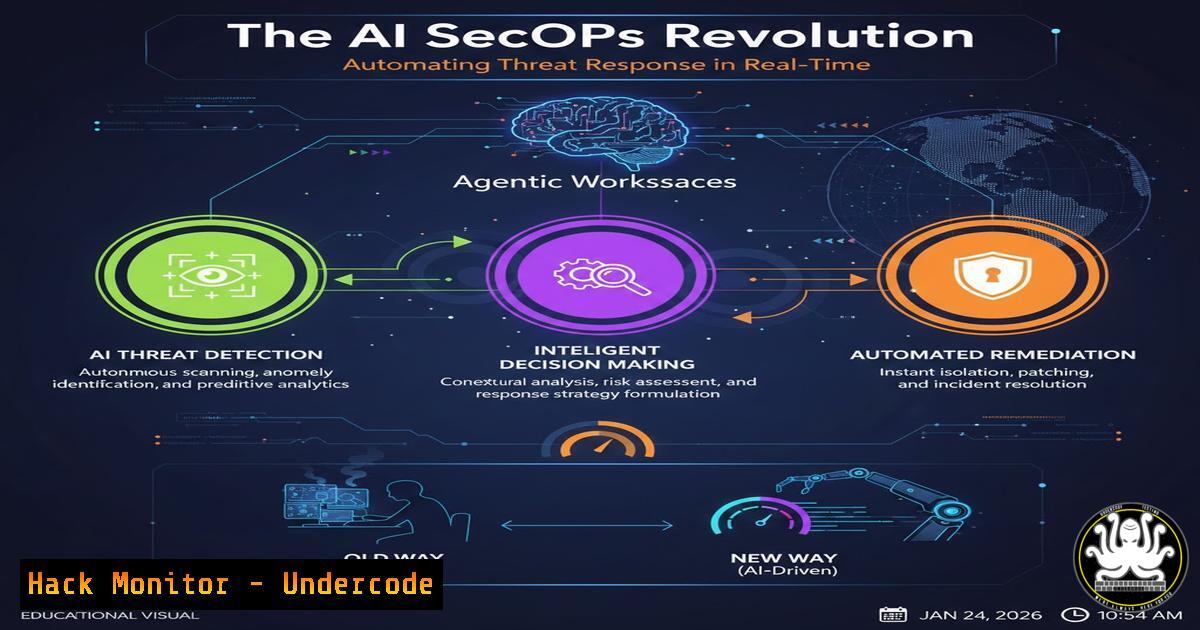
The convergence of Security Operations (SecOps) and Artificial Intelligence is moving beyond simple chatbots and into the realm of autonomous, agentic systems. LimaCharlie’s launch of its Agentic SecOps Workspace represents a foundational shift, offering a cloud-native platform where AI agents don’t just advise but actively execute complex security workflows. This evolution promises to compress threat detection and response timelines from hours to minutes by integrating AI directly into the security fabric.
Learning Objectives:
- Understand the architecture and core components of an “Agentic SecOps” platform.
- Learn how to deploy the LimaCharlie agent and integrate its AI capabilities via Claude Code and the official GitHub repository.
- Implement automated detection rules and response playbooks that leverage AI for decision-making and action.
You Should Know:
- Deploying the LimaCharlie Foundation: Agent Installation & Sensor Management
Before AI can act, it needs a foundation of data and control. LimaCharlie provides a lightweight, cross-platform sensor (agent) that serves as your eyes and hands across endpoints.
Step‑by‑step guide:
- Sign Up & Obtain an Organization ID (OID): Create an account at the LimaCharlie.io cloud platform. Your unique Organization ID (OID) is provided in the web interface and is essential for all API and SDK interactions.
- Choose Your Deployment Method: You can deploy sensors via direct command, an installer, or infrastructure-as-code templates.
Linux (Bash): Use the one-line installer. Replace `YOUR_OID_HERE` with your actual Organization ID.curl -s https://downloads.limacharlie.io/install/linux | sh -s YOUR_OID_HERE
Windows (PowerShell): The PowerShell method allows for silent deployment.
$OID = "YOUR_OID_HERE" [Net.ServicePointManager]::SecurityProtocol = [Net.SecurityProtocolType]::Tls12; Invoke-Expression (New-Object Net.WebClient).DownloadString('https://downloads.limacharlie.io/install/windows.ps1') - Verify Sensor Health: In the LimaCharlie web app, navigate to the “Sensors” section. A healthy sensor will appear online, streaming events like process creation, network connections, and file modifications to your cloud workspace.
2. Integrating AI Capabilities: The lc-ai GitHub Repository
The true power is unlocked by connecting the LimaCharlie backend to an AI agent. The official `lc-ai` GitHub repository provides the tools and examples to do this.
Step‑by‑step guide:
- Clone the Repository: Access the tools and documentation.
git clone https://github.com/refractionPOINT/lc-ai.git
cd lc-ai
2. Explore the Structure: Key directories include:
`claude_code/`: Integration examples for Anthropic’s Claude Code.
python/: The LimaCharlie Python SDK and helper libraries for building custom AI integrations.
`docs/`: Technical specifications for the API.
- Set Up API Access: Generate a REST API key from the “Organization” tab in the web app. Securely store this key (e.g., in an environment variable).
export LIMACHARLIE_API_KEY="your_rest_api_key_here"
- Test the Connection: Use a simple Python script from the SDK to list your sensors, verifying the AI backend can communicate with your SecOps platform.
import limacharlie
import os
Authenticate using the API key from env
mani = limacharlie.Manager(os.environ['LIMACHARLIE_API_KEY'])
List all sensors in the organization
for sensor in mani.sensors():
print(sensor.sid)
-
Crafting Detection Rules with Natural Language & YAML
Transition from manual rule writing to using natural language prompts that generate precise detection logic in LimaCharlie’s YAML-based rule format (DR).
Step‑by‑step guide:
- Access the AI Workspace: Within your LimaCharlie environment or via Claude Code with the `lc-ai` integration, activate the Agentic SecOps assistant.
- Prompt for a Rule: Describe the threat you want to detect. For example: “Create a detection rule for a suspicious PowerShell execution pattern that bypasses execution policy and makes a network call.”
- Implement the Generated Rule: The AI should output a valid DR rule. Deploy it via the web UI or API.
Example AI-generated Detection & Response (DR) rule
op: create
path: /detection/rules
data:
name: Suspicious PowerShell Bypass with Callback
category: execution
priority: high
detection:
event: PROCESS
op: and
rules:</li>
</ol>

<p>- event: PROCESS
op: is windows
- event: PROCESS
op: contains
path: file/name
value: powershell.exe
- event: PROCESS
op: contains
path: commandline
value: -ExecutionPolicy Bypass
- event: NETWORK
op: is
path: connection/outbound
value: true
response:
- action: task
command: isolate
4. Deploy the Rule: Use the REST API to push this rule live.
curl -X POST https://api.limacharlie.io/v1/rules/YOUR_OID \
-H "Authorization: Bearer $LIMACHARLIE_API_KEY" \
-H "Content-Type: application/json" \
-d '{"rule": [bash]}'
4. Automating Response with Autonomous AI Playbooks
Move beyond static alerts. Configure AI agents to analyze context and execute multi-step response actions autonomously.
Step‑by‑step guide:
- Define a Response Playbook Goal: Instruct the AI workspace: “If a high-confidence ransomware detection triggers, automatically isolate the affected sensor, snapshot running processes and network connections, and create a forensic artifact dump, then notify the incident-response Slack channel.”
- Review the Automated Workflow: The AI will map out the steps, leveraging LimaCharlie’s built-in response actions (isolate, task, output, etc.) and external API calls (Slack, SIEM).
- Integrate with External Systems: The playbook will require webhook configuration. For Slack, you would add an `output` action:
response:</li>
</ol>

- action: output
name: slack_alert
data: |
{
"text": "🚨 Autonomous response triggered for ransomware on sensor {{SENSOR_ID}}",
"channel": "incident-response"
}
4. Test in a Sandbox: Use the “Replay” feature on historical data or a controlled test sensor to validate the playbook’s logic without impacting production.
5. Hardening Cloud Integrations & API Security
An agentic system is only as secure as its integrations. Securing the LimaCharlie API and its connections to cloud providers (AWS, Azure, GCP) is critical.
Step‑by‑step guide:
- Apply the Principle of Least Privilege: Create dedicated REST API keys for the AI workspace with scoped permissions, rather than using the master key.
- Secure Cloud Log Ingestion: When configuring LimaCharlie to pull logs from AWS CloudTrail or Azure Activity Logs, use dedicated IAM roles/Service Principals.
AWS IAM Policy Example:
{
"Version": "2012-10-17",
"Statement": [{
"Effect": "Allow",
"Action": [
"logs:DescribeLogGroups",
"logs:DescribeLogStreams",
"logs:GetLogEvents"
],
"Resource": "arn:aws:logs:region:account:log-group:/aws/cloudtrail/"
}]
}
3. Implement API Key Rotation: Automate the rotation of REST API keys used by your AI integrations using a secrets manager (e.g., HashiCorp Vault, AWS Secrets Manager).
4. Encrypt All Outputs: Ensure any `output` action that sends data to external storage (like S3 for forensics) uses encrypted channels and buckets.What Undercode Say:
- Key Takeaway 1: The paradigm is shifting from Human-in-the-Loop to AI-on-the-Loop. LimaCharlie’s Agentic Workspace demonstrates that the future of SecOps lies in providing AI with a secure, action-ready platform and clear governance boundaries, allowing it to execute predefined playbooks at machine speed, freeing analysts for strategic work.
- Key Takeaway 2: Integration depth is the new benchmark. The value of an AI SecOps platform is not just its built-in models, but its extensibility via a robust API and SDK, as seen in the `lc-ai` repo. This allows organizations to tailor autonomous responses to their unique tech stack and threat landscape.
The critical analysis lies in trust and control. While automating isolation and forensics collection is a clear win, automating containment actions like file deletion or firewall blocking requires exquisite precision in detection rules. This model necessitates a new skill set for security engineers: part threat hunter, part platform engineer, and part AI workflow supervisor. The agent doesn’t replace the analyst; it demands a higher-level, more architectural oversight role.
Prediction:
Within the next 18-24 months, agentic AI systems like this will become the central nervous system of the Security Operations Center (SOC), not just an adjunct tool. We will see the emergence of standardized, shareable AI playbooks (akin to Ansible Playbooks for IT automation) for common attack chains. The primary impact will be the dramatic compression of Mean Time to Respond (MTTR), effectively neutralizing fast-burning threats like credential dumping and lateral movement before human analysts can even log into their consoles. However, this will simultaneously escalate the arms race, as adversaries begin developing techniques specifically designed to deceive, poison, or bypass these autonomous AI security agents.
▶️ Related Video (82% Match):
🎯Let’s Practice For Free:
IT/Security Reporter URL:
Reported By: Maximelb A – Hackers Feeds
Extra Hub: Undercode MoN
Basic Verification: Pass ✅🔐JOIN OUR CYBER WORLD [ CVE News • HackMonitor • UndercodeNews ]
📢 Follow UndercodeTesting & Stay Tuned:


