Listen to this Post
Introduction:
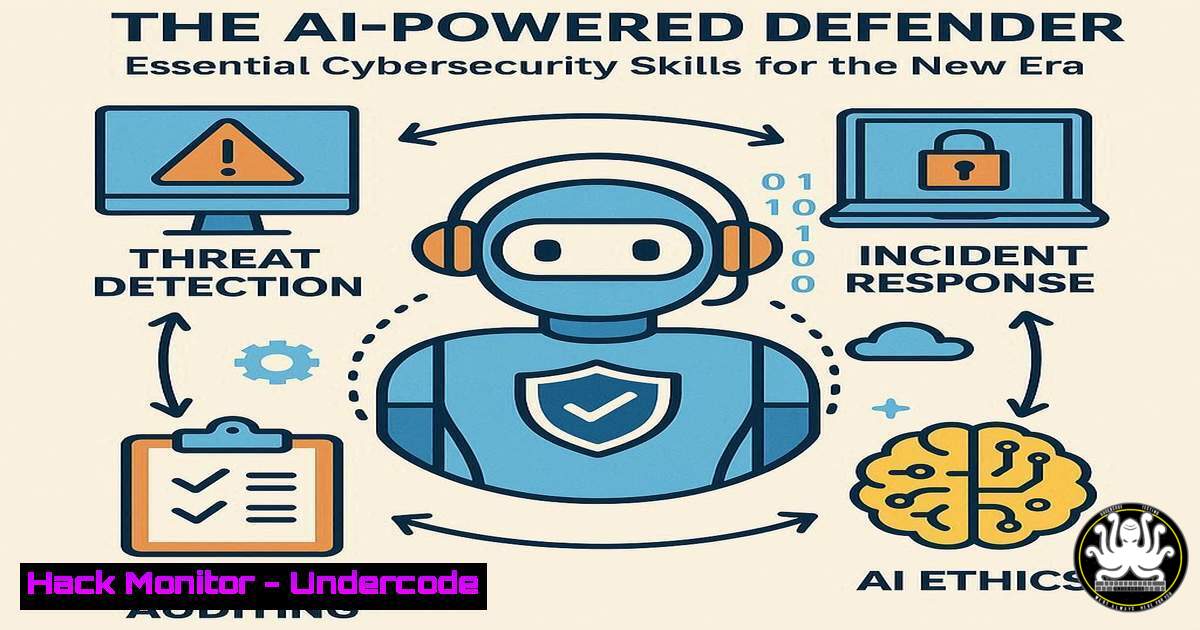
The intersection of Artificial Intelligence and cybersecurity is reshaping the defense landscape, automating complex tasks and augmenting human analysts. As recognized by leading institutions like the SANS Institute, proficiency in leveraging AI tools and hardening systems against AI-powered attacks is no longer optional. This article provides the core technical command skills required to operate effectively in this new AI-driven security paradigm.
Learning Objectives:
- Implement AI-powered security monitoring and log analysis using command-line tools.
- Harden cloud and local environments against emerging AI-based threat vectors.
- Automate threat intelligence gathering and incident response workflows.
You Should Know:
1. AI-Enhanced Log Analysis with `jq` and `logcli`
`cat security_logs.json | jq -r ‘select(.risk_score > 80) | [.timestamp, .source_ip, .event_type] | @tsv’ | head -20`
This command pipeline uses `jq` to parse a JSON-based security log, filtering for high-risk events (score >80), and extracts only the timestamp, source IP, and event type, outputting the top 20 results in a tab-separated format. This is crucial for quickly triaging potential incidents from vast datasets.
Step 1: Ensure `jq` is installed (sudo apt install jq on Debian/Ubuntu).
Step 2: Pipe your JSON log file (e.g., from an AI-driven EDR) into the command.
Step 3: The output provides a clean, focused list of high-severity events for immediate investigation.
2. Hardening API Security for AI Model Endpoints
`nmap -sV –script http-security-headers -p 443,8080 `
AI models often expose REST APIs that become prime targets. This Nmap command scans specified ports on a target IP to check for the presence of crucial security headers (like Content-Security-Policy, X-Content-Type-Options) which help mitigate common web-based attacks like XSS and MIME-sniffing on AI inference endpoints.
Step 1: Install Nmap from the official website or your package manager.
Step 2: Replace `
Step 3: Review the script output for missing headers and configure your web server (e.g., Nginx, Apache) accordingly.
- Detecting AI-Powered Password Spraying with Windows Event Logs
`Get-WinEvent -FilterHashtable @{LogName=’Security’; ID=4625} | Where-Object { $_.TimeCreated -gt (Get-Date).AddHours(-24) } | Group-Object -Property @{Expression={$_.Properties[bash].Value}} | Where-Object Count -gt 10`
This PowerShell command queries the last 24 hours of Windows Security logs for failed logon events (Event ID 4625). It then groups them by source IP address and filters for IPs with more than 10 failed attempts, a potential indicator of a password spraying attack, which can be automated and scaled by AI.
Step 1: Open PowerShell with administrative privileges.
Step 2: Execute the command to generate a list of suspicious IP addresses.
Step 3: Correlate these IPs with your firewall or SIEM logs and consider implementing temporary blocks or geo-fencing rules.
- Securing Cloud AI Training Data in AWS S3
`aws s3api put-bucket-policy –bucket my-ai-training-bucket –policy file://bucket-policy.json`
An unsecured S3 bucket containing training data is a catastrophic risk. This AWS CLI command applies a strict bucket policy defined in a local JSON file to prevent public read/write access, a common misconfiguration exploited by attackers to exfiltrate sensitive data used for proprietary AI models.
Step 1: Create a `bucket-policy.json` file denying `”Effect”: “Deny”` for `”Principal”: “”` on actions like `”s3:GetObject”` when `”Condition”: {“Bool”: {“aws:SecureTransport”: false}}` to enforce HTTPS.
Step 2: Run the command, replacing `my-ai-training-bucket` with your actual bucket name.
Step 3: Verify the policy with aws s3api get-bucket-policy --bucket my-ai-training-bucket.
- Leveraging `grep` and `awk` for Threat Intelligence Feeds
`curl -s https://feeds.emergingthreats.net/rules/emerging.rules | grep -i “trojan” | awk ‘{print $5, $6, $7}’ | sort | uniq -c | sort -nr`
This pipeline fetches a live threat intelligence feed from Emerging Threats, filters for rules related to Trojans, and then processes the output to count and display the most frequently mentioned Trojan names or signatures. This helps in prioritizing defenses against the most prevalent current malware.
Step 1: Ensurecurl,grep, and `awk` are available (standard on most Linux/macOS).
Step 2: Execute the command to see a ranked list of current Trojan threats.
Step 3: Use this intelligence to update your IDS/IPS signatures (e.g., Suricata, Snort).
6. Container Security Scanning with Trivy
`trivy image –severity CRITICAL,HIGH my-registry.com/my-ai-app:latest`
AI applications are frequently deployed in containers. This command uses the open-source tool Trivy to scan a container image for known vulnerabilities (CVEs) with Critical or High severity, allowing you to catch risks before deployment to production.
Step 1: Install Trivy from its GitHub releases page.
Step 2: Replace `my-registry.com/my-ai-app:latest` with the path to your container image.
Step 3: Review the output and patch or update the base image to remediate identified vulnerabilities before deployment.
7. Linux Process and Network Monitoring for Anomalies
`ps aux –sort=-%mem | head -10 && ss -tulnpe | grep LISTEN`
This compound command first lists the top 10 processes by memory usage, which can help identify resource-hungry or malicious processes. It then lists all listening TCP/UDP sockets along with the associated process ID (-p), helping to identify unauthorized services or backdoors.
Step 1: Open a terminal on your Linux server or endpoint.
Step 2: Run the command to get a simultaneous view of resource hogs and active network listeners.
Step 3: Investigate any unknown processes or services listening on unexpected ports.
What Undercode Say:
- The integration of AI into defensive tooling is democratizing advanced threat hunting, moving it from a niche skill to an operational necessity.
- The attack surface is fundamentally shifting; securing the AI pipeline—from data collection and training to model deployment and inference APIs—is as critical as securing the traditional network perimeter.
The recognition of work at the nexus of AI and cybersecurity by bodies like SANS and the French-Australian Awards signals a definitive industry pivot. Defenders can no longer afford to be purely reactive. The command-line skills outlined here are the new baseline, enabling security professionals to interact with, configure, and interrogate the AI-augmented security tools that are becoming standard. The future lies in security teams that can wield these tools to automate the mundane, analyze at scale, and anticipate attacks powered by the same technology they are using to defend.
Prediction:
The “AI-powered defense” will soon bifurcate. Mainstream enterprise security will see a heavy reliance on managed, automated AI security platforms (AI-as-a-Service), reducing the need for manual command-line intervention for common tasks. Conversely, for advanced threat hunters and red teams, the command line will become even more critical, serving as the primary interface for customizing, probing, and exploiting the complex AI systems that will underpin both attack and defense, leading to a new era of highly technical, AI-versus-AI cyber conflicts.
🎯Let’s Practice For Free:
IT/Security Reporter URL:
Reported By: Thomas Roccia – Hackers Feeds
Extra Hub: Undercode MoN
Basic Verification: Pass ✅


