Listen to this Post
Introduction:
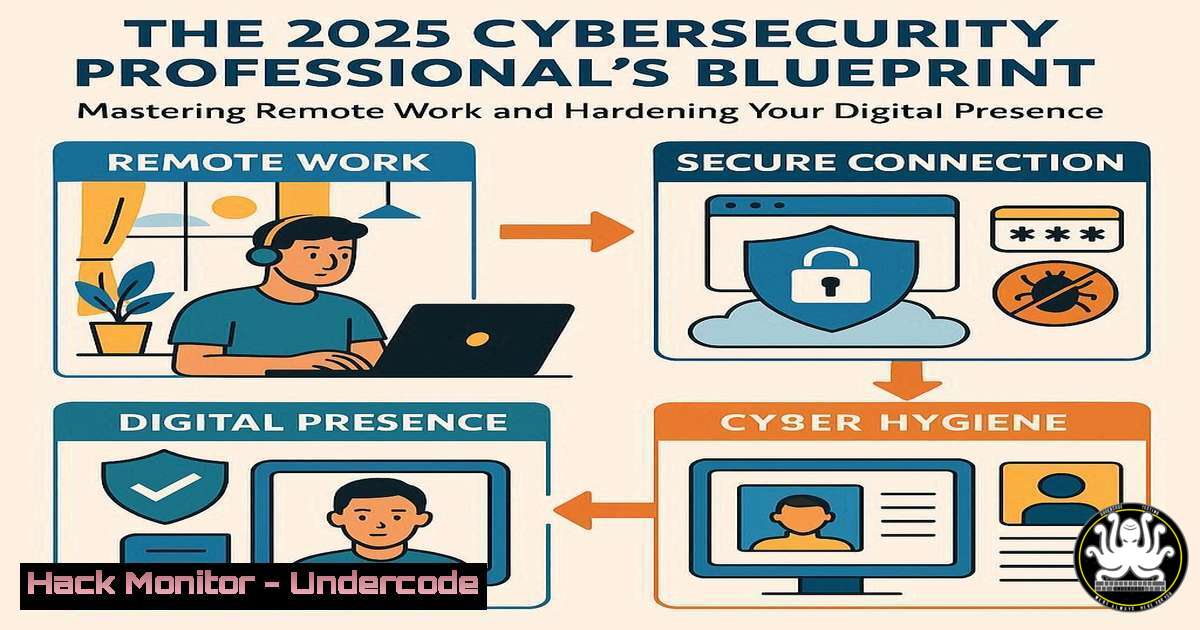
The shift to remote work is accelerating, creating unprecedented opportunities and equally sophisticated security threats. For cybersecurity and IT professionals, securing a remote position requires not only technical expertise but also a hardened personal digital footprint to protect sensitive data and infrastructure from anywhere in the world. This guide provides the essential technical commands and security protocols you must master to thrive in the 2025 remote workforce.
Learning Objectives:
- Implement critical command-line security checks across Linux and Windows environments.
- Harden cloud service configurations and API endpoints against common exploitation techniques.
- Develop a secure remote work posture, from encrypted communications to vulnerability assessment.
You Should Know:
1. Securing Your Linux Bastion Host
A bastion host is a critical server exposed to the public internet, often used as a jump box for remote access. Hardening it is non-negotiable.
Verified Commands & Snippets:
– `sudo systemctl status ssh` – Check if the SSH service is active.
– `sudo ufw enable` – Enable the Uncomplicated Firewall.
– `sudo ufw allow from [bash] to any port 22` – Restrict SSH access to your IP only.
– `sudo nano /etc/ssh/sshd_config` – Edit the SSH configuration file.
– `PermitRootLogin no` – Directive to disable root login.
– `PasswordAuthentication no` – Directive to enforce key-based authentication only.
– `sudo systemctl restart sshd` – Restart the SSH service to apply changes.
Step-by-step guide:
First, verify your SSH service is running. Next, enable UFW to manage your firewall rules and explicitly allow SSH connections solely from your trusted IP address, drastically reducing your attack surface. Then, edit the SSH daemon configuration to disable root logins and password authentication, forcing the use of SSH keys. Always restart the SSH service to load the new, more secure configuration.
2. Windows Remote Access and PowerShield Hardening
Windows environments are prime targets. Locking down remote access and PowerShell is essential.
Verified Commands & Snippets:
– `Get-NetFirewallProfile | Format-Table Name, Enabled` – Check Windows Firewall status for all profiles.
– `Set-NetFirewallProfile -Profile Domain,Public,Private -Enabled True` – Ensure the firewall is enabled.
– `Get-Service TermService` – Check the status of Remote Desktop Services.
– `Set-ItemProperty -Path ‘HKLM:\System\CurrentControlSet\Control\Terminal Server’ -name “fDenyTSConnections” -Value 1` – Disable RDP via registry.
– `Get-ExecutionPolicy` – Check the current PowerShell execution policy.
– `Set-ExecutionPolicy RemoteSigned` – Set the policy to allow only remotely signed scripts.
Step-by-step guide:
Begin by verifying that the Windows Firewall is active across all network profiles. If you are not using Remote Desktop, disable the service entirely via the registry to close a common attack vector. For PowerShell, check the current execution policy. Setting it to `RemoteSigned` prevents the execution of untrusted, unsigned scripts downloaded from the internet, a common technique in malware delivery.
3. Cloud Identity and Access Management (IAM) Auditing
Misconfigured IAM permissions are a leading cause of cloud data breaches.
Verified Commands & Snippets (AWS CLI):
– `aws iam list-users` – List all IAM users in the account.
– `aws iam list-user-policies –user-name
– `aws iam list-attached-user-policies –user-name
– `aws iam generate-credential-report` – Generate a comprehensive credential report.
– `aws iam get-credential-report` – Download the generated report.
Step-by-step guide:
Regularly audit your cloud IAM setup. Use the AWS CLI to list all users and then inspect the policies attached to each one, looking for overly permissive policies (e.g., "Action": "", "Resource": ""). Generate and review the credential report to identify users with old passwords, inactive accounts, or access keys older than 90 days, which should be rotated.
4. API Security Testing with `curl`
APIs are the backbone of modern web applications and a favorite target for attackers.
Verified Commands & Snippets:
– `curl -X GET https://api.example.com/v1/users` – Basic GET request.
– `curl -H “Authorization: Bearer
– `curl -X POST https://api.example.com/v1/login -d ‘{“user”:”admin”,”pass”:”password”}’ -H “Content-Type: application/json”` – POST request with JSON data.
– `curl -X PUT https://api.example.com/v1/users/5 -d ‘{“email”:”[email protected]”}’` – Testing for Insecure Direct Object Reference (IDOR).
– `curl https://api.example.com/v1/users/../admin/config` – Testing for Path Traversal.
Step-by-step guide:
Use `curl` to manually probe APIs for common vulnerabilities. Test for broken authentication by manipulating JWT tokens or API keys. Check for IDOR vulnerabilities by changing resource IDs in PUT or GET requests (e.g., from `/users/5` to /users/1). Attempt path traversal attacks to access unauthorized directories. Always perform these tests on systems you own or have explicit permission to test.
5. Network Reconnaissance and Mitigation with `nmap`
Understanding how attackers see your network is the first step in defending it.
Verified Commands & Snippets:
– `nmap -sS -sV 192.168.1.0/24` – TCP SYN scan with version detection on a subnet.
– `nmap -sU -p 53,67,68,161 192.168.1.1` – UDP scan of common ports.
– `nmap –script vuln 192.168.1.105` – Run vulnerability scripts against a target.
– `nmap -p 80,443 –script http-security-headers scanme.nmap.org` – Check for missing security headers.
– `netstat -tuln` – Check listening ports on your own machine (Linux/Windows).
Step-by-step guide:
Run a TCP SYN scan (-sS) against your own network range to discover live hosts and their running services (-sV). Follow up with a targeted UDP scan, as these services are often overlooked. Use Nmap’s powerful scripting engine to check for known vulnerabilities and missing security headers on web servers. Use `netstat` locally to identify and close any unexpected listening ports.
6. Container Hardening with Docker
Containers are ubiquitous, but default configurations are insecure.
Verified Commands & Snippets:
– `docker images` – List all downloaded images.
– `docker scan
– `docker run –read-only -v /tmp:/tmp
– `docker run –user 1000:1000
– `docker run –cap-drop ALL –cap-add NET_BIND_SERVICE
Step-by-step guide:
Always scan your Docker images for known CVEs before deployment. When running containers, use the `–read-only` flag to prevent malicious code from writing to the filesystem, using volumes for specific writable directories. Never run containers as root; instead, use the `–user` flag to specify a non-privileged user. Adopt a least-privilege model for Linux capabilities by dropping all (--cap-drop ALL) and adding back only the ones required.
7. Proactive Log Analysis with `grep` and `journalctl`
Security is reactive without robust log monitoring.
Verified Commands & Snippets:
– `sudo journalctl -u ssh -f` – Follow live logs for the SSH service.
– `sudo grep “Failed password” /var/log/auth.log` – Search for failed SSH login attempts on Linux.
– `Get-EventLog -LogName Security -InstanceId 4625 -Newest 10` – Get the last 10 failed logon events on Windows.
– `sudo grep “COMMAND” /var/log/auth.log` – Search for commands run via sudo.
– `awk ‘/Failed password/ {print $11}’ /var/log/auth.log | sort | uniq -c | sort -nr` – List IPs with failed SSH attempts, sorted by count.
Step-by-step guide:
Actively monitor authentication logs for brute-force attacks. The `grep` command on Linux can quickly filter for “Failed password” entries, and an `awk` one-liner can aggregate the attempts by source IP. On Windows, use PowerShell to query the Security event log for specific failure events (ID 4625). Following service logs in real-time with `journalctl -f` can provide immediate insight into ongoing attacks or system issues.
What Undercode Say:
- The attack surface for remote workers is no longer just the corporate network; it now includes their home office, personal devices, and the public APIs of the collaboration tools they use daily.
- Proactive security, demonstrated through mastery of command-line hardening and auditing, is becoming a tangible, billable skill that separates junior technicians from senior architects.
The curated list of job sites and Google courses provides a fantastic career launchpad, but the technical reality is more severe. Each new remote tool and cloud service account creates a new potential vulnerability. The commands outlined here are not just academic exercises; they are the daily fundamentals of a secure remote work posture. Employers in 2025 will not just be hiring for skills listed on a certificate; they will be hiring for a demonstrable security mindset. The ability to automatically harden a system via script, audit a cloud configuration, or quickly diagnose a breach from logs is the new currency in the remote cybersecurity job market. The platforms offering USD payouts are seeking top-tier talent who can protect valuable assets from a distance, making these technical skills your most powerful negotiating tool.
Prediction:
The convergence of AI-driven security automation and the decentralized remote workforce will create a two-tiered job market by 2027. Low-skill remote IT roles will be increasingly automated or outsourced, while demand for cybersecurity professionals who can architect and maintain sovereign, AI-augmented defense systems for distributed enterprises will skyrocket, with compensation models shifting heavily toward performance-based security retainer contracts.
🎯Let’s Practice For Free:
IT/Security Reporter URL:
Reported By: Shristi Mishra – Hackers Feeds
Extra Hub: Undercode MoN
Basic Verification: Pass ✅


