Listen to this Post
Introduction
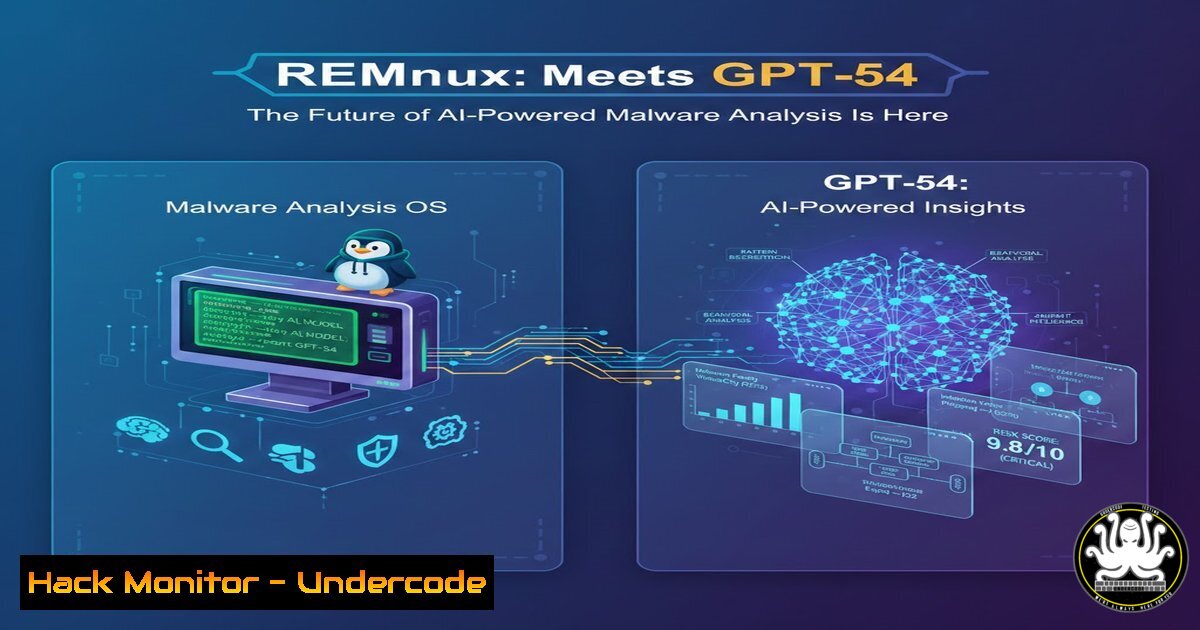
The fusion of large language models (LLMs) with specialized malware analysis platforms is redefining digital forensics. Recent tests of GPT‑5.4 inside REMnux—a Linux toolkit for reverse-engineering malware—demonstrate how artificial intelligence can autonomously pivot through artifacts, correlate memory dumps, and surface actionable findings in seconds. This integration promises to accelerate incident response and democratise advanced analysis techniques.
Learning Objectives
- Understand how to integrate GPT‑5.4 (or equivalent LLM APIs) into the REMnux environment.
- Learn to automate memory forensics using Volatility 3 with AI‑driven interpretation.
- Build custom analysis “skills” that enable AI to correlate artifacts and generate comprehensive reports.
You Should Know
1. Preparing REMnux for AI Integration
REMnux is a Ubuntu‑based distribution packed with malware analysis tools. To harness GPT‑5.4, you first need API access (assuming OpenAI’s API or a local model like GPT4All).
Step‑by‑step setup:
 Update REMnux and install Python dependencies
sudo apt update && sudo apt upgrade -y
sudo apt install python3-pip git -y
pip3 install openai requests pandas
Store your API key securely:
echo "export OPENAI_API_KEY='your-key-here'" >> ~/.bashrc
source ~/.bashrc
Test connectivity with a simple Python one‑liner:
python3 -c "import openai; openai.api_key = 'your-key-here'; print(openai.Completion.create(model='gpt-4', prompt='Say this is a test', max_tokens=5))"
Note: GPT‑5.4 is used here as an example; adjust the model name to whatever version you have access to.
- Automating Memory Analysis with Volatility 3 and GPT
Volatility 3 is the industry standard for memory forensics. Combine it with an LLM to instantly interpret raw plugin output.
Extract process list and feed to GPT:
 Run volatility on a memory dump
python3 vol.py -f memory.dump windows.pslist > pslist.txt
Now create a Python script (analyze_pslist.py) that sends the output to GPT for analysis:
import openai
import sys

with open('pslist.txt', 'r') as f:
data = f.read()

prompt = f"Analyze this Windows process list from a potentially infected machine. Identify suspicious processes (unusual names, paths, parent-child relationships) and explain why they might be malicious:\n\n{data[:3000]}"  truncate to avoid token limits

response = openai.ChatCompletion.create(
model="gpt-4",
messages=[{"role": "user", "content": prompt}],
temperature=0
)
print(response.choices[bash].message.content)
Run it:
python3 analyze_pslist.py
The AI will highlight anomalies like `svchost.exe` running from a user folder or processes with no digital signature.
- Building a Custom “Analysis Skill” for Artifact Correlation
The real power lies in chaining multiple tools. Create a skill that runs several Volatility plugins, collects file system artifacts, and asks GPT to correlate everything.
Example script `ai_dfir.py` skeleton:
import subprocess
import openai

def run_vol_plugin(plugin, dump_file):
result = subprocess.run(['python3', 'vol.py', '-f', dump_file, plugin], capture_output=True, text=True)
return result.stdout

dump = "memory.dump"
pslist = run_vol_plugin("windows.pslist", dump)
netscan = run_vol_plugin("windows.netscan", dump)
dlllist = run_vol_plugin("windows.dlllist", dump)

combined = f"PROCESSES:\n{pslist}\n\nNETWORK:\n{netscan}\n\nDLLS:\n{dlllist}"
prompt = f"Correlate the following memory forensics data. Identify any process that shows malicious indicators (e.g., suspicious network connections, unusual DLL loads, hidden processes). Provide a summary of the infection vector if possible:\n\n{combined[:7000]}"

response = openai.ChatCompletion.create(...)
print(response)
This automated workflow can be triggered whenever a new memory dump arrives, giving near‑instant triage.
4. Extending to Malware Artifacts and YARA Rules
GPT can also help write YARA rules based on extracted indicators. After analysis, ask the model to generate a rule targeting the identified malware family.
indicators = "The malware drops a file named 'winlogon.exe' in %TEMP% and connects to 45.155.205.133:443"
prompt = f"Write a YARA rule to detect this malware based on the following indicators: {indicators}"
 ... send to GPT and save output as a .yar file
This bridges the gap between dynamic analysis and proactive detection.
5. Real‑World Workflow: Triage a Malicious Memory Dump
Let’s simulate an investigation using the techniques above.
Step 1: Acquire memory dump (e.g., from a suspect VM).
Step 2: Run the `ai_dfir.py` script.
Step 3: GPT returns:
– `powershell.exe` with an encoded command launching a reverse shell.
– Network connection to a known C2 IP.
– Injected code in explorer.exe.
Step 4: Ask GPT to suggest mitigation commands (e.g., `iptables` rules to block the IP, process kill commands).
Step 5: Generate an executive summary for the incident report.
All of this happens in minutes, whereas manual analysis could take hours.
6. Optimising Prompts and Handling Large Datasets
LLMs have token limits. To analyse full memory dumps, break data into chunks and use a map‑reduce pattern:
- Run each plugin separately and get GPT summaries per plugin.
- Then combine those summaries for a final correlation.
Example:
summaries = []
for plugin in ['windows.pslist', 'windows.netscan', 'windows.malfind']:
output = run_vol_plugin(plugin, dump)
summary = ask_gpt(f"Summarize the key findings from this {plugin} output: {output[:2000]}")
summaries.append(summary)

final_prompt = "Based on these individual summaries, give a holistic view of the compromise: " + " ".join(summaries)
final = ask_gpt(final_prompt)
This technique scales to even the largest memory captures.
7. Future‑Proofing: Local Models and Adversarial AI
For air‑gapped environments, consider running local LLMs like Llama 3 or GPT4All. Performance may be lower, but data never leaves the lab.
Also, be aware that malware authors may start using AI to evade detection. Regularly update your analysis skills with new attack patterns and fine‑tune models on recent threat intelligence feeds.
What Undercode Say
- AI dramatically speeds up the initial triage of malware incidents, letting analysts focus on complex decisions.
- The combination of REMnux and GPT‑5.4 (or similar) turns raw memory dumps into actionable intelligence, but human validation remains critical—AI can hallucinate or miss context.
- Organisations should invest in training teams to build and maintain these AI‑assisted workflows, as the technology evolves rapidly and requires continuous tuning.
Prediction
Within two years, AI‑augmented malware analysis will be standard in SOCs and forensic labs. We’ll see real‑time memory analysis during incident response, with AI suggesting containment steps on the fly. However, adversaries will also weaponise LLMs to create polymorphic malware, sparking an arms race where defensive AI must constantly adapt to outsmart offensive AI.
▶️ Related Video (86% Match):
🎯Let’s Practice For Free:
IT/Security Reporter URL:
Reported By: Kostastsale Testing – Hackers Feeds
Extra Hub: Undercode MoN
Basic Verification: Pass ✅


