Listen to this Post
Introduction:
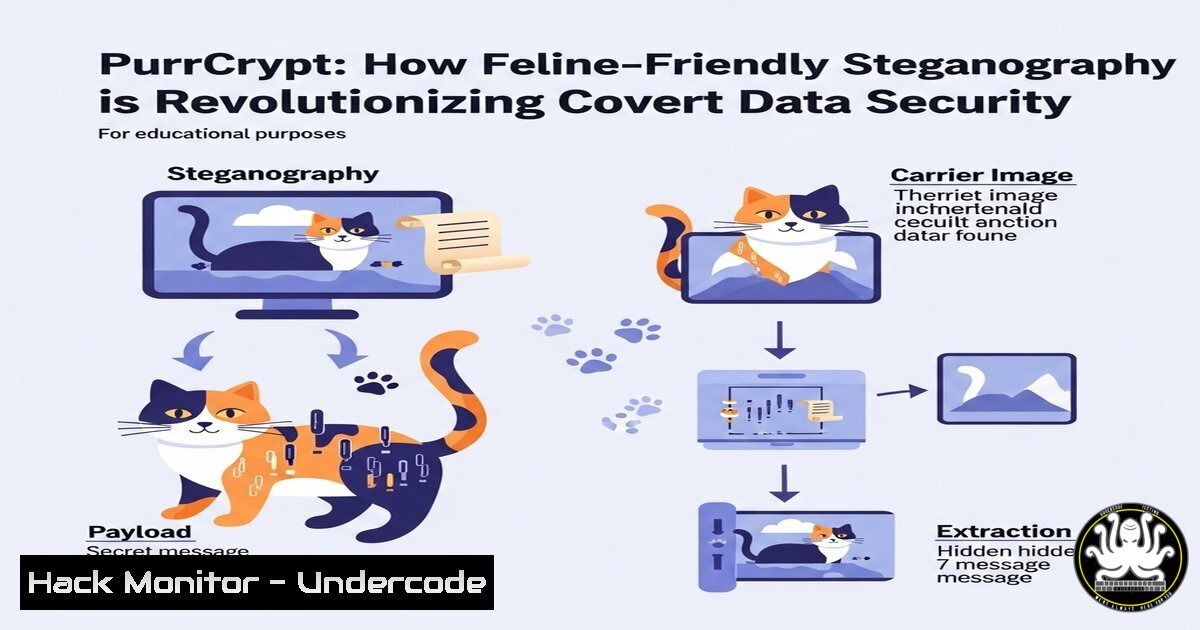
In the high-stakes world of cybersecurity, the very appearance of encrypted data can be a red flag to adversaries, marking it as a high-value target. PurrCrypt, an innovative open-source tool, challenges this paradigm by disguising robust encryption behind a whimsical facade of “meows” and “woofs.” This article delves into the technical mechanics of this steganographic tool, exploring how it enhances operational security (OpSec) by enabling data to hide in plain sight.
Learning Objectives:
- Understand the core principles of steganography and how PurrCrypt implements encryption.
- Learn to install, configure, and use PurrCrypt for file encryption and decryption.
- Develop advanced OpSec strategies for blending encrypted traffic into normal network activity.
You Should Know:
1. Installing PurrCrypt from GitHub
The primary source for PurrCrypt is its official GitHub repository. Always verify the integrity of cloned repositories.
git clone https://github.com/username/PurrCrypt-repo.git
cd PurrCrypt-repo
pip install -r requirements.txt
This series of commands first clones the repository to your local machine using git. Navigating into the directory (cd) allows you to install its Python dependencies using pip, the Python package installer. This ensures you have all the necessary libraries, such as cryptography modules, to run the tool effectively.
2. Basic File Encryption with PurrCrypt
The fundamental command transforms a sensitive file into a seemingly nonsensical animal language ciphertext.
python purrcrypt.py -e -i secret_document.pdf -o innocent_looking_cat_talk.txt
The `-e` flag triggers encryption mode. The `-i` parameter specifies the input file you wish to encrypt, while `-o` defines the output file. PurrCrypt encrypts the input file using a strong algorithm (like AES-256) and then encodes the resulting ciphertext into its custom vocabulary of animal sounds, creating an effective text-based steganographic container.
3. Decrypting Your PurrCrypt File
Retrieving your original data requires the correct decryption command and passphrase.
python purrcrypt.py -d -i innocent_looking_cat_talk.txt -o decrypted_document.pdf
Using the `-d` flag puts the tool into decryption mode. It will prompt you for the passphrase used during encryption. The tool first decodes the animal sounds back into standard ciphertext and then performs the decryption algorithm to reconstruct the original file, writing it to the location specified by -o.
4. Integrating with Command-Line workflows (Linux)
PurrCrypt can be piped with other native commands for powerful automation.
tar -czf - /sensitive_dir/ | python purrcrypt.py -e | ssh [email protected] "cat > /backups/backup.purr"
This advanced one-liner creates a tar archive of a directory (tar -czf -), pipes (|) the archive directly into PurrCrypt for encryption, and then pipes the encrypted “meow” output through an SSH connection to be saved on a remote server. This entire process ensures the data is encrypted in transit and at rest on the backup server, all while appearing as a bizarre text file.
5. Verifying File Integrity Post-Decryption
After decryption, it is critical to ensure the file was not corrupted.
On Linux:
sha256sum decrypted_document.pdf
On Windows (PowerShell):
Get-FileHash -Path .\decrypted_document.pdf -Algorithm SHA256
These commands generate a SHA-256 hash of the decrypted file. Compare this hash value to the hash of the original file before it was ever encrypted. If they match exactly, you have verified the integrity of the entire process, confirming the file was decrypted correctly.
6. Obfuscating Scripts with Inline PurrCrypt
For shell scripts, you can embed a decryption command to hide sensitive configuration data.
!/bin/bash
 [Normal script code...]
 Decrypt embedded configuration
config_data=$(python purrcrypt.py -d <<EOF
meow purr woof meow meow grrr hiss purr woof bark
meow purr woof meow grrr hiss purr woof bark meow
EOF
)
eval "$config_data"
This technique stores an encrypted configuration within the script itself as a heredoc (<<EOF). The script decrypts it on-the-fly into environment variables or settings. This prevents sensitive API keys or passwords from being stored in plaintext within the script, while the animal noise ciphertext avoids raising suspicion.
7. Advanced OpSec: Blending into Network Traffic
The true power of PurrCrypt is its ability to mimic legitimate traffic. An encrypted payload can be exfiltrated by disguising it as a series of social media posts or comments in a forum, filled with what looks like spam or bot-generated animal noises. Security appliances scanning for encrypted data blobs would ignore this traffic, while a recipient using PurrCrypt could easily reconstruct the original data from the posted text.
What Undercode Say:
- The greatest vulnerability is often visibility itself. Tools that encrypt but also draw attention solve one problem while creating another.
- True security lies in layers. PurrCrypt provides a powerful obfuscation layer that complements, but does not replace, strong encryption fundamentals.
- Analysis: PurrCrypt is more than a novelty; it is a practical implementation of the steganography principle for the modern age. In a threat landscape where automated scanners flag encrypted files for further inspection, the ability to make sensitive data look utterly mundane is a significant tactical advantage. It highlights a shift in defensive strategy from pure cryptographic strength towards holistic operational security, where avoiding detection is equally important as preventing decryption. This tool is particularly relevant for journalists, activists, and penetration testers operating in hostile network environments where the presence of encryption alone can be incriminating.
Prediction:
The future of data evasion will increasingly leverage AI-generated steganography, moving beyond pre-defined word lists. We predict the emergence of tools that use large language models (LLMs) to dynamically encrypt data into contextually appropriate, perfectly believable text for any given platform—be it a product review, a cooking recipe, or a technical forum post. This will make automated detection of covert communications vastly more difficult, forcing a paradigm shift in DLP and SOC analytics towards behavioral and semantic analysis rather than pattern matching.
🎯Let’s Practice For Free:
IT/Security Reporter URL:
Reported By: Laurent Biagiotti – Hackers Feeds
Extra Hub: Undercode MoN
Basic Verification: Pass ✅


