
Listen to this Post
Introduction:
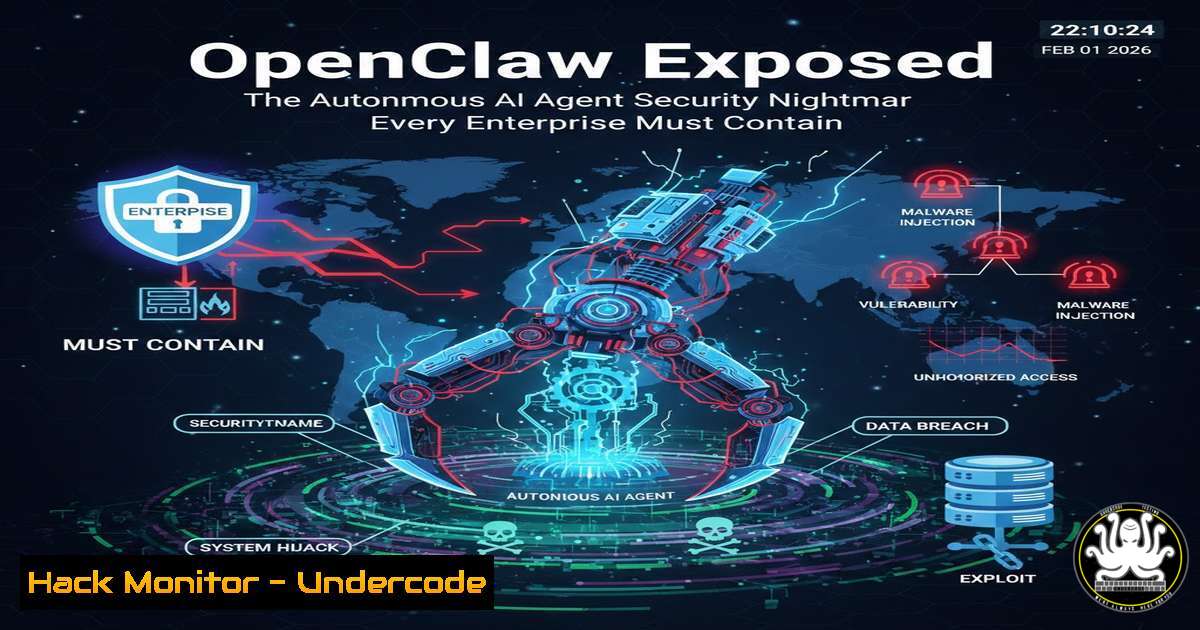
The meteoric rise of OpenClaw (formerly Clawdbot/Moltbot) represents a paradigm shift in AI capabilities, granting persistent agents memory, cross-platform communication, and direct shell access. This convergence of autonomy and system-level authority has sparked a security crisis, exposing organizations to unprecedented risks from shadow IT, prompt injection, and massive attack surface expansion. This article deconstructs the technical vulnerabilities of such AI agents and provides a tactical blueprint for security hardening.
Learning Objectives:
- Understand the critical security flaws inherent in autonomous, system-access AI agents like OpenClaw.
- Implement immediate containment and monitoring strategies for unauthorized AI agent deployment within your network.
- Apply technical mitigations against prompt injection and unauthorized command execution.
You Should Know:
- The Shadow IT Epidemic: Detecting and Quarantining Unauthorized AI Agents
The report of 22% employee adoption in some organizations signifies a classic shadow IT crisis with amplified dangers. An AI agent with `bash` or `PowerShell` access is not just an unsanctioned SaaS app; it’s a potential persistent threat actor inside your perimeter.
Step‑by‑step guide:
- Network Detection: Use network monitoring tools (Wireshark, Zeek) to identify anomalous outbound traffic to known AI agent repositories (e.g., GitHub, specific cloud APIs) or unusual inbound connections on high ports.
Linux Command (ss/netstat):
sudo ss -tulp | grep -E '(github|raw.githubusercontent|:443|:8443)'
sudo netstat -tulpn | grep -v '127.0.0.1'
Windows Command (PowerShell):
Get-NetTCPConnection | Where-Object {$<em>.RemoteAddress -notlike "127." -and $</em>.State -eq "Established"} | Select-Object LocalAddress, RemoteAddress, OwningProcess
Get-Process -Id <OwningProcess> | Select-Object Name, Path
2. Endpoint Detection: Hunt for processes or containers related to the agent. OpenClaw often runs in Python or Docker.
Linux Command:
ps aux | grep -iE '(claw|molt|openclaw|agent)'
sudo docker ps --format "table {{.Names}}\t{{.Image}}" | grep -i claw
3. Containment: Immediately isolate the host from the network, terminate the agent process, and image the system for forensic analysis. Update firewall rules to block traffic to the agent’s command-and-control infrastructure.
- From “Auth: None” to Zero Trust: Hardening Agent Authentication and Authorization
The initial “auth: none” default was a catastrophic misconfiguration. While now “mandatory,” authentication is just the first layer. Authorization—what the agent is allowed to do—is the core battle.
Step‑by‑step guide:
- Principle of Least Privilege: Never run the agent with root or Administrator privileges. Create a dedicated, heavily restricted service account.
Linux (Creating a restricted user):
sudo useradd -r -s /bin/false -M openclaw_service
sudo usermod -L openclaw_service  Lock password login
2. Role-Based Access Control (RBAC): If the agent must access cloud resources (AWS, Azure), create an IAM role with explicit, minimal policies. Avoid wildcard permissions ("Action": "").
3. Mandatory Multi-Factor & API Key Vaulting: Do not hardcode API keys or credentials in agent config files. Use a secrets manager (HashiCorp Vault, AWS Secrets Manager). Enforce MFA for any associated admin interface.
3. The “Boss Fight”: Mitigating Prompt Injection Attacks
Prompt injection is the quintessential AI security vulnerability. An attacker can subvert the agent’s intended function via crafted inputs from emails, websites, or messages, turning your assistant into a data exfiltrator or ransomware deployer.
Step‑by‑step guide:
- Input Sanitization and Segmentation: Treat all external input (email, web, chat) as untrusted. Implement a preprocessing layer that strips HTML, JavaScript, and suspicious shell command fragments.
Python Example (Basic Sanitization):
import re
def sanitize_input(user_input):
 Remove common shell metacharacters
sanitized = re.sub(r'[;&|$<code>><]', '', user_input)
 Remove potential HTML/JS
sanitized = re.sub(r'<[^>]>', '', sanitized)
return sanitized[:500]  Limit length
2. Command Allow-listing: Do not allow the LLM to generate arbitrary shell commands. Implement a strict allow-list of permitted commands and arguments.
<h2 style=”color: yellow;”> Configuration YAML Example:</h2>
allowed_commands:
- name: "ls"
args: ["-la", "/home/user/dir"]
- name: "git"
args: ["pull", "status"]
 The agent's 'exec' function must validate against this list.
3. Human-in-the-Loop for Critical Actions: Configure mandatory approval workflows for commands affecting data (rm,chmod), network access (curl,scp`), or financial transactions.
- Isolation Architecture: Running AI Agents on a Virtual Island
The recommendation to “run on isolated machines” is foundational. This prevents a compromised agent from moving laterally to core business systems.
Step‑by‑step guide:
- Deploy in a Dedicated VLAN: Segment your network. The agent’s VLAN should have outbound internet access (if required) but strictly limited inbound access and no access to sensitive data VLANs.
- Utilize Containers with No Privileges: Run the agent inside an unprivileged Docker container with resource limits and read-only filesystems where possible.
Docker Run Command:
docker run --rm --read-only --cap-drop=ALL \
--network isolated_vlan \
--memory="512m" --cpus="1.0" \
openclaw:latest
3. Consider Air-Gapped Solutions: For highest sensitivity, run the agent on a physically separate machine with no network interfaces, using secure, audited USB drives for data transfer.
- Monitoring the Non-Human Identity: Logging, Auditing, and Anomaly Detection
An AI agent is a “non-human identity.” Its activity must be logged with the same rigor as a human sysadmin.
Step‑by‑step guide:
- Comprehensive Logging: Ensure the agent logs all prompts, command generation attempts, and executed actions to a centralized SIEM (e.g., Splunk, Elastic Stack). These logs must be immutable and accessible only to security personnel.
- Establish Behavioral Baselines: Monitor for anomalous activity: sudden spikes in command frequency, access to unusual files, or attempts to escalate privileges.
- Implement Kill Switches: Have automated scripts or endpoint detection and response (EDR) rules that can instantly terminate the agent process, revoke its API keys, and block its network traffic if malice is detected.
What Undercode Say:
- Autonomy Equals Attack Surface: Granting AI agents persistent memory and system access doesn’t just create a tool; it creates a new, highly privileged attack vector that adversaries will relentlessly target.
- The Fix is Cultural & Technical: Patching “auth: none” is easy. Fixing the developer and organizational culture that prioritizes “cool functionality” over “secure by design” is the decades-long challenge this incident has暴露.
The OpenClaw frenzy is not a one-off; it’s a stress test for the next era of enterprise IT. It proves the market hunger for agentic AI is so strong that users will bypass security policies to use it. The security community’s response cannot be just to block it. We must build the guardrails, monitoring, and governance models that allow powerful AI tools to be used safely. The alternative is a continuous cycle of catastrophic data breaches initiated by a manipulated prompt.
Prediction:
Within 18-24 months, we will see the first major publicly attributed cyber incident (ransomware, massive data leak, financial fraud) directly caused by a prompt-injected, autonomous AI agent like OpenClaw. This will trigger a regulatory scramble, leading to new compliance frameworks (akin to SOX or GDPR) specifically for “High-Risk Autonomous Digital Agents.” Security vendors will rapidly pivot, offering “AI Agent Security Posture Management” platforms, and “Prompt Injection Testing” will become a standard penetration testing service.
▶️ Related Video (84% Match):
🎯Let’s Practice For Free:
IT/Security Reporter URL:
Reported By: Maria S – Hackers Feeds
Extra Hub: Undercode MoN
Basic Verification: Pass ✅


