
Listen to this Post
Introduction:
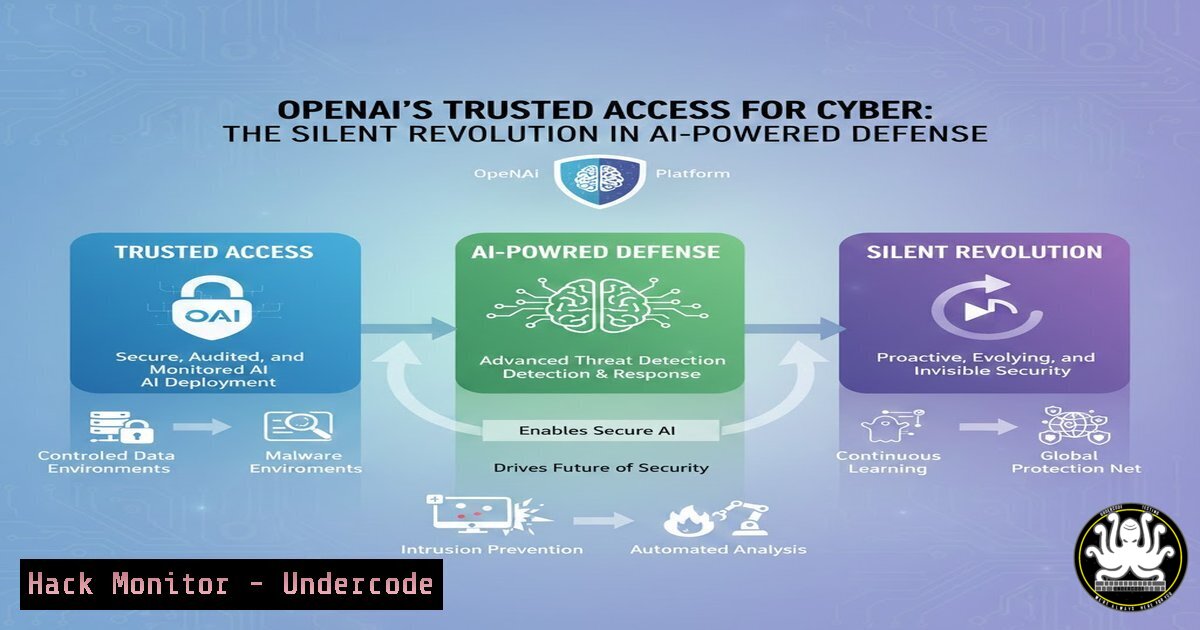
A new front has opened in the cybersecurity arms race, and it’s not between attackers and defenders, but between security teams and the very AI tools they rely on. OpenAI’s pilot of “Trusted Access for Cyber” addresses a critical, often unspoken vulnerability: the sudden lockout of AI models during sensitive, mission-critical security operations. This initiative marks a pivotal shift towards recognizing AI as a core, dependable component of the security infrastructure, rather than just an auxiliary tool.
Learning Objectives:
- Understand the operational risks posed by AI model lockouts during cybersecurity investigations and how Trusted Access mitigates them.
- Learn the technical steps and command-line procedures for integrating AI tools into high-security workflows.
- Grasp the broader implications for API security, cloud hardening, and the future of AI-augmented Security Operations Centers (SOCs).
You Should Know:
- The Hidden Vulnerability: AI Lockouts in Active Threats
The core issue is that AI models from providers like OpenAI are governed by broad safety and usage policies. Automated systems can misinterpret legitimate security tasks—such as analyzing malware signatures, parsing attacker chat logs, or reverse-engineering exploit code—as policy violations, abruptly terminating the session. This can happen in the middle of a time-sensitive threat hunt, disrupting analysis and causing investigators to lose crucial context and momentum.
Step‑by‑step guide explaining what this does and how to use it.
To understand and test the sensitivity of your AI-assisted workflows, security teams should first conduct controlled tests.
1. Isolate Test Environment: Create a dedicated virtual machine or container for testing AI interactions with security data. This prevents contamination of your production environment.
2. Script Interaction Testing: Use a Python script with the OpenAI API to simulate submitting various types of security data (obfuscated code, benign log files, etc.). Monitor for warnings or terminations.
import openai
openai.api_key = 'your-test-key'
def test_payload(payload):
try:
response = openai.ChatCompletion.create(
model="gpt-4",
messages=[{"role": "user", "content": payload}]
)
print("SUCCESS:", response.choices[bash].message.content[:100])
except openai.error.InvalidRequestError as e:
print("BLOCKED:", e)
 Test with a sample PowerShell command (benign)
test_payload("Analyze this script for malicious intent: Get-Process")
3. Log and Analyze: Document which data types or queries trigger flags. This log becomes your justification for enrolling in trusted access programs and for refining your internal data preparation procedures.
2. Trusted Access: Securing Your AI Workflow
Trusted Access for Cyber is a whitelisting mechanism. It involves a formal agreement and technical review between an organization and the AI provider, where specific use-cases and data handling protocols are pre-approved. This creates a “safe lane” for security operations, reducing false positives from automated content moderation systems.
Step‑by‑step guide explaining what this does and how to use it.
Enrolling in such a program requires demonstrating robust security practices.
1. Document Use Cases: Prepare clear documentation of your AI-augmented security workflows. Examples include: “Automated triage of phishing email text,” “Natural language querying of Splunk logs via an AI assistant,” or “Generating detection rules from threat intelligence reports.”
2. Showcase Data Governance: Detail your data anonymization, pseudonymization, and sanitization processes before data is sent to the AI API. This might involve scripts that redact personal identifiers (PII) from logs.
 Example Linux command using `sed` to redact IP addresses in a log file before analysis
sed -E 's/([0-9]{1,3}.){3}[0-9]{1,3}/[bash]/g' raw_logs.txt > sanitized_logs.txt
3. Technical Integration Review: Expect to provide an overview of your API integration architecture, including how API keys are secured (e.g., using secrets managers like HashiCorp Vault or AWS Secrets Manager) and what network controls are in place.
3. Hardening the AI-SOC Integration
Integrating an AI model into a Security Operations Center (SOC) toolchain like Splunk, Elastic, or a custom platform introduces new API endpoints and data flows that must be secured. The principle of least privilege and comprehensive logging are paramount.
Step‑by‑step guide explaining what this does and how to use it.
1. Dedicated Service Account & API Keys: Do not use personal API keys for production security tools. Create a dedicated service account with the AI provider and generate keys specifically for your SOC platform.
2. Implement Key Rotation: Automate the rotation of API keys. Below is a conceptual cron job that triggers a script to rotate keys and update a secrets manager.
 Example cron entry to run a rotation script monthly
0 0 1   /opt/security_scripts/rotate_openai_key.sh
3. Log All AI Interactions: Ensure your application logs every query sent to and received from the AI API. This audit trail is crucial for troubleshooting, understanding decision paths, and forensic analysis in case of a breach. Tools like Wireshark (for initial debugging) or application-level logging to a secured SIEM are essential.
4. API Security and Rate Limit Management
AI API endpoints are potential attack vectors or points of failure. Attackers might attempt to exhaust your quota (a denial-of-wallet attack) or probe the service through your infrastructure. Additionally, rate limits must be managed to avoid disrupting workflows during incident response.
Step‑by‑step guide explaining what this does and how to use it.
1. Implement a Robust Proxy/API Gateway: Deploy a reverse proxy (like NGINX) or an API gateway (like Kong) in front of the AI API calls. This allows for centralized authentication, rate limiting, and request/response logging.
2. Configure Tiered Rate Limiting: Set stricter rate limits for different types of internal users or tools than the provider’s hard limit. This prevents a single automated tool from consuming your entire quota.
 Example NGINX configuration snippet for rate limiting
http {
limit_req_zone $binary_remote_addr zone=openai_limit:10m rate=30r/m;
server {
location /v1/chat/completions {
limit_req zone=openai_limit burst=5 nodelay;
proxy_pass https://api.openai.com;
proxy_set_header Authorization "Bearer $api_key";
}
}
}
3. Monitor Usage and Costs: Set up automated alerts for unexpected spikes in API usage or cost, which could indicate misuse, a bug, or an ongoing attack.
5. Cloud Hardening for AI-Powered Security Apps
If your AI-augmented security application is hosted in the cloud (e.g., AWS, Azure, GCP), its infrastructure must adhere to high security standards to protect the integrity of the security analysis being performed.
Step‑by‑step guide explaining what this does and how to use it.
1. Network Segmentation: Place the application server in a private subnet. Outbound API calls to OpenAI/AI providers should be routed through a NAT Gateway or a dedicated egress proxy, not have direct public internet access.
2. Identity and Access Management (IAM): Apply the principle of least privilege to the cloud roles assigned to your application. For instance, an EC2 instance role should only have permissions to write logs to CloudWatch and fetch secrets from Secrets Manager—nothing more.
3. Encryption at Rest and in Transit: Ensure all data volumes (EBS, etc.) are encrypted. Enforce TLS 1.2+ for all communications. Use cloud provider tools to automatically enforce these policies.
 Example AWS CLI command to create an encrypted EBS volume
aws ec2 create-volume --availability-zone us-east-1a --size 100 --volume-type gp3 --encrypted --kms-key-id alias/your-security-key
What Undercode Say:
- Key Takeaway 1: The move towards Trusted Access programs formalizes AI as critical infrastructure for cybersecurity, demanding the same level of operational reliability and security hardening as traditional security tools.
- Key Takeaway 2: This shift places a new operational burden on security teams to master “AI Ops Security”—the practices of securing the AI toolchain itself, from data sanitation and API governance to cloud infrastructure and cost monitoring.
Analysis:
The pilot by OpenAI is a direct response to a real and present danger in modern SOCs: operational fragility. It signals that AI providers are beginning to understand the unique constraints of security work. However, it also creates a two-tier system. Large enterprises with mature processes will qualify for and benefit from trusted access, while smaller teams may remain at risk of disruptive lockouts. This could widen the security capability gap. Furthermore, it pushes the responsibility of data sanitization and compliance upstream onto the security team, requiring new skills and procedures. Successfully navigating this new paradigm will require close collaboration between security engineers, cloud architects, and legal/compliance teams to build a compliant, secure, and resilient AI-augmented security pipeline.
Prediction:
Trusted Access for Cyber is the first step toward “Mission-Critical AI” standards. Within two years, we predict this will evolve from pilot programs to formalized certification frameworks, possibly regulated or audited under standards like ISO 27001. Specialized, security-hardened AI models, potentially hosted in sovereign clouds, will emerge. Furthermore, we will see the rise of “Adversarial AI Red Teaming,” where security professionals are hired to stress-test AI models and their safety systems to find blind spots that could interrupt legitimate defense work, ensuring these systems are robust not just against malicious use, but also against being overly cautious in critical moments.
▶️ Related Video (86% Match):
🎯Let’s Practice For Free:
IT/Security Reporter URL:
Reported By: Leo Meyerovich – Hackers Feeds
Extra Hub: Undercode MoN
Basic Verification: Pass ✅


