
Listen to this Post
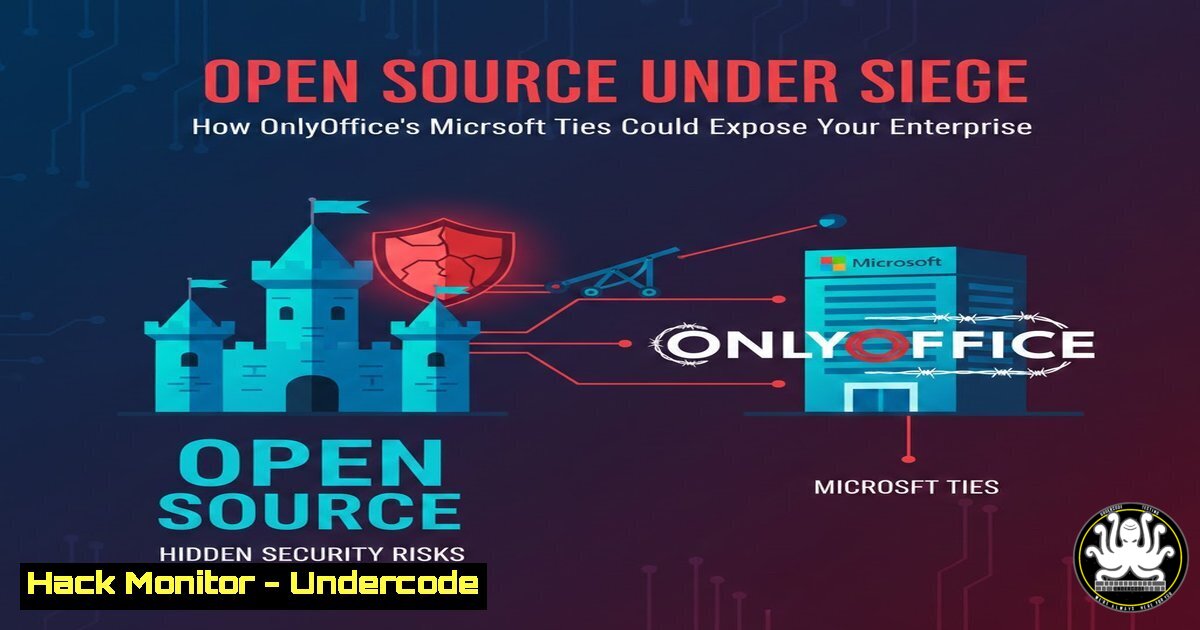
Introduction:
The recent clash between LibreOffice and OnlyOffice, ignited by OnlyOffice’s collaboration with Microsoft, has reopened a critical debate in the cybersecurity community: can open‑source software remain trustworthy when its development aligns too closely with proprietary giants? At the heart of the dispute is the accusation of “open source de façade” – a claim that OnlyOffice’s licensing and governance may no longer guarantee the transparency and security that enterprises rely on. For IT and security professionals, this controversy serves as a stark reminder that the provenance of every software component, even those labeled “open source,” must be rigorously vetted to prevent hidden vulnerabilities, supply chain attacks, and compliance violations.
Learning Objectives:
- Understand the security and licensing differences between LibreOffice and OnlyOffice.
- Learn how to audit open‑source office suites for potential backdoors and misconfigurations.
- Implement enterprise‑grade hardening techniques for LibreOffice and OnlyOffice across Linux and Windows environments.
You Should Know:
1. Installing LibreOffice and OnlyOffice for Security Testing
To begin evaluating these office suites, you need a controlled environment. Use virtual machines or containers to isolate your tests.
On Linux (Ubuntu/Debian):
 Update package lists
sudo apt update

Install LibreOffice from official repos
sudo apt install libreoffice -y

For OnlyOffice, add the repository and install
sudo apt-key adv --keyserver keyserver.ubuntu.com --recv-keys 0x8320CA65CB2DEAE4
sudo add-apt-repository "deb https://download.onlyoffice.com/repo/debian squeeze main"
sudo apt update
sudo apt install onlyoffice-desktopeditors -y
On Windows (using Chocolatey for repeatable deployments):
 Install Chocolatey if not already installed
Set-ExecutionPolicy Bypass -Scope Process -Force; [System.Net.ServicePointManager]::SecurityProtocol = [System.Net.ServicePointManager]::SecurityProtocol -bor 3072; iex ((New-Object System.Net.WebClient).DownloadString('https://community.chocolatey.org/install.ps1'))

Install LibreOffice
choco install libreoffice -y

Install OnlyOffice
choco install onlyoffice -y
After installation, verify the digital signatures of the downloaded binaries to ensure they haven’t been tampered with. On Windows, use Get-AuthenticodeSignature; on Linux, use `gpg –verify` if the project provides signatures.
- Hardening Office Suites Against Macro and Script-Based Attacks
Both LibreOffice and OnlyOffice support macros and embedded scripts, which are common attack vectors. Disable these features in enterprise deployments.
LibreOffice (Global configuration):
Edit `/etc/libreoffice/sofficerc` or create a user profile template.
 Disable macros and Basic scripting
echo 'MacroSecurityLevel=2' >> /etc/libreoffice/sofficerc
echo 'DisableMacrosWarning=false' >> /etc/libreoffice/sofficerc
 Prevent execution of JavaScript in documents
echo 'EnableJavaScript=false' >> /etc/libreoffice/sofficerc
OnlyOffice (Windows Group Policy):
OnlyOffice stores settings in the registry. Use Group Policy Preferences to deploy the following keys:
[HKEY_CURRENT_USER\Software\Asc\Editors\Desktop\Common]
"AllowMacros"=dword:00000000
"EnablePlugins"=dword:00000000
"BlockExternalLinks"=dword:00000001
On Linux, these settings are typically in ~/.config/onlyoffice/; you can distribute a preconfigured `DesktopEditors.conf` via your configuration management tool.
3. Auditing the Source Code for Suspicious Patterns
Given the controversy, a manual code review can uncover hidden backdoors or unsafe practices. Clone the repositories and use command-line tools to hunt for dangerous functions.
LibreOffice (core repository):
git clone https://github.com/LibreOffice/core.git
cd core
 Search for dangerous functions like eval, system calls, or base64 obfuscation
grep -r -E "(eval|system(|popen(|base64_decode)" --include=".c" --include=".cpp" --include=".py" .
 Look for network connections initiated by the suite
grep -r -E "(socket(|connect(|curl_easy_init)" .
OnlyOffice (desktop editors):
git clone https://github.com/ONLYOFFICE/DesktopEditors.git
cd DesktopEditors
 Similar searches
grep -r -E "(eval|system(|popen(|base64_decode)" --include=".c" --include=".cpp" .
For a more automated approach, use static analysis tools like `flawfinder` or cppcheck. Also, run `trivy` on the container images if you deploy OnlyOffice Document Server.
4. Verifying Cryptographic Signatures and Update Integrity
Supply chain attacks often target update mechanisms. Ensure that both suites use signed updates and verify them.
LibreOffice:
LibreOffice provides GPG signatures for its releases. After downloading, verify:
wget https://download.documentfoundation.org/libreoffice/stable/7.6.4/deb/x86_64/LibreOffice_7.6.4_Linux_x86-64_deb.tar.gz
wget https://download.documentfoundation.org/libreoffice/stable/7.6.4/deb/x86_64/LibreOffice_7.6.4_Linux_x86-64_deb.tar.gz.asc
gpg --verify LibreOffice_7.6.4_Linux_x86-64_deb.tar.gz.asc
Import the signing key if needed: `gpg –keyserver keys.openpgp.org –recv-keys 0xCDB7F1B72F9E7F9B` (actual key may vary; refer to official docs).
OnlyOffice:
OnlyOffice binaries are signed with Microsoft Authenticode on Windows. Verify with PowerShell:
Get-AuthenticodeSignature -FilePath .\DesktopEditors_x64.exe
On Linux, they provide a GPG key for the repository; ensure the key is correctly installed and not expired.
5. Isolating Office Applications with Sandboxing
To contain potential exploits, run office suites inside sandboxes. On Linux, use Firejail; on Windows, use Windows Sandbox or AppContainers.
Firejail for LibreOffice/OnlyOffice on Linux:
 Install Firejail
sudo apt install firejail -y

Run LibreOffice with no network and restricted file access
firejail --net=none --private=~/sandbox-docs libreoffice

For OnlyOffice
firejail --net=none --private=~/sandbox-docs onlyoffice-desktopeditors
You can also create custom profiles to allow only necessary directories.
Windows Sandbox:
Enable Windows Sandbox (Pro/Enterprise) and create a `.wsb` configuration file that maps only a temporary folder. Place the office installer inside and run it within the sandbox for any untrusted document review.
- Monitoring for Suspicious Behavior with Sysmon and Auditd
Deploy endpoint monitoring to detect anomalous processes spawned by office suites.
Windows with Sysmon:
Install Sysmon with a configuration that logs process creation and network connections. Then, monitor for events where `libreoffice.exe` or `onlyoffice.exe` spawns cmd.exe, powershell.exe, or makes outbound connections to unusual IPs.
Linux with Auditd:
sudo auditctl -w /usr/bin/libreoffice -p x -k office_exec
sudo auditctl -w /usr/bin/onlyoffice -p x -k office_exec
sudo auditctl -a always,exit -S execve -F path=/usr/bin/libreoffice -F key=office_monitor
Regularly review logs with `ausearch -k office_monitor`.
What Undercode Say:
- The LibreOffice vs. OnlyOffice dispute underscores a fundamental principle: open source is not automatically secure. Enterprises must independently verify the integrity of every component, especially when corporate partnerships blur the lines of transparency.
- Security professionals should treat office suites as high-risk applications due to their ability to execute scripts and macros. Hardening, sandboxing, and continuous monitoring are essential, regardless of the vendor’s open-source claims.
- The “open source de façade” phenomenon is a growing concern; as more projects accept corporate funding or collaborate with proprietary firms, the risk of hidden backdoors, telemetry, or license traps increases. Organizations must conduct regular code audits and supply chain risk assessments.
- Ultimately, this incident is a wake-up call to adopt a zero-trust approach to software supply chains. Even beloved open-source projects can become attack vectors if their governance and security practices are not transparent.
Prediction:
Within the next 12–18 months, we will see a surge in demand for “open source security audits” as a service, with third-party firms offering independent verification of popular open-source projects. Additionally, regulatory bodies may begin requiring software bills of materials (SBOMs) for all office productivity tools used in critical infrastructure, pushing vendors like OnlyOffice to either fully open their development processes or face exclusion from government contracts. The collaboration between open-source and proprietary giants will come under intense scrutiny, potentially leading to new licensing models that mandate security transparency.
🎯Let’s Practice For Free:
IT/Security Reporter URL:
Reported By: Eosiadev Open – Hackers Feeds
Extra Hub: Undercode MoN
Basic Verification: Pass ✅


