Listen to this Post
Introduction:
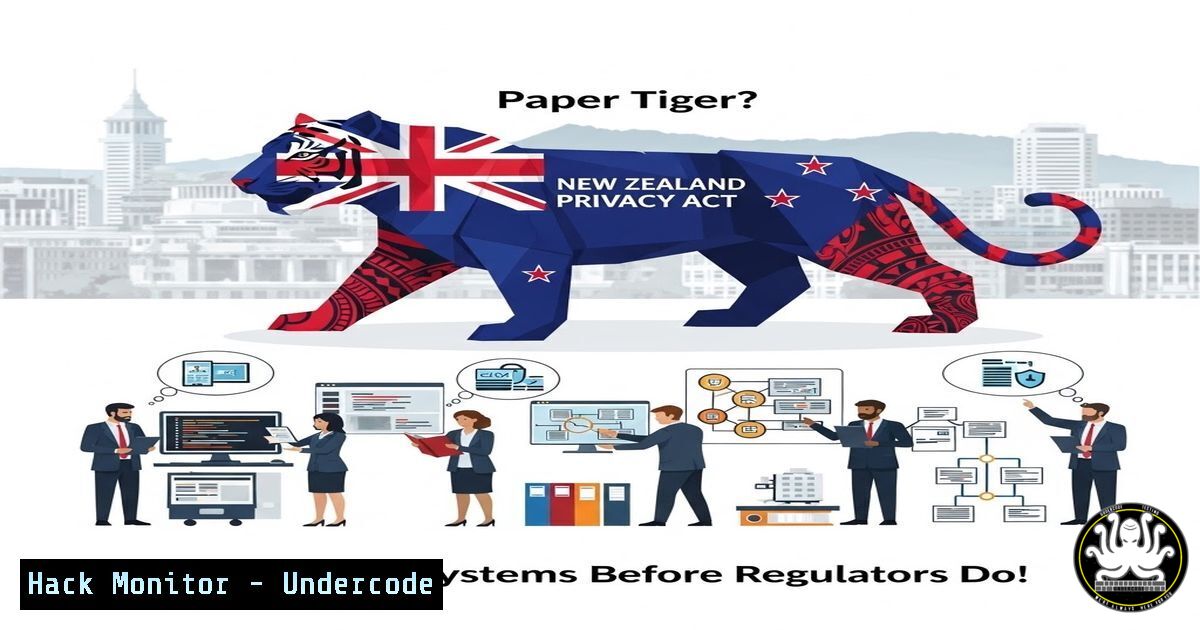
As New Zealand debates strengthening its Privacy Act with actual financial penalties, organizations face a critical window of opportunity. While politicians discuss “incentivizing better behavior,” the reality is that data breaches in the health sector continue to expose sensitive patient data. Currently, the lack of a civil pecuniary penalty regime means compliance is often treated as a budgetary afterthought. However, history shows that when regulators finally gain enforcement teeth, the organizations that survive are those that implemented proactive, technical auditing and hardening measures before the laws changed. This article provides a technical roadmap to audit your systems, identify vulnerabilities, and implement controls that align with impending global privacy enforcement trends.
Learning Objectives:
- Understand how to audit Windows and Linux systems for compliance with data protection standards.
- Learn to implement and verify database encryption and access controls.
- Configure network segmentation and firewall rules to isolate sensitive health data.
- Utilize open-source tools to detect exposed Personally Identifiable Information (PII).
- Master log aggregation techniques to create forensic evidence trails required by modern privacy laws.
1. Auditing Windows File Servers for Exposed PII
Before you can protect data, you must know where it lives. In many breaches, sensitive data is found in open network shares. We need to audit a Windows server for files containing credit card numbers or New Zealand NHI numbers.
Step-by-Step Guide:
We will use PowerShell to scan a specific directory for patterns matching sensitive data.
- Open PowerShell as Administrator on the file server.
- Define the patterns. For this example, we’ll use a simple regex for credit card numbers (Luhn algorithm validation is more complex, but this catches the format).
$patterns = @(
'\b(?:\d[ -]?){13,16}\b',  Basic Credit Card pattern
'[A-Z]{3}[0-9]{4}'  Hypothetical NHI pattern (adjust to your region)
)
3. Define the target path. (e.g., `D:\Shares`).
$targetPath = "D:\Shares"
4. Run the recursive scan.
Get-ChildItem -Path $targetPath -Recurse -File | ForEach-Object {
$file = $<em>.FullName
try {
$content = Get-Content -Path $file -Raw -ErrorAction Stop
foreach ($pattern in $patterns) {
if ($content -match $pattern) {
[bash]@{
File = $file
Pattern = $pattern
Match = $matches[bash]
LastModified = $</em>.LastWriteTime
}
}
}
} catch {
Write-Warning "Could not read $file : $($_.Exception.Message)"
}
} | Export-Csv -Path "C:\Audit\ExposedPII.csv" -NoTypeInformation
This command identifies files containing unencrypted sensitive data, which is a direct violation of any privacy principle. If found, these files must be moved to encrypted storage and access restricted immediately.
- Verifying Encryption at Rest on Linux Databases (MySQL/PostgreSQL)
Data breaches often involve stolen database files. If the data is encrypted at rest, the file is useless to an attacker. Here’s how to verify encryption is active.
Step-by-Step Guide (MySQL on Ubuntu):
1. SSH into your database server.
2. Check if the encryption plugin is active.
mysql -u root -p -e "SHOW PLUGINS;" | grep -i encryption
You should see `keyring_file` or similar with a status of ACTIVE.
3. Verify specific tables are encrypted (MySQL 8.0+).
mysql -u root -p -e "SELECT TABLE_SCHEMA, TABLE_NAME, CREATE_OPTIONS FROM INFORMATION_SCHEMA.TABLES WHERE CREATE_OPTIONS LIKE '%ENCRYPTION%';"
4. Check if the general tablespace is encrypted.
 Check the my.cnf configuration
sudo cat /etc/mysql/my.cnf | grep encrypt
Look for `default_table_encryption=ON` and `innodb_redo_log_encrypt`.
- For PostgreSQL, check cluster encryption (if using TDE via enterprise features or LUKS on disk).
For OS-level verification (LUKS):
 Check if the partition holding /var/lib/postgresql is encrypted
sudo dmsetup ls | grep crypt
 Or check lsblk
sudo lsblk
If encryption is not active, the database files are stored in plaintext on the disk. An attacker with physical access or a cloud storage misconfiguration can read them all.
3. Implementing Strict Firewall Rules for Micro-segmentation
To prevent lateral movement (a key factor in health sector breaches), we must isolate the database from the web server and the public.
Step-by-Step Guide (Linux – iptables/nftables):
Assume Web Server IP: 192.168.1.10, Database IP: 192.168.1.20.
- On the Database Server (192.168.1.20), flush existing rules (be careful if SSH’d in).
sudo iptables -F
sudo iptables -P INPUT DROP
sudo iptables -P FORWARD DROP
sudo iptables -P OUTPUT ACCEPT
2. Allow established connections and loopback.
sudo iptables -A INPUT -i lo -j ACCEPT
sudo iptables -A INPUT -m state --state ESTABLISHED,RELATED -j ACCEPT
3. Allow SSH from a management network only.
sudo iptables -A INPUT -p tcp -s 192.168.1.0/24 --dport 22 -j ACCEPT
4. Allow MySQL (3306) ONLY from the web server.
sudo iptables -A INPUT -p tcp -s 192.168.1.10 --dport 3306 -j ACCEPT
5. Log dropped packets for auditing.
sudo iptables -A INPUT -j LOG --log-prefix "IPTables-Dropped: "
6. Save the rules.
sudo apt-get install iptables-persistent
sudo netfilter-persistent save
This ensures that even if a web server is compromised, the attacker cannot directly access the database from another compromised workstation or the open internet.
4. Enforcing Application-Level API Security
Most data exfiltration happens via APIs. We need to ensure rate limiting and proper input validation are configured, often at the reverse proxy level (Nginx).
Step-by-Step Guide (Nginx Rate Limiting):
1. Edit your Nginx configuration.
sudo nano /etc/nginx/nginx.conf
2. Inside the `http` block, define a limit zone.
 $binary_remote_addr is the client IP
limit_req_zone $binary_remote_addr zone=login_limit:10m rate=5r/m;
This creates a 10MB memory zone called `login_limit` that limits IP addresses to 5 requests per minute.
3. Apply the limit to your API endpoint.
In your `server` block for the API:
location /api/v1/login {
limit_req zone=login_limit burst=10 nodelay;
proxy_pass http://your_backend;
 Include other proxy params
}
The `burst=10` allows a short burst of 10 requests, but `nodelay` processes them immediately while still enforcing the rate.
4. Test and reload.
sudo nginx -t
sudo systemctl reload nginx
Without rate limiting, brute-force attacks against patient portals or API endpoints are trivial for attackers, leading to account takeovers and data exposure.
5. Centralized Logging with Auditd (Linux)
When a breach happens, you need to know who accessed what file and when. Without logging, you cannot report the breach accurately, leading to regulatory fines.
Step-by-Step Guide (Configuring Auditd):
1. Install auditd.
sudo apt-get update && sudo apt-get install auditd -y
2. Add a rule to watch the sensitive patient data directory.
sudo auditctl -w /var/www/html/patient_uploads/ -p rwxa -k patient_data_access
This watches the directory for read, write, execute, and attribute changes, tagging them with the key patient_data_access.
3. Make the rule permanent.
echo "-w /var/www/html/patient_uploads/ -p rwxa -k patient_data_access" | sudo tee -a /etc/audit/rules.d/audit.rules
4. Search the logs for access.
To find all access events on a specific day:
sudo ausearch -k patient_data_access -ts today | aureport -f -i
This will show a report of every file access, including the user and process that performed it.
In the event of an investigation, this log data is your only defense to prove whether or not data was actually viewed or exfiltrated.
6. Hardening Cloud Storage Buckets (AWS S3)
Misconfigured S3 buckets are a leading cause of data leaks. Here’s how to audit them using the AWS CLI.
Step-by-Step Guide:
1. Configure AWS CLI.
aws configure
2. List all buckets and check their public access block status.
aws s3api list-buckets --query "Buckets[].Name" --output text | xargs -I {} aws s3api get-public-access-block --bucket {}
If this command returns an error, the bucket may be publicly accessible. Check the ACLs.
3. Check bucket ACLs for “Everyone” or “AllUsers”.
aws s3api get-bucket-acl --bucket your-bucket-name | grep -E "AllUsers|Everyone"
If you see a Grantee of “AllUsers” with READ permission, your data is public.
4. Enable default encryption.
aws s3api put-bucket-encryption --bucket your-bucket-name --server-side-encryption-configuration '{"Rules": [{"ApplyServerSideEncryptionByDefault": {"SSEAlgorithm": "AES256"}}]}'
This ensures that any new data uploaded to the cloud is encrypted by default, mitigating the risk of data exposure if the physical disks are ever compromised.
What Undercode Says:
- Accountability is Technical: Katja Feldtmann’s petition highlights a legislative gap, but security professionals know that the real gap is technical implementation. You cannot enforce what you cannot see.
- Deterrence Requires Proof: Legislative penalties are only effective if organizations can produce forensic logs proving compliance or investigating breaches. The commands above build that forensic capability.
- Prevention is Cheaper: The proposed NZ penalties will likely be calculated based on the severity of the breach and the lack of preventative measures. Spending time on the configurations outlined here is far cheaper than the fines to come.
The debate in New Zealand’s parliament isn’t just about policy; it’s a warning shot for IT departments. The era of “optional” data protection is ending. The organizations that survive the transition will be those that have already hardened their perimeters, encrypted their data, and locked down their access logs using the techniques detailed above.
Prediction:
Once New Zealand adopts a pecuniary penalty regime similar to GDPR or Australia’s NDB scheme, we will see a 300% increase in reported breaches in the first year as organizations scramble to comply. However, this will be followed by a sharp decline in repeat offenders, as the technical controls required to avoid massive fines become standardized across the industry. The true impact will be the forced professionalization of IT security within the New Zealand healthcare sector, moving from “best effort” to “legally mandated.”
▶️ Related Video (74% Match):
🎯Let’s Practice For Free:
IT/Security Reporter URL:
Reported By: Katjafeldtmann My – Hackers Feeds
Extra Hub: Undercode MoN
Basic Verification: Pass ✅


