
Listen to this Post
Introduction
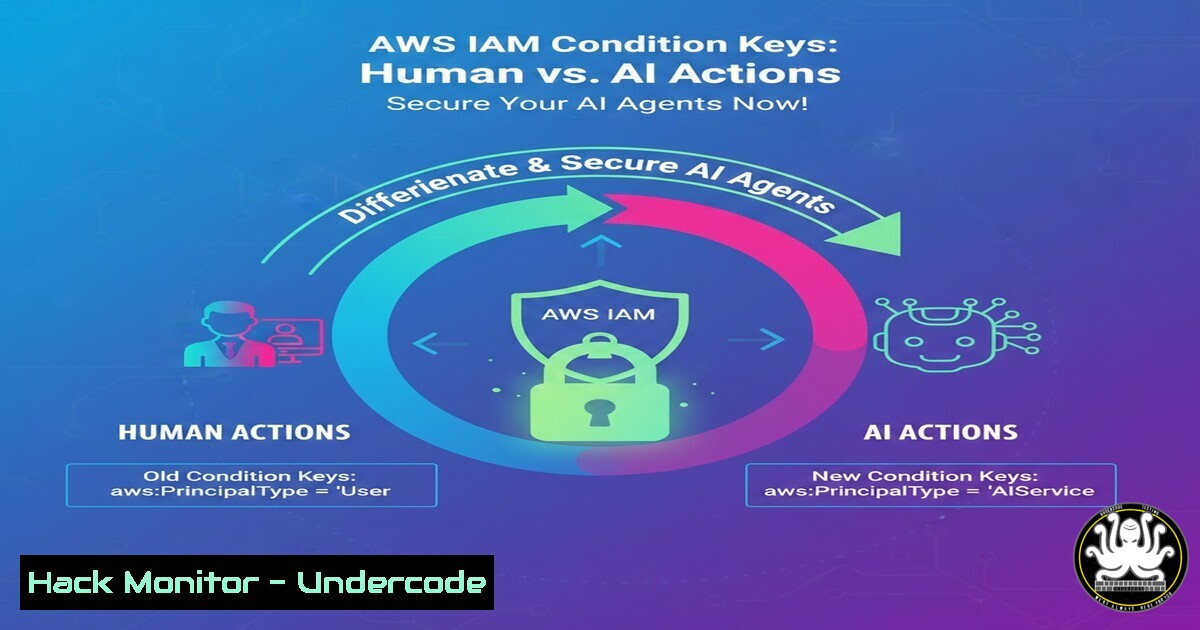
AWS has officially introduced two new IAM condition keys—aws:ViaAWSMCPService and aws:CalledViaAWSMCP—that enable administrators to distinguish between API calls made directly by humans and those invoked by AI agents via the Model Context Protocol (MCP). As organizations rapidly adopt AI-driven automation, these keys provide a critical security control to prevent unintended or malicious actions by autonomous agents, ensuring that even the most powerful AI assistants operate within strictly defined boundaries.
Learning Objectives
- Understand the purpose and mechanics of the new `aws:ViaAWSMCPService` and `aws:CalledViaAWSMCP` condition keys.
- Learn to craft IAM policies that grant precise permissions based on whether an action originates from a human or an AI agent.
- Implement auditing and monitoring strategies to detect and respond to AI-driven API calls in your AWS environment.
You Should Know
- Decoding the New IAM Condition Keys: `aws:ViaAWSMCPService` and `aws:CalledViaAWSMCP`
The Model Context Protocol (MCP) is an open standard that allows AI assistants—such as those built on Anthropic’s —to interact with external tools and services. AWS now surfaces this context in IAM policies through two new global condition keys:
– aws:ViaAWSMCPService: Set to `true` when the request is made through an AWS service that acts as an MCP host (e.g., Amazon Bedrock agents).
– aws:CalledViaAWSMCP: Set to `true` when the request is made by an MCP client (e.g., an AI agent using the MCP protocol to call AWS APIs).
These keys can be used in the `Condition` block of any IAM policy to allow or deny actions based on the presence of an AI intermediary. For example, you might allow an AI agent to read data from an S3 bucket but prevent it from deleting objects.
- Crafting a Policy to Restrict AI Agent Actions
Let’s build a policy that grants full S3 read/write access to human users but limits any AI agent to read‑only operations.
Step‑by‑Step Guide
1. Create a policy document (e.g., `ai-restrict.json`):
{
"Version": "2012-10-17",
"Statement": [
{
"Effect": "Allow",
"Action": "s3:",
"Resource": "",
"Condition": {
"Bool": {
"aws:CalledViaAWSMCP": "false"
}
}
},
{
"Effect": "Allow",
"Action": [
"s3:GetObject",
"s3:ListBucket"
],
"Resource": "",
"Condition": {
"Bool": {
"aws:CalledViaAWSMCP": "true"
}
}
}
]
}
This policy allows all S3 actions only when the call is not made via MCP. If the call is made via MCP (aws:CalledViaAWSMCP = true), only read actions are permitted.
2. Create the policy using AWS CLI:
aws iam create-policy --policy-name RestrictAIAgent --policy-document file://ai-restrict.json
- Attach the policy to a role that your AI agent assumes:
aws iam attach-role-policy --role-name AIAgentRole --policy-arn arn:aws:iam::123456789012:policy/RestrictAIAgent
Now any API call made by an AI agent using that role will be evaluated against these conditions.
3. Testing and Validating Your IAM Conditions
To verify that your policy works as intended, you can simulate both human and AI agent scenarios.
Simulate a Human Call
Simply run an AWS CLI command with your own credentials:
aws s3 ls
If your user has the appropriate permissions, the command should succeed because `aws:CalledViaAWSMCP` is false.
Simulate an AI Agent Call
- Assume the AI agent role to obtain temporary credentials:
aws sts assume-role --role-arn arn:aws:iam::123456789012:role/AIAgentRole --role-session-name TestAISession
Export the returned `AccessKeyId`, `SecretAccessKey`, and `SessionToken`.
- Run a write operation (e.g., delete an object) with those credentials:
export AWS_ACCESS_KEY_ID=...; export AWS_SECRET_ACCESS_KEY=...; export AWS_SESSION_TOKEN=...
aws s3 rm s3://my-bucket/test.txt
This should be denied because `aws:CalledViaAWSMCP` is `true` and the policy only allows read actions.
-
Run a read operation with the same credentials:
aws s3 ls s3://my-bucket/
This should succeed, confirming that read access is permitted.
4. Auditing AI‑Driven Actions with AWS CloudTrail
Identifying which actions were performed by AI agents is essential for compliance and security investigations. CloudTrail logs now include the `calledVia` and `viaService` fields that reflect these new condition keys.
Query CloudTrail Logs Using Athena
- Create an Athena table for CloudTrail logs (if not already set up).
- Run a query to find all events where `calledVia` contains
AWSMCP:SELECT eventTime, eventName, userIdentity.arn, recipientAccountId FROM cloudtrail_logs WHERE json_extract_scalar(responseElements, '$.calledVia') LIKE '%AWSMCP%' ORDER BY eventTime DESC;
Set Up Real‑Time Alerts with CloudWatch
- Create a CloudWatch Logs metric filter on the `calledVia` field.
- Trigger an SNS notification when an AI agent performs a sensitive action (e.g.,
DeleteBucket).
Example filter pattern:
{ ($.calledVia = "AWSMCP") && ($.eventName = "DeleteBucket") }
- Real‑World Attack Mitigation: Preventing AI Agents from Going Rogue
Consider a scenario where an AI agent, compromised through prompt injection, attempts to delete critical infrastructure. Using the new condition keys, you can enforce a strict separation of duties.
Mitigation Strategy
- Attach a service control policy (SCP) at the organizational unit level that denies all destructive actions (
ec2:TerminateInstances,s3:DeleteBucket,iam:DeleteRole, etc.) when `aws:CalledViaAWSMCP` =true. - Example SCP snippet:
{ "Effect": "Deny", "Action": [ "ec2:TerminateInstances", "s3:DeleteBucket", "iam:Delete" ], "Resource": "", "Condition": { "Bool": { "aws:CalledViaAWSMCP": "true" } } } - Apply the SCP to all accounts that use AI agents. This creates a safety net even if an agent’s role is overly permissive.
- Combining with Other IAM Conditions for Granular Control
You can layer the new MCP keys with existing condition keys to build precise guardrails.
Example: Allow AI agent only from within a VPC
{
"Effect": "Allow",
"Action": "s3:GetObject",
"Resource": "",
"Condition": {
"Bool": {
"aws:CalledViaAWSMCP": "true"
},
"StringEquals": {
"aws:SourceVpc": "vpc-12345678"
}
}
}
This ensures the AI agent can only read S3 objects when its traffic originates from a specific VPC, reducing exposure to external threats.
Require MFA for Human‑Only Actions
{
"Effect": "Deny",
"Action": "iam:CreateUser",
"Resource": "",
"Condition": {
"Bool": {
"aws:CalledViaAWSMCP": "false",
"aws:MultiFactorAuthPresent": "false"
}
}
}
Here, humans must have MFA to create IAM users; the condition does not affect AI agents, which are already blocked from creating users by other policies.
7. Future‑Proofing Your AWS Environment for AI Workloads
As AI agents become ubiquitous, identity and access management must evolve. The introduction of `aws:ViaAWSMCPService` and `aws:CalledViaAWSMCP` is a foundational step. To stay ahead:
- Inventory all AI agents and their associated IAM roles.
- Apply the principle of least privilege aggressively for AI roles.
- Regularly review CloudTrail logs for anomalous AI behavior.
- Use IAM Access Analyzer to validate that policies using these new keys don’t introduce unintended gaps.
By proactively leveraging these condition keys, you can embrace AI automation without sacrificing security.
What Undercode Say
- The new IAM condition keys are a game‑changer for securing AI agents, providing visibility and control previously unavailable.
- Organizations should immediately update IAM policies to restrict AI agents from performing high‑risk actions, even if those agents have broad permissions.
- These keys also enable fine‑grained auditing, allowing security teams to distinguish between human‑initiated and AI‑initiated API calls in logs.
- However, misconfiguration—such as forgetting to include both keys—could leave gaps; always test policies thoroughly in a staging environment.
- The introduction of MCP‑aware conditions signals AWS’s commitment to supporting secure AI integration, and we can expect further enhancements as AI adoption grows.
- Ultimately, these keys shift the security paradigm from “what” is being done to “who” (or what) is doing it, a critical evolution for defending against AI‑powered threats.
Prediction
As AI agents become more autonomous and capable, attackers will increasingly target them as entry points. The ability to isolate and monitor AI‑driven actions via IAM will become a standard security practice. Within two years, we anticipate that major cloud providers will offer dedicated AI identity services, and condition keys like these will be essential components of zero‑trust architectures for AI workloads. Organizations that adopt these controls early will be better positioned to prevent AI‑related breaches and maintain compliance in an era of agentic AI.
▶️ Related Video (80% Match):
🎯Let’s Practice For Free:
IT/Security Reporter URL:
Reported By: Rowanu Aws – Hackers Feeds
Extra Hub: Undercode MoN
Basic Verification: Pass ✅


