Listen to this Post
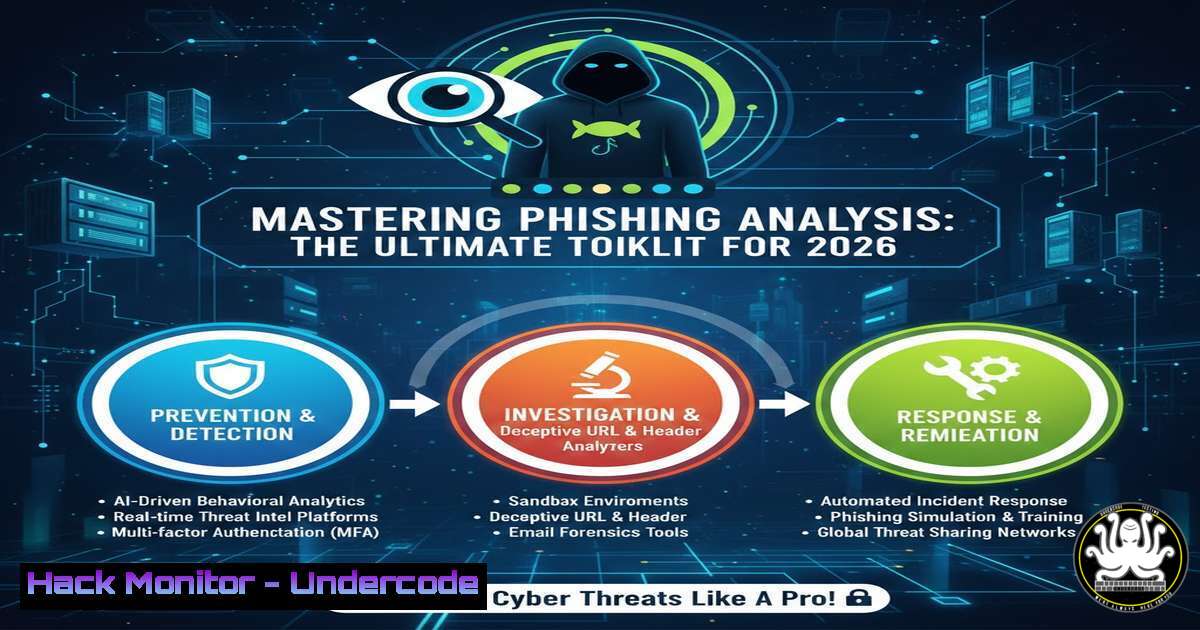
Introduction:
Phishing remains the most prevalent cyberattack vector, often bypassing traditional defenses through clever social engineering. Effective analysis of suspicious emails requires a multi‑layered approach combining online threat intelligence platforms, command‑line utilities, and sandboxing environments. This article provides a comprehensive, step‑by‑step guide to dissecting email headers, URLs, attachments, and domain artifacts using the latest tools and techniques available in 2026.
Learning Objectives:
- Analyze email headers to detect spoofing, authentication failures, and malicious relays.
- Leverage URL and IP reputation services via both web interfaces and automated API queries.
- Perform static and dynamic analysis on email attachments using sandboxes and native command‑line tools.
You Should Know:
1. Email Header Analysis: Uncovering the Trail
Email headers contain the forensic evidence of an email’s journey. Key fields include Received, SPF, DKIM, DMARC, and Reply-To.
Step‑by‑step guide:
- Extract headers: Save the email as an `.eml` file. On Linux, use
cat email.eml | grep -E "^(Received|From|To|Subject|DKIM|SPF|DMARC)". On Windows PowerShell:Get-Content email.eml | Select-String "^(Received|From|To|Subject|DKIM|SPF|DMARC)". - Use online analyzers: Paste headers into MXToolbox, Google Messageheader, or Azure Header Analyzer. These tools highlight authentication results and anomalies.
- Command‑line automation: For bulk analysis, a simple Python script can parse headers and flag suspicious patterns (e.g., mismatched `Received` domains). Example:
import sys
with open(sys.argv[bash], 'r') as f:
for line in f:
if line.startswith('Received:'):
print(line.strip())
- URL and IP Reputation: From Manual Checks to API Automation
Verifying the safety of embedded links is critical. Start with manual checks, then scale with APIs.
Step‑by‑step guide:
- Manual lookup: Visit VirusTotal, URLScan, or AbuseIPDB and input the URL/IP.
- API automation (Linux): Use `curl` to query VirusTotal. First, URL‑encode the target:
encoded_url=$(echo -n "http://phishing-site.com" | jq -sRr @uri)
curl -H "x-apikey: YOUR_API_KEY" "https://www.virustotal.com/api/v3/urls/$encoded_url" | jq '.data.attributes.last_analysis_stats'
- Windows PowerShell equivalent:
$url = "http://phishing-site.com" $encoded = [bash]::EscapeDataString($url) $headers = @{"x-apikey" = "YOUR_API_KEY"} Invoke-RestMethod -Uri "https://www.virustotal.com/api/v3/urls/$encoded" -Headers $headers | ConvertTo-Json - Additional tools: Talos Intelligence, IBM X‑Force, and IPinfo provide geolocation and blacklist status.
- Malware Analysis of Attachments: Sandboxing and Static Inspection
Attachments often carry malicious payloads. Combine static analysis with dynamic sandboxing.
Step‑by‑step guide:
- Compute file hash: On Linux:
sha256sum suspicious.doc. On Windows PowerShell:Get-FileHash suspicious.doc -Algorithm SHA256. - Check hash against VirusTotal: Use the API as shown above (endpoint
/files/{hash}). - Static analysis commands:
– `file suspicious.doc` – identifies file type.
– `strings suspicious.doc | grep -i “http\|powershell\|cmd”` – extracts readable strings. - For Office documents: `olevba suspicious.doc` (requires `oletools` on Linux) to detect VBA macros.
- For PDFs: `pdfid suspicious.pdf` (from `pdfid` package).
- Dynamic analysis: Upload to Any.Run, Hybrid Analysis, or Cuckoo Sandbox to observe behavior in a safe environment.
4. WHOIS and Domain Investigation: Tracing the Registrant
WHOIS records reveal domain ownership, creation date, and registrar – often mismatches indicate malice.
Step‑by‑step guide:
- Linux command:
whois suspicious-domain.com | grep -E "Registrar|Creation Date|Name Server". - Reverse IP lookup: Find other domains hosted on the same IP using ViewDNS.info or command: `host
` then dig -x <IP>. - Online tools: DomainTools, CentralOps, and Reverse Lookup provide graphical insights.
- Automate with `curl` and APIs: For example, use ipinfo.io to get IP geolocation:
curl ipinfo.io/192.0.2.1
5. Automated Phishing Analysis and Threat Intelligence Feeds
Tools like PhishTool and CyberChef streamline analysis.
Step‑by‑step guide:
- PhishTool: Upload the `.eml` file; it automatically extracts headers, URLs, and attachments, correlating with threat intel.
- CyberChef recipes: Use “From Base64” to decode encoded URLs, “Extract URLs” to pull all links, or “Parse Email Header” to visualize the email path.
- Command‑line extraction: On Linux, use `grep -oP ‘http[bash]?://[^”]+’ email.eml` to list all URLs.
- Threat feeds: Check PhishTank, OpenPhish, and Phishing Army for known phishing domains.
6. Browser Sandboxing and URL Visualization
Never click a suspicious link directly; use tools that render the page safely.
Step‑by‑step guide:
- URLScan.io: Submit the URL; it provides a screenshot, DOM, and network requests without risking your environment.
- URL2PNG: Get a static screenshot of the landing page.
- CheckPhish: Offers multi‑engine detection and screenshot.
- Browser Sandbox: BrowserSandbox lets you run a disposable browser session.
- Command‑line: You can also use `wget` or `curl` to fetch the page content in a controlled VM, but always use a sandbox for unknown sites.
7. Educational Resources and Continuous Learning
Stay updated with the latest phishing techniques.
- YouTube tutorials: Email Header Analysis and Social Engineering Red Flags.
- PDF guides: Email Header Analysis PDF.
- Practice platforms: What should you do? – interactive incident response scenarios.
What Undercode Say:
- Key Takeaway 1: Combining online threat intelligence platforms with command‑line forensics gives a holistic view of a phishing attempt, enabling faster and more accurate triage.
- Key Takeaway 2: Proactive analysis of email authentication mechanisms (SPF, DKIM, DMARC) and regular use of sandboxing tools can prevent breaches before they reach end users.
In an era where phishing kits are becoming increasingly automated and AI‑generated lures are indistinguishable from legitimate communications, defenders must adopt a layered toolset. The resources listed above not only help identify current threats but also build a skill set that adapts to emerging evasion techniques. Regular practice with real‑world samples and integration of these tools into security orchestration workflows will significantly raise an organization’s resilience.
Prediction:
As AI‑driven phishing becomes more targeted and evasive, analysis tools will evolve to incorporate machine learning for real‑time deception detection. Email authentication standards like DMARC will become universal, forcing attackers to shift toward vishing and smishing. Defenders will increasingly rely on automated threat intelligence feeds and browser‑isolated analysis environments to neutralize threats before user interaction.
🎯Let’s Practice For Free:
IT/Security Reporter URL:
Reported By: Https: – Hackers Feeds
Extra Hub: Undercode MoN
Basic Verification: Pass ✅


