Listen to this Post
Introduction:
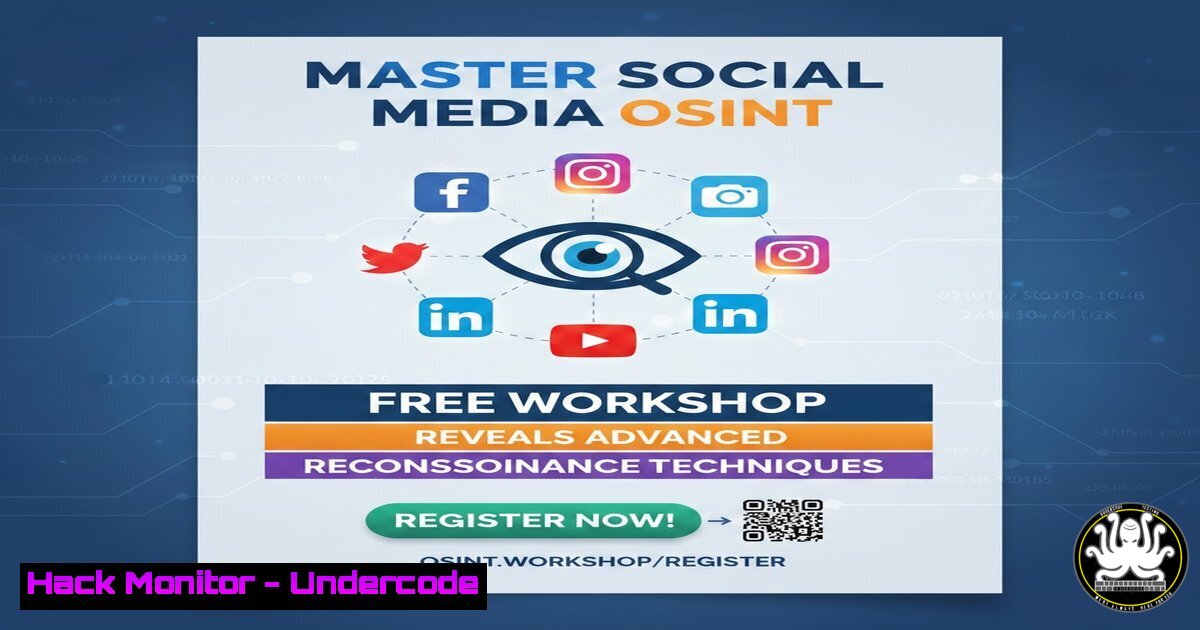
Open-Source Intelligence (OSINT) is the cornerstone of modern cybersecurity investigations, enabling professionals to gather critical information from publicly available sources. Social media platforms, with their vast user-generated content, have become a prime hunting ground for threat actors and security researchers alike. A free upcoming workshop by OSINT expert Saad Sarraj promises to equip attendees with practical skills to extract and analyze data from Facebook, Instagram, X (Twitter), Pinterest, and more, using advanced methodologies that are essential for penetration testing, threat intelligence, and digital forensics.
Learning Objectives:
- Understand the core principles of OSINT and its role in cybersecurity operations.
- Learn to perform targeted reconnaissance on major social media platforms using both manual techniques and automated tools.
- Apply advanced cross-platform correlation methods to build comprehensive profiles and uncover hidden connections.
You Should Know:
1. Setting Up Your OSINT Environment
Before diving into social media reconnaissance, you need a properly configured workstation. Most OSINT tools are Python-based and run seamlessly on Linux, but many also work on Windows via WSL or native binaries.
Step‑by‑step guide:
- Linux (Debian/Ubuntu): Update your system and install Python3 and pip:
sudo apt update && sudo apt upgrade -y
sudo apt install python3 python3-pip git -y
- Windows: Install Python from python.org, then open Command Prompt or PowerShell as Administrator. For Linux tools, enable WSL2 and install a distribution:
wsl --install -d Ubuntu
- Essential OSINT Toolkit: Install common reconnaissance tools:
pip3 install holehe sherlock twint instagram-scraper facebook-scraper
Note: Twint may require additional dependencies; refer to its GitHub for troubleshooting.
2. Facebook OSINT: Techniques and Tools
Facebook remains a rich source of personal information, despite privacy restrictions. Effective OSINT on Facebook involves both manual graph searches and automated scraping where permitted.
Step‑by‑step guide:
- Manual Graph Search: Use Facebook’s search operators to find public posts, photos, and check-ins. For example, `”John Doe”`
"New York""photos of John Doe". - Automated Scraping with facebook-scraper: This Python library can extract public profile information, posts, and comments. Basic usage:
facebook-scraper --pages 3 "john.doe" --comments
Ethical note: Always respect Facebook’s Terms of Service and avoid aggressive scraping that may overload servers.
- Extract Profile Pictures: Use tools like `fb-image-scraper` or manually inspect the page source for image URLs.
3. Instagram OSINT: Extracting User Data
Instagram’s API limitations make OSINT more challenging, but tools like `instagram-scraper` can still retrieve public photos, captions, and follower lists.
Step‑by‑step guide:
- Install instagram-scraper:
pip3 install instagram-scraper
- Scrape a Public Profile:
instagram-scraper username --media-metadata --comments
This downloads all posts and saves metadata including likes, comments, and timestamps.
- Login for Extended Access: If you have an account, use `–login your_username` to scrape stories and higher resolution images (use ethically and avoid violating Instagram’s ToS).
- Windows Alternative: The same command works in PowerShell if Python is in PATH.
- X (Twitter) OSINT: Advanced Search and API Usage
Twitter’s API is a goldmine for real-time intelligence. While recent changes have restricted free access, historical data can still be gathered using tools like `twint` (which does not require API keys) or the official API v2 with elevated access.
Step‑by‑step guide:
- Using Twint (No API Key): Twint scrapes public tweets without authentication. Example to get recent tweets from a user:
twint -u username --since 2024-01-01 --until 2025-01-01 -o tweets.csv --csv
- Using Twitter API v2 (with Bearer Token): For more structured data, register a developer account, create a project, and use Tweepy in Python:
import tweepy
client = tweepy.Client(bearer_token='YOUR_TOKEN')
tweets = client.get_users_tweets(id=user_id, max_results=100)
for tweet in tweets.data:
print(tweet.text)
- Geolocation Search: Twint can also search by geocoordinates:
twint -g="40.7128,-74.0060,10km" -o nyc_tweets.csv --csv
5. Pinterest OSINT: Gathering Visual Intelligence
Pinterest is often overlooked, but its visual boards can reveal user interests, locations, and even workplace details. OSINT on Pinterest is largely manual due to limited public APIs.
Step‑by‑step guide:
- Manual Recon: Search for a username or email on Pinterest. Examine boards, pins, and comments for clues. Use Google dorks like
site:pinterest.com "john.doe". - Automated Scraping with pinterest-scraper: Install and run:
pip3 install pinterest-scraper
pinterest-scraper username --boards --pins
This outputs board names and pin URLs.
- Reverse Image Search: Download images from pins and upload them to Google Images or TinEye to find cross-platform presence.
6. Advanced Practical OSINT Techniques: Cross-Platform Correlation
The real power of OSINT lies in connecting data across multiple platforms. Tools like Sherlock and Maltego automate username searches and visualize relationships.
Step‑by‑step guide:
- Sherlock (Username Search): Clone and run Sherlock to find accounts associated with a username across hundreds of sites:
git clone https://github.com/sherlock-project/sherlock.git
cd sherlock
python3 sherlock username --timeout 2 --output results.txt
- Maltego (Graphical Link Analysis): Install Maltego CE, add transforms for social media (e.g., Facebook, Twitter), and input usernames or emails to build an entity graph. This visual approach helps identify hidden connections between profiles.
- Email Correlation: Use `holehe` to check if an email is registered on various platforms:
holehe [email protected]
7. Legal and Ethical Considerations in OSINT
OSINT is legal when conducted on publicly available information, but it must be done ethically and in compliance with platform terms and local laws. Unauthorized scraping, doxxing, or using data for harassment is illegal and unethical. Always obtain proper authorization before using OSINT for penetration testing or security research.
What Undercode Say:
- Key Takeaway 1: OSINT is a vital skill for cybersecurity professionals, enabling proactive threat detection and digital footprint analysis.
- Key Takeaway 2: Automation tools like Sherlock and Twint dramatically increase efficiency, but manual verification remains essential to avoid false positives.
- Analysis: The free workshop by Saad Sarraj provides a rare opportunity to gain hands‑on experience with these techniques, bridging the gap between theoretical knowledge and real‑world application. In an era where social media is both a vector for attacks and a source of intelligence, mastering OSINT is no longer optional—it is a necessity for defenders and investigators alike. Participants will leave with actionable skills that can be immediately applied in penetration testing, fraud investigations, and threat hunting.
Prediction:
As social media platforms continue to tighten privacy controls and restrict API access, OSINT practitioners will increasingly rely on AI‑driven analysis, computer vision for image recognition, and deep learning to correlate fragmented data. The future of OSINT lies in adaptive, intelligent tools that can navigate these restrictions while maintaining ethical boundaries. Continuous learning and community workshops like this one will be critical to staying ahead in the ever‑evolving intelligence landscape.
▶️ Related Video (82% Match):
🎯Let’s Practice For Free:
IT/Security Reporter URL:
Reported By: Saadsarraj This – Hackers Feeds
Extra Hub: Undercode MoN
Basic Verification: Pass ✅


