Listen to this Post
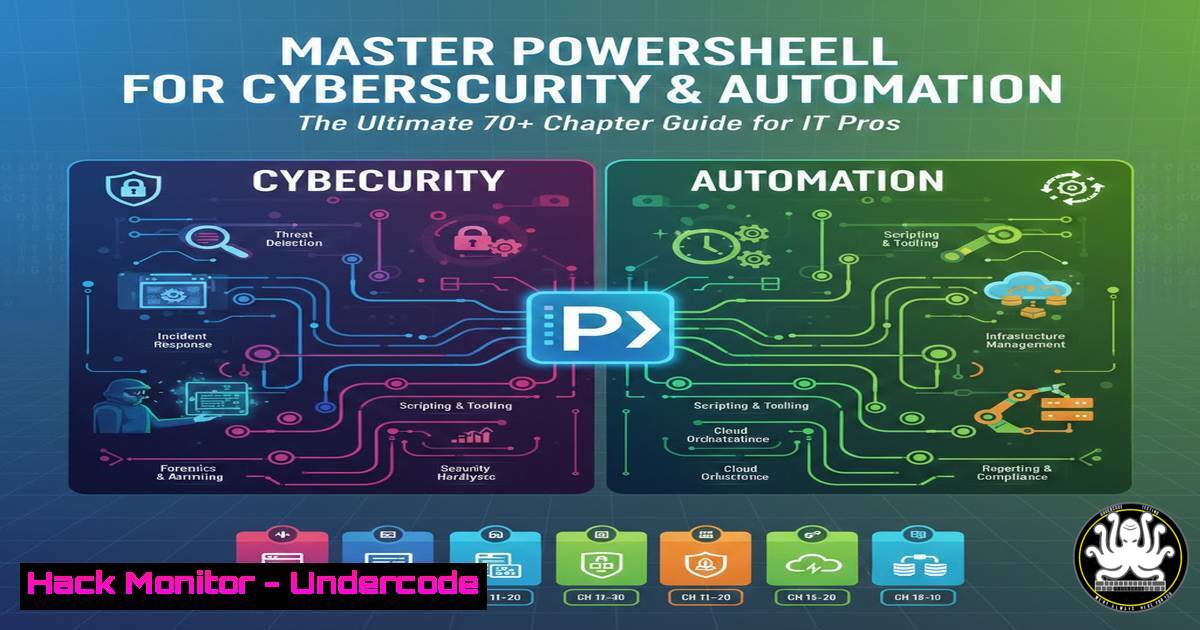
Introduction:
In the ever-evolving landscape of cybersecurity and IT infrastructure, PowerShell remains the Swiss Army knife for professionals. More than just a shell, it is a powerful automation and configuration management framework built on the .NET framework. This guide, distilled from extensive professional notes, provides a roadmap for leveraging PowerShell not only for routine system administration but also for advanced security tasks, threat hunting, and DevSecOps automation. Mastering these concepts is critical for defending against adversaries who increasingly use PowerShell for living-off-the-land attacks.
Learning Objectives:
- Master core PowerShell scripting constructs to automate complex IT and security workflows.
- Implement advanced techniques for interacting with REST APIs, Active Directory, and cloud environments.
- Apply PowerShell for security analysis, log parsing, and mitigation of common vulnerabilities.
You Should Know:
1. Foundational Scripting and System Reconnaissance
Before diving into complex automation, mastering the basics is crucial for security professionals to understand both system administration and attacker footholds. The fundamentals involve variables, operators, and control flow. For instance, gathering system information for a security audit can be done instantly.
Step‑by‑step guide: System Information Gathering
This script collects critical security-relevant data about a Windows host.
 Get System Information
Get-ComputerInfo | Select-Object WindowsProductName, WindowsVersion, OsHardwareAbstractionLayer

List all running services, crucial for identifying unauthorized services
Get-Service | Where-Object {$_.Status -eq "Running"}

Enumerate local users and groups for privilege auditing
Get-LocalUser | Select-Object Name, Enabled, LastLogon
Get-LocalGroupMember -Group "Administrators"

Check network connections to detect potential C2 beacons
Get-NetTCPConnection | Where-Object {$_.State -eq "Established"} | Select-Object LocalAddress, LocalPort, RemoteAddress, RemotePort, OwningProcess
2. Intermediate Techniques: Pipeline, Remoting, and Active Directory
The pipeline is PowerShell’s core strength, allowing objects to be passed from one command to another. PowerShell Remoting (WinRM) is essential for managing an enterprise environment at scale. For a security analyst, this means querying logs or running threat-hunting scripts across the entire fleet.
Step‑by‑step guide: Remote Log Analysis for Security Events
This demonstrates how to use PowerShell remoting to check for specific security event IDs (e.g., 4625 for failed logons) on multiple remote machines.
 Define target computers
$computers = @("Server01", "Server02", "Workstation01")

Invoke command on remote machines to search Security log
Invoke-Command -ComputerName $computers -ScriptBlock {
$EventIDs = 4624, 4625, 4634  Logon, Logon Failure, Logoff
Get-WinEvent -LogName 'Security' -MaxEvents 100 | Where-Object { $<em>.Id -in $using:EventIDs } | Select-Object MachineName, TimeCreated, Id, @{Name='Message';Expression={$</em>.Message -replace "<code>n"," " -replace "</code>r"," "}}
} | Format-Table -AutoSize

Note: Requires admin privileges and WinRM (Enable-PSRemoting) configured.
3. Advanced Security and .NET Integration
PowerShell can directly leverage the .NET framework, allowing it to perform actions far beyond standard cmdlets, such as hashing files for integrity verification or interacting with low-level Windows APIs.
Step‑by‑step guide: File Integrity Monitoring with Hashing
This script calculates file hashes to detect unauthorized modifications, a key control for incident response and compliance.
 Define the path to monitor
$targetDirectory = "C:\CriticalFiles"
$baselineFile = "C:\baseline_hashes.xml"

Create a baseline
Get-ChildItem -Path $targetDirectory -Recurse -File | ForEach-Object {
$hash = Get-FileHash -Path $<em>.FullName -Algorithm SHA256
[bash]@{
Path = $</em>.FullName
Hash = $hash.Hash
}
} | Export-Clixml -Path $baselineFile

Verification script (run later to check integrity)
$currentHashes = Get-ChildItem -Path $targetDirectory -Recurse -File | ForEach-Object {
$hash = Get-FileHash -Path $<em>.FullName -Algorithm SHA256
[bash]@{
Path = $</em>.FullName
Hash = $hash.Hash
}
}
$baselineHashes = Import-Clixml -Path $baselineFile

Compare and alert on changes
Compare-Object -ReferenceObject $baselineHashes -DifferenceObject $currentHashes -Property Path, Hash | Where-Object {$<em>.SideIndicator -eq "=>"} | ForEach-Object {
Write-Warning "File changed or added: $($</em>.Path)"
}
4. REST APIs, SQL, and Cloud Hardening
Modern IT is hybrid, requiring automation to bridge on-premises and cloud environments. PowerShell excels at interacting with REST APIs for tasks like managing Azure subscriptions, querying SIEM tools, or automating threat intelligence feeds.
Step‑by‑step guide: Querying a Threat Intelligence API
This example shows how to query a public API (like AlienVault OTX) to check an IP address’s reputation.
 Example: Query AlienVault OTX API (Requires API Key)
$apiKey = "YOUR_API_KEY_HERE"
$ipAddress = "8.8.8.8"
$headers = @{
"X-OTX-API-KEY" = $apiKey
}
$uri = "https://otx.alienvault.com/api/v1/indicators/IPv4/$ipAddress/general"

try {
$response = Invoke-RestMethod -Uri $uri -Headers $headers -Method Get
if ($response.pulse_info.count -gt 0) {
Write-Host "ALERT: IP $ipAddress found in threat intelligence pulses!" -ForegroundColor Red
$response.pulse_info.pulses | Select-Object name, description, created
} else {
Write-Host "IP $ipAddress is clean based on current pulses." -ForegroundColor Green
}
} catch {
Write-Error "Failed to query API: $_"
}
5. Infrastructure Automation and Desired State Configuration (DSC)
For security hardening, consistency is key. PowerShell DSC allows you to define the desired state of a machine (e.g., specific firewall rules, registry settings, service states) and enforce it. This prevents configuration drift, a common source of vulnerabilities.
Step‑by‑step guide: Enforcing a Security Baseline with DSC
This configuration ensures critical security settings are always applied.
Configuration SecurityBaseline {
Node "localhost" {
 Ensure the Windows Firewall is enabled for all profiles
WindowsFeature Firewall {
Name = "Net-Framework-Core"
Ensure = "Present"
}
xFirewallProfile FirewallState {
Name = "Domain"
Enabled = "True"
DefaultInboundAction = "Block"
DefaultOutboundAction = "Allow"
}

Enforce a specific account lockout duration via registry
Registry AccountLockoutDuration {
Key = "HKLM:\SYSTEM\CurrentControlSet\Services\Netlogon\Parameters"
ValueName = "MaximumPasswordAge"
ValueData = "30"
ValueType = "DWord"
Ensure = "Present"
}
}
}
 To apply: SecurityBaseline -OutputPath C:\DSC\Config; Start-DscConfiguration -Path C:\DSC\Config -Wait -Verbose
What Undercode Say:
- The Double-Edged Sword: PowerShell is the most powerful tool in a Windows administrator’s arsenal, but it is equally powerful for attackers. Understanding its depths is no longer optional for defenders; it is a necessity to detect and prevent file-less malware and sophisticated attacks that rely on PowerShell.
- Automation is Security: Manual patching and configuration are prone to error. By mastering PowerShell for infrastructure automation (like DSC) and API integrations, organizations can shift from a reactive security posture to a proactive, continuous compliance model.
- Breadth of Knowledge: The guide’s coverage from basic loops to .NET and REST APIs highlights that modern cybersecurity requires a full-stack understanding. You cannot secure what you cannot script, and you cannot script what you do not understand.
Prediction:
As cloud adoption and hybrid work models expand, PowerShell will become even more central to security operations centers (SOCs). We will see a rise in “PowerShell-first” incident response tools and a greater integration of its scripting capabilities into AI-driven security orchestration, automation, and response (SOAR) platforms. The demand for professionals who can bridge the gap between deep PowerShell expertise and cybersecurity will outpace supply, making this skill set a critical differentiator in the job market for the next five years.
▶️ Related Video (80% Match):
🎯Let’s Practice For Free:
IT/Security Reporter URL:
Reported By: Https: – Hackers Feeds
Extra Hub: Undercode MoN
Basic Verification: Pass ✅


