Listen to this Post
Introduction:
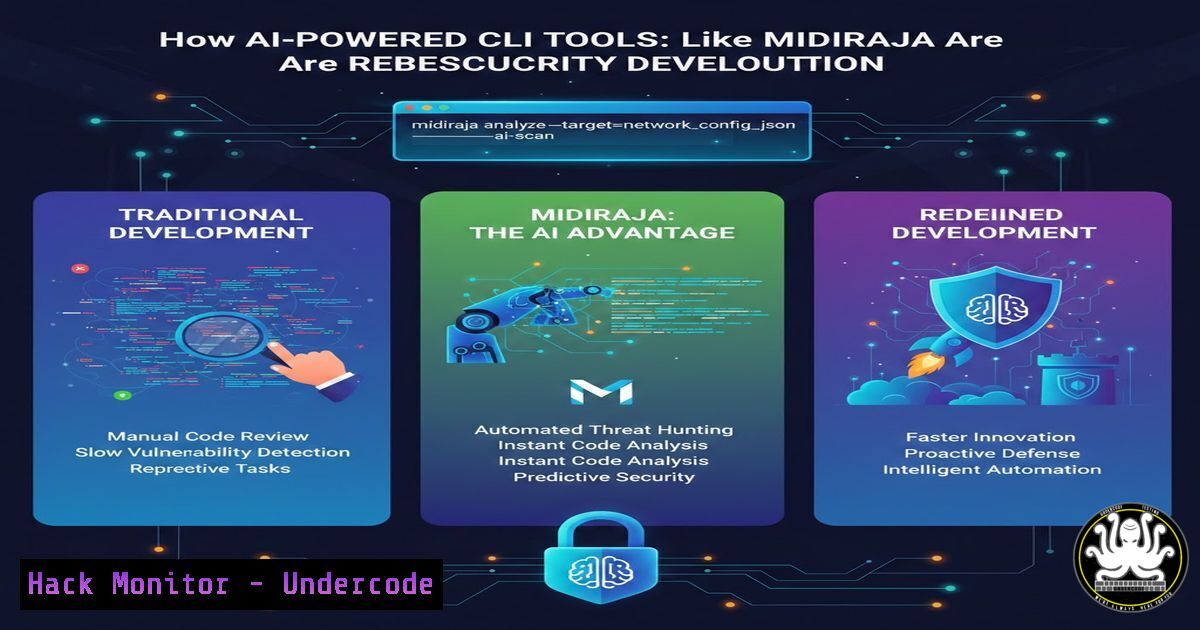
The rapid convergence of artificial intelligence and cybersecurity is transforming how developers build and secure command-line interface (CLI) tools. A recent project, Midiraja—a CLI utility for MIDI file playback enhanced with AI—exemplifies this trend. By integrating AI into development workflows, engineers can automate code generation, identify vulnerabilities early, and create more resilient security tooling. This article explores the intersection of AI, secure coding, and open‑source practices, providing a step‑by‑step guide to building and hardening CLI tools while leveraging AI assistance.
Learning Objectives:
- Understand how AI can assist in developing secure command‑line tools.
- Learn to integrate security scanning and best practices into CLI tool development.
- Explore techniques for hardening open‑source projects against vulnerabilities.
- Implement CI/CD pipelines with automated security checks.
- Gain insights into the future of AI‑driven cybersecurity automation.
You Should Know:
- Building a CLI Tool with AI Assistance: From Concept to Code
Modern AI coding assistants, such as GitHub Copilot or Amazon CodeWhisperer, can accelerate the creation of CLI tools. For example, a developer might prompt the AI to generate a Python script that reads and plays MIDI files, similar to the Midiraja project. The following steps illustrate how to create a basic secure CLI tool with AI help.
Step‑by‑step guide:
- Set up a virtual environment and install required packages:
python -m venv midienv
source midienv/bin/activate  On Windows: midienv\Scripts\activate
pip install mido python-rtmidi
- Use an AI assistant to generate a skeleton for a MIDI player. A typical prompt: “Write a Python CLI tool using argparse that loads a MIDI file and prints its track names.”
- Review the AI‑generated code for security issues (e.g., use of
eval(), hard‑coded paths). Refactor to use safe practices. - Add basic input validation to prevent path traversal attacks:
import os
import argparse</li>
</ul>

def validate_file(file_path):
if not os.path.exists(file_path) or not file_path.endswith(('.mid', '.midi')):
raise argparse.ArgumentTypeError('Invalid MIDI file')
return file_path

parser = argparse.ArgumentParser()
parser.add_argument('file', type=validate_file, help='MIDI file to process')
args = parser.parse_args()
– Test the tool with sample files.
- Securing Your Code: Integrating Static Application Security Testing (SAST)
AI‑generated code can contain hidden vulnerabilities. SAST tools automatically scan source code for flaws. For Python projects, Bandit is a popular choice.
Step‑by‑step guide:
- Install Bandit:
pip install bandit
- Run a basic scan on your project directory:
bandit -r . -f json -o bandit_report.json
- Address high‑severity issues (e.g., use of `subprocess` without sanitization, hard‑coded secrets).
- Integrate Bandit into your pre‑commit hook to catch issues early:
.pre-commit-config.yaml
repos:</li>
<li>repo: https://github.com/PyCQA/bandit
rev: 1.7.5
hooks:</li>
<li>id: bandit
args: ["-r", "."]
- For dependency scanning, use
safety:pip install safety safety check -r requirements.txt
- Hardening the Execution Environment: Sandboxing and Privilege Separation
Running CLI tools with least privilege minimizes the impact of potential exploits. Containerization (Docker) provides an effective sandbox.
Step‑by‑step guide (Linux/Windows with Docker Desktop):
- Create a `Dockerfile` for your tool:
FROM python:3.10-slim
WORKDIR /app
COPY requirements.txt .
RUN pip install --no-cache-dir -r requirements.txt
COPY . .
ENTRYPOINT ["python", "midiraja.py"]
- Build the image:
docker build -t midiraja .
- Run the container with read‑only root filesystem and dropped capabilities:
docker run --read-only --cap-drop=ALL --security-opt=no-new-privileges:true -v /path/to/midi:/data midiraja /data/song.mid
- On Windows, use PowerShell with similar flags:
docker run --read-only --cap-drop=ALL --security-opt=no-new-privileges:true -v C:\midi:C:\data midiraja C:\data\song.mid
- Consider using `seccomp` profiles to restrict system calls.
- API Security and Data Handling: Protecting Sensitive Data
If your CLI tool interacts with external APIs (e.g., AI services for MIDI analysis), secure credential management is critical.
Step‑by‑step guide:
- Never hard‑code API keys. Use environment variables:
import os API_KEY = os.environ.get('MIDI_AI_KEY') if not API_KEY: raise ValueError('Missing API key') - For persistent storage, use encrypted configuration files. Example using
cryptography:pip install cryptography
from cryptography.fernet import Fernet
key = Fernet.generate_key()
cipher = Fernet(key)
encrypted = cipher.encrypt(b"my_api_key")
- When transmitting data, enforce TLS. Use `requests` with certificate verification:
import requests response = requests.post('https://api.example.com/analyze', json=data, headers={'Authorization': f'Bearer {API_KEY}'}, verify=True) - For local storage of encrypted keys, use platform‑specific secure storage (e.g., Windows Credential Manager, Linux Secret Service).
- Open‑Source Best Practices: Releasing Secure Code on GitHub
Sharing a tool like Midiraja on GitHub requires attention to security to protect both the project and its users.
Step‑by‑step guide:
- Create a `SECURITY.md` file describing how to report vulnerabilities (e.g., via private email or GitHub advisories).
- Set up GitHub Actions for automated security scans:
.github/workflows/security.yml
name: Security scan
on: [push, pull_request]
jobs:
bandit:
runs-on: ubuntu-latest
steps:</li>
<li>uses: actions/checkout@v4</li>
<li>name: Run Bandit
run: |
pip install bandit
bandit -r .
- Enable Dependabot for dependency updates:
.github/dependabot.yml
version: 2
updates:</li>
<li>package-ecosystem: "pip"
directory: "/"
schedule:
interval: "weekly"
- Use CodeQL to detect vulnerabilities:
.github/workflows/codeql.yml
name: "CodeQL"
on: [bash]
jobs:
analyze:
name: Analyze
runs-on: ubuntu-latest
steps:</li>
<li>name: Checkout repository
uses: actions/checkout@v4</li>
<li>name: Initialize CodeQL
uses: github/codeql-action/init@v2</li>
<li>name: Autobuild
uses: github/codeql-action/autobuild@v2</li>
<li>name: Perform CodeQL Analysis
uses: github/codeql-action/analyze@v2
6. AI‑Powered Threat Intelligence: Extending Midiraja for Cybersecurity
MIDI files, like any data format, can be abused for steganography or malware delivery. AI can help detect anomalies in such files.
Step‑by‑step guide:
- Write a Python function to calculate entropy of MIDI data—high entropy may indicate encrypted payloads:
import math
from collections import Counter</li>
</ul>

def entropy(data):
if not data:
return 0
entropy = 0
for count in Counter(data).values():
p = count / len(data)
entropy -= p  math.log2(p)
return entropy

with open('song.mid', 'rb') as f:
midi_data = f.read()
print(f'Entropy: {entropy(midi_data)}')
– Use a simple AI model (e.g., isolation forest) to detect outliers in MIDI file metadata:
from sklearn.ensemble import IsolationForest
 Extract features like number of tracks, tempo, etc.
features = [[len(tracks), tempo, ...]]
model = IsolationForest(contamination=0.1)
anomalies = model.fit_predict(features)
– Integrate this analysis into your CLI tool to flag suspicious files before processing.
- Continuous Monitoring and Incident Response for CLI Tools
Once deployed, CLI tools should log activities and report anomalies to a central monitoring system.
Step‑by‑step guide:
- Implement structured logging in Python:
import logging logging.basicConfig(filename='midiraja.log', level=logging.INFO, format='%(asctime)s - %(levelname)s - %(message)s') logging.info('Processing file: %s', args.file) try: main logic except Exception as e: logging.error('Error: %s', str(e)) - Forward logs to a SIEM (e.g., Splunk) using its HTTP Event Collector:
import requests
import json</li>
</ul>

def send_to_siem(log_entry):
url = 'https://splunk.example.com:8088/services/collector'
token = os.environ.get('SPLUNK_HEC_TOKEN')
headers = {'Authorization': f'Splunk {token}'}
data = {'event': log_entry}
requests.post(url, headers=headers, json=data, verify=True)
– Set up alerts for unusual patterns (e.g., repeated crashes, unexpected file access).
What Undercode Say:
- AI accelerates development but introduces new security risks; automated scanning and human review remain essential.
- Containerization and least‑privilege execution are non‑negotiable for hardening CLI tools, especially those handling untrusted input.
- Open‑source projects must adopt security best practices early—SAST, dependency updates, and clear disclosure policies build community trust.
- The fusion of AI and cybersecurity, as seen in tools like Midiraja, paves the way for proactive threat detection, but also demands continuous vigilance against AI‑generated vulnerabilities.
Prediction:
Within the next three years, AI‑augmented development will become the norm for cybersecurity tooling, leading to a surge in sophisticated, yet potentially flawed, open‑source projects. We will see increased adoption of AI‑driven code analysis and automated patch generation, but also a parallel rise in attacks targeting AI‑generated code. To stay ahead, the industry must develop standardized security frameworks for AI‑assisted development and foster closer collaboration between AI researchers and security practitioners.
▶️ Related Video (88% Match):
🎯Let’s Practice For Free:
IT/Security Reporter URL:
Reported By: Fupfin Midiraja – Hackers Feeds
Extra Hub: Undercode MoN
Basic Verification: Pass ✅🔐JOIN OUR CYBER WORLD [ CVE News • HackMonitor • UndercodeNews ]
📢 Follow UndercodeTesting & Stay Tuned:
- Continuous Monitoring and Incident Response for CLI Tools
- Securing Your Code: Integrating Static Application Security Testing (SAST)


