Listen to this Post
Introduction:
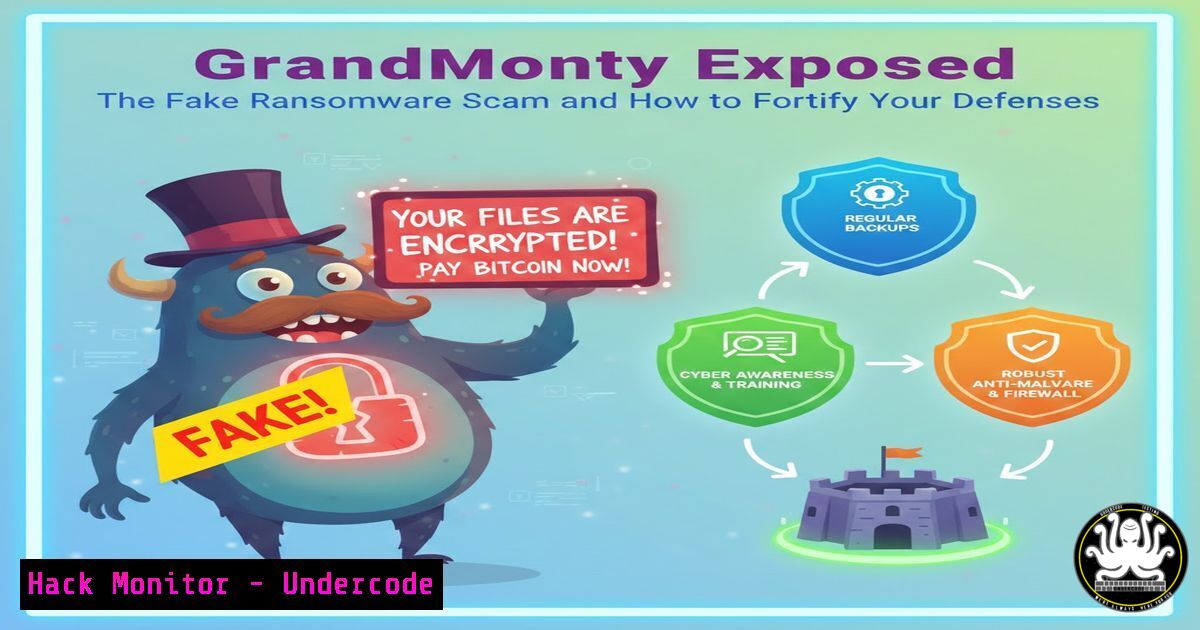
A new wave of cyber deception is targeting users with alarming yet fraudulent ransomware displays. Dubbed “GrandMonty,” this fake ransomware campaign locks screens with intimidating messages but lacks actual file-encryption capabilities, aiming instead to panic victims into paying a ransom for a non-existent threat. Understanding this tactic is crucial for security professionals to differentiate between real threats and psychological operations, ensuring resources are allocated to defend against genuine attacks while educating end-users.
Learning Objectives:
- Learn how to technically analyze and verify fake ransomware campaigns like GrandMonty using OSINT tools.
- Implement immediate network and host-based blocks against known indicators of compromise (IoCs).
- Develop monitoring strategies to detect similar scareware and fake threat campaigns within your environment.
You Should Know:
- OSINT Analysis: Tracing the Digital Footprint of a Scam
The first step upon encountering a threat like GrandMonty is to gather intelligence on its infrastructure. The provided IoCs—URL and IP address—are your starting points for validation and understanding the attack’s scope.
Step‑by‑step guide explaining what this does and how to use it.
1. IP & ASN Analysis: The IP `194.110.247.233` is hosted with AlexHost SRL (AS200019) in Moldova. Use command-line and web tools to investigate.
On Linux, use `whois` and `traceroute`:
whois 194.110.247.233
traceroute 194.110.247.233
Cross-reference findings on threat intelligence platforms like AbuseIPDB or VirusTotal:
 Example using curl with the AbuseIPDB API (requires an API key)
curl -G https://api.abuseipdb.com/api/v2/check \
--data-urlencode "ipAddress=194.110.247.233" \
-H "Key: YOUR_API_KEY" \
-H "Accept: application/json"
2. URL Analysis: The URL `http://194.110.247.233:8005/` is non-HTTPS and uses an unconventional port (8005). Avoid direct browsing. Use sandboxed tools or URL scanners.
Submit the URL to platforms like urlscan.io or Any.run to see its behavior in a safe environment.
Check if the domain/IP is listed in threat feeds. Many security tools and firewalls automatically block known-bad IPs if feeds are updated.
2. Host-Based Containment: Isolating and Removing the Threat
GrandMonty is likely a simple executable or script that displays a full-screen lock message. It may persist using registry run keys or startup folders.
Step‑by‑step guide explaining what this does and how to use it.
1. Windows – Kill Process & Remove Persistence:
Press `Ctrl+Shift+Esc` to open Task Manager. Look for unknown processes. End them.
Check common autorun locations via Command Prompt (run as Administrator):
reg query HKCU\Software\Microsoft\Windows\CurrentVersion\Run
reg query HKLM\Software\Microsoft\Windows\CurrentVersion\Run
dir "%APPDATA%\Microsoft\Windows\Start Menu\Programs\Startup"
Remove any suspicious entries found:
reg delete "HKCU\Software\Microsoft\Windows\CurrentVersion\Run" /v "MaliciousEntryName" /f
2. Linux – Similar Principles Apply: If targeting Linux systems, check for crontabs, systemd services, or .bashrc/.profile injections.
crontab -l
systemctl list-unit-files --type=service | grep enabled
cat ~/.bashrc | tail -20
3. Network-Level Blocking: Preventing Communication and Spread
Even fake ransomware may call home. Blocking its C2 server is essential.
Step‑by‑step guide explaining what this does and how to use it.
1. Using Firewall Rules:
Windows Firewall (Admin PowerShell):
New-NetFirewallRule -DisplayName "Block GrandMonty IP" -Direction Outbound -RemoteAddress 194.110.247.233 -Action Block
Linux iptables:
sudo iptables -A OUTPUT -d 194.110.247.233 -j DROP
sudo iptables-save | sudo tee /etc/iptables/rules.v4  For persistence
2. DNS Sinkholing: On your network DNS server or local host file, redirect the domain (if present) or prevent resolution of the IP.
Local hosts file (Windows: `C:\Windows\System32\drivers\etc\hosts`, Linux: `/etc/hosts`):
127.0.0.1 194.110.247.233
4. Endpoint Detection & Hunting: Finding Related Artifacts
Assume the system might be compromised by other malware. Hunt for related activity.
Step‑by‑step guide explaining what this does and how to use it.
1. Check Network Connections: Look for established or listening connections on unusual ports.
Windows (Admin Command Prompt): `netstat -ano | findstr :8005`
Linux: `ss -tulpn | grep :8005` or `lsof -i :8005`
2. File System Analysis: Search for recently created or modified executable files.
Windows PowerShell: `Get-ChildItem -Path C:\ -Include .exe, .vbs, .js -Recurse -ErrorAction SilentlyContinue | Where-Object LastWriteTime -gt (Get-Date).AddDays(-1)`
Linux: `find / -type f \( -name “.sh” -o -name “.py” -o -name “.elf” \) -mtime -1 2>/dev/null`
5. User Awareness & Phishing Simulation: The First Line of Defense
Fake ransomware often arrives via phishing. Strengthen this human layer.
Step‑by‑step guide explaining what this does and how to use it.
1. Conduct Regular Training: Use the GrandMonty screenshot as a case study. Show users what real vs. fake threats can look like.
2. Run Phishing Campaigns: Simulate emails with malicious-looking attachments or links. Track click rates and provide immediate, constructive feedback.
3. Create Clear Reporting Procedures: Ensure users know how to report suspicious activity without fear of blame.
What Undercode Say:
- Psychological Warfare is the New Frontline: GrandMonty underscores a shift towards attacks that leverage fear over sophisticated encryption. The objective is quick, low-effort financial gain from the panicked, not data theft or disruption.
- Validation is Non-Negotiable: Never take a threat alert at face value. The 30 minutes spent verifying IoCs through OSINT and sandboxing can prevent hours of incident response for a non-existent ransomware event.
Prediction:
Fake ransomware and “scareware” campaigns like GrandMonty will proliferate, becoming more personalized and leveraging current events to enhance credibility. We will see deepfake audio or video integrated into these lock screens to simulate “live” attacker interaction, significantly increasing psychological pressure. Defensively, EDR and XDR platforms will increasingly incorporate behavioral analysis to flag processes that exhibit lock-screen behavior without corresponding file-system encryption patterns, automatically classifying them as lower-priority “scareware” for analysts. The arms race will move from pure technical execution to the quality of social engineering and psychological manipulation.
▶️ Related Video (84% Match):
🎯Let’s Practice For Free:
IT/Security Reporter URL:
Reported By: Rakesh Krishnan – Hackers Feeds
Extra Hub: Undercode MoN
Basic Verification: Pass ✅


