Listen to this Post
Introduction:
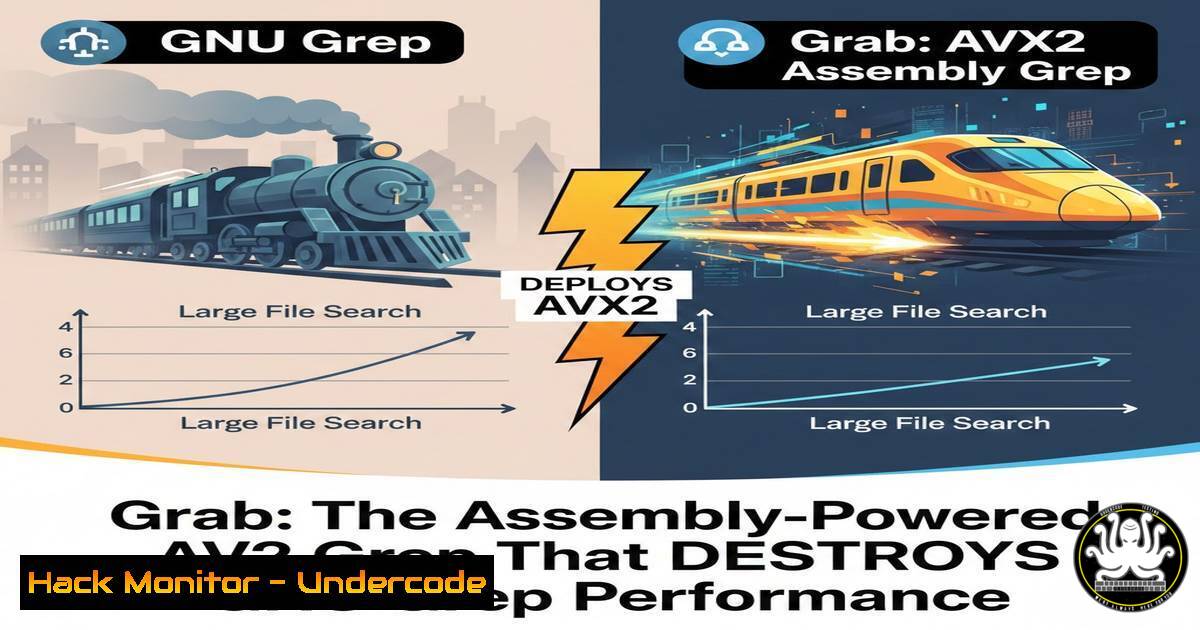
In the high-stakes world of incident response and log analysis, speed is not a luxury—it is a necessity. While GNU grep has been the industry standard for decades, its general-purpose C code leaves significant performance on the table. Enter Grab, a revolutionary string search tool written in x64 assembly that leverages AVX2 (Advanced Vector Extensions 2) instructions and direct Linux system calls. By processing data 32 bytes at a time and bypassing high-level abstractions, Grab demonstrates how low-level optimization can transform the way security professionals sift through terabytes of logs and memory dumps.
Learning Objectives:
- Understand the role of SIMD (AVX2) instructions in accelerating string search operations.
- Learn how to benchmark and compare Grab against traditional tools like GNU grep.
- Gain practical knowledge on compiling, using, and integrating assembly-optimized tools into a security workflow.
You Should Know:
- What is Grab? An Overview of the Tool
Grab is a minimalistic, high-performance string search utility written entirely in x64 assembly. Unlike grep, which relies on the C standard library and complex parsing logic, Grab is designed to do one thing—find strings—and do it exceptionally fast. It utilizes AVX2 instructions, allowing it to process 32 bytes of data in a single CPU cycle, and interacts directly with the Linux kernel through syscalls, eliminating the overhead of userspace buffering.
What this means for you:
If you are performing forensic analysis on a 100GB log file or searching for Indicators of Compromise (IOCs) across a memory dump, Grab can significantly reduce the time required to get results.
How to build it from source:
 Clone the repository
git clone https://github.com/miruchigawa/grab.git
cd grab

Assemble the code (requires NASM)
nasm -f elf64 grab.asm -o grab.o

Link the object file (using ld, not gcc, to avoid libc)
ld grab.o -o grab

Make it executable
chmod +x grab
2. Basic Usage and Command Syntax
Once compiled, Grab behaves similarly to a basic version of grep. It accepts a pattern and a file path, then outputs matching lines. Because it is stripped of features like regex complexity, it focuses purely on literal string matching.
Step‑by‑step guide:
1. Search a file for a specific string:
./grab "SELECT FROM users" /var/log/mysql/query.log
This command scans the MySQL log for any SQL injection attempts.
2. Search across multiple files (using shell expansion):
./grab "192.168.1.100" /var/log/auth.log
Useful for tracking a specific attacker IP across rotated log files.
3. Piping data into Grab:
cat /var/log/syslog | ./grab "CRITICAL"
Grab reads from standard input, allowing it to be used in complex pipelines.
Why this matters in security:
During a live incident, you often need to run the same search across multiple data sources. The speed of Grab means you can run these searches ad-hoc without bogging down the system.
3. Benchmarking Grab vs. GNU grep
To appreciate the performance gains, you must benchmark the tools against a realistic dataset. The following commands will help you quantify the difference.
Step‑by‑step guide:
- Create a large test file (1GB) for benchmarking:
Generate a 1GB file with random log entries
for i in {1..10000000}; do echo "192.168.1.$((RANDOM % 255)) - - [$(date)] \"GET /index.html\" 200" >> test.log; done
2. Run GNU grep and measure time:
time grep "192.168.1.100" test.log > /dev/null
3. Run Grab and measure time:
time ./grab "192.168.1.100" test.log > /dev/null
4. Analyze the results:
- Pay attention to the “real” time. In many tests, Grab can be 2-3x faster due to its SIMD optimizations and reduced overhead.
Pro Tip: Use the `perf` tool to analyze CPU counters:
perf stat -e cycles,instructions,cache-misses ./grab "pattern" largefile.log
4. Under the Hood: How AVX2 Accelerates Search
AVX2 is an extension to the x86 instruction set that enables Single Instruction, Multiple Data (SIMD) operations. Grab uses the `VPCMPESTRI` and `VPCMPESTRM` instructions, which can compare 16 or 32 characters simultaneously.
Simplified explanation:
- Traditional grep: Loads one byte, compares it, loads the next byte, compares it. Repeat.
- Grab: Loads 32 bytes into a single 256-bit register. Compares all 32 bytes against the target pattern using one instruction.
If you are a developer or reverse engineer, you can inspect the assembly:
objdump -d grab | less
Look for instructions starting with `v` (e.g., vmovdqu, vpcmpestri). These are the AVX2 instructions doing the heavy lifting.
5. Direct System Calls: Bypassing the C Library
Grab does not use printf(), fgets(), or malloc(). Instead, it issues system calls like sys_read, sys_write, and `sys_mmap` directly. This eliminates the overhead of the C standard library and gives the programmer fine-grained control over I/O buffering.
Example of a raw syscall in assembly (x64, Linux):
; sys_write syscall (rax=1)
mov rax, 1 ; syscall number for write
mov rdi, 1 ; file descriptor (stdout)
mov rsi, msg ; pointer to message
mov rdx, len ; message length
syscall
This technique ensures that data moves from the kernel buffer to the application with minimal context switching.
6. Security Implications of Memory-Mapped Files
Grab can use `mmap()` to map files directly into the process’s address space. This is particularly useful for security tools because:
– It allows the kernel to handle paging, which can be faster than `read()` for large files.
– It reduces memory copying, as the data is accessed directly from the page cache.
How to force Grab to use memory mapping (if supported by the version):
 Some versions of Grab automatically mmap files over a certain size.
 To explicitly test, you can use:
strace -e mmap ./grab "pattern" largefile.log
Look for `mmap` calls in the strace output. If you see them, Grab is using this optimization.
7. Extending Grab: Dual-Check Optimization Explained
The GitHub repository mentions “dual-check optimization.” This is a technique where the tool first checks for a potential match using a fast, vectorized operation, and then verifies it with a slower, precise check only when necessary. This reduces the number of expensive verification steps.
For penetration testers and tool developers:
Understanding this pattern can help you write more efficient scanners. For example, when scanning network packets, you might first check for a “magic byte” using SIMD, then parse the full packet if the byte is found.
What Undercode Say:
- Key Takeaway 1: Assembly-level optimization is not dead. For repetitive, CPU-bound tasks like string searching, dropping down to raw assembly with SIMD instructions can yield performance gains that high-level languages cannot match.
- Key Takeaway 2: In security operations, speed translates directly to defensive capability. Tools like Grab allow analysts to search massive datasets in real-time, enabling faster triage during a breach. The project also serves as an educational resource for understanding how modern CPUs can be pushed to their limits.
Analysis:
Grab represents a broader trend in cybersecurity tooling: the move toward specialized, hyper-optimized utilities. As data volumes grow and attack surfaces expand, generic tools often become bottlenecks. By leveraging CPU-specific instructions and kernel internals, tools like Grab not only perform faster but also consume fewer system resources—a critical advantage when running on production servers or embedded devices. The code also serves as a masterclass in low-level programming for security engineers looking to build their own custom analysis tools.
Prediction:
As heterogeneous computing becomes more prevalent (with GPUs, TPUs, and specialized AI accelerators), we will see a resurgence of hand-optimized assembly and SIMD code in cybersecurity. The next generation of log analyzers, packet inspectors, and malware scanners will not just be “fast enough”—they will be engineered to saturate the hardware’s theoretical maximum throughput, making near-instantaneous threat detection a reality.
▶️ Related Video (88% Match):
🎯Let’s Practice For Free:
IT/Security Reporter URL:
Reported By: Splog Grab – Hackers Feeds
Extra Hub: Undercode MoN
Basic Verification: Pass ✅


