
Listen to this Post
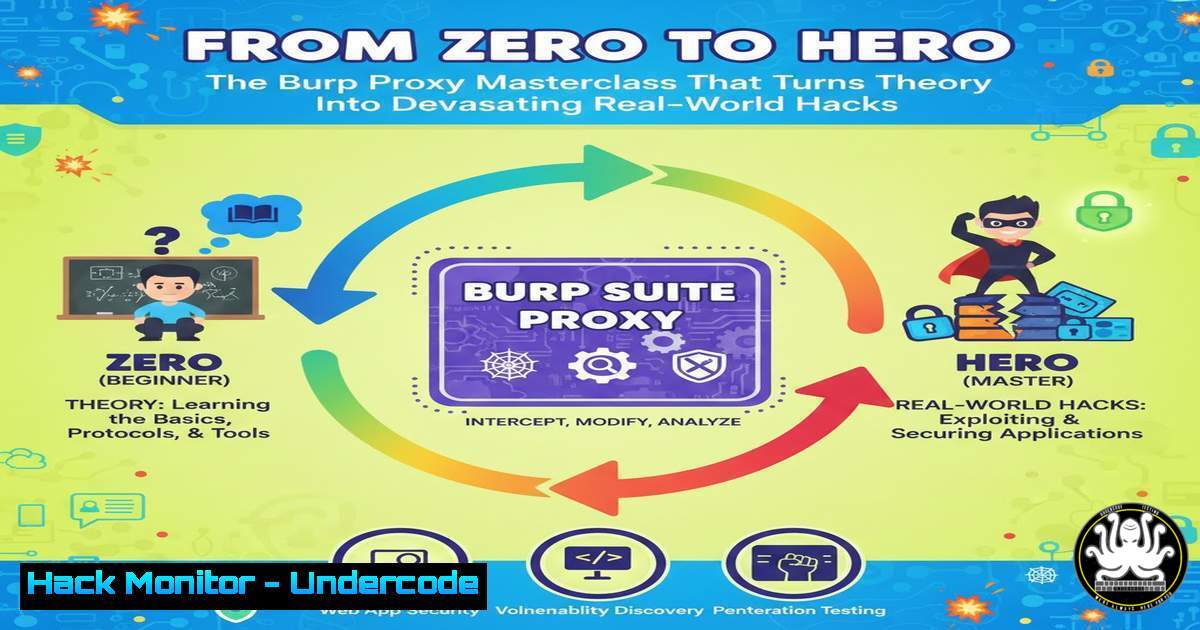
Introduction:
Web application security hinges on understanding the hidden conversation between client and server. While theoretical knowledge provides a foundation, true offensive security expertise is forged in the practical manipulation of HTTP/S traffic. Mastering a tool like Burp Suite Proxy is the critical differentiator between a novice with installed software and a penetration tester who can systematically dissect and exploit modern web applications.
Learning Objectives:
- Configure Burp Suite Proxy to seamlessly intercept and inspect all web traffic from your browser.
- Master the manipulation of HTTP requests to test for common vulnerabilities like SQLi, XSS, and broken access controls.
- Utilize Burp’s core modules (Repeater, Intruder, Decoder) to automate attacks and bypass client-side controls.
- Understand the methodology of a professional web app penetration test, moving from reconnaissance to exploitation.
- Build a practical workflow for vulnerability discovery that integrates Burp Proxy as the central engine.
You Should Know:
1. Foundation: Configuring Your Interception Kill-Chain
Before any hack, you must control the traffic. This involves setting up Burp as a man-in-the-middle proxy between your browser and the target.
Step‑by‑step guide:
- Launch & Configure Burp Proxy: Start Burp Suite. Navigate to the Proxy tab > Options. Ensure the proxy listener is active (typically on
127.0.0.1:8080). - Configure Browser Proxy Settings: Point your browser’s proxy settings to Burp. For Firefox/Chrome, set the HTTP and HTTPS proxy to `127.0.0.1` port
8080.
Linux/macOS CLI Quick Check: `netstat -tlnp | grep 8080` verifies Burp is listening. - Install Burp’s CA Certificate: Navigate to `http://burpsuite` in your browser, download the CA certificate, and import it into your browser’s certificate authority store. This allows Burp to decrypt HTTPS traffic without warnings.
- Intercept Traffic: In Burp, go to Proxy > Intercept and toggle Intercept is on. Now, all browser requests will be paused in Burp.
-
The Art of Inspection and Manipulation: Your First Parameter Tamper
Intercepted traffic is a treasure trove. Every parameter is a potential attack vector.
Step‑by‑step guide:
- With interception on, browse to a target login page (`http://testphp.vulnweb.com/login.php`) and submit dummy credentials.
- The POST request will be captured in Burp. Inspect the raw request, focusing on parameters like `uname` and
pass. - Manipulate: Change the `uname` parameter to a classic SQL Injection probe:
admin' OR '1'='1. - Forward the Request: Click Forward. The manipulated request is sent to the server.
- Analyze the Response: Switch to the HTTP history tab to see the server’s response. A successful login or a different error message indicates a potential SQLi vulnerability.
3. Weaponizing Repeater: Precision Payload Delivery
The Repeater tool allows for manual, iterative testing of a single request, perfect for fine-tuning exploits.
Step‑by‑step guide:
- From Proxy > HTTP history, right-click on an interesting request (e.g., a product ID parameter
?id=1) and select Send to Repeater. - Go to the Repeater tab. You now have a persistent workspace for that request.
- Change the `id` parameter to `1 AND 1=1` and send. Observe the response.
- Change it to `1 AND 1=2` and send. If the output differs (e.g., product disappears), it’s a strong indicator of a SQL injection flaw.
- Use this to manually test for union-based injections by incrementally crafting payloads like
1 ORDER BY 1--,1 UNION SELECT null--, etc. -
Automating Attacks with Intruder: Brute‑Force and Fuzzing at Scale
Intruder automates customized attacks by replacing defined payload positions with values from a set. It’s essential for brute-forcing, fuzzing, and enumerating data.
Step‑by‑step guide (Simple Login Bruteforce):
- Capture a login request and send it to Intruder.
- Go to the Positions tab. Clear default payload positions with Clear §. Highlight the password parameter value and click Add §.
- Go to the Payloads tab. Choose a Payload set type (e.g., Simple list). In the payload options, load a wordlist (e.g., `rockyou.txt` or a custom list).
Linux Wordlist Prep: `seclists` package offers wordlists. Use: `cat /usr/share/seclists/Passwords/rockyou.txt | head -100 > quick_list.txt` for a small test. - Start the attack. Intruder will fire requests with each password. Analyze responses for different length/status codes to identify a successful login.
5. Decoding and Comparators: Seeing the Hidden Data
Data is often encoded. The Decoder and Comparer tools help unveil and differentiate information.
Step‑by‑step guide:
- Decoder: Find a base64-encoded cookie or parameter. Paste it into Decoder. Select Decode as > Base64. It might reveal plaintext like
user=guest. You can then re-encode manipulated text (e.g.,user=admin) and replace it in the request. - Comparer: Capture two responses: one for a valid user’s page, one for an invalid access attempt. Send both response bodies to Comparer (right-click > Send to Comparer). Use the Words or Bytes comparison to highlight subtle differences that might leak information.
6. Target Scope and Spidering: Defining Your Battlefield
Professional tests are scoped. Burp’s Target tab helps define and analyze your application.
Step‑by‑step guide:
- In the Target tab > Scope, add your target URL (e.g., `https://example.com`). Use Include in scope.
- Turn on Use advanced scope control for more precision.
- With the browser proxying through Burp and scope set, use Spider to passively and actively discover content. Burp will map endpoints, parameters, and files automatically as you browse.
- Review the Site map to understand the application’s attack surface comprehensively.
7. Bypassing Client-Side Controls and Protections
Modern apps use client-side validation, anti-CSRF tokens, and rate limiting. Burp helps bypass these.
Step‑by‑step guide (Anti-CSRF Token Handling):
- Intercept a form submission. Note the hidden CSRF token parameter (e.g.,
csrf_token=a1b2c3). - Submit the form normally. Observe that the token changes in the next request.
- To test for token validation flaws, use the Repeater. Send the request once, then copy the new token from the response (if reflected) into the next request’s parameter.
- Alternatively, use a macro in the Project options > Sessions to automatically fetch a new token before each request in Intruder, simulating a real user session flow.
What Undercode Say:
- Tool Mastery is Tactical, Methodology is Strategic: Burp is not a magic “hack button.” Its power is unlocked only when wielded within a structured methodology—reconnaissance, mapping, vulnerability analysis, exploitation. The course’s value is in teaching that workflow.
- The Proxy is the Cornerstone: Every advanced Burp feature (Scanner, Extender, Collaborator) relies on the foundational proxy data stream. A deep, intuitive understanding of interception and manipulation makes all subsequent automation and analysis exponentially more effective.
- Analysis: The promotion of this course highlights a persistent gap in cybersecurity education: the chasm between conceptual understanding and practical, tool-driven execution. An analyst might know what SQLi is, but a tester knows how to find it, prove it, and exploit it using a proxied request. This shift from “knowing” to “doing” is what defines operational security roles. Investing in such targeted, practical training accelerates competency more than accumulating theoretical certifications alone. It represents a pragmatic approach to skill-building that directly translates to job performance.
Prediction:
The future of web application security will increasingly involve automated client-side logic, complex API-driven architectures, and stringent anti-bot protections. Tools like Burp Suite will evolve with more AI-assisted vulnerability detection and fuzzing algorithms. However, the core human skill of understanding application logic, reasoning about state, and creatively manipulating traffic—the very skills this course drills—will become more valuable, not less. Attack surfaces are moving and expanding; the pentester who can manually guide an automated tool through a labyrinth of JavaScript frameworks and API gateways will be indispensable. Mastery of foundational tools like Burp Proxy will remain the non-negotiable baseline for any serious offensive security career for the next decade.
▶️ Related Video (78% Match):
🎯Let’s Practice For Free:
IT/Security Reporter URL:
Reported By: Zxain If – Hackers Feeds
Extra Hub: Undercode MoN
Basic Verification: Pass ✅


