Listen to this Post
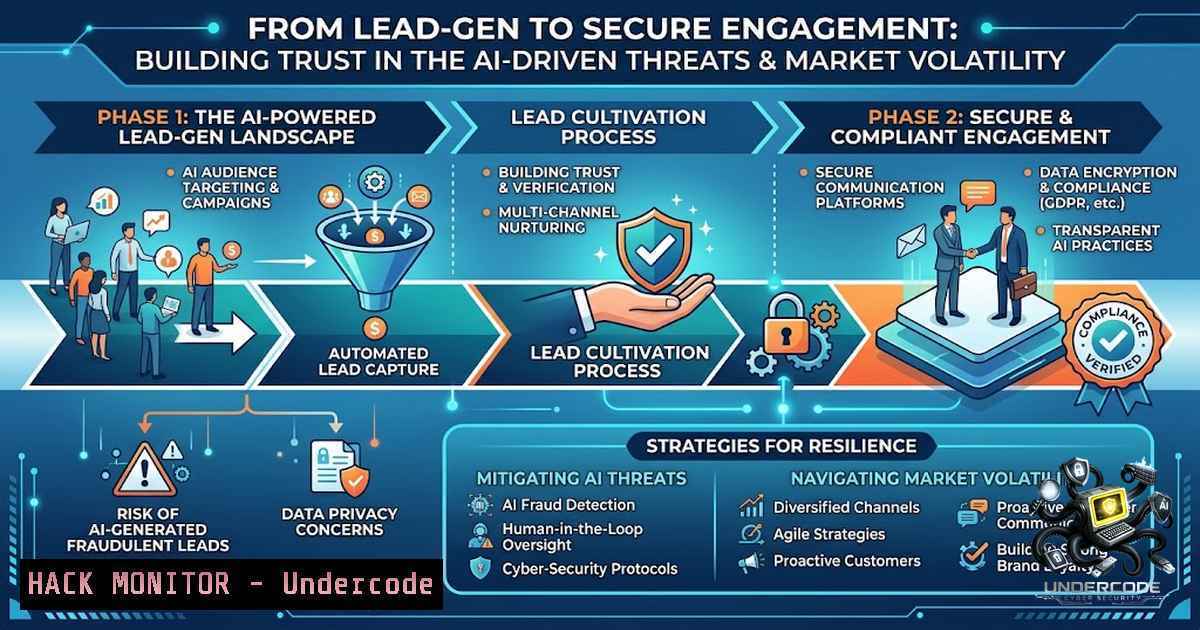
Introduction:
The digital marketing landscape, particularly in affiliate programs, often focuses on the initial conversion—the capture of a lead. However, the true differentiator between a stagnant list and a thriving community is the post-conversion nurturing process, a critical phase that cybersecurity professionals refer to as “persistent engagement.” In an environment where AI agents are increasingly weaponized to automate social engineering and data breaches, the simple act of a follow-up sequence must be hardened against malicious actors. This article bridges the gap between marketing tactics and IT security, providing a technical blueprint for building a secure, automated engagement pipeline that respects user privacy and fortifies your digital infrastructure against the rising tide of AI-powered threats.
Learning Objectives & Secrets:
- Objective 1: Master secure data handling and user verification protocols for lead-gen pages to mitigate SQL injection and cross-site scripting (XSS) vulnerabilities.
- Objective 2 (Secret Tip): Implement DMARC and SPF records in your domain to ensure your follow-up emails bypass spam filters and are not spoofed by phishing actors, preserving your brand’s integrity.
- Objective 3 (Secret Tip): Utilize a “Zero-Trust” architecture for your email automation tools, ensuring API keys and webhook endpoints are rotated and isolated to prevent credential leakage in a breach.
You Should Know:
- Fortifying the Lead-Capture Database: SQL and XSS Hardening
Before sending that “handshake” email, you must ensure the handshake isn’t a Trojan horse. The data you collect (names, emails, IPs) is a prime target for hackers. The initial “thank you” page is the last line of defense before data is written to your database. This step involves implementing parameterized queries to prevent SQL injection.
Step‑by‑Step Guide (Linux/Windows):
- Linux (Ubuntu) – ModSecurity Setup: Install and configure ModSecurity for Apache/Nginx to filter out malicious payloads.
sudo apt-get update
sudo apt-get install libapache2-mod-security2
sudo a2enmod security2
sudo systemctl restart apache2
- Windows (IIS) – Request Filtering: Enable Request Filtering in IIS Manager to deny dangerous double-encoded requests or specific HTTP verbs that lead to XSS.
- Open IIS Manager, select your site, and double-click “Request Filtering.”
- Under the “Rules” tab, add a rule to reject URLs with `