Listen to this Post
Introduction:
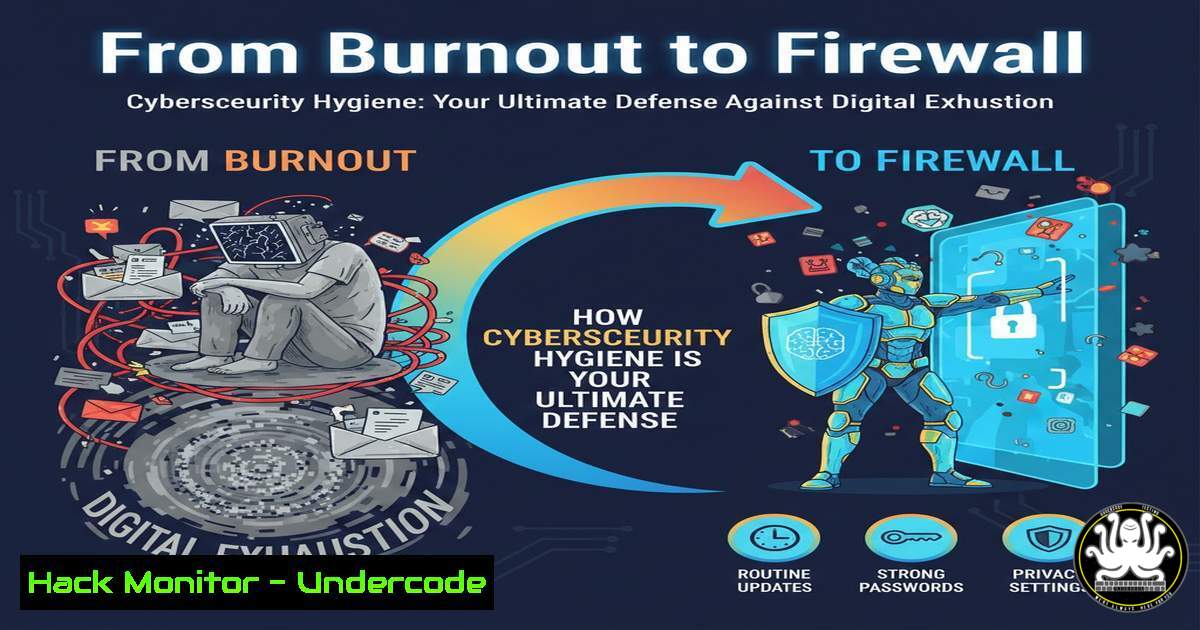
The original post, while a motivational message about personal well-being and resisting societal pressure, originates from a cybersecurity professional’s platform, subtly drawing a parallel between mental resilience and digital resilience. In cybersecurity, “hygiene” refers to the fundamental, routine practices that form the bedrock of security, much like personal habits form the foundation of well-being. This article translates that life advice into actionable IT protocols, arguing that consistent, unglamorous cyber hygiene is what ultimately prevents catastrophic breaches and professional burnout in security roles.
Learning Objectives:
- Understand and implement the core technical practices constituting strong cyber hygiene.
- Utilize command-line and GUI tools to audit and harden your personal and professional digital environment.
- Develop a mindset where routine security checks become as habitual as locking your front door.
You Should Know:
- Network Hygiene: The First Line of Digital Defense
A cluttered network is like a cluttered mind—it hides threats. The first step is visibility.
Step‑by‑step guide:
Objective: Discover all devices on your local network to identify unauthorized systems.
Linux/macOS: Use `nmap` for a basic ping sweep. Open a terminal and run:
sudo apt-get install nmap  Debian/Ubuntu
sudo yum install nmap  RHEL/CentOS
brew install nmap  macOS
nmap -sn 192.168.1.0/24  Replace with your network range
This command lists all live hosts on your network. Investigate any unknown IP addresses.
Windows: Use the native `arp` command. Open Command Prompt as Administrator and run:
arp -a
This displays the ARP cache, showing IP and MAC addresses of recently communicated devices.
2. Credential Hygiene: Auditing Password Strength
Weak passwords are a primary failure point. Regular auditing is non-negotiable.
Step‑by‑step guide:
Objective: Verify that your stored passwords have not been compromised in known data breaches.
Tool: Use haveibeenpwned‘s offline password checking via the K-Anonymity model.
Process:
- Never submit a plaintext password. Instead, generate a SHA-1 hash of your password.
Linux/macOS Terminal: `echo -n “YourPassword” | shasum -a 1`
Windows PowerShell: `Get-FileHash -Algorithm SHA1 -InputStream ([IO.MemoryStream]::new([Text.Encoding]::UTF8.GetBytes(“YourPassword”)))`
- Take the first 5 characters of the hash (e.g.,
A3B4F). Visit `https://api.pwnedpasswords.com/range/A3B4F`.
3. Review the returned list of hash suffixes. If your full hash appears, the password is compromised and must be changed immediately.3. Patch Management Hygiene: Automating Updates
Unpatched software is an open door. Manual updates fail; automation succeeds.
Step‑by‑step guide:
Objective: Configure automatic updates for your primary operating systems.
Linux (Ubuntu/Debian): Configure unattended-upgrades.
sudo apt-get update
sudo apt-get install unattended-upgrades apt-listchanges
sudo dpkg-reconfigure --priority=low unattended-upgrades  Select 'Yes'
Windows: Use Group Policy or Settings.
1. Press `Win + R`, type `gpedit.msc` (Pro editions) and navigate to Computer Configuration > Administrative Templates > Windows Components > Windows Update.
- Configure “Configure Automatic Updates” to Enabled and select your preferred automation mode (e.g., “4 – Auto download and schedule the install”).
4. Phishing Simulation & Email Hygiene
Awareness is meaningless without testing. Simulate attacks to train your vigilance.
Step‑by‑step guide:
Objective: Use open-source tools to test your organization’s phishing resilience.
Tool: Set up a simple phishing campaign with GoPhish.
1. Download GoPhish from the official GitHub.
- On your Linux server, extract and configure `config.json` with your SMTP details and listener.
3. Launch: `sudo ./gophish`.
- Access the admin panel, create a sending profile, landing page, and email template.
- Import a target user list (with permission!) and launch the campaign to see who clicks. Use results for targeted training, not punishment.
5. Backup Hygiene: The 3-2-1 Rule Validation
Backups are useless if untested. Validate recovery routinely.
Step‑by‑step guide:
Objective: Schedule and verify encrypted backups.
Linux (RSYNC & CRON): Create a daily encrypted backup script.
!/bin/bash
tar -czf /backup/$(date +%Y%m%d)_home.tar.gz /home/user
gpg --symmetric --cipher-algo AES256 --output /backup/$(date +%Y%m%d)_home.tar.gz.gpg /backup/$(date +%Y%m%d)_home.tar.gz
 Copy encrypted file to remote server using rsync over SSH
rsync -avz /backup/.gpg user@remote-server:/remote/backup/
Add script to crontab: `crontab -e` and add 0 2 /path/to/backup_script.sh.
Verification: Monthly, perform a test restore of a single non-critical file to ensure the process works.
6. Cloud Security Hygiene: Principle of Least Privilege
Over-permissioned accounts are a top cloud risk. Enforce least privilege access.
Step‑by‑step guide:
Objective: Audit and tighten AWS IAM permissions.
Process:
- In the AWS Console, navigate to IAM > Users.
- For each user, click “Add inline policy” to create granular permissions instead of using broad managed policies.
- Use the IAM Policy Simulator to test policies before applying them.
4. CLI Command to list user policies:
aws iam list-attached-user-policies --user-name USERNAME
aws iam list-user-policies --user-name USERNAME  For inline policies
5. Mandate Multi-Factor Authentication (MFA) for all root and IAM users.
What Undercode Say:
- Consistency Over Brilliance: The most sophisticated firewall is useless if passwords are on sticky notes. The post’s core message—avoiding pressure to chase dramatic “success”—maps directly to security: relentless, boring hygiene beats chasing advanced persistent threats (APTs) while basic gaps remain.
- Holistic Health is Integral Security: The professional’s mental well-being is a cybersecurity asset. Burnout leads to missed alerts, rushed configurations, and errors. Investing in personal “patch management” (rest, perspective) directly enhances organizational security posture by maintaining a vigilant, focused human element.
Prediction:
The convergence of AI-driven automated attacks and increasing digital dependency will exponentially amplify the cost of poor cyber hygiene. Future breaches will less frequently result from novel zero-days and more from the exploitation of known, unpatched vulnerabilities and stolen credentials—all hygiene failures. Consequently, organizations will formally integrate “cyber hygiene KPIs” (patch latency, MFA adoption rates, phishing click rates) into executive dashboards, holding leadership as accountable for these metrics as for financial performance. The cultural shift advocated in the original post—valuing steady, foundational health—will become the defining differentiator between resilient organizations and those perpetually in recovery mode.
▶️ Related Video (80% Match):
🎯Let’s Practice For Free:
IT/Security Reporter URL:
Reported By: Michel Wadangoye – Hackers Feeds
Extra Hub: Undercode MoN
Basic Verification: Pass ✅


