Listen to this Post
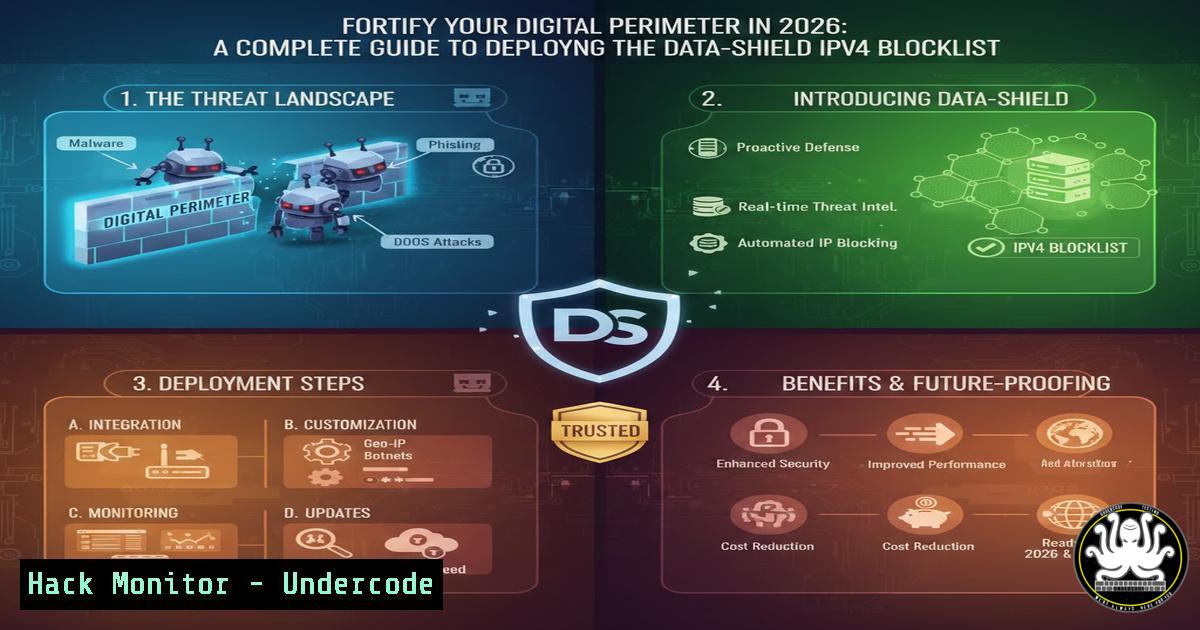
Introduction:
In today’s escalating threat landscape, where automated bots and malicious actors constantly probe for network weaknesses, proactive defense is paramount. The Data-Shield IPv4 Blocklist, an open-source intelligence project, aggregates over 230,000 malicious IP addresses, providing a critical first line of defense. This guide details the project’s 2026 update—including new sources and automated tools—and offers a complete technical walkthrough for integrating this powerful blocklist into your security infrastructure using industry-standard firewalls.
Learning Objectives:
- Understand the architecture and sources of the Data-Shield IPv4 Blocklist.
- Automate the download and integration of the blocklist on Linux systems.
- Configure and deploy the blocklist using `nftables` and `iptables` firewalls for immediate protection.
1. Understanding the Data-Shield Blocklist Ecosystem
Step‑by‑step guide explaining what this does and how to use it.
The Data-Shield Blocklist is a dynamically updated, open-source aggregation of IPv4 addresses associated with malicious activities like scanning, brute-forcing, and exploit delivery. Its core strength lies in its multi-source compilation and frequent updates (every 6 hours). The primary list, now hosted on GitLab, contains the full compilation, while BitBucket and Codeberg serve as official mirrors for redundancy and access speed.
To begin, you can manually inspect the list to understand its content. Use `curl` to fetch and review a sample:
Linux Command:
 Fetch and display the first 20 lines of the blocklist
curl -s https://gitlab.com/duggytuxy/Data-Shield-IPv4-Blocklist/-/raw/main/prod_data-shield_ipv4_blocklist.txt | head -20
This command retrieves the raw list and shows the initial entries, which are IP addresses in CIDR notation (e.g., 1.2.3.4/32). The project now offers nine specialized output files (like lists tailored for specific regions or threat types), accessible via the project’s GitLab page.
2. Automating Blocklist Downloads with a Bash Script
Step‑by‑step guide explaining what this does and how to use it.
Manually updating a blocklist is inefficient. Automation ensures your firewall rules are always current. The project provides an updated Bash script for this purpose. The following script downloads the main list, validates it, and prepares it for firewall integration.
Create a Bash Script (`update_blocklist.sh`):
!/bin/bash

Configuration
BLOCKLIST_URL="https://gitlab.com/duggytuxy/Data-Shield-IPv4-Blocklist/-/raw/main/prod_data-shield_ipv4_blocklist.txt"
LOCAL_LIST_DIR="/etc/blocklists"
LOCAL_LIST="$LOCAL_LIST_DIR/data-shield.ipv4"

Create directory if it doesn't exist
sudo mkdir -p "$LOCAL_LIST_DIR"

Download the blocklist with error handling
echo "Downloading latest Data-Shield Blocklist..."
if curl -s -f "$BLOCKLIST_URL" -o "$LOCAL_LIST.tmp"; then
 Basic validation: check if the file contains valid IP/CIDR patterns
if grep -qE '^([0-9]{1,3}.){3}[0-9]{1,3}(/[0-9]{1,2})?$' "$LOCAL_LIST.tmp"; then
sudo mv "$LOCAL_LIST.tmp" "$LOCAL_LIST"
echo "Blocklist updated successfully at $(date). Entries: $(wc -l < "$LOCAL_LIST")"
 Trigger firewall update (implementation in next section)
/usr/local/bin/apply_firewall_rules.sh
else
echo "ERROR: Downloaded file format is invalid." >&2
rm "$LOCAL_LIST.tmp"
exit 1
fi
else
echo "ERROR: Failed to download blocklist." >&2
exit 1
fi
How to Use:
- Save the script to a file, e.g.,
/usr/local/bin/update_blocklist.sh.
2. Make it executable: `sudo chmod +x /usr/local/bin/update_blocklist.sh`.
- Run it manually for a test:
sudo /usr/local/bin/update_blocklist.sh. - Schedule automatic updates via a cron job (e.g., every 6 hours to match the source update cycle):
Open crontab editor
sudo crontab -e
Add this line to run every 6 hours
0 /6    /usr/local/bin/update_blocklist.sh > /dev/null 2>&1
3. Hardening Your Linux Firewall with nftables
Step‑by‑step guide explaining what this does and how to use it.
`nftables` is the modern successor to `iptables` and is the recommended firewall for new Linux deployments. It offers efficient set handling for large blocklists. Here’s how to create an `nftables` rule set that uses the downloaded IP list.
First, create an `nftables` configuration script (`/etc/nftables.conf`):
nftables Script:
!/usr/sbin/nft -f

Flush old ruleset
flush ruleset

Define a set for the blocklist. The 'timeout 6h' auto-removes entries if not updated,
 but our cron job will refresh them regularly.
define MALICIOUS_IPV4 = {
type ipv4_addr;
flags interval;
auto-merge;
}

table inet filter {
set blocklistv4 {
type ipv4_addr;
flags interval;
elements-file "/etc/blocklists/data-shield.ipv4";
}

chain input {
type filter hook input priority 0; policy drop;

Accept established/related connections
ct state established,related accept

Accept loopback interface traffic
iif lo accept

Drop packets from malicious IPs in the blocklist
ip saddr @blocklistv4 drop

Accept SSH, HTTP, HTTPS (customize ports as needed)
tcp dport { 22, 80, 443 } ct state new accept

Accept ICMP (ping)
ip protocol icmp accept

Log and drop all other packets
log prefix "nftables-dropped: " drop
}

chain forward {
type filter hook forward priority 0; policy drop;
}

chain output {
type filter hook output priority 0; policy accept;
}
}
How to Use:
1. Save the above content to `/etc/nftables.conf`.
2. Load the rules: `sudo nft -f /etc/nftables.conf`.
- Enable and start the `nftables` service to persist on boot:
sudo systemctl enable nftables
sudo systemctl start nftables
Update Script Integration: Modify the `apply_firewall_rules.sh` script referenced in Section 2 to reload the set:
!/bin/bash
/usr/local/bin/apply_firewall_rules.sh
echo "Reloading nftables blocklist..."
sudo nft flush set inet filter blocklistv4
sudo nft -f /etc/nftables.conf 2>/dev/null || echo "Reload completed. Rules applied."
4. Implementing Blocking with Legacy iptables and ipset
Step‑by‑step guide explaining what this does and how to use it.
For systems still using the legacy `iptables` firewall, efficiently managing 240,000+ IPs requires ipset, which stores IPs in a hash table for fast lookup. This method is more performant than adding individual `iptables` rules.
Implementation Steps:
- Install `ipset` (if not present): `sudo apt install ipset` (Debian/Ubuntu) or `sudo yum install ipset` (RHEL/CentOS).
- Create and load an `ipset` from the blocklist. Use this script (
create_ipset.sh):
!/bin/bash
IPSET_NAME="data-shield-blocklist"
BLOCKLIST_FILE="/etc/blocklists/data-shield.ipv4"

Flush and destroy the set if it exists
sudo ipset destroy "$IPSET_NAME" 2>/dev/null

Create a new hash:net set (for IP ranges/CIDR)
sudo ipset create "$IPSET_NAME" hash:net

Read the file and add each entry to the set
while IFS= read -r line; do
 Skip empty lines and comments
[[ -z "$line" || "$line" =~ ^ ]] && continue
sudo ipset add "$IPSET_NAME" "$line"
done < "$BLOCKLIST_FILE"

echo "ipset '$IPSET_NAME' created with $(sudo ipset list "$IPSET_NAME" | grep -c '^[0-9]) entries."
3. Create an `iptables` rule to reference the set:
 Drop all input packets from IPs in the set
sudo iptables -I INPUT -m set --match-set data-shield-blocklist src -j DROP
 Optionally, also drop forwarded packets (for routers/gateways)
sudo iptables -I FORWARD -m set --match-set data-shield-blocklist src -j DROP
4. Save the rules to persist after reboot: The method varies by distribution. For Debian/Ubuntu, you can install `iptables-persistent` and use sudo netfilter-persistent save.
- Advanced Deployment: Integration with Fail2ban for Dynamic Defense
Step‑by‑step guide explaining what this does and how to use it.
For a layered defense, integrate the static Data-Shield list with Fail2ban, a tool that dynamically bans IPs based on malicious behavior logged in your system. You can use the blocklist as a permanent, pre-emptive ban list within Fail2ban.
How to Configure:
- Install Fail2ban: `sudo apt install fail2ban` (or equivalent).
2. Create a custom Fail2ban action configuration (`/etc/fail2ban/action.d/data-shield.conf`):
[bash]
 This action prepends the Data-Shield list to Fail2ban's ban actions
actionstart =
actionstop =
actioncheck =
actionban = ipset add fail2ban-<name> <ip> timeout 86400
actionunban = ipset del fail2ban-<name> <ip>
 This is the key: on Fail2ban startup, load the Data-Shield list
init = ipset create fail2ban-<name> hash:net comment &&
while read IP; do ipset add fail2ban-<name> $IP comment "Data-Shield Permanent Block"; done < /etc/blocklists/data-shield.ipv4
3. Reference this action in your jail configuration (e.g., /etc/fail2ban/jail.local):
[bash]
enabled = true
banaction = data-shield
maxretry = 3
This setup ensures that any IP already on the Data-Shield list is treated as permanently banned, and Fail2ban’s dynamically banned IPs are added to the same efficient ipset.
What Undercode Says:
Proactive Intelligence is Non-Negotiable: Relying solely on reactive security measures is obsolete. Integrating a frequently updated, crowd-sourced threat intelligence feed like Data-Shield transforms your network perimeter from a static wall into an adaptive shield that learns from the global threat landscape.
Automation Ensures Consistency: The true value of a blocklist diminishes if it is not current. The provided automation framework—downloading, validating, and applying rules via cron—eliminates human error and ensures your defenses automatically evolve with the threat level, a critical practice for maintaining security hygiene.
Analysis: The 2026 updates to the Data-Shield project—shifting to GitLab, adding mirrors, and increasing update frequency—signal a maturation common in successful open-source security tools. It reflects a move towards greater reliability and enterprise readiness. For security teams, the operational lesson is clear: the tooling around a blocklist (automation, integration, and performance) is as vital as the list itself. Deploying this list with `nftables` or `ipset` offers a substantial boost in baseline security by blocking traffic from known bad actors before they even reach your services, effectively reducing your attack surface and alert fatigue. However, it must be part of a defense-in-depth strategy, as it does not replace the need for IDS/IPS, proper authentication, and patch management.
Prediction:
The integration of real-time, open-source threat intelligence directly into network and host-based firewalls will become a standard, automated practice for organizations of all sizes by 2027. We will see the rise of “self-healing” network perimeters where firewalls automatically subscribe to multiple curated blocklists like Data-Shield, use machine learning to weight the reputation of sources, and temporarily escalate blocking rules during coordinated attack campaigns. Furthermore, the line between network and application security will blur, with blocklists dynamically informing WAF (Web Application Firewall) rules and cloud security groups, creating a more unified and intelligent defense mesh against automated and large-scale threats.
▶️ Related Video (78% Match):
🎯Let’s Practice For Free:
IT/Security Reporter URL:
Reported By: Laurent Minne – Hackers Feeds
Extra Hub: Undercode MoN
Basic Verification: Pass ✅


