
Listen to this Post
Introduction:
In the world of Linux and DevOps, your choice of file system is a foundational decision that impacts everything from database performance to system recovery. While often overlooked, the file system dictates how data is stored, retrieved, and protected on disk. This guide dives deep into the three most prevalent Linux file systems—ext4, XFS, and ext3—providing the technical know-how to choose, configure, and optimize them for modern, scalable infrastructure.
Learning Objectives:
- Understand the core architecture, strengths, and limitations of ext4, XFS, and ext3.
- Learn practical commands to create, manage, diagnose, and tune these file systems.
- Apply a decision framework to select the optimal file system for specific workloads like databases, containers, and legacy systems.
You Should Know:
- The Lay of the Land: Core Architectures Demystified
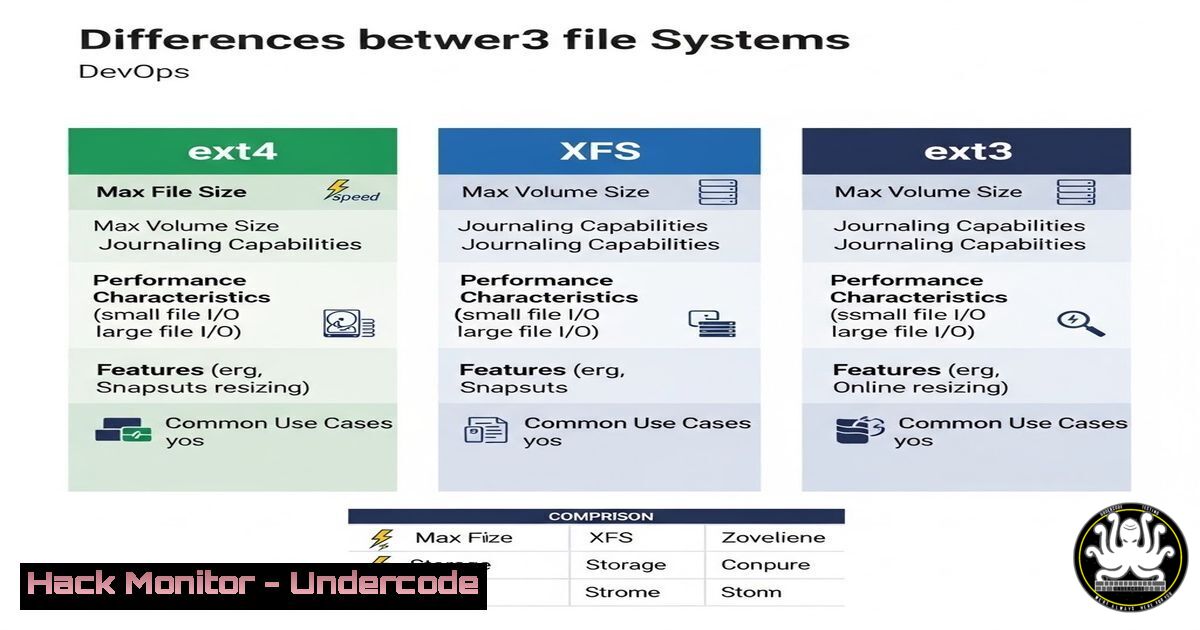
A file system is more than just a storage rulebook; it’s a complex manager of inodes, blocks, journals, and allocation strategies. ext4, the default, is a robust, journaling file system excellent for general-purpose use. XFS, developed by SGI, is a high-performance journaling file system designed for extreme scalability with large files and volumes. ext3, essentially ext4’s predecessor, introduced journaling to the ext family but lacks modern features like extents.
Step‑by‑step guide: Identifying Your Current File System
Before making changes, audit your environment.
1. Open a terminal.
- Use the `lsblk -f` command to list all block devices and their file systems.
lsblk -f
- For detailed information on a specific mounted partition, use `tune2fs` for ext3/4 or `xfs_info` for XFS.
For ext4 partitions
sudo tune2fs -l /dev/sda1 | grep -i "filesystem"
For XFS partitions
sudo xfs_info /mount/point
2. Creating and Mounting: Deployment in Action
Deploying a new file system is a core sysadmin task. The tools differ slightly per type.
Step‑by‑step guide: Formatting a Partition
For ext4:
- Identify the target disk (e.g.,
/dev/sdb1) usinglsblk. - Format it with the `mkfs.ext4` command. Use `-L` to set a readable label.
sudo mkfs.ext4 -L "DataVolume" /dev/sdb1
3. Create a mount point and mount it.
sudo mkdir /mnt/data
sudo mount /dev/sdb1 /mnt/data
4. To mount automatically at boot, add an entry to /etc/fstab.
 /etc/fstab entry
/dev/sdb1 /mnt/data ext4 defaults 0 2
For XFS:
- Format using
mkfs.xfs. The `-f` flag forces creation.sudo mkfs.xfs -f -L "FastDB" /dev/sdc1
- Mount and add to
/etc/fstab. Note the different mount options for optimal performance.sudo mount -o noatime,nodiratime /dev/sdc1 /mnt/database /etc/fstab entry /dev/sdc1 /mnt/database xfs noatime,nodiratime 0 2
3. Performance Tuning: Squeezing Out Every IOPS
Default configurations are safe, not optimal. Tuning is key for heavy workloads.
Step‑by‑step guide: Tuning an ext4 File System for a Database
1. Disable last-access time updates (atime) to reduce write overhead. Use `relatime` or `noatime` in /etc/fstab.
2. Adjust the journaling mode for data safety versus speed. The `data=` option is critical.
 Remount with journaling set to ordered (metadata journaling, data written before commit)
sudo mount -o remount,data=ordered /mnt/data
3. Consider disabling journaling entirely for temporary data (e.g., /tmp) with tune2fs.
sudo tune2fs -O ^has_journal /dev/sdb1
 WARNING: Only do this on non-critical, volatile data.
Step‑by‑step guide: Enabling XFS Reflink for Container Storage
XFS’s `reflink` feature enables fast, copy-on-write cloning, ideal for container layers and VM images.
1. Ensure your XFS file system is created with reflink support (default on newer kernels).
sudo mkfs.xfs -m reflink=1 /dev/sdc1
2. Use `cp` with the `–reflink` flag to create instantaneous, space-efficient copies.
cp --reflink=always source_image.img clone.img
4. Integrity and Recovery: When Things Go Wrong
Journaling protects metadata, but you must know how to use recovery tools.
Step‑by‑step guide: Filesystem Check and Repair
For ext3/ext4:
1. Unmount the filesystem.
sudo umount /dev/sdb1
2. Run `fsck` to check and repair. The `-y` flag automatically answers “yes” to prompts.
sudo fsck -y /dev/sdb1
For XFS:
- XFS repairs require the device to be mounted. Use `xfs_repair` on an unmounted device.
sudo umount /dev/sdc1
sudo xfs_repair /dev/sdc1
- For severe corruption, the `-L` option (last resort) zeroes the log, which may cause data loss.
sudo xfs_repair -L /dev/sdc1
-
The Legacy Factor: Managing ext3 in Modern Infrastructures
While not recommended for new deployments, you may need to maintain or migrate from ext3.
Step‑by‑step guide: In-Place Upgrade from ext3 to ext4
1. Ensure a full backup.
2. Unmount the partition.
- Run the conversion tool,
tune2fs, to enable ext4 features.sudo tune2fs -O extents,uninit_bg,dir_index /dev/sdb1
- Run `fsck` to correct any inconsistencies caused by the upgrade.
sudo fsck -pf /dev/sdb1
- Update `/etc/fstab` to change the filesystem type from `ext3` to
ext4.
What Undercode Say:
- Default is Not Always Optimal: While ext4 is a safe, universal choice, blindly accepting defaults leaves performance on the table. XFS should be the default consideration for any data-intensive workload (databases, media processing, CI/CD artifact storage).
- The Cloud Imperative: In cloud environments (AWS EC2, GCP, Azure), where persistent disks are often network-attached, the choice and tuning of the file system directly impact costs (throughput/IOPS tiers) and application latency. An XFS filesystem tuned with `noatime` and appropriate queue depth can significantly outperform a vanilla ext4 setup.
Prediction:
The future of Linux file systems is leaning towards next-generation architectures like btrfs and ZFS for their advanced snapshot, compression, and RAID capabilities, particularly in on-prem and hyper-converged environments. However, for the next half-decade in mainstream cloud and DevOps, ext4 and XFS will remain dominant due to their stability and kernel-level maturity. We predict a growing bifurcation: XFS will solidify its hold on performance-critical, large-scale data storage, while ext4 will continue to rule the root filesystem and general-purpose volume space. The rise of container-optimized OS images and immutable infrastructure may also see more specialized, lightweight file systems gain niche adoption.
▶️ Related Video (80% Match):
🎯Let’s Practice For Free:
IT/Security Reporter URL:
Reported By: Ankit Das – Hackers Feeds
Extra Hub: Undercode MoN
Basic Verification: Pass ✅


