Listen to this Post
Introduction
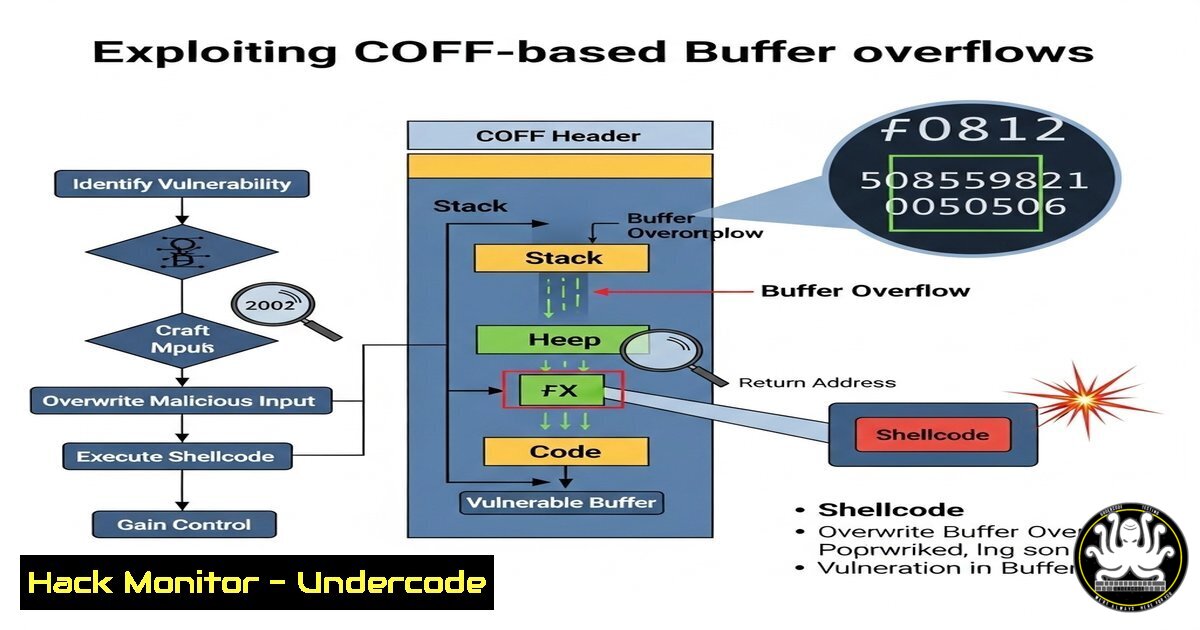
COFF (Common Object File Format) BOFs (Beacon Object Files) are a powerful tool for red teamers and penetration testers, enabling in-memory execution of offensive security payloads. Fabian M. and Tim Tittel’s recent contribution to the BRC4 repository expands the arsenal with critical COFF-based exploits, including PetitPotam, Azure token extraction, and UAC bypass techniques.
Learning Objectives
- Understand how COFF-based BOFs enhance post-exploitation capabilities.
- Learn to deploy and execute critical BOFs like PetitPotam and SSPI UAC Bypass.
- Master defensive mitigations against these techniques.
You Should Know
1. PetitPotam Exploitation via COFF BOF
Command:
./brc4 execute-coff PetitPotam.coff -target <DC_IP> -pipe <NAMED_PIPE>
Step-by-Step Guide:
- Compile the COFF file from the BRC4 repository.
2. Load into BRC4 using `execute-coff`.
- Specify the target Domain Controller and a named pipe (e.g.,
lsarpc).
4. Exploit forces authentication, enabling NTLM relay attacks.
Mitigation:
- Disable NTLM or enforce SMB signing.
- Patch via Microsoft’s KB5005413.
2. Azure AD PRT Token Extraction
Command:
Invoke-AADPRT -sessionid <SESSION_ID> -output token.txt
Step-by-Step Guide:
- Execute the COFF BOF in memory via BRC4.
- Extract Primary Refresh Tokens (PRTs) from Azure-joined devices.
- Use tokens for lateral movement in hybrid environments.
Mitigation:
- Enable Conditional Access with MFA.
- Monitor for unusual token requests via Azure AD logs.
3. SSPI UAC Bypass (Silent Elevation)
Command:
execute-coff SSPI_UAC_Bypass.coff -proc <TARGET_PROCESS>
Step-by-Step Guide:
1. Load the COFF file into Beacon.
2. Target a high-integrity process (e.g., `consent.exe`).
3. Bypass UAC without triggering alerts.
Mitigation:
- Enforce User Account Control (UAC) at the highest level.
- Monitor process integrity level changes.
4. Multi-RDP Session Hijacking
Command:
execute-coff MultiRDP.coff -session <ID> -user <DOMAIN\USER>
Step-by-Step Guide:
1. Enumerate active RDP sessions with `query user`.
- Inject into a session using the COFF BOF.
3. Steal credentials or maintain persistence.
Mitigation:
- Restrict RDP access via Network Level Authentication (NLA).
- Log session hijacking attempts in Windows Event Logs.
5. Self-Deleting Malicious Files
Command:
execute-coff DeleteLockedFile.coff -path C:\malware.exe
Step-by-Step Guide:
1. Deploy a locked file (e.g., malware).
- Use the COFF BOF to bypass file-locking mechanisms.
3. Remove forensic traces post-exploitation.
Mitigation:
- Enable Windows Defender Controlled Folder Access.
- Audit file deletion events via SIEM.
What Undercode Say
- Key Takeaway 1: COFF BOFs enable stealthy, fileless attacks that evade traditional AV detection.
- Key Takeaway 2: Defenders must focus on memory monitoring and behavioral analysis to detect these techniques.
Analysis:
The shift toward COFF-based post-exploitation tools reflects the evolving sophistication of red teams. Unlike traditional payloads, COFF BOFs execute entirely in memory, minimizing disk artifacts. Enterprises must adopt Endpoint Detection and Response (EDR) solutions with memory scanning capabilities to counter these threats.
Prediction
As COFF BOF adoption grows, we’ll see more offensive tools transition to fileless formats. Defenders will increasingly rely on AI-driven anomaly detection and hardened credential management to mitigate risks. Expect Microsoft to introduce stricter code integrity policies in future Windows updates.
For the full COFF BOF collection, visit the BRC4 GitHub repo. Stay ahead—harden your systems today.
🎯Let’s Practice For Free:
IT/Security Reporter URL:
Reported By: Activity 7362108852927905793 – Hackers Feeds
Extra Hub: Undercode MoN
Basic Verification: Pass ✅


