Listen to this Post
Introduction
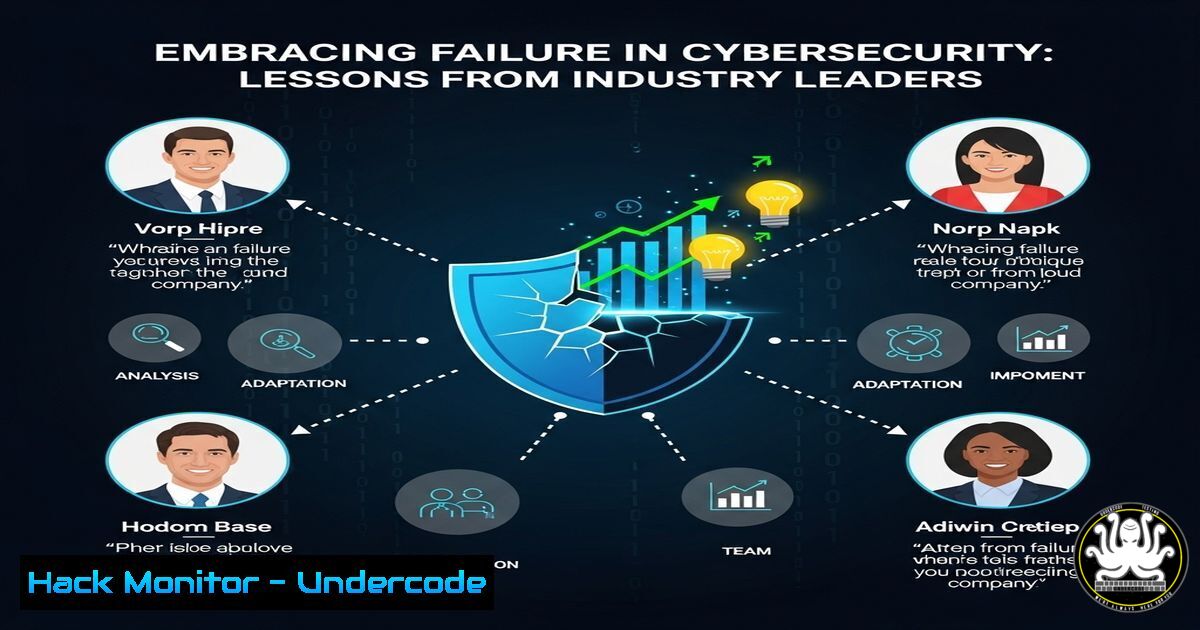
Failure is an inevitable part of cybersecurity, whether in penetration testing, incident response, or threat hunting. Industry experts like Gary Ruddell and Tarik Achoughi emphasize that persistence and learning from mistakes are key to long-term success. This article explores technical takeaways from cybersecurity failures and provides actionable commands, scripts, and strategies to improve resilience.
Learning Objectives
- Understand how failure drives cybersecurity innovation
- Learn critical Linux and Windows commands for incident response
- Implement hardening techniques to mitigate vulnerabilities
- Develop a resilient mindset for continuous improvement
You Should Know
1. Analyzing Logs for Incident Response (Linux)
Command:
grep -i "failed" /var/log/auth.log | awk '{print $1, $2, $3, $6, $9}' | sort | uniq -c
What It Does:
This command filters authentication failures in Linux logs, helping identify brute-force attacks or misconfigured services.
Step-by-Step Guide:
1. Access your Linux server via SSH.
- Run the command to extract failed login attempts.
- Analyze IP addresses (
$9) and usernames ($6) to detect suspicious activity.
4. Block malicious IPs using `iptables`:
sudo iptables -A INPUT -s <IP> -j DROP
2. Detecting Suspicious Processes (Windows)
Command (PowerShell):
Get-Process | Where-Object { $_.CPU -gt 90 } | Select-Object ProcessName, Id, CPU
What It Does:
Identifies high-CPU processes, which could indicate malware or cryptojacking.
Step-by-Step Guide:
1. Open PowerShell as Administrator.
2. Run the command to list CPU-intensive processes.
- Investigate unknown processes using VirusTotal or Task Manager.
4. Terminate malicious processes:
Stop-Process -Id <PID> -Force
3. Hardening SSH Against Brute-Force Attacks
Command (Linux):
sudo nano /etc/ssh/sshd_config
Key Configurations:
PermitRootLogin no
MaxAuthTries 3
PasswordAuthentication no
UsePAM yes
What It Does:
Disables root logins, limits authentication attempts, and enforces key-based authentication.
Step-by-Step Guide:
1. Edit the SSH config file.
2. Apply changes and restart SSH:
sudo systemctl restart sshd
- API Security: Detecting Broken Object-Level Authorization (BOLA)
cURL Command for Testing:
curl -X GET http://api.example.com/users/123 -H "Authorization: Bearer <token>"
What It Does:
Tests if user ID `123` can be accessed by unauthorized users.
Step-by-Step Guide:
- Use Burp Suite or Postman to manipulate API requests.
- Check if changing the user ID (
123→124) exposes unauthorized data. - Implement proper access controls in your API backend.
5. Cloud Hardening: Restricting S3 Bucket Permissions
AWS CLI Command:
aws s3api put-bucket-policy --bucket my-bucket --policy file://policy.json
Sample `policy.json`:
{
"Version": "2012-10-17",
"Statement": [{
"Effect": "Deny",
"Principal": "",
"Action": "s3:",
"Resource": "arn:aws:s3:::my-bucket/",
"Condition": {"NotIpAddress": {"aws:SourceIp": ["192.0.2.0/24"]}}
}]
}
What It Does:
Restricts S3 bucket access to a specific IP range.
Step-by-Step Guide:
1. Create a `policy.json` file with your restrictions.
2. Apply it using the AWS CLI.
3. Verify permissions with:
aws s3api get-bucket-policy --bucket my-bucket
What Undercode Say
- Key Takeaway 1: Failure is a learning mechanism—every breach or misconfiguration reveals gaps to fix.
- Key Takeaway 2: Automation and hardening (SSH, APIs, cloud) reduce attack surfaces.
Analysis:
Cybersecurity professionals like Tarik Achoughi and Aaron Strong highlight that resilience comes from iterative testing and adaptation. The rise of AI-driven attacks means defenders must continuously update tactics—whether through log analysis, process monitoring, or cloud security policies.
Prediction
As cyber threats evolve, organizations that normalize failure as part of their security culture will adapt faster. Expect AI-powered red teaming and automated patch management to become standard, reducing human error in incident response.
By applying these commands and strategies, you turn failures into fortified defenses. Never quit—iterate. 🚀
🎯Let’s Practice For Free:
IT/Security Reporter URL:
Reported By: Thegaryruddell Fail – Hackers Feeds
Extra Hub: Undercode MoN
Basic Verification: Pass ✅


