Listen to this Post
Introduction:
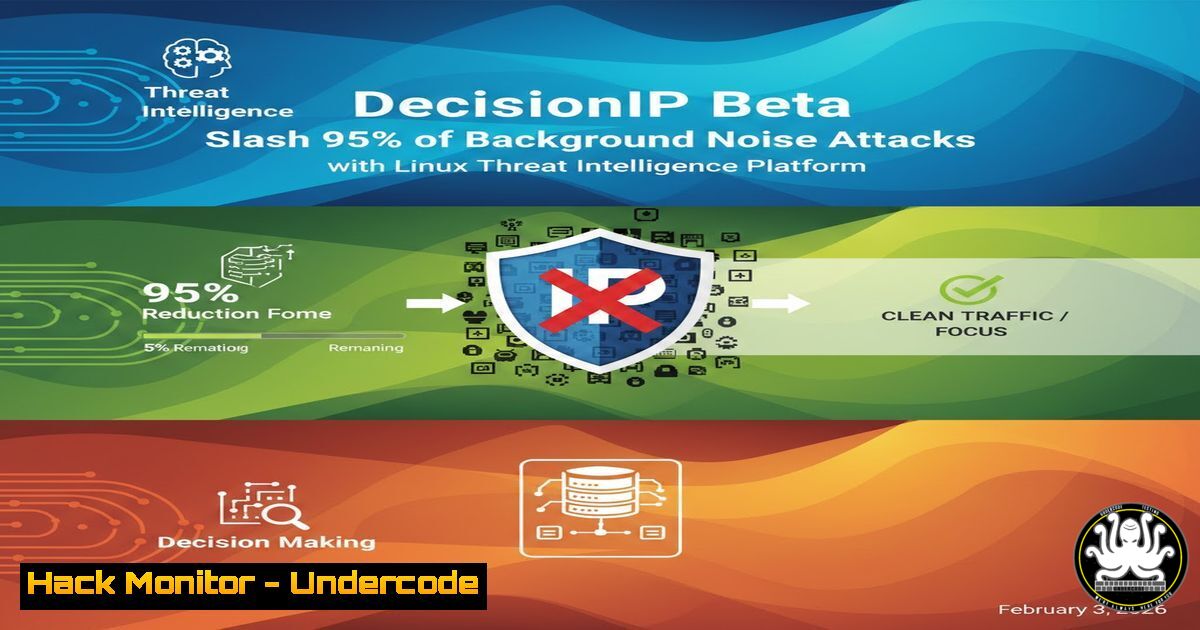
The constant barrage of automated scans and brute-force attempts—often dismissed as mere “background noise”—constitutes a critical reconnaissance phase for targeted attacks. DecisionIP emerges as a collaborative threat intelligence platform that transforms individual server defenses into a collective shield, using curated IP reputation lists to proactively block malicious traffic at the firewall level. By participating in its beta program, Linux administrators can harden their systems while contributing to a global security feed.
Learning Objectives:
- Understand how IP reputation services mitigate the pre-attack reconnaissance phase.
- Learn to install and configure the DecisionIP daemon on Debian-based Linux systems.
- Integrate DecisionIP with local firewall (iptables/nftables) and security tools like Fail2Ban or CrowdSec for enhanced defense and intelligence sharing.
You Should Know:
- The Architecture of Collective Defense: Beyond Simple Blocklists
DecisionIP operates on a principle of shared intelligence. It aggregates malicious events from its own servers, honeypots, and participating nodes, analyzing dozens of weighted signals to generate dynamic IP reputation lists. This moves protection beyond static blocklists to a real-time, threat-adaptive model.
Step‑by‑step guide explaining what this does and how to use it.
The core function is the `decisionipd` daemon. After obtaining credentials from the web dashboard, a one-line installer fetches and runs the daemon.
 Example installation command (as provided by the vendor)
curl -sSL https://deploy.decisionip.net/install.sh | sudo bash -s -- --api-key YOUR_API_KEY
The daemon periodically pulls updated IP reputation lists (categorized by threat type) from the DecisionIP API and translates them into native firewall rules.
2. Firewall Integration: Automating Rule Management
The daemon’s primary task is to insert and maintain deny rules in your system’s firewall. It supports both `iptables` and the newer `nftables` framework, creating dedicated chains for efficient management.
Step‑by‑step guide explaining what this does and how to use it.
Post-installation, verify the rules are active. For `iptables`:
sudo iptables -L DECISIONIP_INPUT -n --line-numbers
You should see entries like DROP src 185.222.209.0/24. The daemon handles rule updates and cleanup, ensuring stale entries are removed. Configuration is typically in /etc/decisionip/decisionip.conf, where you can define firewall backend (iptables/nftables) and rule update intervals.
- Supercharging Fail2Ban: From Local Response to Global Protection
This is where the feedback loop completes. While DecisionIP feeds you blocklists, your local Fail2Ban instances can feed actionable intelligence back. When Fail2Ban bans an IP for repeated SSH auth failures, that event can be sent to DecisionIP’s collective intelligence network.
Step‑by‑step guide explaining what this does and how to use it.
First, ensure Fail2Ban is installed and working. You may need to configure the DecisionIP daemon to monitor your Fail2Ban log (/var/log/fail2ban.log) or use a custom action in your Fail2Ban jail.
 Example snippet for /etc/fail2ban/jail.local
[bash]
enabled = true
port = ssh
filter = sshd
logpath = /var/log/auth.log
maxretry = 3
 Using a custom action to report bans
action = iptables-multiport
decisionip-report
The `decisionip-report` action (script provided in documentation) would send the banned IP and reason via an API call to your DecisionIP account, enriching the global dataset.
4. CrowdSec Integration: A Modern Alternative
For users of the next-generation, collaborative security tool CrowdSec, integration follows a similar paradigm. CrowdSec’s decisions can be exported to feed the DecisionIP system.
Step‑by‑step guide explaining what this does and how to use it.
CrowdSec writes its decisions to a local HTTP API or a log file. The DecisionIP daemon can be configured to parse this stream.
 Example CrowdSec configuration to output decisions to a local file (/var/log/crowdsec-decisions.log)
 In /etc/crowdsec/config.yaml
outputs:
- name: decisions-file
format: json
filename: /var/log/crowdsec-decisions.log
Then, point the DecisionIP agent to this log file in its configuration to forward the signals.
5. Security and Operational Verification
Deploying any new security daemon requires validation. You must ensure it runs with least privilege, correctly manipulates the firewall, and doesn’t conflict with existing security policies.
Step‑by‑step guide explaining what this does and how to use it.
Check the daemon’s status and logs:
sudo systemctl status decisionipd
sudo journalctl -u decisionipd -f
Audit the firewall rules periodically. For nftables, list rules in the DecisionIP chain:
sudo nft list chain inet filter DECISIONIP_INPUT
Test functionality by simulating an attack from a test IP (from a safe environment) and verifying it gets blocked by a rule in the DecisionIP chain.
6. The Beta-Tester’s Role: Compatibility and Feedback
The current beta aims to verify compatibility across Debian versions and other distributions like RHEL, CentOS, and Ubuntu. Testers are crucial for identifying issues with package dependencies, firewall backends, and service managers (systemd vs. init).
Step‑by‑step guide explaining what this does and how to use it.
As a beta tester, your workflow is: 1) Install on a non-critical server. 2) Document the installation process and any errors. 3) Test update and uninstall scripts thoroughly. 4) Verify integration with your specific Fail2Ban/CrowdSec setup. 5) Report all findings, including distribution version, kernel version, and firewall stack, back to the developer via the provided channels.
7. Building a Proactive Security Posture
The ultimate goal is to shift from a reactive to a proactive stance. By leveraging DecisionIP, you block threats before they can even complete their scan, significantly reducing your attack surface and log noise.
Step‑by‑step guide explaining what this does and how to use it.
Monitor your security metrics pre- and post-deployment. Use tools like `vnstat` to track rejected connection volumes or audit `fail2ban.log` for a decrease in repeat offender alerts. Configure alerts for when the DecisionIP daemon itself fails, ensuring the protective layer remains active.
What Undercode Say:
- The “Background Noise” is the Attack: The key insight is that indiscriminate scanning is not a nuisance but a systematic intelligence-gathering operation. Blocking it categorically disrupts the attacker’s kill chain at its earliest stage.
- Symbiosis is Strength: The true power of tools like DecisionIP and CrowdSec lies in their networked model. Individual participants gain far more protection from the collective than they contribute, creating a scalable and resilient defense web that benefits all, especially smaller organizations.
This model represents a democratization of threat intelligence. If widely adopted, it could dramatically increase the cost and complexity for attackers conducting broad internet scans, forcing them to reveal more valuable infrastructure. The future impact points towards increasingly automated, collective defense systems where perimeter security becomes a shared, intelligent, and adaptive resource, potentially integrated directly into cloud provider networks and CDNs.
▶️ Related Video (80% Match):
🎯Let’s Practice For Free:
IT/Security Reporter URL:
Reported By: Gwenaelmoreau Fail2ban – Hackers Feeds
Extra Hub: Undercode MoN
Basic Verification: Pass ✅


