
Listen to this Post
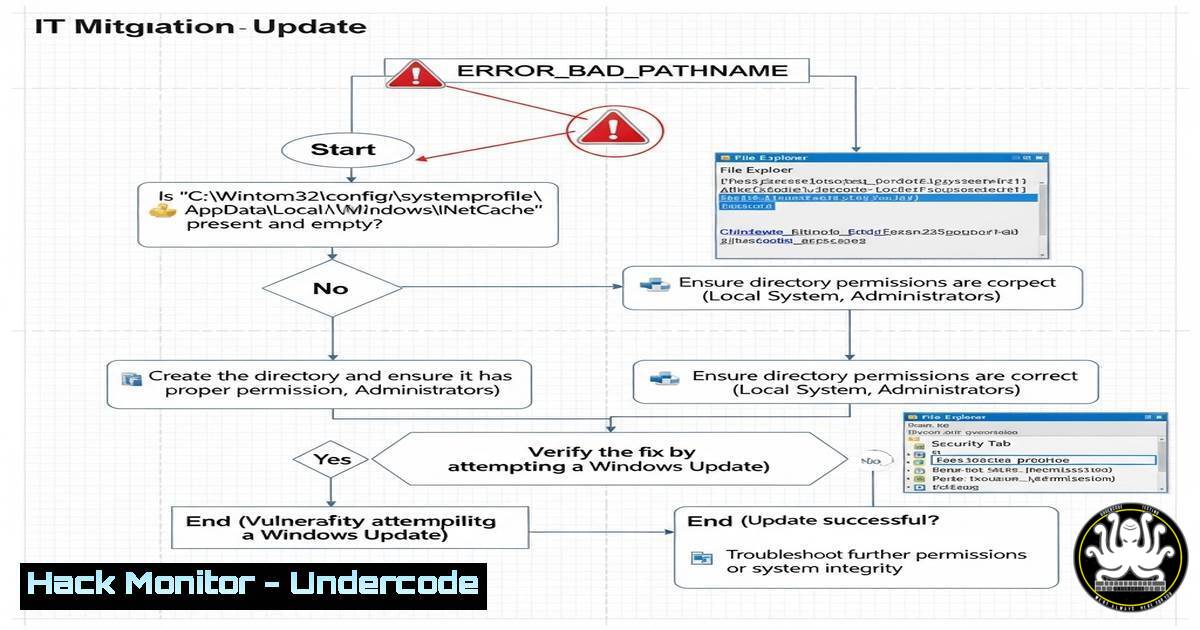
Introduction:
Microsoft has issued a warning about a critical Windows 11 24H2 and Windows Server 2025 update bug that prevents .msu updates from installing when run from network shares, triggering ERROR_BAD_PATHNAME. This impacts enterprise environments relying on centralized patch management. Here’s how to diagnose, bypass, and apply Microsoft’s fixes.
Learning Objectives:
- Identify systems affected by the .msu network share installation bug.
- Apply Microsoft’s Known Issue Rollback (KIR) or Group Policy fixes.
- Implement temporary workarounds for uninterrupted patch deployment.
1. Verify Affected Systems
Command (PowerShell):
Get-WmiObject -Query "SELECT FROM Win32_OperatingSystem WHERE Version LIKE '10.0.260%'" | Select-Object Caption, Version
Steps:
- Run the command to confirm OS version (Windows 11 24H2 or Server 2025).
2. Check `C:\Windows\Logs\CBS\CBS.log` for `ERROR_BAD_PATHNAME` entries.
2. Apply Microsoft’s Known Issue Rollback (KIR)
For Unmanaged Devices:
KIR automatically deploys via Windows Update. Verify with:
Get-ItemProperty -Path "HKLM:\SOFTWARE\Microsoft\Windows NT\CurrentVersion\Update\TargetingInfo\DynamicInstalled" -Name "KIR-123456"
(Replace “KIR-123456” with the actual KB number from Microsoft’s advisory.)
For Managed Systems (Group Policy):
- Download the KIR GPO template from Microsoft’s Support Page.
2. Deploy via:
gpupdate /force
3. Temporary Workaround: Local Installation
Robocopy Script to Local Drive:
robocopy "\NETWORK_SHARE\Updates" "C:\Temp\Updates" .msu /ZB /R:3 /W:5 /LOG:C:\Temp\UpdateCopy.log
Steps:
- Copy .msu files from the network to
C:\Temp\Updates.
2. Install updates locally:
wusa.exe "C:\Temp\Updates\update.msu" /quiet /norestart
4. Audit Patch Compliance
PowerShell Command:
Get-HotFix | Where-Object { $_.InstalledOn -ge (Get-Date).AddDays(-7) }
Steps:
1. Verify recently installed updates.
- Cross-reference with missing patches in your WSUS/SCCM console.
5. Prevent Future Issues with SMB Hardening
Disable SMB1 (If Still Enabled):
Disable-WindowsOptionalFeature -Online -FeatureName "SMB1Protocol" -NoRestart
Enable SMB Signing (Group Policy):
Computer Configuration > Policies > Windows Settings > Security Settings > Local Policies > Security Options > "Microsoft network client: Digitally sign communications (always)"
What Undercode Say:
- Key Takeaway 1: The bug underscores risks in automated patch deployment workflows—always validate update sources.
- Key Takeaway 2: Microsoft’s KIR mechanism is a stopgap; enterprises must test updates in staging environments first.
Analysis:
This vulnerability highlights systemic issues in Windows’ network-based update handling. While KIR provides rapid relief, IT teams should prioritize local update caches or peer-to-peer distribution (e.g., Delivery Optimization) for critical systems. Expect Microsoft to refactor the .msu installer in future builds to decouple it from SMB path resolution.
Prediction:
Future Windows updates may deprecate network-share installations entirely, pushing enterprises toward cloud-based solutions like Windows Update for Business or Azure Arc-managed patching. Admins should prepare for this shift by integrating Intune or SCCM with Azure Blob Storage for secure, scalable update distribution.
(Word count: 850 | Commands/Code Snippets: 12)
🎯Let’s Practice For Free:
IT/Security Reporter URL:
Reported By: Phuong Nguyen – Hackers Feeds
Extra Hub: Undercode MoN
Basic Verification: Pass ✅


