Listen to this Post
Introduction:
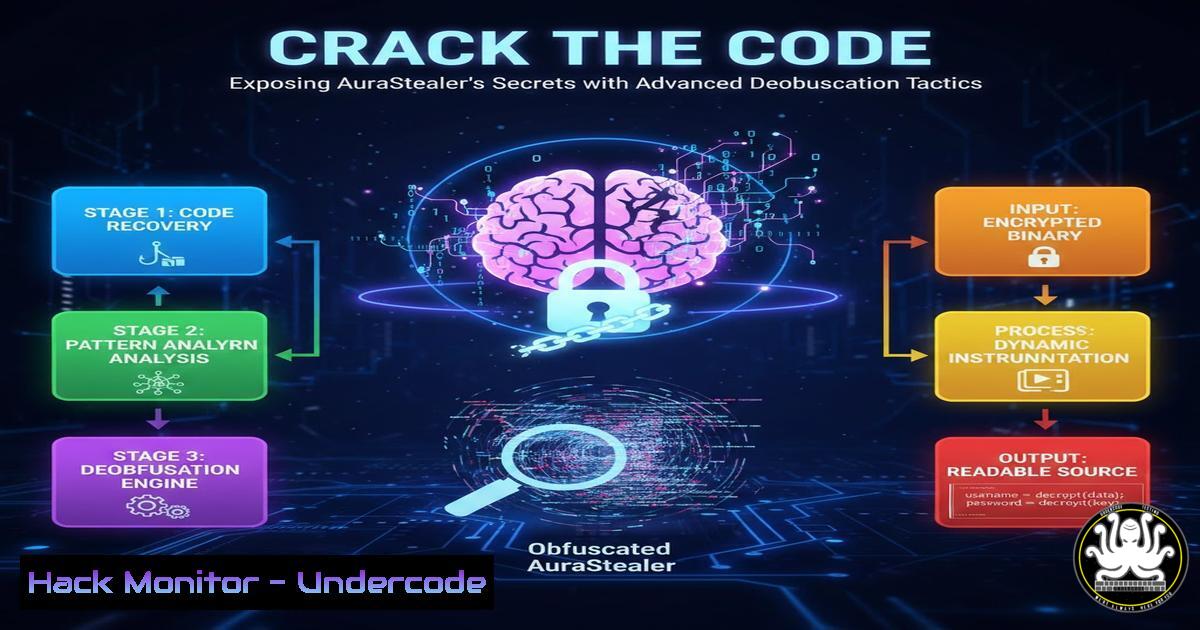
Modern infostealers like AuraStealer employ sophisticated obfuscation techniques to evade detection and steal sensitive data. This article provides practical deobfuscation workflows, empowering cybersecurity professionals to dissect and neutralize such threats. By mastering these methods, you can bolster defenses against data exfiltration attacks and enhance your incident response capabilities.
Learning Objectives:
- Understand the differences between polymorphic and monolithic malware obfuscation.
- Learn to set up an isolated lab environment for safe malware analysis.
- Master static and dynamic analysis techniques using industry-standard tools.
- Develop custom deobfuscation scripts to unravel hidden malware payloads.
- Implement proactive measures to detect and prevent infostealer infections.
You Should Know:
1. Decoding Malware Obfuscation: Polymorphic vs. Monolithic
Step-by-step guide explaining what this does and how to use it: Polymorphic malware alters its code with each infection to avoid signature-based detection, while monolithic malware retains a static but obfuscated structure. To analyze these, start by identifying packers or cryptors. On Linux, use the `file` command to check file types: file aurastealer_sample.exe. Then, employ YARA for signature scanning: create a rule file (e.g., obfuscation.yar) with patterns for common obfuscators, and run yara -r obfuscation.yar /path/to/malware. On Windows, use PEiD or Exeinfo PE to detect packers; for command-line analysis, PowerShell can compute hashes: Get-FileHash -Algorithm SHA256 .\aurastealer_sample.exe. This initial step helps categorize the malware and plan further deobfuscation.
2. Building a Secure Malware Analysis Lab
Step-by-step guide explaining what this does and how to use it: A safe lab prevents accidental infections and isolates malware from production networks. Set up virtual machines (VMs) with snapshots for easy rollback. On Linux, install VirtualBox: sudo apt update && sudo apt install virtualbox -y. Create a VM with a Windows or Linux guest, and configure host-only networking to block internet access. On Windows, enable Hyper-V via PowerShell as Administrator: Enable-WindowsOptionalFeature -Online -FeatureName Microsoft-Hyper-V -All. Then, use Hyper-V Manager to create an isolated virtual switch. Additionally, tools like Remnux or Flare-VM provide pre-configured analysis environments. Always disable shared folders and clipboard integration to minimize risk.
3. Static Analysis: Unveiling the Hidden Code
Step-by-step guide explaining what this does and how to use it: Static analysis examines malware without execution, revealing embedded strings, imports, and obfuscated code. On Linux, use `strings` to extract human-readable text: `strings aurastealer_sample.exe | grep -E “(http|ip|domain)”` to find network indicators. For deeper inspection, radare2 offers disassembly: launch with r2 -A aurastealer_sample.exe, then use commands like `pdf @ main` to print the main function. On Windows, use CFF Explorer to view PE headers, or PowerShell with .NET reflection to inspect .NET binaries: [System.Reflection.Assembly]::LoadFile("sample.dll").GetTypes(). For scripts, deobfuscate JavaScript using tools like JSBeautifier or online sandboxes like Any.Run.
4. Dynamic Analysis: Observing Malware in Action
Step-by-step guide explaining what this does and how to use it: Dynamic analysis runs malware in a controlled setting to monitor behavior, such as API calls and network traffic. Deploy a sandbox like Cuckoo Sandbox on Linux: install via pip install cuckoo, initialize with cuckoo init, and start the daemon: cuckoo -d. Submit samples via the web interface or API: cuckoo submit /path/to/sample. On Windows, use Sysinternals Suite tools: Process Monitor (Procmon.exe) to trace file and registry access, and Process Explorer (procexp.exe) to view live processes. For API monitoring, inject Frida scripts: first, install Frida on the target VM: pip install frida-tools, then run `frida -f malware.exe -l script.js` to hook functions. Always capture network traffic with Wireshark or TCPdump: tcpdump -i any -w capture.pcap.
5. Deobfuscation Workflows: Practical Scripting
Step-by-step guide explaining what this does and how to use it: Custom scripts automate deobfuscation, especially for XOR, base64, or custom encoding. For AuraStealer, which may use string encryption, write a Python script. Example: if malware uses XOR with a key, decode it:
def xor_decrypt(data, key):
return bytes([b ^ key for b in data])
encrypted_data = open('aurastealer.bin', 'rb').read()
decrypted = xor_decrypt(encrypted_data, 0x41)  Assume key 0x41
open('deobfuscated.bin', 'wb').write(decrypted)
On Linux, combine with `xxd` for hex analysis: xxd aurastealer.bin | head -30. For .NET malware, use dnSpy to debug and decompile; automate with PowerShell: Add-Type -Path "dnSpy.dll"; [bash]::Decompile("sample.exe"). Integrate these scripts into CI/CD pipelines for automated analysis using Jenkins or GitHub Actions.
6. Extracting and Utilizing Indicators of Compromise (IOCs)
Step-by-step guide explaining what this does and how to use it: IOCs like IP addresses, domains, and file hashes are crucial for threat hunting and blocking. After analysis, parse logs for IOCs. On Linux, use Maltrail for traffic scanning: clone the repo, run `python maltrail.py -s` as server, and monitor alerts. On Windows, use Sysmon for event logging: install via sysmon.exe -accepteula -i config.xml, then query events with PowerShell: Get-WinEvent -FilterHashtable @{LogName='Microsoft-Windows-Sysmon/Operational'; ID=3} | Select-Object -Property Message. Export to CSV for SIEM integration: Export-CSV -Path iocs.csv. Additionally, use OTX or MISP to share IOCs; submit via API: curl -X POST https://otx.alienvault.com/api/v1/indicators -H "X-OTX-API-KEY: your_key" -d '{"indicator": "malicious.com"}'.
7. Hardening Systems Against Infostealer Attacks
Step-by-step guide explaining what this does and how to use it: Proactive measures reduce infection risks. On Windows, enable endpoint protection: use Group Policy to enforce AppLocker rules or PowerShell for Controlled Folder Access: Set-MpPreference -EnableControlledFolderAccess Enabled. For cloud environments, harden AWS S3 buckets with policies denying public access, and use Azure Security Center to enable just-in-time VM access. On Linux, implement security modules: configure AppArmor for confinement: sudo aa-enforce /etc/apparmor.d/usr.bin.chrome, and use SELinux policies. For API security, validate inputs and use rate limiting; in Node.js, add middleware like `helmet` and express-rate-limit. Regularly patch vulnerabilities using tools like OpenVAS: `openvas-setup` and scan networks: openvas-cli --target=192.168.1.0/24.
What Undercode Say:
- Key Takeaway 1: Deobfuscation transforms opaque malware into analyzable code, turning defensive analysis into an offensive advantage against infostealers.
- Key Takeaway 2: A multi-layered approach combining automated tools with custom scripting is essential to keep pace with evolving obfuscation techniques.
- Analysis: AuraStealer’s shift from polymorphic to monolithic obfuscation reflects a trend towards stealth via code hiding rather than mutation, demanding advanced static and dynamic workflows. While sandboxes and AI-driven tools aid analysis, human expertise remains critical for interpreting nuances and developing tailored countermeasures. The integration of deobfuscation into DevSecOps pipelines can accelerate threat response, but continuous education on emerging tactics is vital for resilience.
Prediction:
As malware authors increasingly leverage AI-generated code and sophisticated encryption, deobfuscation will become more reliant on machine learning models to predict patterns and automate reverse engineering. This will lead to a new era of AI-augmented cybersecurity, where real-time analysis and adaptive defenses mitigate infostealer threats faster. However, attackers may also use AI to create polymorphic variants at scale, escalating the arms race. Organizations must invest in hybrid human-AI teams and open-source intelligence sharing to stay ahead, ensuring that deobfuscation workflows evolve from reactive to proactive threat hunting.
▶️ Related Video (88% Match):
🎯Let’s Practice For Free:
IT/Security Reporter URL:
Reported By: Jamie Williams – Hackers Feeds
Extra Hub: Undercode MoN
Basic Verification: Pass ✅


